Use cases
What people put behind a link
The same three things happen every time, you upload, you get one address, and the person on the other end opens it in a browser with no account. What changes is the job. These pages cover the jobs people actually arrive with, including the parts where we are the wrong tool.
77 pages · 5 categories




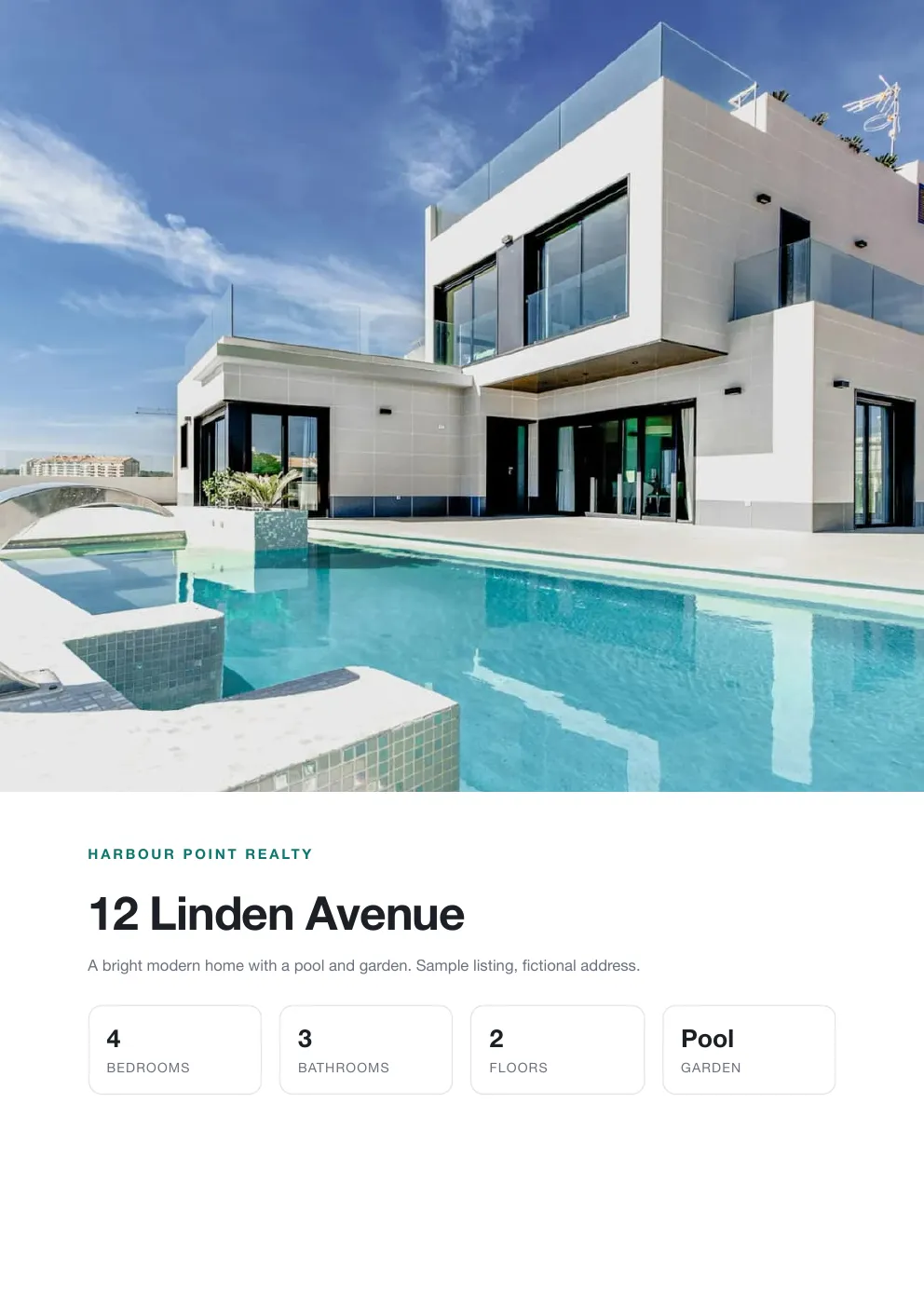

What does a shared link look like?
Exactly like the example below: the person you send it to opens photos, a PDF, slides, a video, a song or a whole website in their browser. Pick one and try it.
Our wedding
4 photos · tap one to open it
EventsAlbum · 4 photos
Send the whole wedding gallery as one link
A clean photo grid that opens on any phone, with a full screen viewer and Download all.
By industryReal estate guideBusiness teams guideEducation guide
Events
How do I share event photos with all my guests?
Put the photos in one album and send its link. Guests open it in any browser, see every photo in full resolution and can download them all at once, with no app and no account.
 WeddingA clean photo grid that opens on any phone, with a full screen viewer and Download all.Send the whole wedding gallery as one link
 PartyEvery photo in one scrollable album, no app and no sign up to look.Share the party photos in the group chat with one link
 BirthdayAn album they can flip through, save favourites from or download in one go.Collect the birthday photos into one album link
 Rituals and ceremoniesA calm album they open in the browser, with a password if you want it private.Share ceremony photos with family near and far
 FestivalsAn album that mixes photos and videos, playable right in the page.Post your festival photos and clips as one album
 Friends trip or reunionOne shared album instead of photos scattered across five chats.Pool everyone's trip photos into one link
 GraduationFull resolution photos grandparents can open with one tap.Send the graduation photos to the whole family
 Baby showerA soft, simple album with a password if you only want family to see it.Share the baby shower photos in one album
 Family eventsAn album the whole family can open again next year.Keep the family get-together in one album link









Popular guides
Related use cases
How-to guides and docs for each events example
- Wedding photo sharing with one linkShare wedding photos as an album linkHow albums and Download all work
- Share party photos with every guestShare a photo album with one linkAlbums: many files, one link
- Event photo sharing without an appSend photos without losing qualityMake an album link
- Share photos with family far awayPassword protect a file you shareAdd a password to a link
- Collect festival photos in one albumShare a folder of files with one linkAlbum gallery and ZIP download
- Trip photo album everyone can openOne link for a whole photo albumHow an album link opens
- Send graduation photos to relativesKeep full photo quality when sharingPrint a QR code for the album
- Baby shower photo album linkGuests open it without signing upAlbums for event photos
- Family photo sharing by linkShare links that never expireExpiry and password settings
Real estate
How do I share listing photos, a brochure and a video tour with buyers?
Send each as a link: the photos as one album, the brochure and floor plan as PDFs, the tour as a video that streams. Buyers open them on a phone with nothing to install.
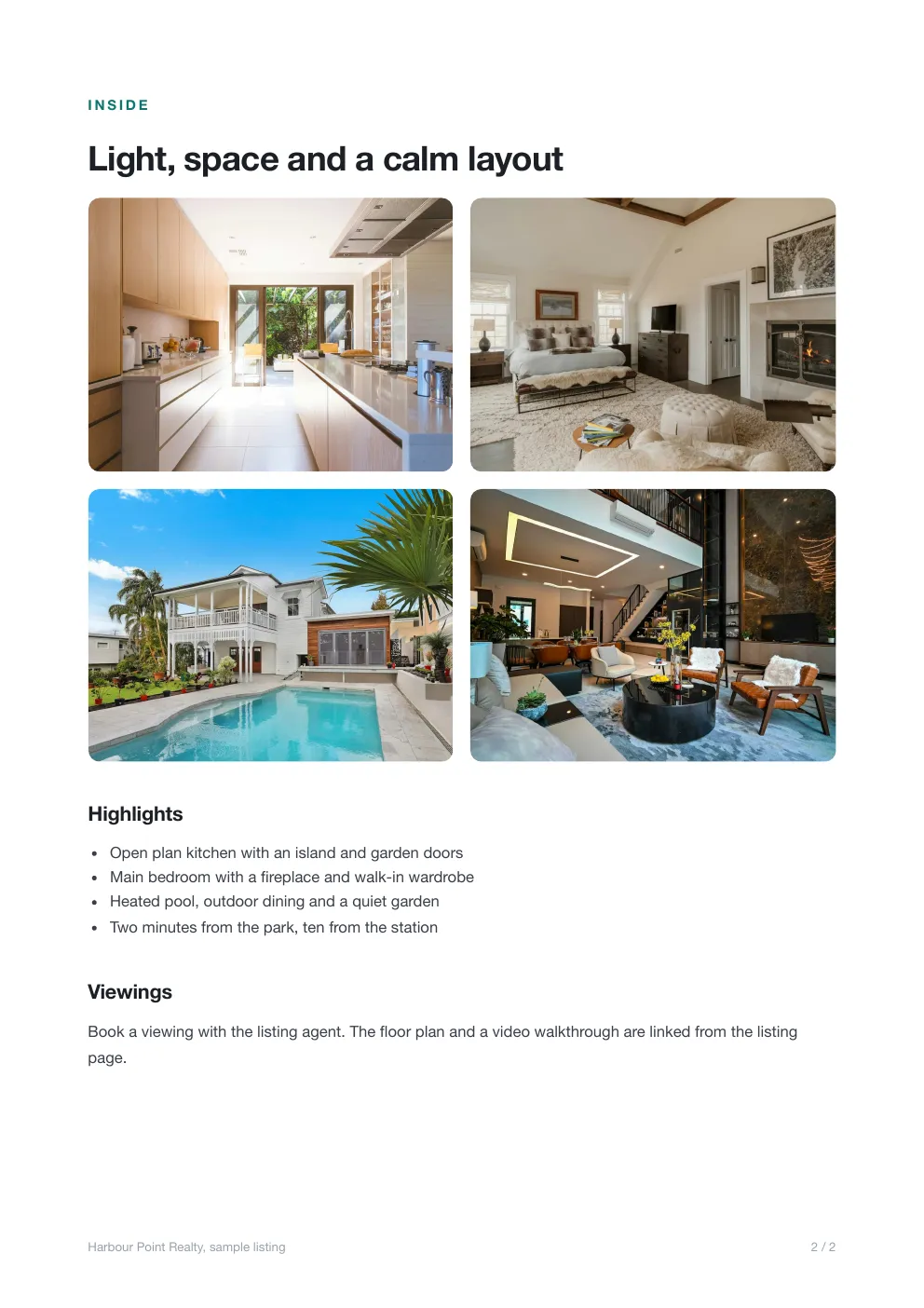
The real estate guide, with steps and questions Property photo albumA fast photo grid buyers open on any phone, with a full screen viewer.Send every listing photo as one album link
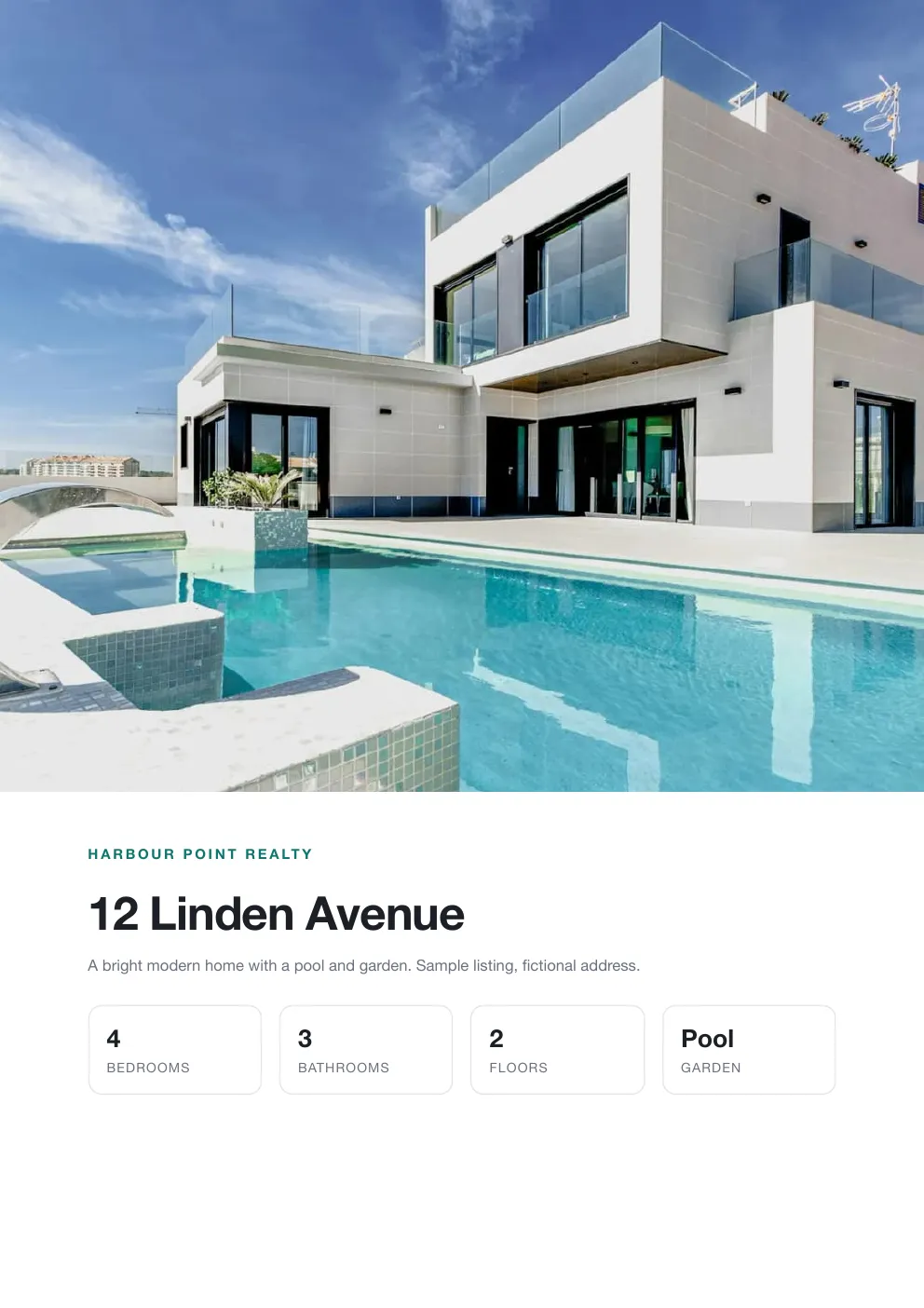 Listing brochureA clean brochure reader on any device, with a QR code for the window card.Share the listing brochure as a link
 Virtual walkthroughA smooth video tour that plays at once, full screen on a phone.Share a property walkthrough video that streams
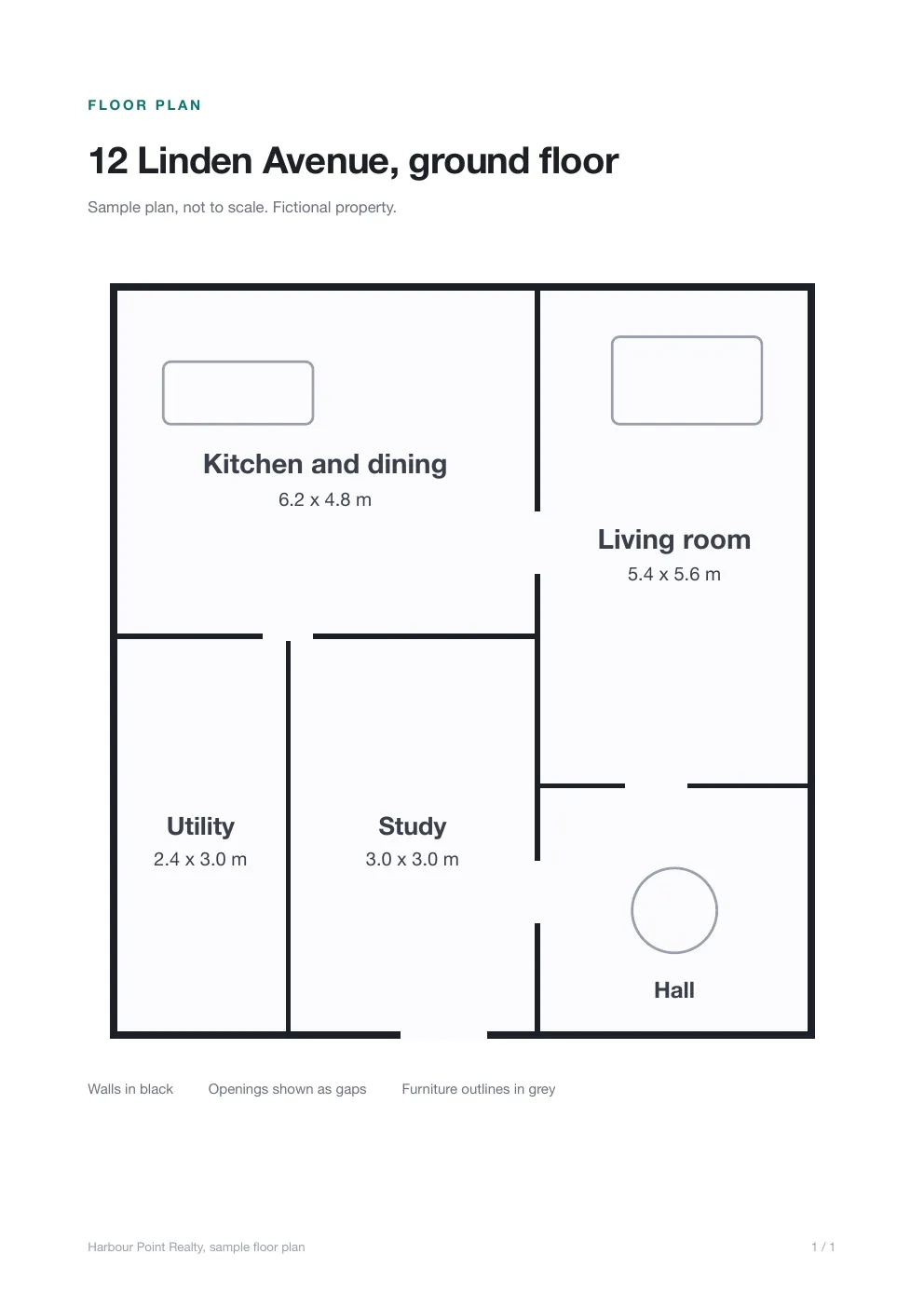 Floor planA sharp plan they can zoom into on a phone.Send the floor plan as a link buyers can zoom
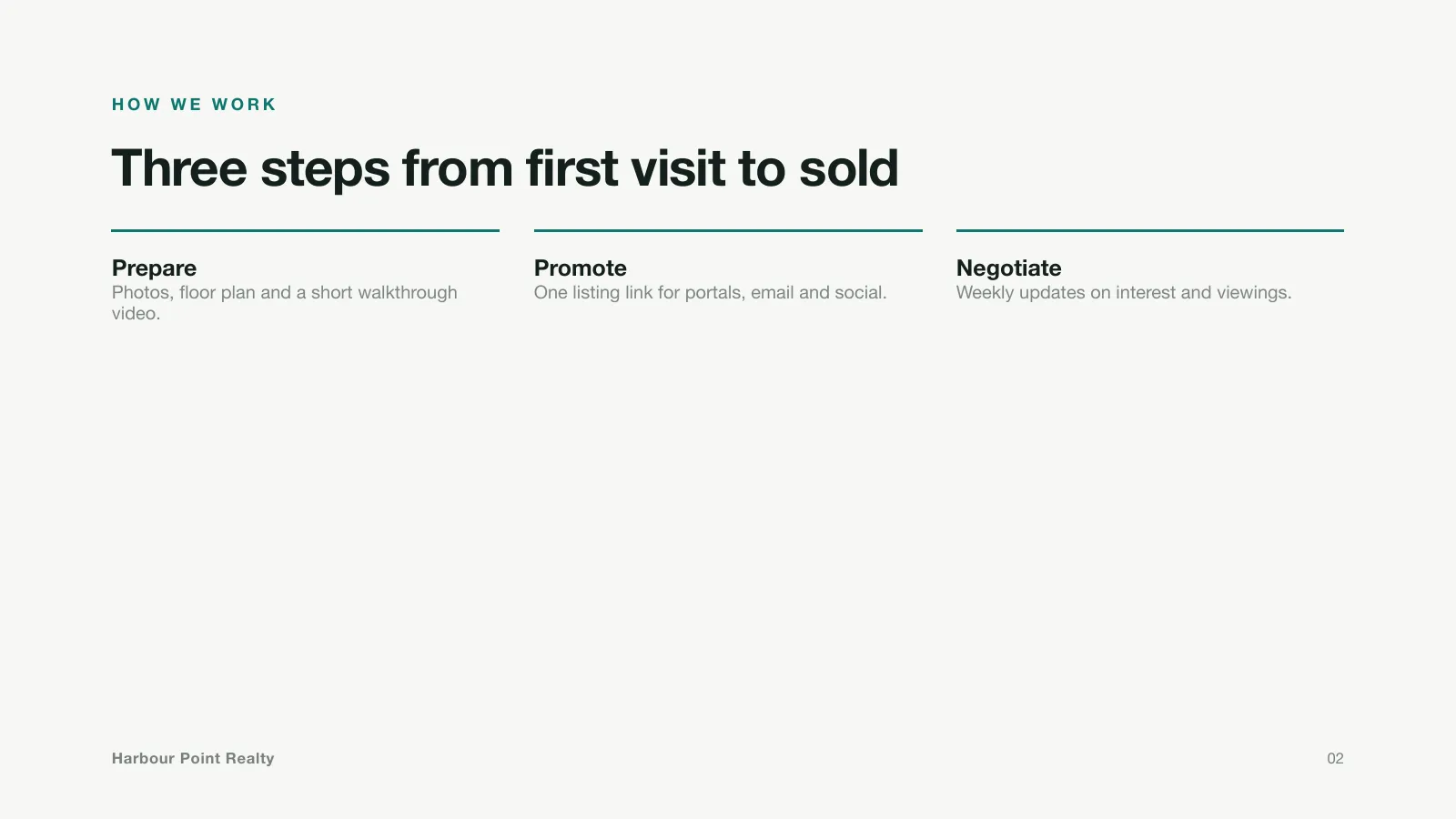
 Agent introduction deckSlides with a full screen mode, on any screen.Send your agent introduction deck as a link


Popular guides
Related use cases
How-to guides and docs for each real estate example
- Property listing photos as a linkSend listing photos as one albumAlbum links for listing photos
- Real estate brochure link for buyersShare a PDF brochure as a linkQR code for the window card
- Turn a walkthrough video into a linkHow to turn a video into a linkVideo formats that stream
- Share a floor plan buyers can zoomUpdate a PDF without changing the linkReplace the plan, keep the link
- Send a listing presentation as a linkShare a PowerPoint as a linkSee pages read per deck
Opens in any browser. No app, no account.
Corporate
How do I share reports, board decks and recordings inside a company?
Upload the file and send one link. Add a password, turn downloads off or set an expiry date, and see who opened it.
The business teams guide, with steps and questions Corporate event photosAn album with Download all, and you see how many people opened it.Deliver the company event photos as one album
 Pitch deckSlides with a thumbnail rail and a Present button, on any screen.Send your pitch deck as a link and know who opened it
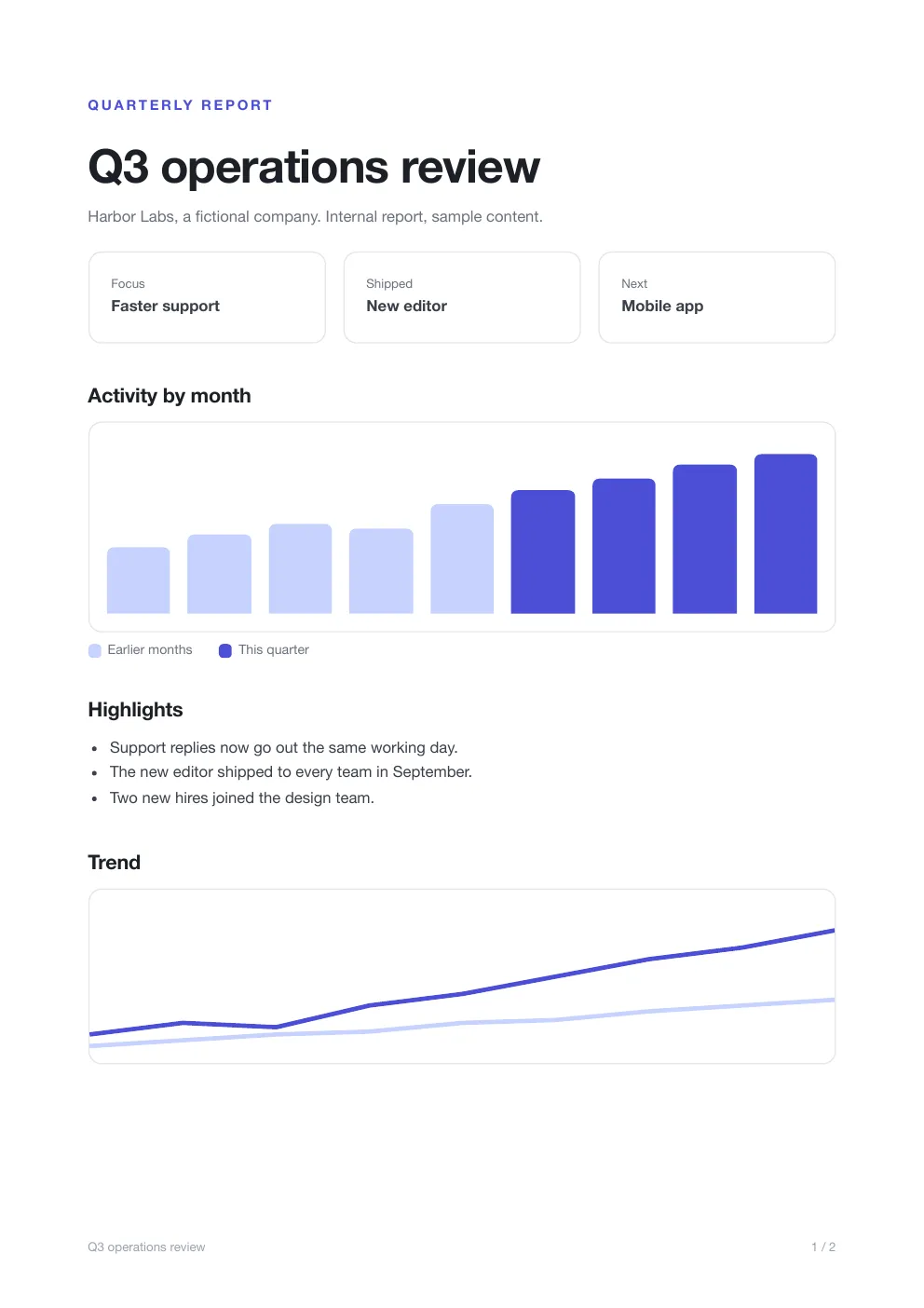 Quarterly or annual reportCharts and pages that stay sharp when they zoom in.Share a report everyone can open on their phone
 Board deckSlides with a full screen presenter mode, behind a password.Share the board deck as one private link
 All hands recordingA video that streams at once, with speed control and seeking.Share the all hands recording with the whole company
 Internal audio updateA player with a waveform and speed control, in any browser.Send a short audio update to the whole team
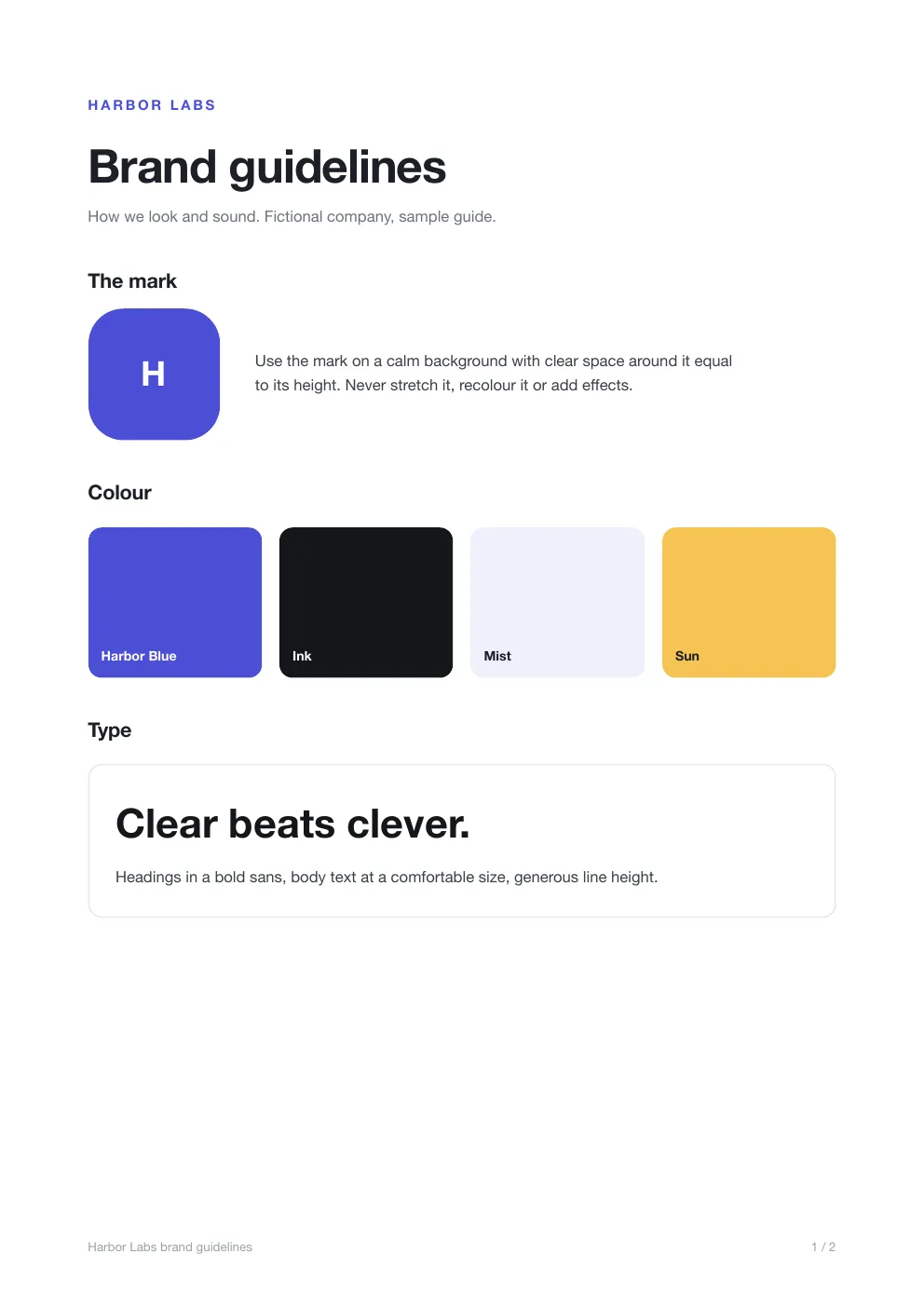 Brand guidelinesThe guide in a clean reader, always the latest version.Share your brand guidelines as one link that stays current
 Product launch videoThe launch film at full quality, streaming straight away.Share the launch video before it goes public
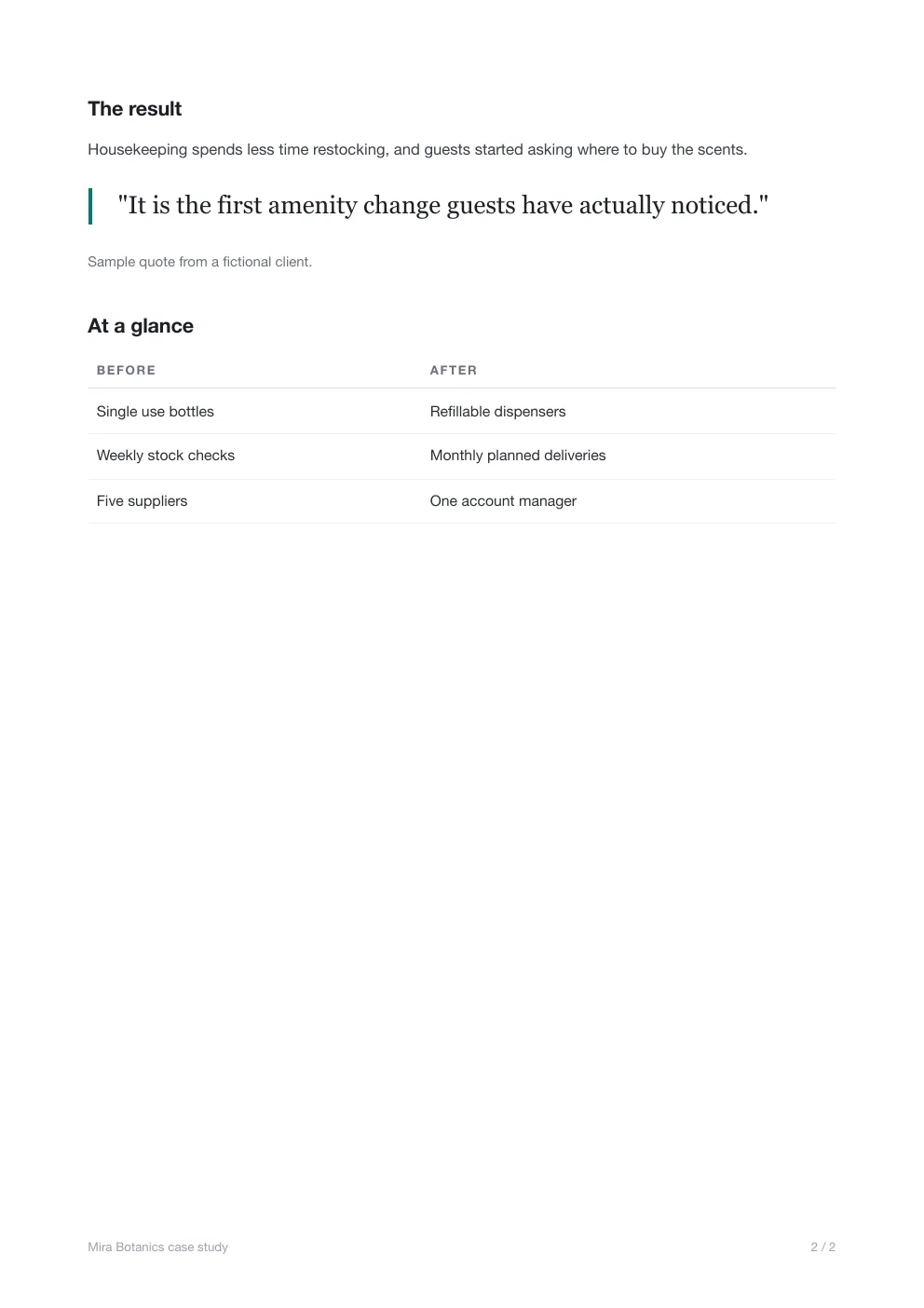
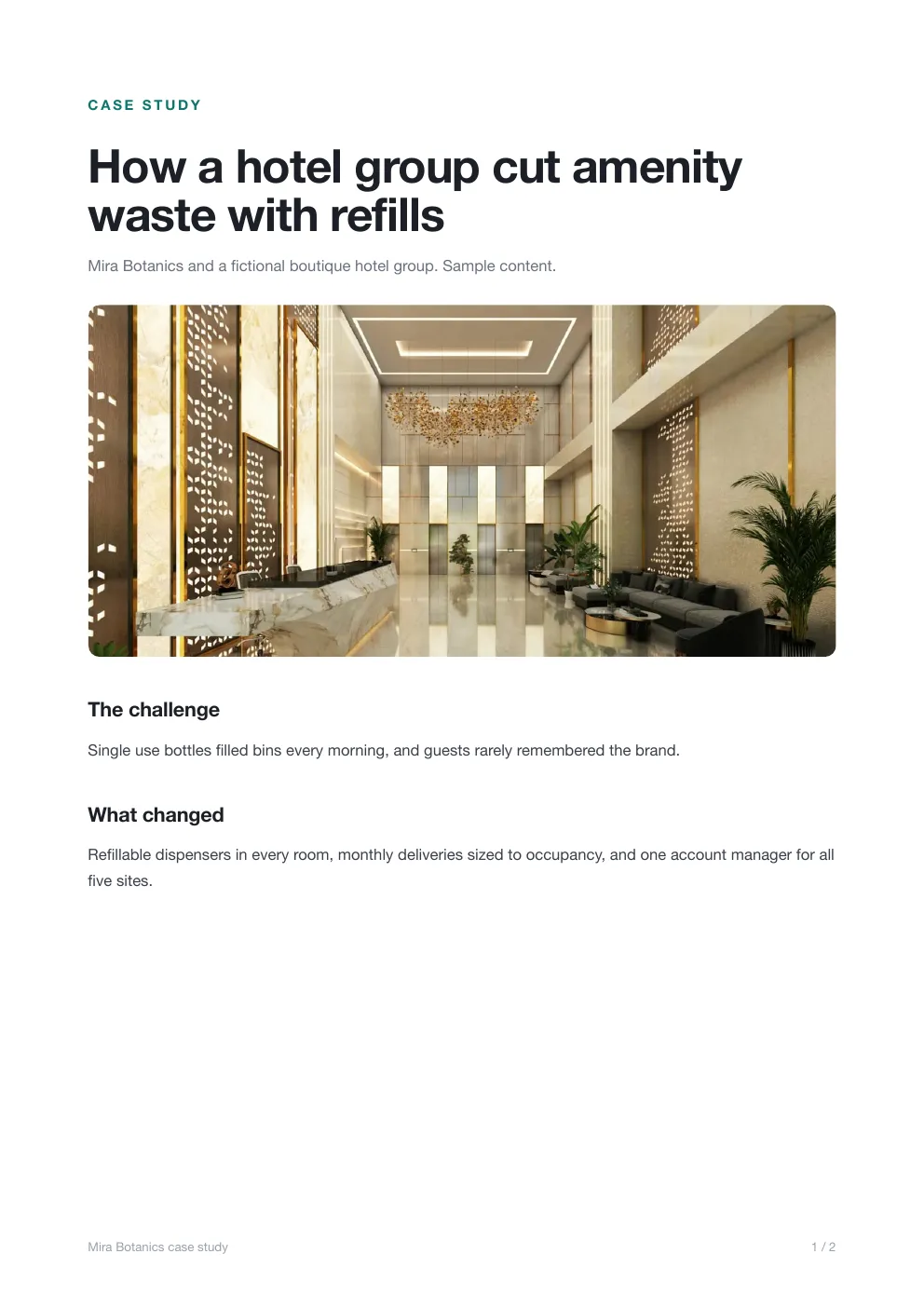 Case studyA short, sharp reader on any device.Share a case study as a link and see who reads it



Popular guides
Related use cases
How-to guides and docs for each corporate example
- Company event photos in one albumOne link for a folder of photosAlbums with a single ZIP
- Share a pitch deck with view trackingSend a pitch deck and see who opened itDeck views and pages read
- Annual report PDF as a linkHow to turn a PDF into a linkUpload a PDF and get a link
- Board deck sharing with trackingA lighter data room for board packsPassword and view-only for decks
- Share an all hands recordingWhen a video is too big for emailTurn downloads off on a video
- Internal audio updates as a linkShare an episode before it goes liveAudio files that play in the browser
- Brand guidelines PDF everyone can openKeep one link as the guide changesReplace a file and keep the link
- Password protected launch videoPassword protect a shared filePassword and expiry on a link
- Case study PDF as a shareable linkHow people read shared PDFsPage-by-page reading stats
HR
How do I share a handbook, policies or an offer letter with employees?
Upload the PDF and share the link. Replace the file when it changes and the link stays the same; lock private letters with a password.
The business teams guide, with steps and questions Company offsiteAn album the team opens from a chat message, no shared drive permissions.Share the offsite photos in one place
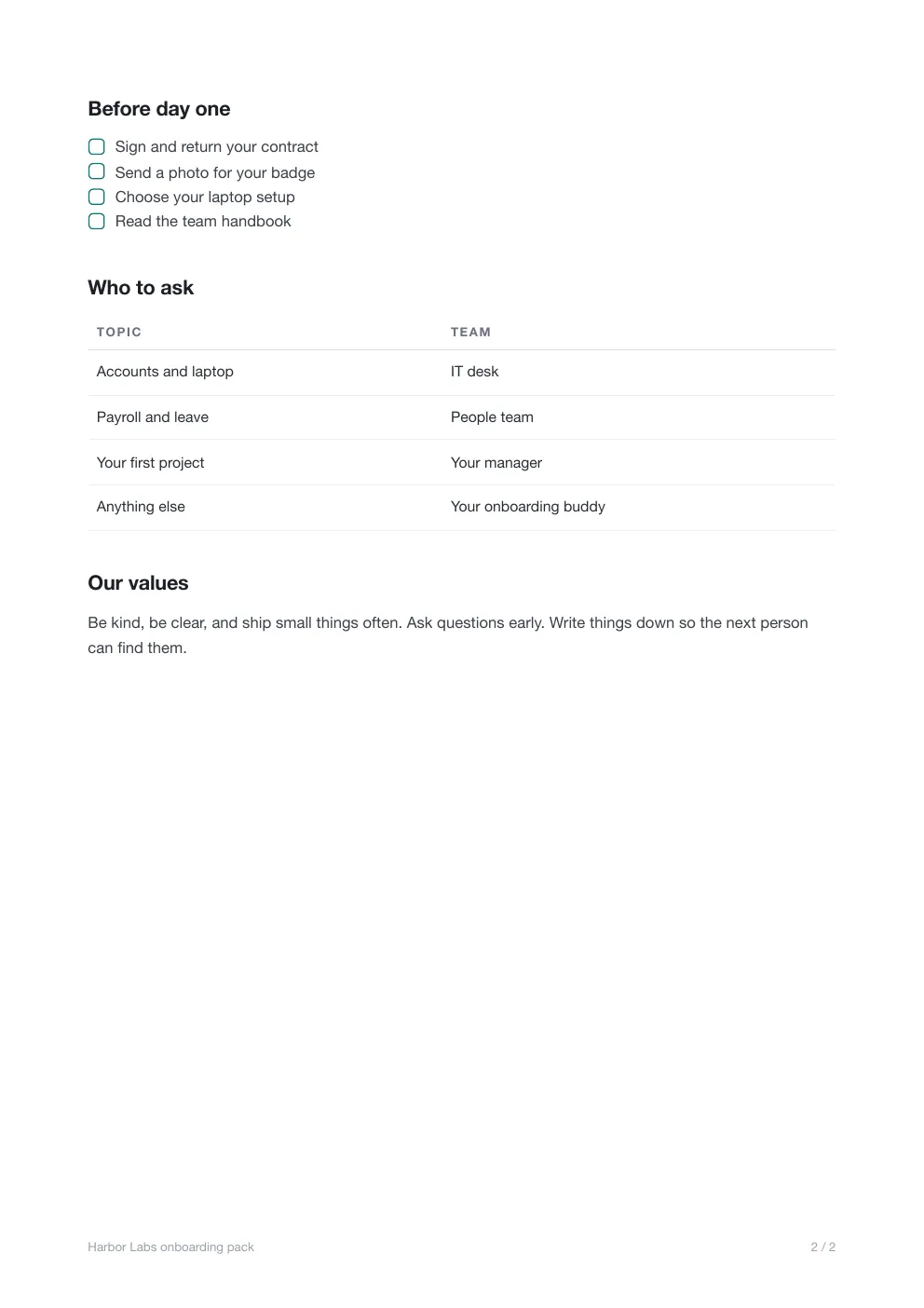
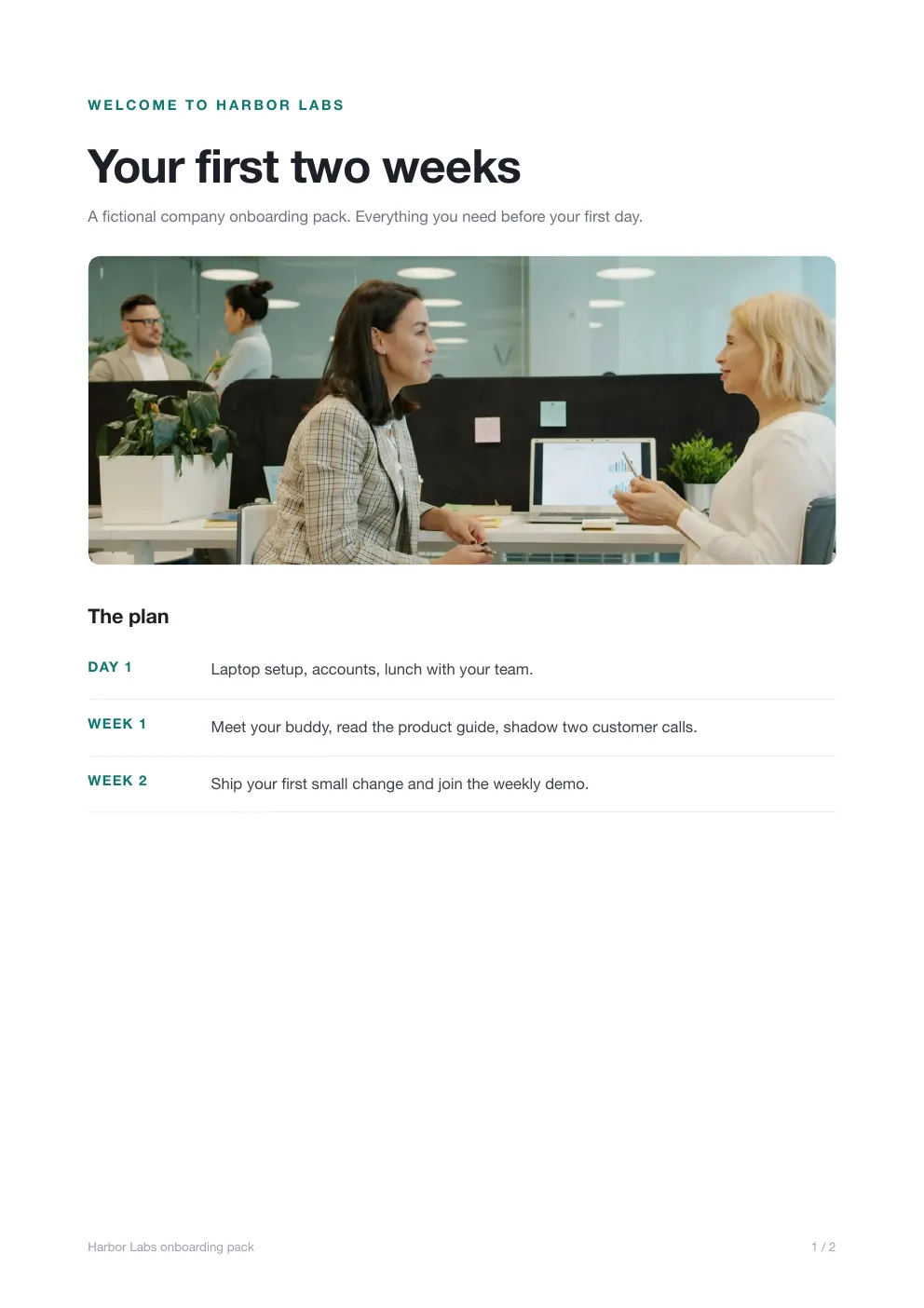 Employee onboarding packThe pack opens in the browser, page by page, on a laptop or a phone.Send new hires their onboarding pack as a link
 Team training videoA player that starts at once and seeks anywhere, no download needed.Share a training video without a video platform
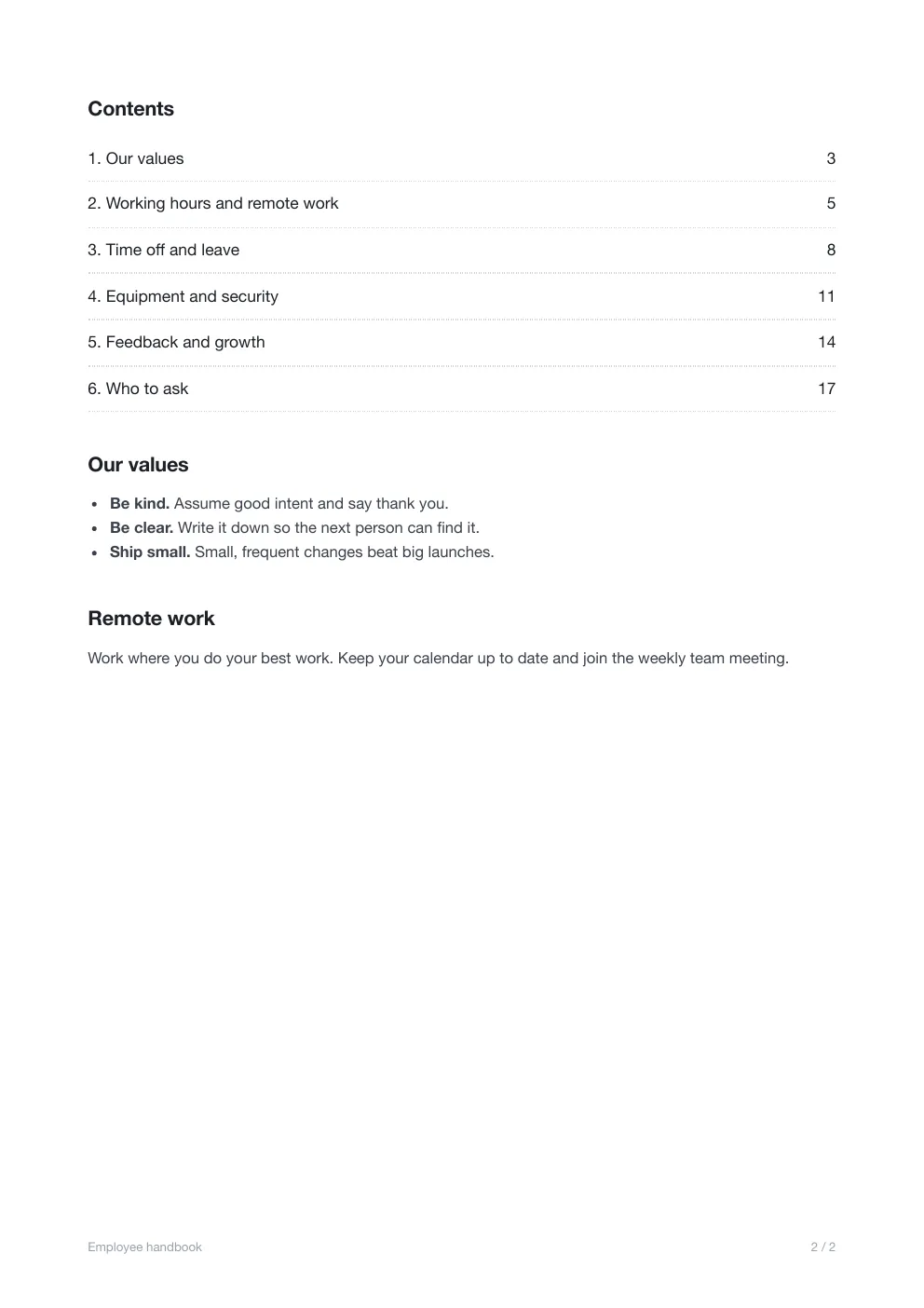
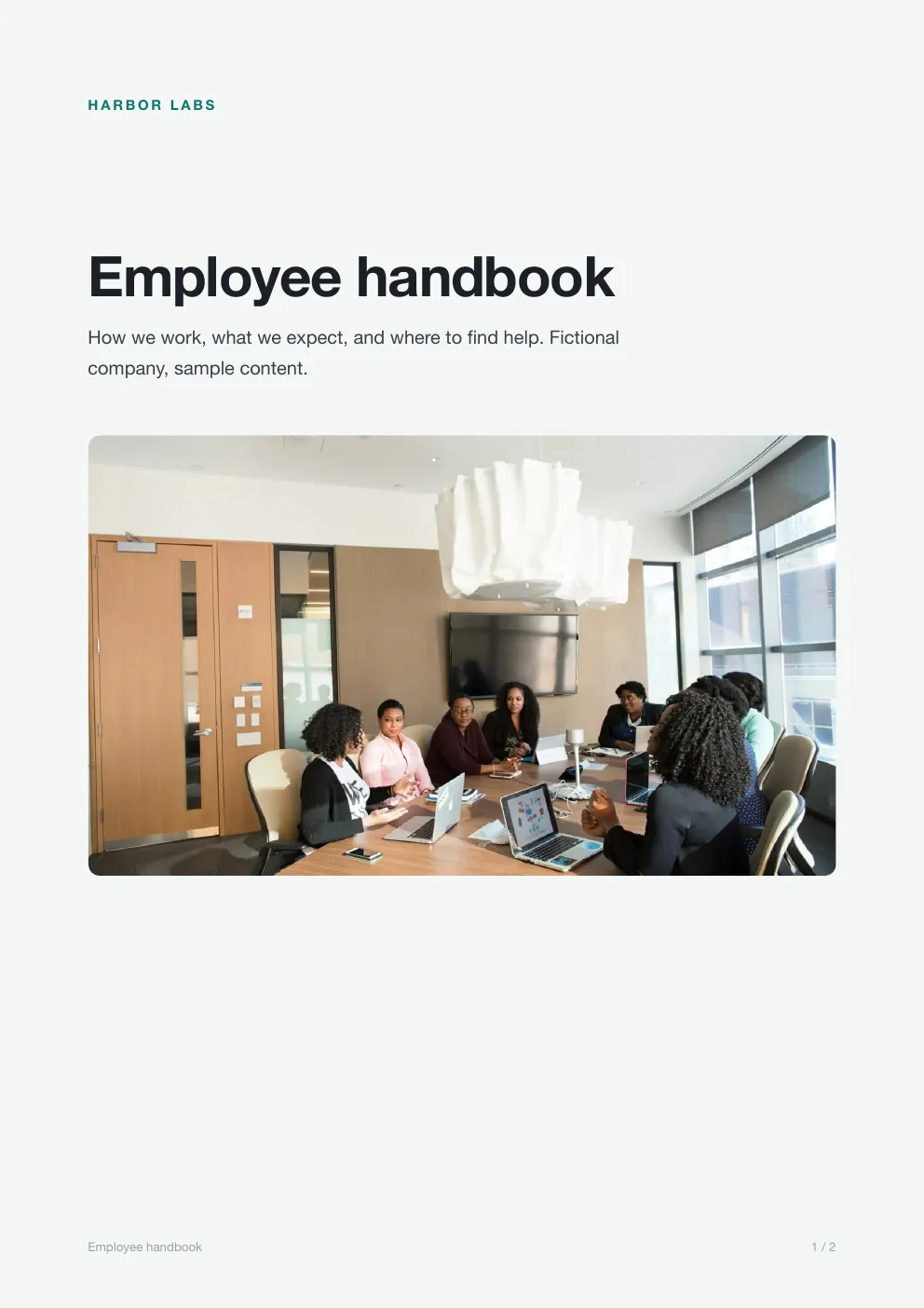 Employee handbookThe handbook in a reader they can open on day one, on any device.Share the employee handbook as one link
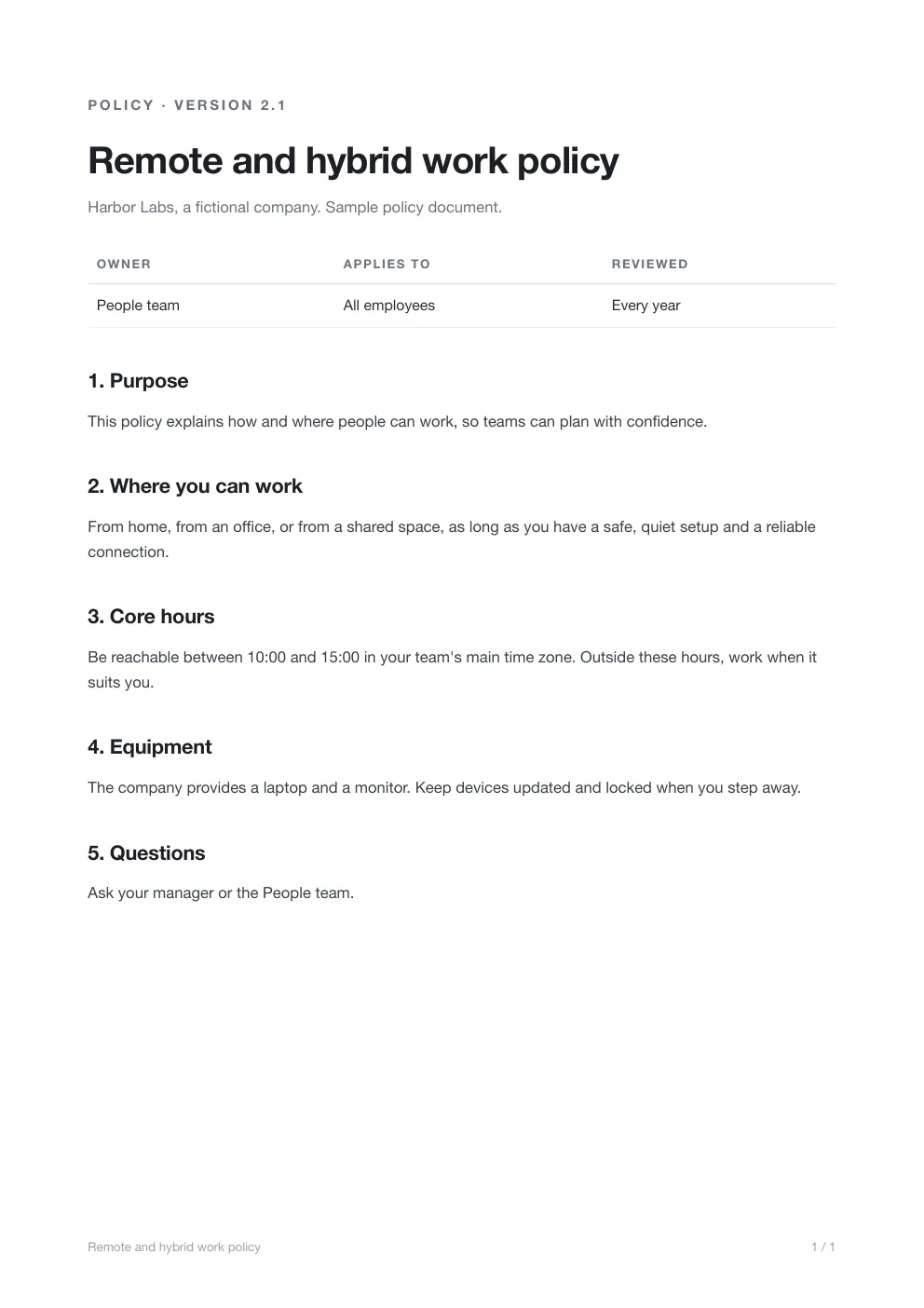 Policy documentsA read only document that always shows the current version.Share company policies as view only links
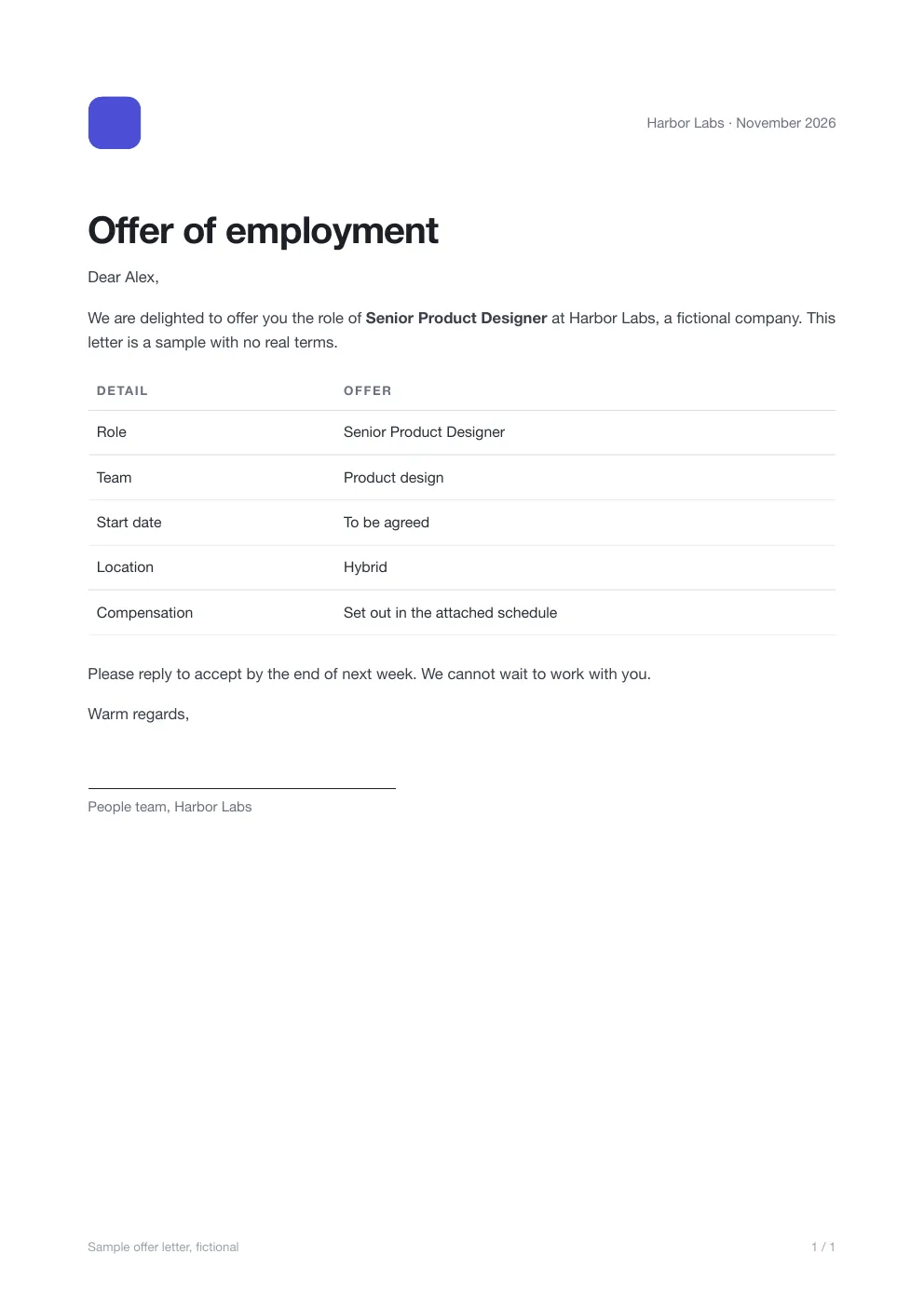 Offer letterThe letter, only after they enter the password you shared.Send an offer letter as a private link


Popular guides
Related use cases
How-to guides and docs for each hr example
- Offsite photos for the whole teamShare team photos as one albumHow album links work
- Onboarding documents as one linkShare multiple PDFs as one linkGroup documents in an album
- Training video link for new hiresTurn a training video into a linkWatch-through for videos
- Employee handbook as a PDF linkUpdate the handbook, keep the linkSwap in a new handbook version
- View-only file sharing for policiesA PDF people can view but not downloadView-only mode on a link
- Password protected offer letter linkShare files securely by linkPasswords and expiry dates
Sales and marketing
How do I send a sales deck or demo and know when it was opened?
Send the deck or video as a link instead of an attachment. You can get an alert when it is opened and see which pages held attention.
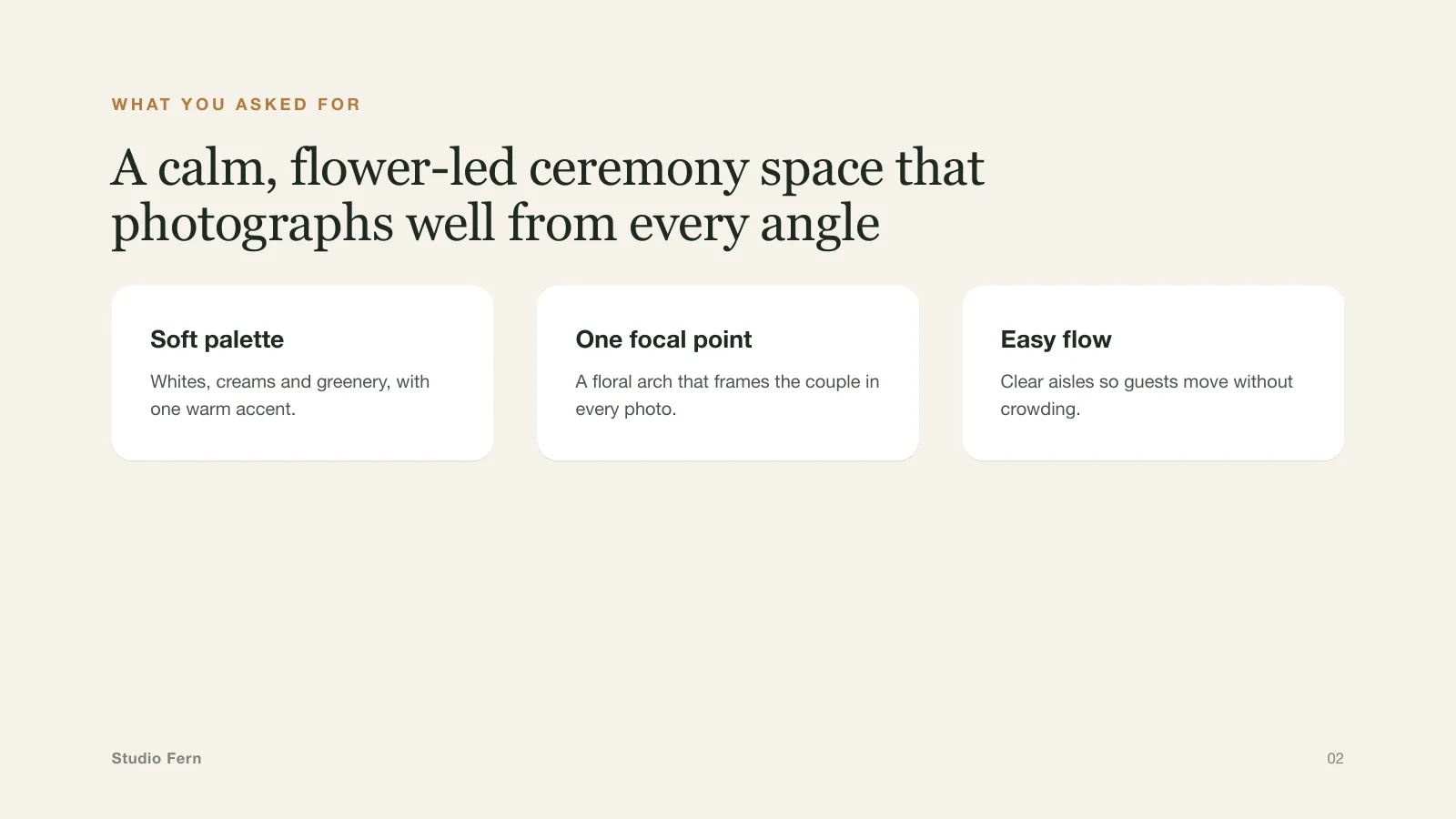
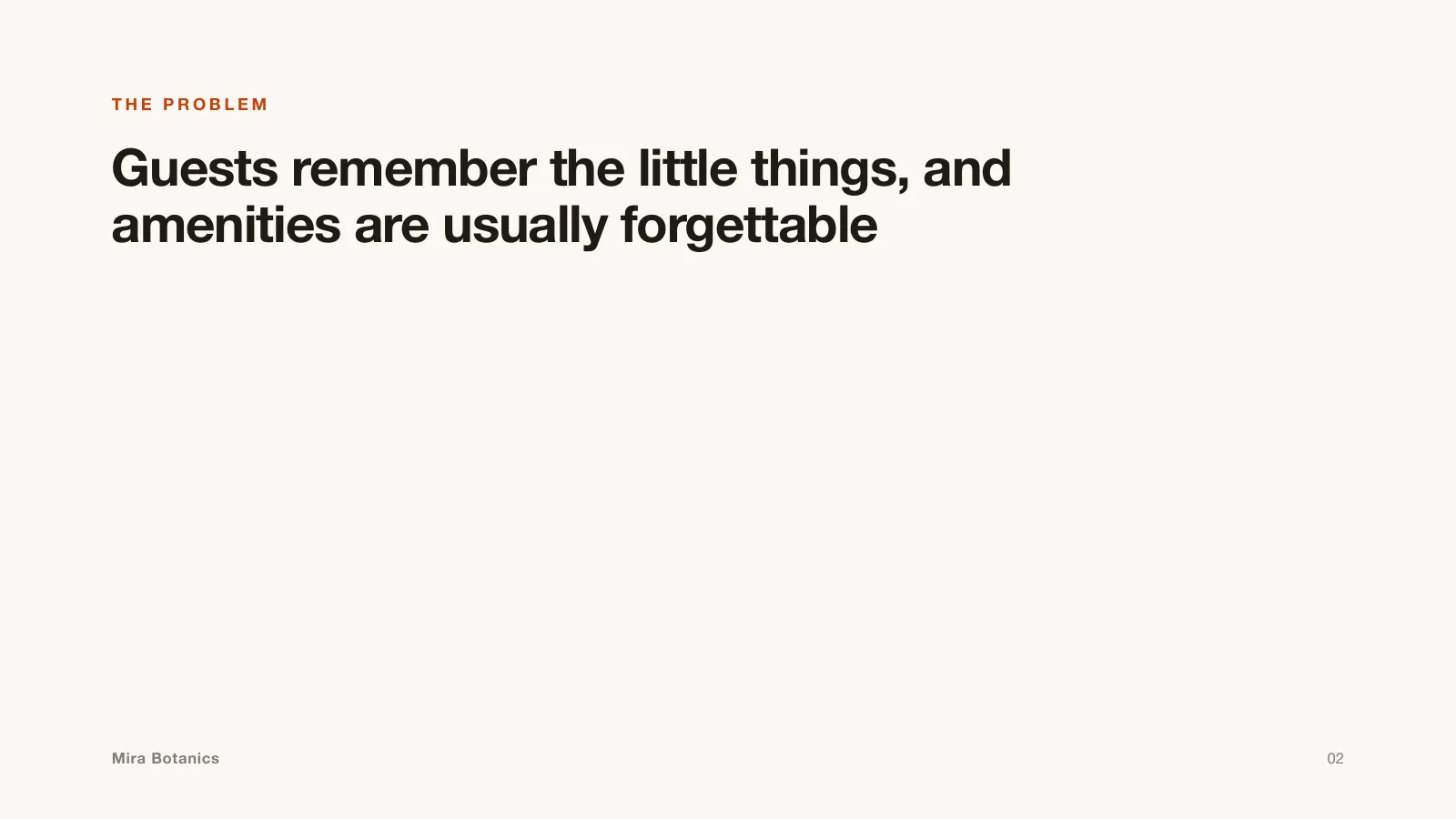
The business teams guide, with steps and questions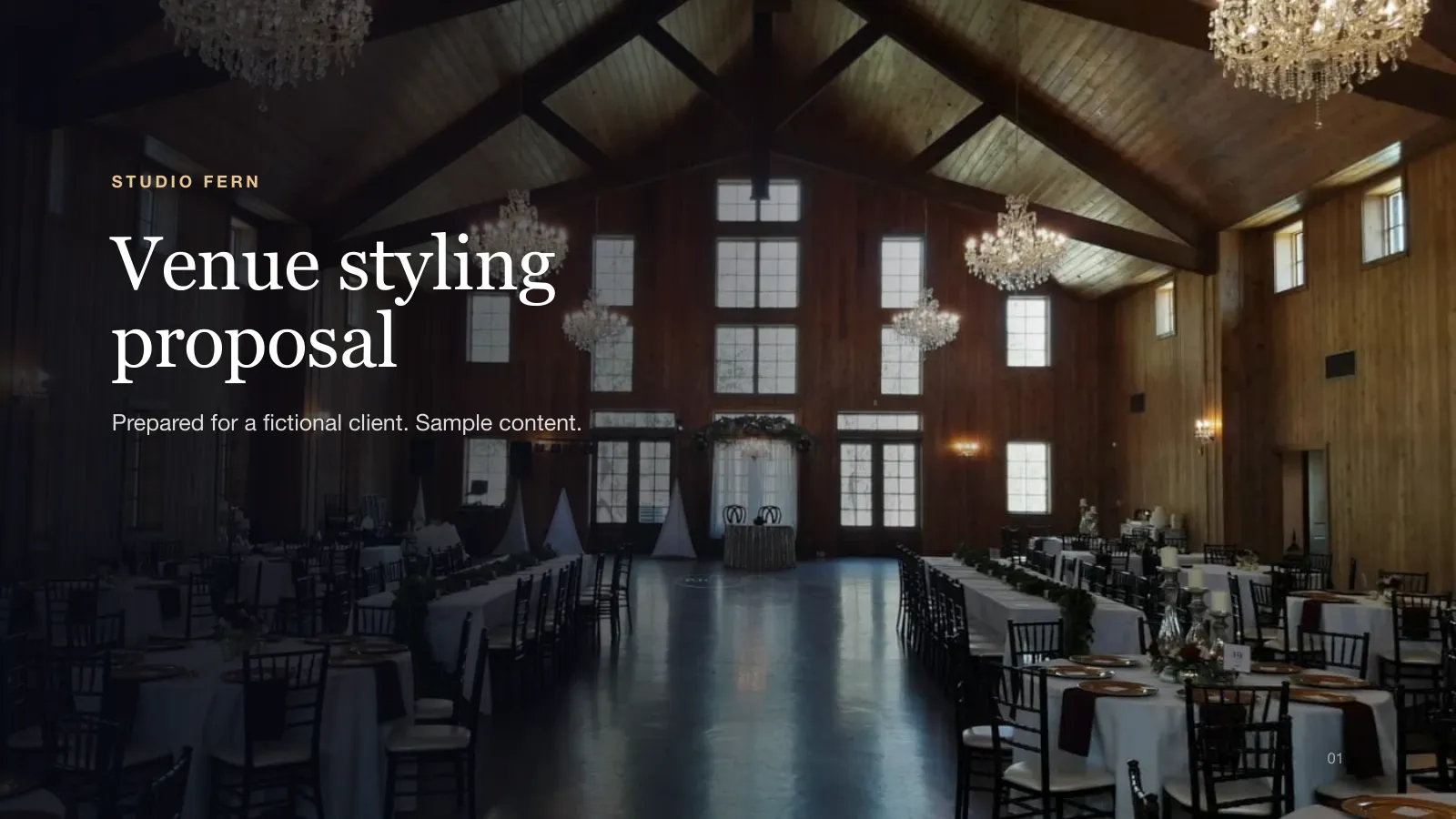 Client proposalThe proposal as slides with a full screen mode, and you see which pages held their attention.Send a proposal and see when the client reads it
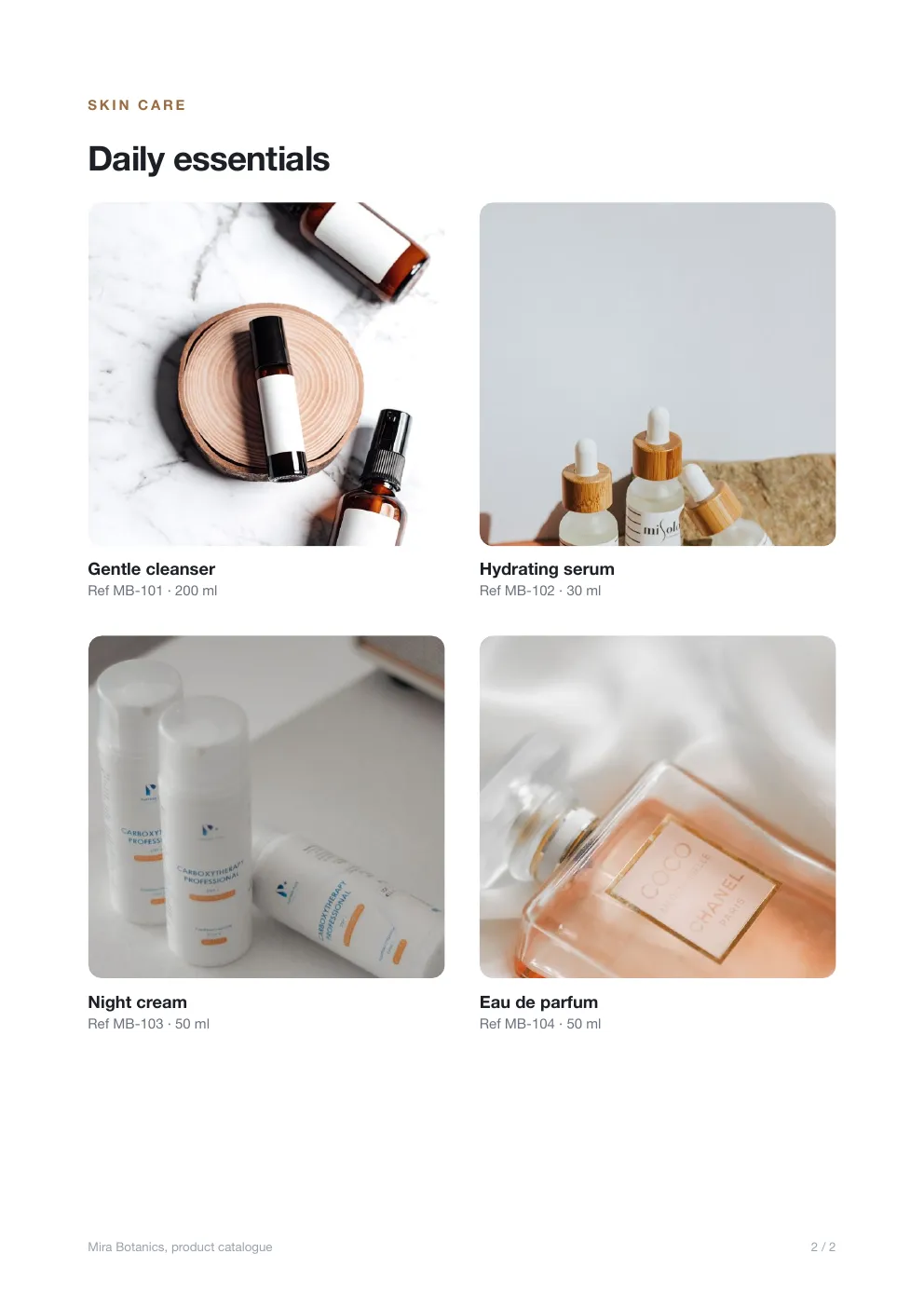
 Product catalogueA catalogue they can flip through on a phone, with a QR code for print.Share your product catalogue as one link
 Press kitAn album with full resolution files and a Download all button.Give journalists one link to your press kit
 Sales deckClean slides with a full screen mode, on any device.Send your sales deck as a link and follow up at the right time
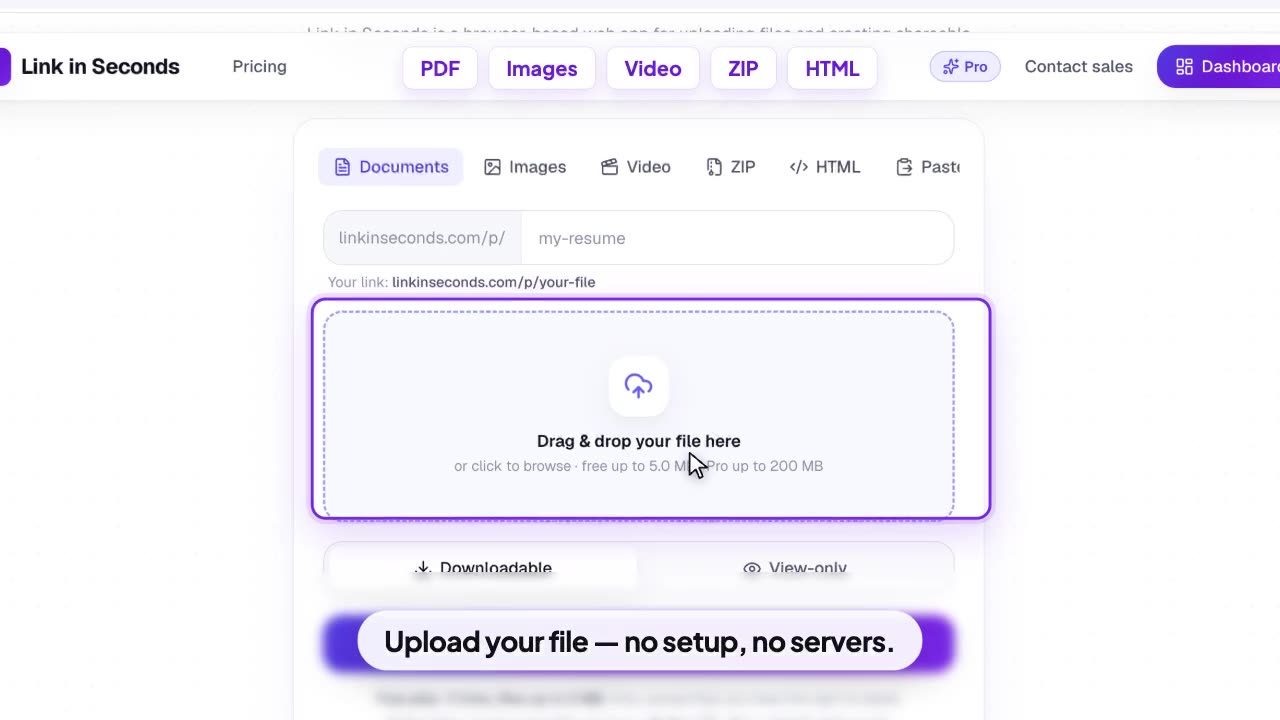 Product demo videoA screen recording that streams at once, with speed control.Send a product demo that plays in one click
 Webinar recordingThe recording, streaming straight away, no sign up to watch unless you ask for an email.Share the webinar recording with everyone who signed up

Popular guides
Related use cases
How-to guides and docs for each sales and marketing example
- Proposal tracking: know when they open itSend a proposal your client will openOpen alerts and time on file
- Product catalogue as a linkShare a catalogue PDF as a linkA QR code for the catalogue
- Share a press kit as one linkShare a press kit with journalistsAlbums with full resolution files
- Sales deck link with open alertsA free DocSend alternativeWho read which slides
- Product demo video as a linkSend a demo video too big for emailHow much of the demo was watched
- Webinar recording behind an email gateCapture emails before a downloadTurn on the email gate
Education
How do I share course materials and lecture recordings with a class?
Upload the PDF or recording and post one link in the class portal. Students open it in any browser, and you can replace the file later.
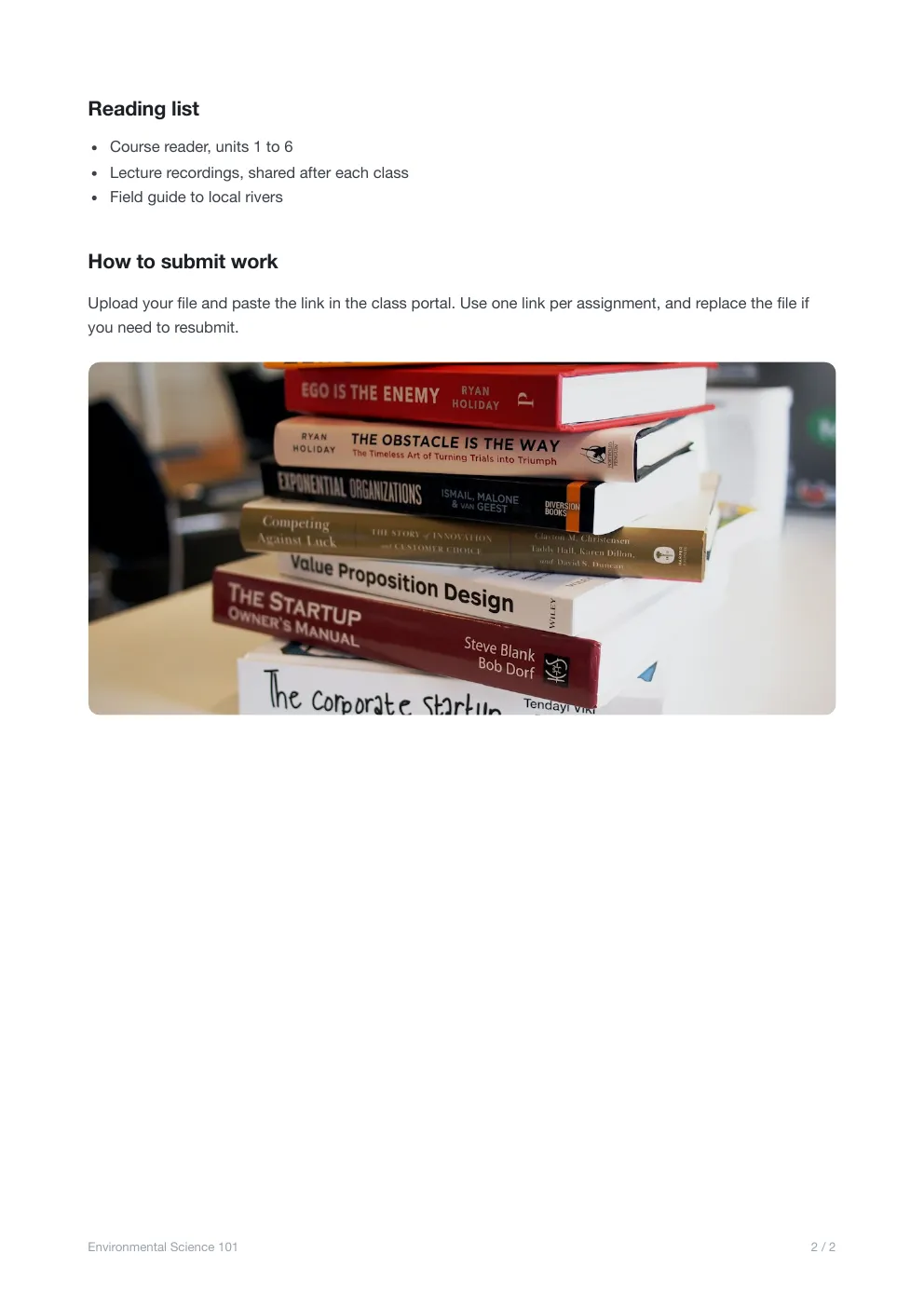
The education guide, with steps and questions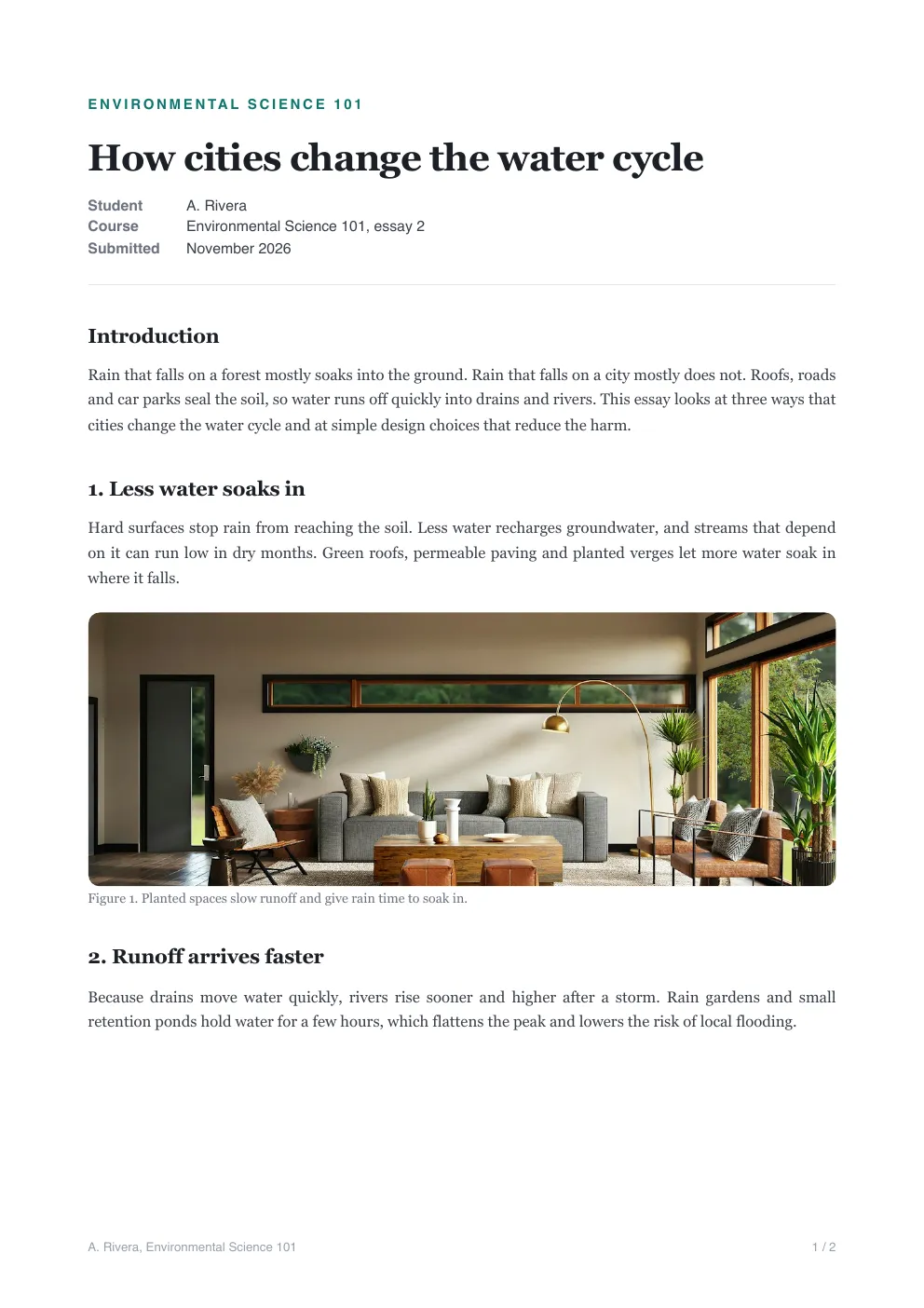 AssignmentThe document opens straight away, no account and no download.Submit an assignment as one link
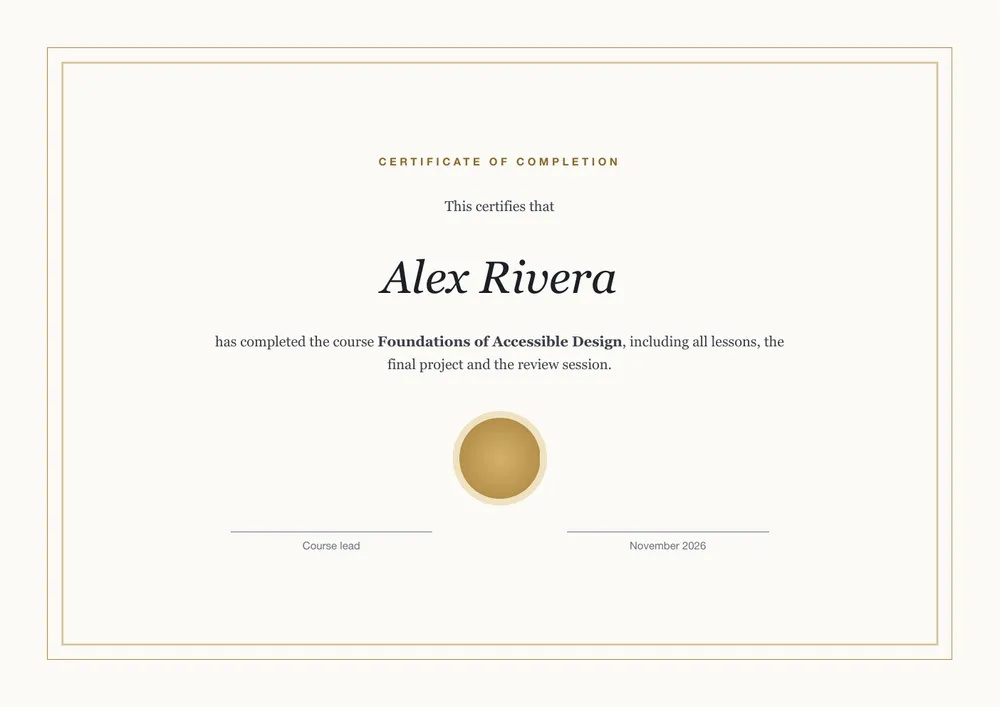 CertificatesA crisp certificate they can open, print or add to a profile.Send certificates as links people can keep
 Lecture recordingA player students can pause, rewind and pick up later.Share a lecture recording with the whole class
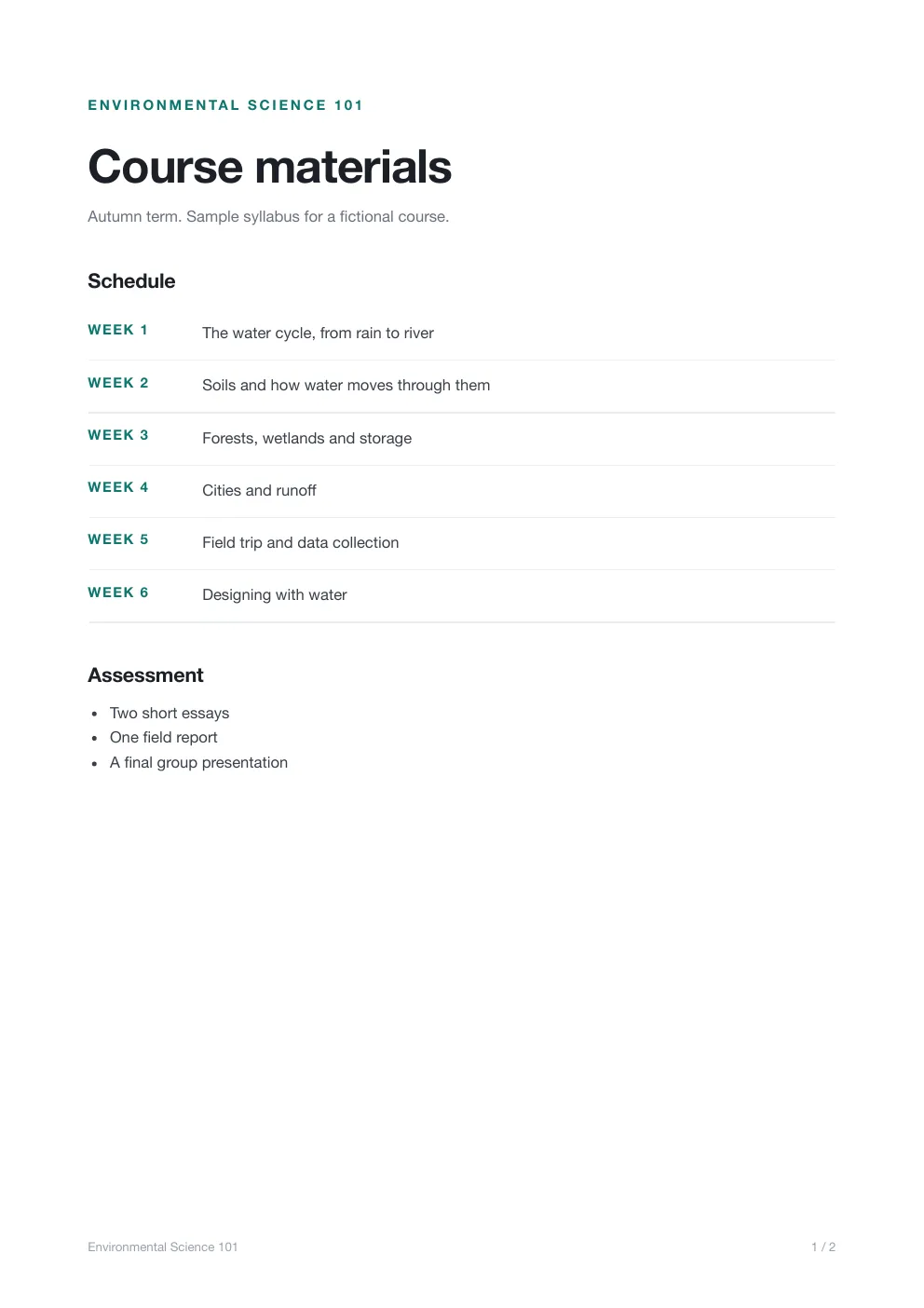 Course materialsThe materials in a reader that opens on any laptop or phone.Share course materials as one link for the whole class
 Student portfolioA clean gallery of the work, at full resolution.Share a student portfolio as one album link
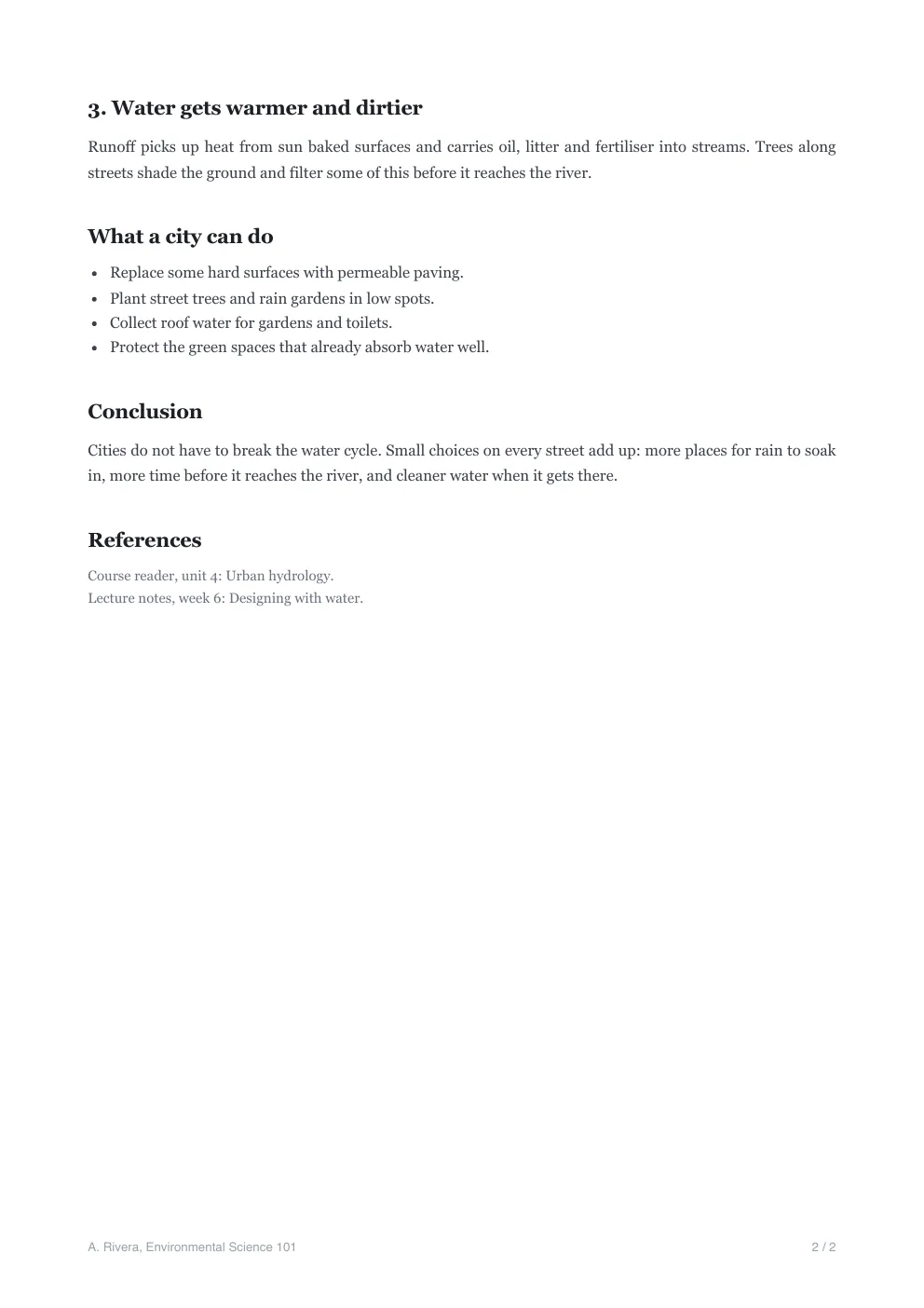
Popular guides
Related use cases
How-to guides and docs for each education example
- Submit an assignment as a linkSend an assignment as one linkUpload coursework and get a link
- Certificates as PDF linksTurn a certificate PDF into a linkPrint a QR code on the certificate
- Audio to link for lecture recordingsShare a lecture recording with studentsAudio and video that play in a browser
- Course materials as one PDF linkMany handouts, one linkFix a handout without a new link
- Student portfolio linkShare your resume as a linkPick a custom link name
Creative
How do I deliver photos, drawings or a video reel to a client?
Share an album for photos, a PDF for drawings and a streaming link for video. Add a password or a watermark, or turn downloads off.
 Client proofsA private gallery the client opens with the password you gave them.Deliver client proofs as one private album
 Photo portfolioLarge, sharp photos in a calm grid, opening fast on any device.Share your portfolio as one album link
 Video reelA video player with seeking, so nobody waits for a download.Send a big video that streams instead of downloading
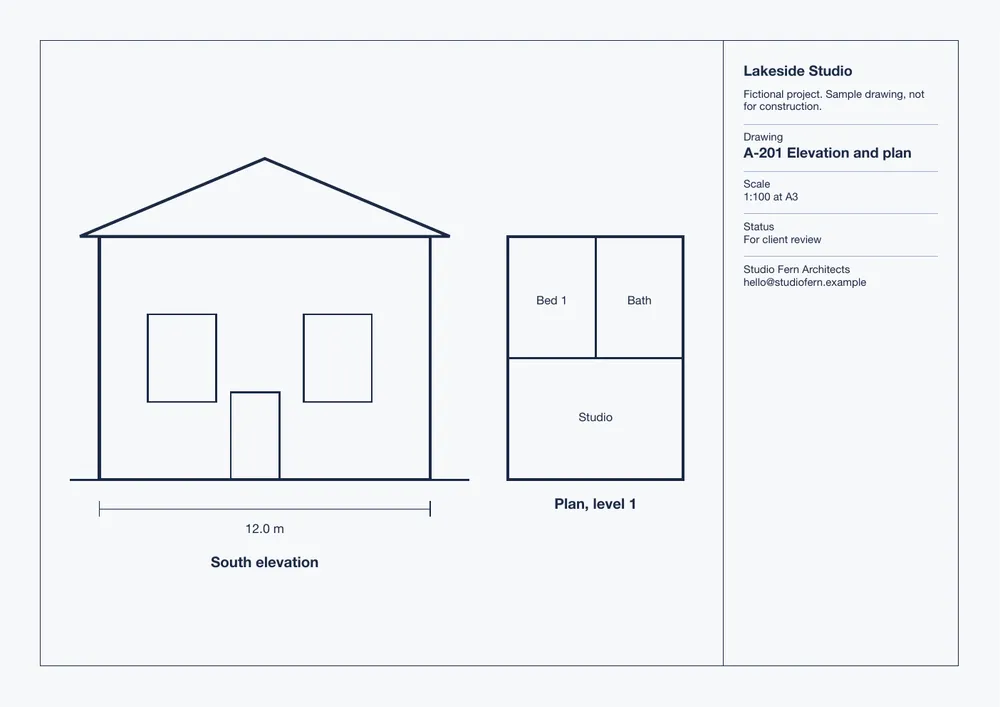 Architect drawingsCrisp drawings they can zoom on any screen, always the latest revision.Send drawings to clients as a link they can zoom



Popular guides
Related use cases
How-to guides and docs for each creative example
- Client photo proofs by linkHow photographers deliver photosWatermark and view-only proofs
- Photo portfolio as a single linkShare photos at full qualityOpen it on your own domain
- Share a large video reelVideo too big for emailFile size limits by plan
- Send design files to clientsCollect feedback on a shared fileSend a revision on the same link
Change the file later. The link stays the same.
Documents
How do I turn a PDF or a document into a link?
Upload the PDF and you get a short link that opens in a reader on any device. Replace the file later and the link stays the same.
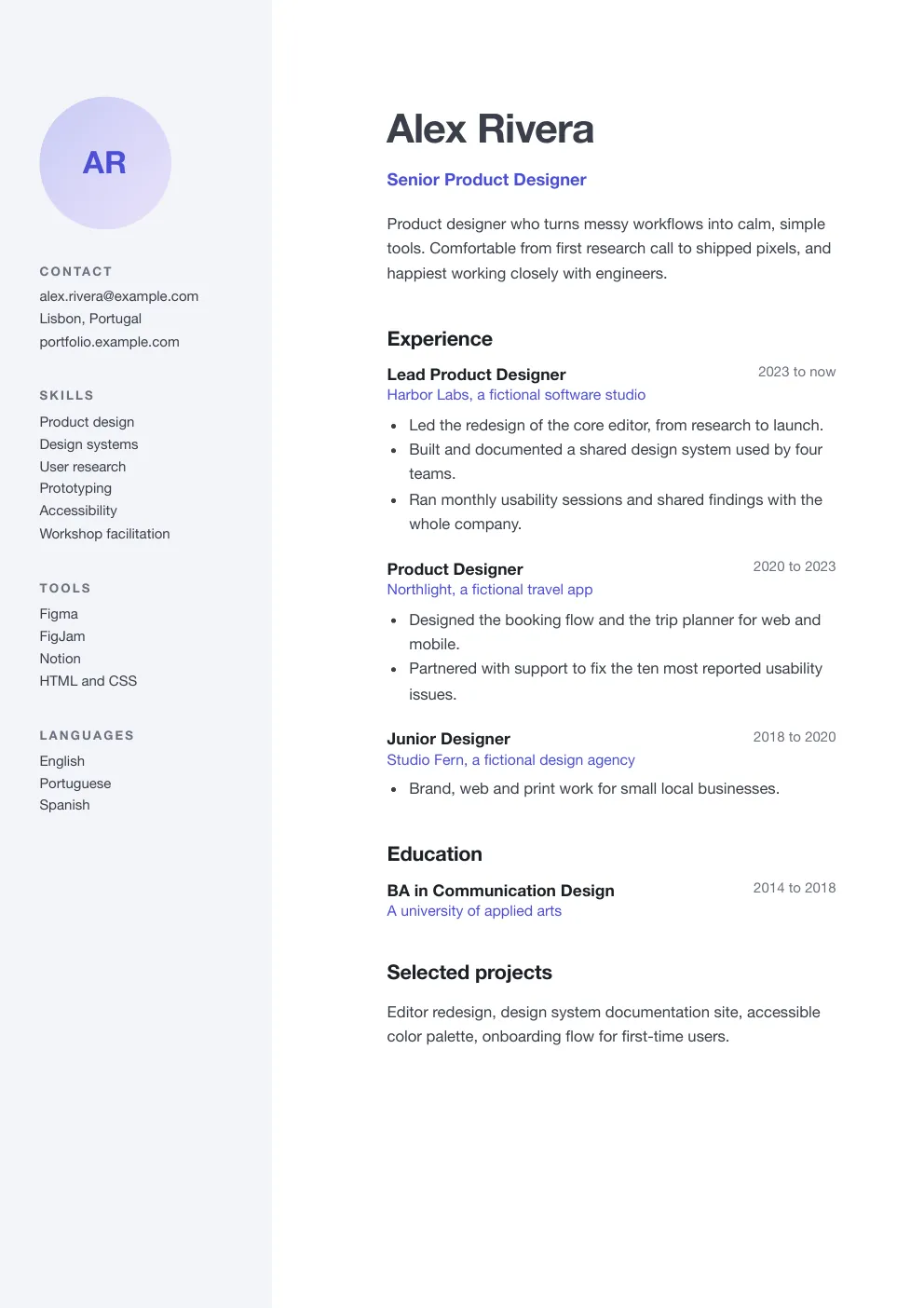 ResumeYour resume, sharp on any screen, with nothing to download.Send your resume as a link, not an attachment
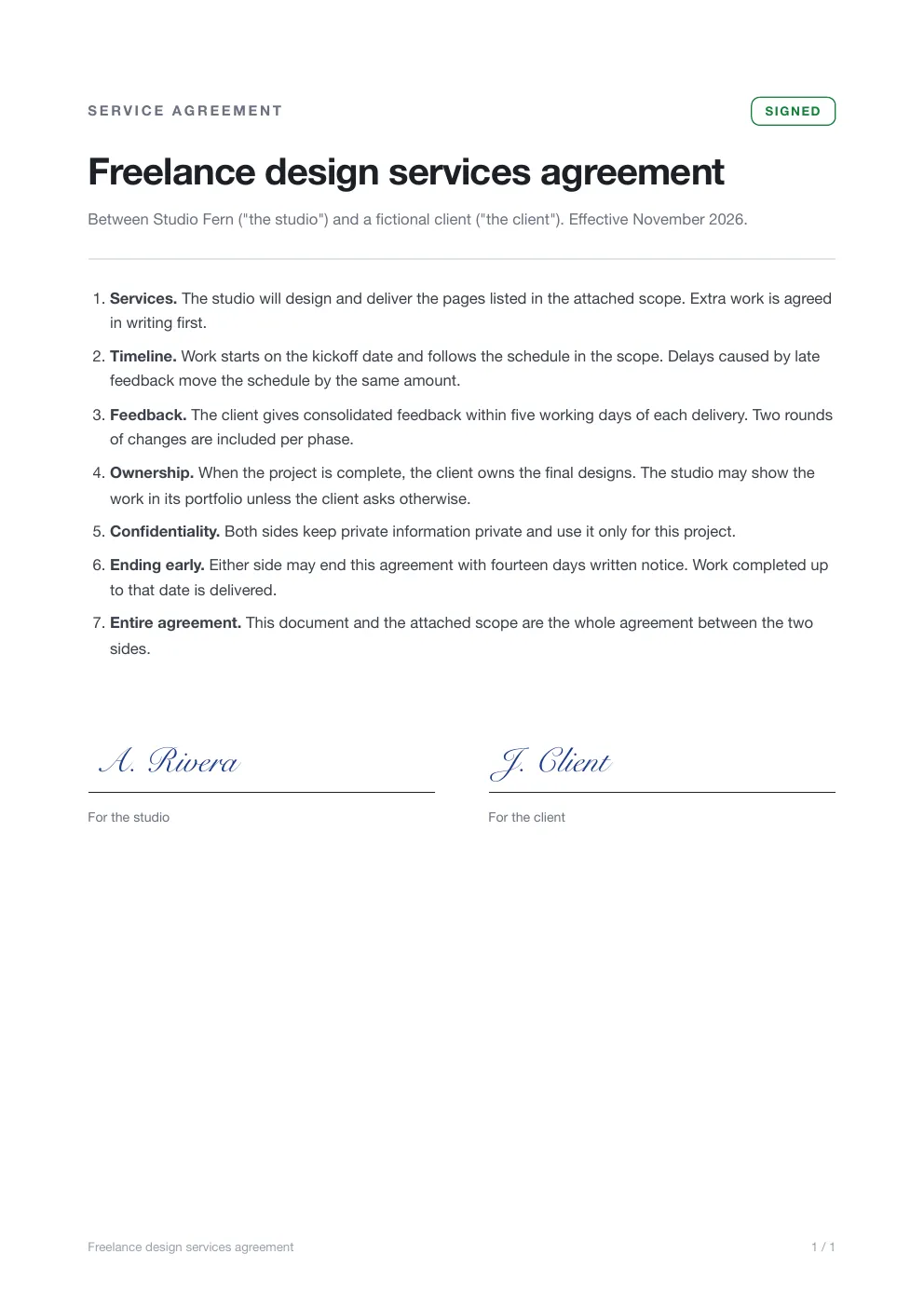 Contract or signed PDFThe signed agreement in a reader, only after they enter the password.Share a signed contract as a private link
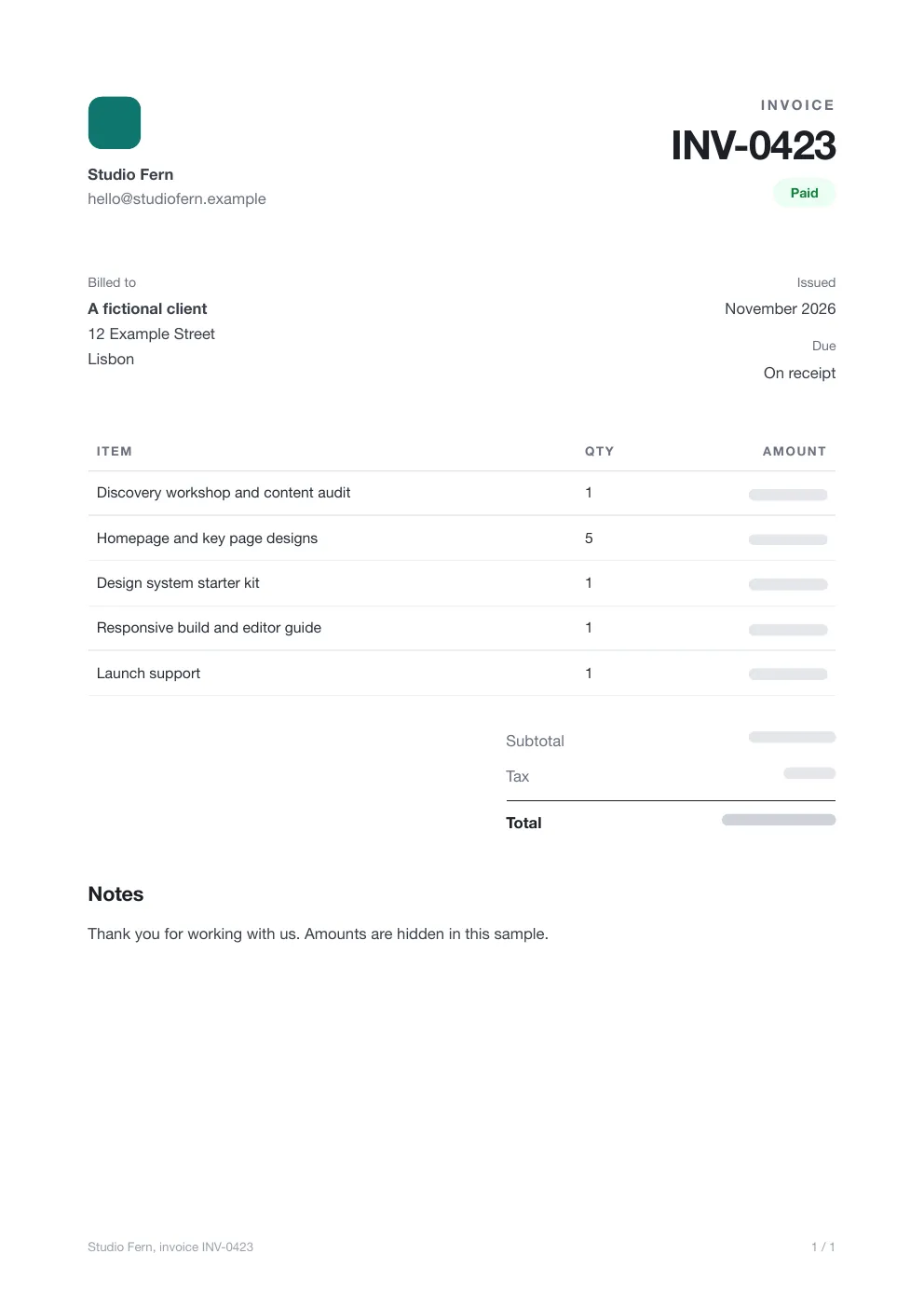 InvoiceThe invoice opens in the browser, ready to print or save.Send an invoice and know when it was opened
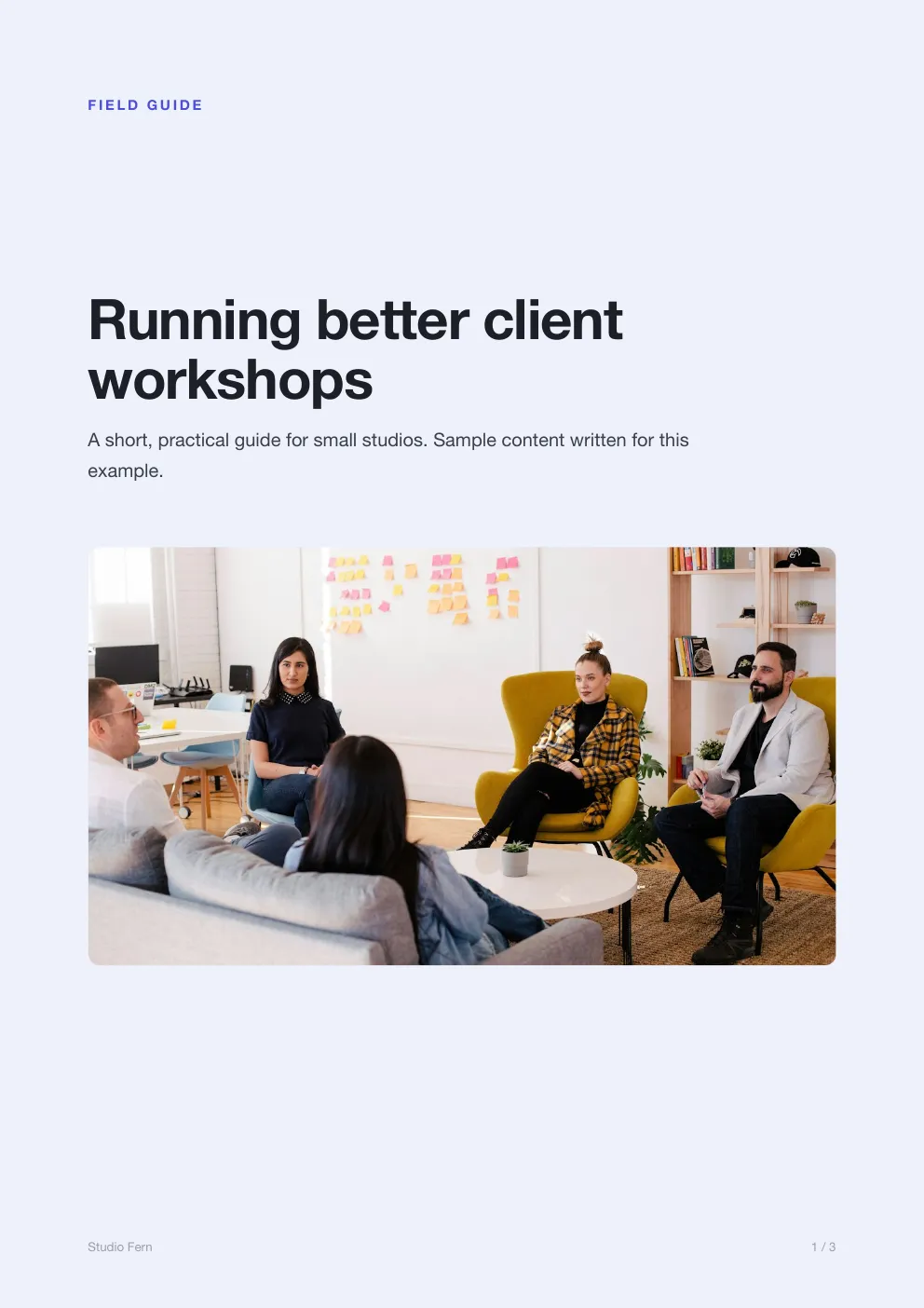 Tracked PDFA fast PDF reader. You see the views and which pages held attention.Know who read your PDF, and how far
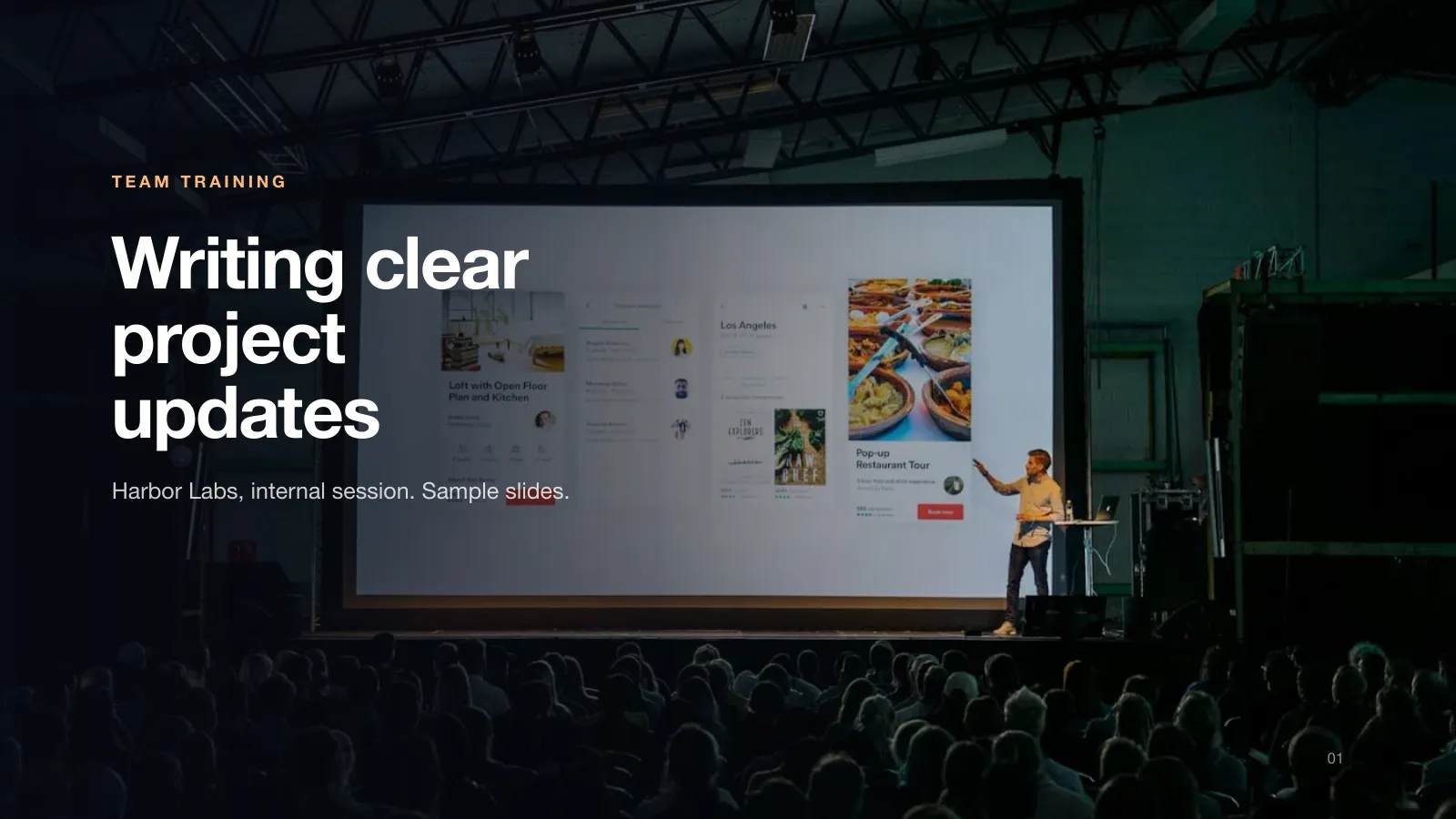 Presentation slidesSlides with a Present button, readable on a phone.Share your slides after the talk with one link
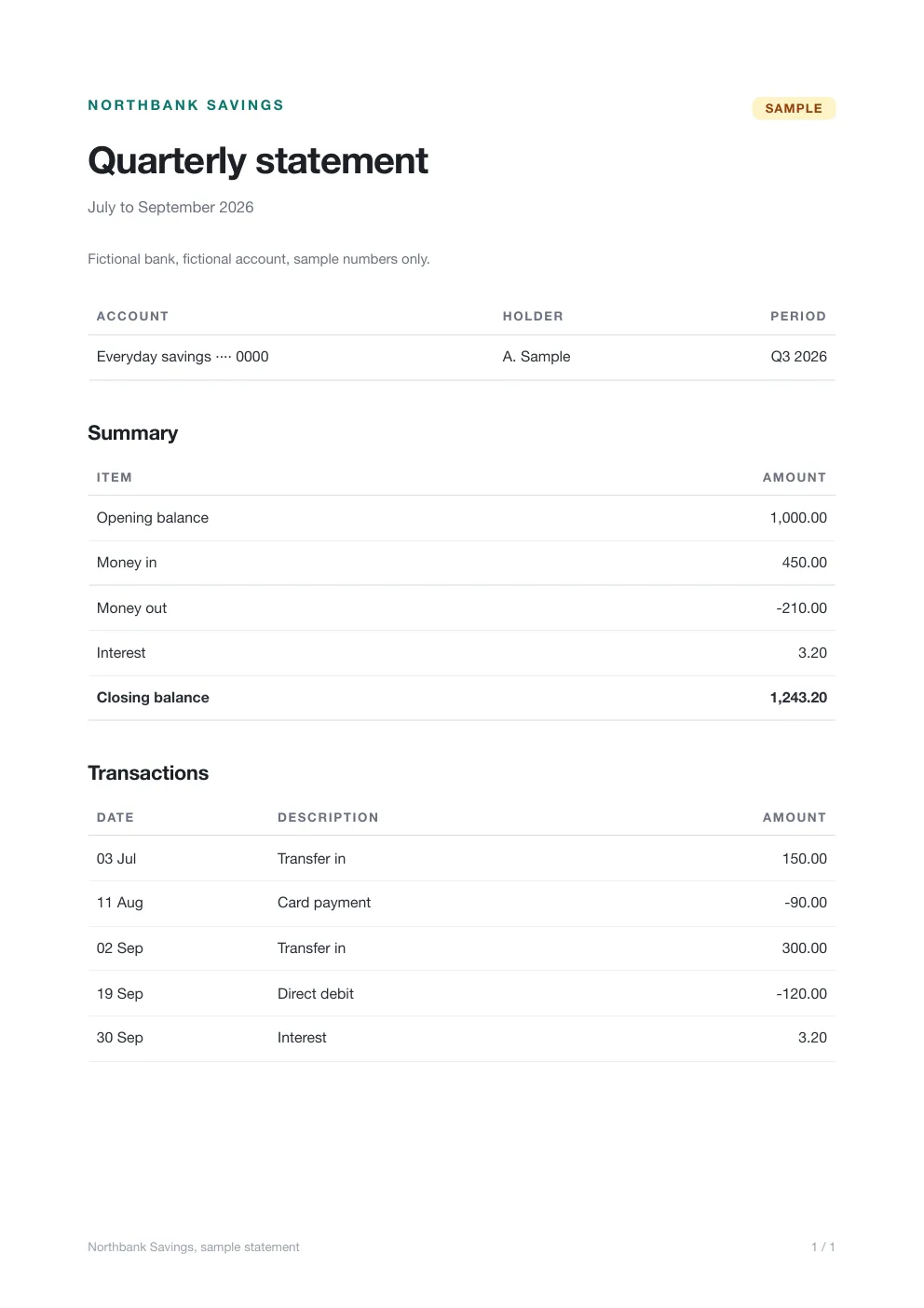 Quarterly statementThe statement, only after the password, until the link expires.Share a statement as a private, expiring link
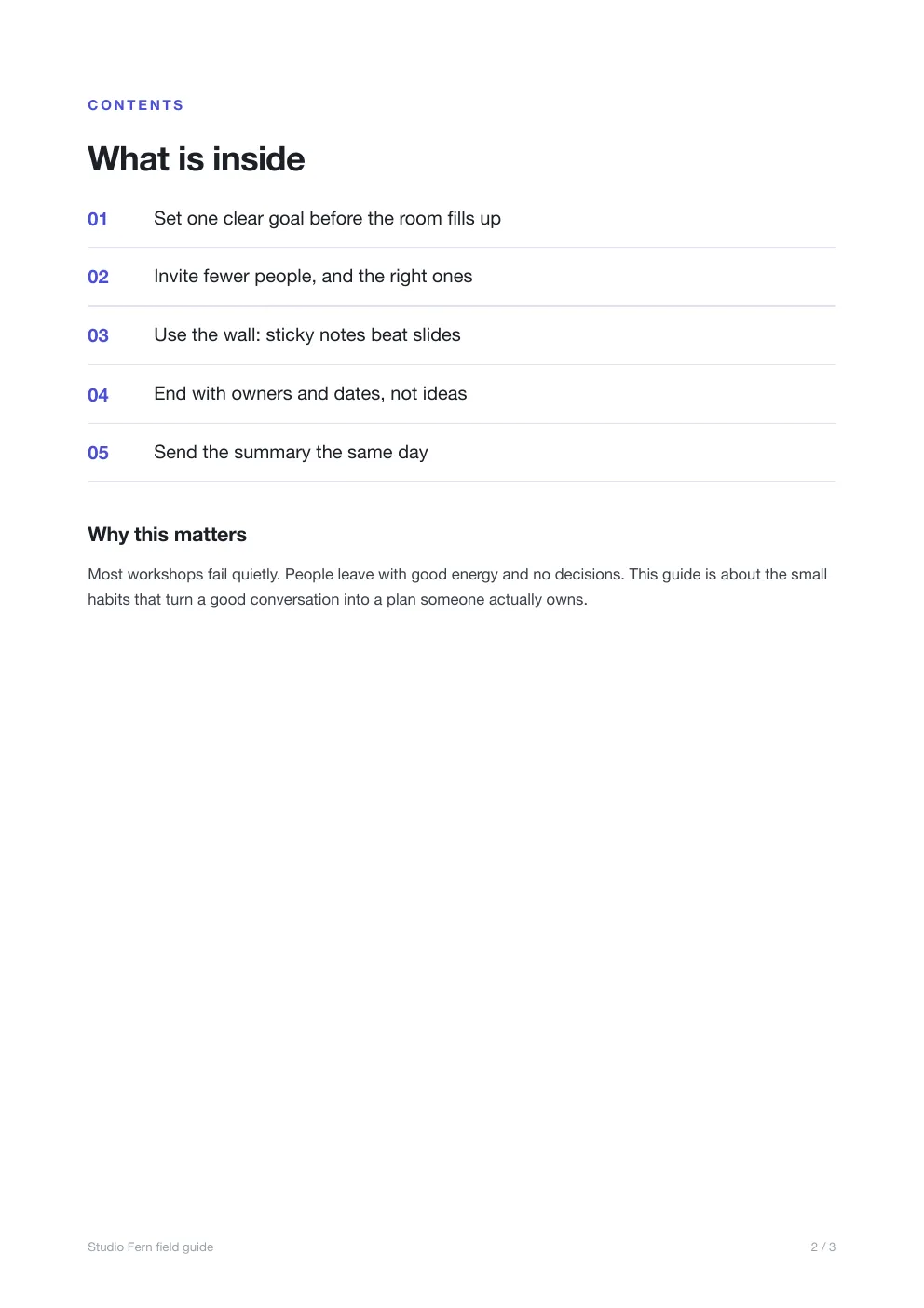
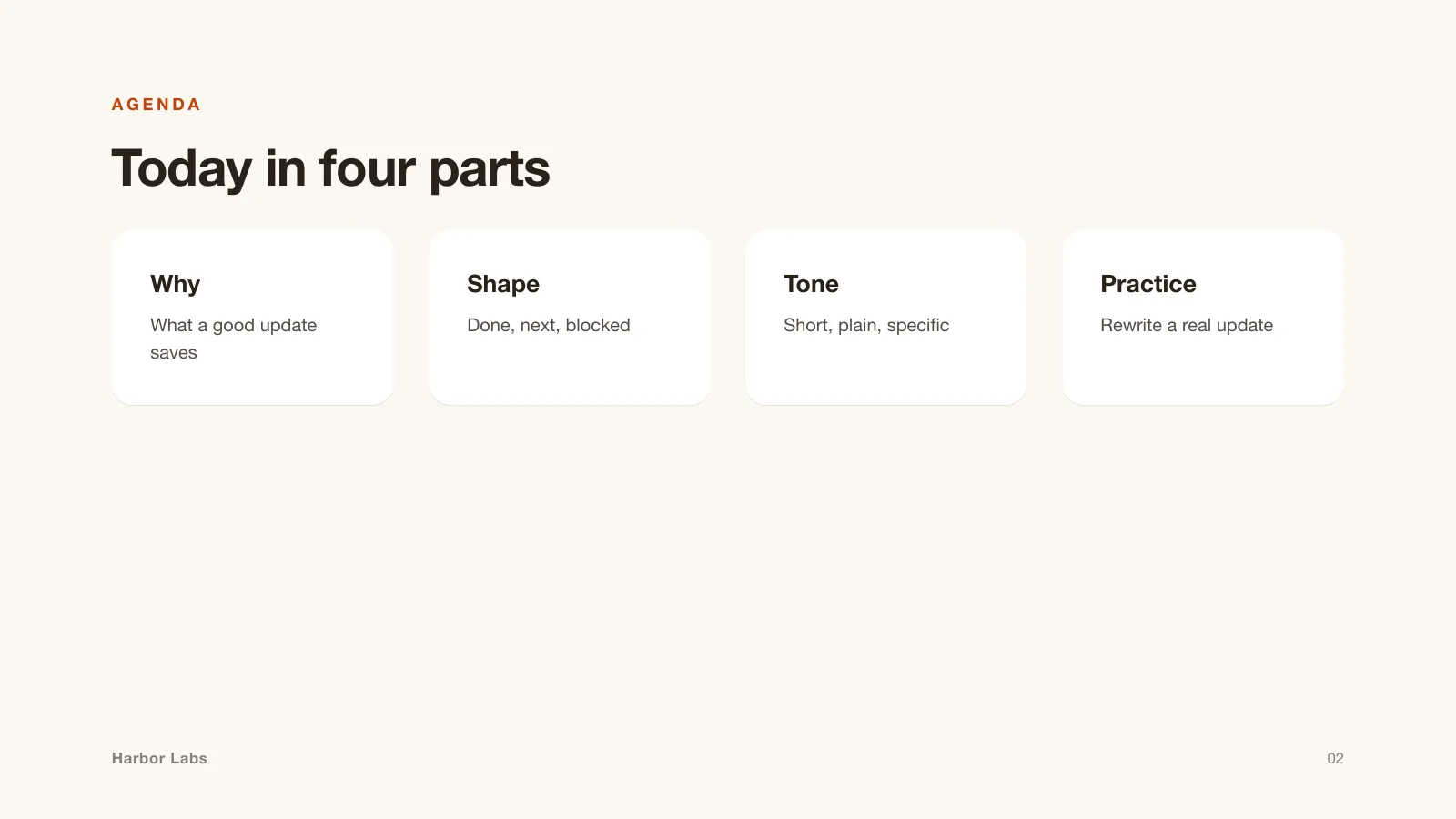
Related use cases
How-to guides and docs for each documents example
- Resume link for job applicationsHow to share your resume as a linkSee when a recruiter opens it
- Password protected file sharing for contractsPassword protect a PDFPassword, expiry and view-only
- Invoice PDF to link converterKnow when your client opens an invoiceOpen notifications for a link
- Track who opened a PDFHow to know if someone opened your PDFViews, time and pages read
- Presentation slides as a linkShare PowerPoint slides as a linkSlide and PDF formats supported
- Statements behind a passwordSend a file that expiresExpiry date and view limit
Restaurants, hotels, clinics
How do restaurants, hotels and clinics share menus and brochures?
Upload the PDF, print the QR code once, and replace the file whenever it changes. Guests scan and it opens on their phone.
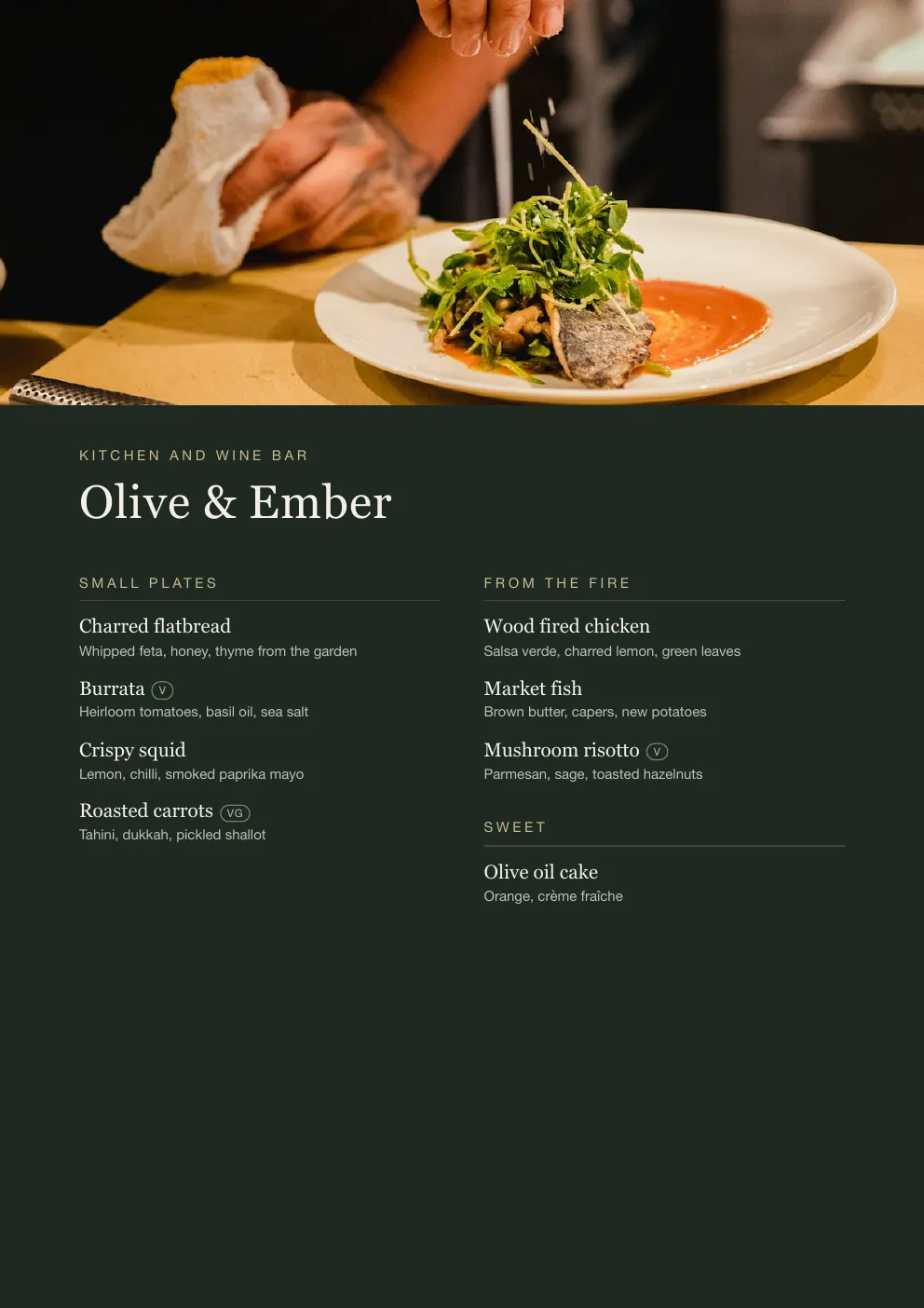 Menu QR codeGuests scan the code and the menu opens on their phone.Put your menu behind a QR code you never reprint
 Hotel brochureThe brochure on their phone, always the current edition.Share your hotel brochure as a link and a QR code
 Event venue galleryA calm photo gallery of each space, at full resolution.Show your venue in one gallery link
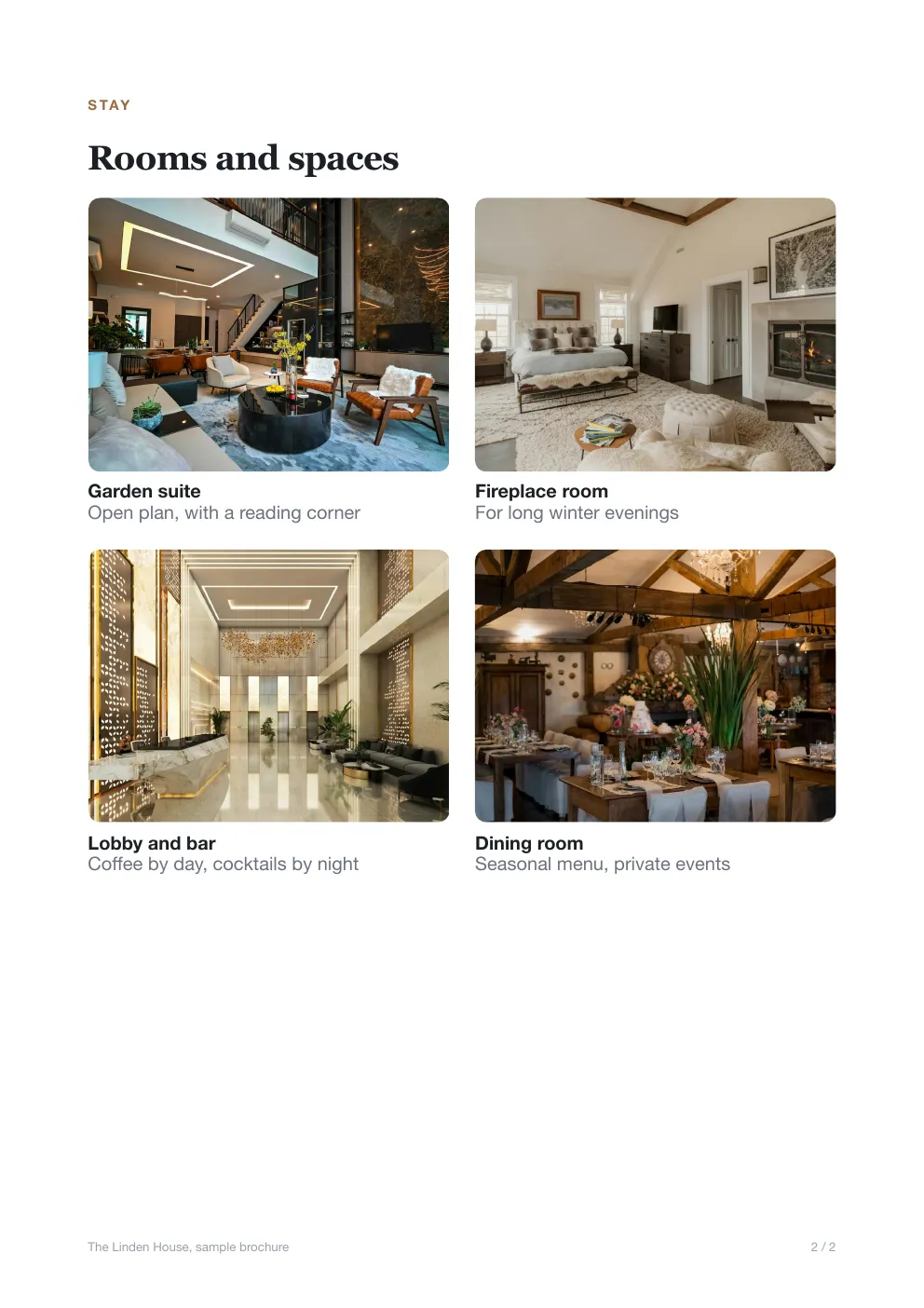
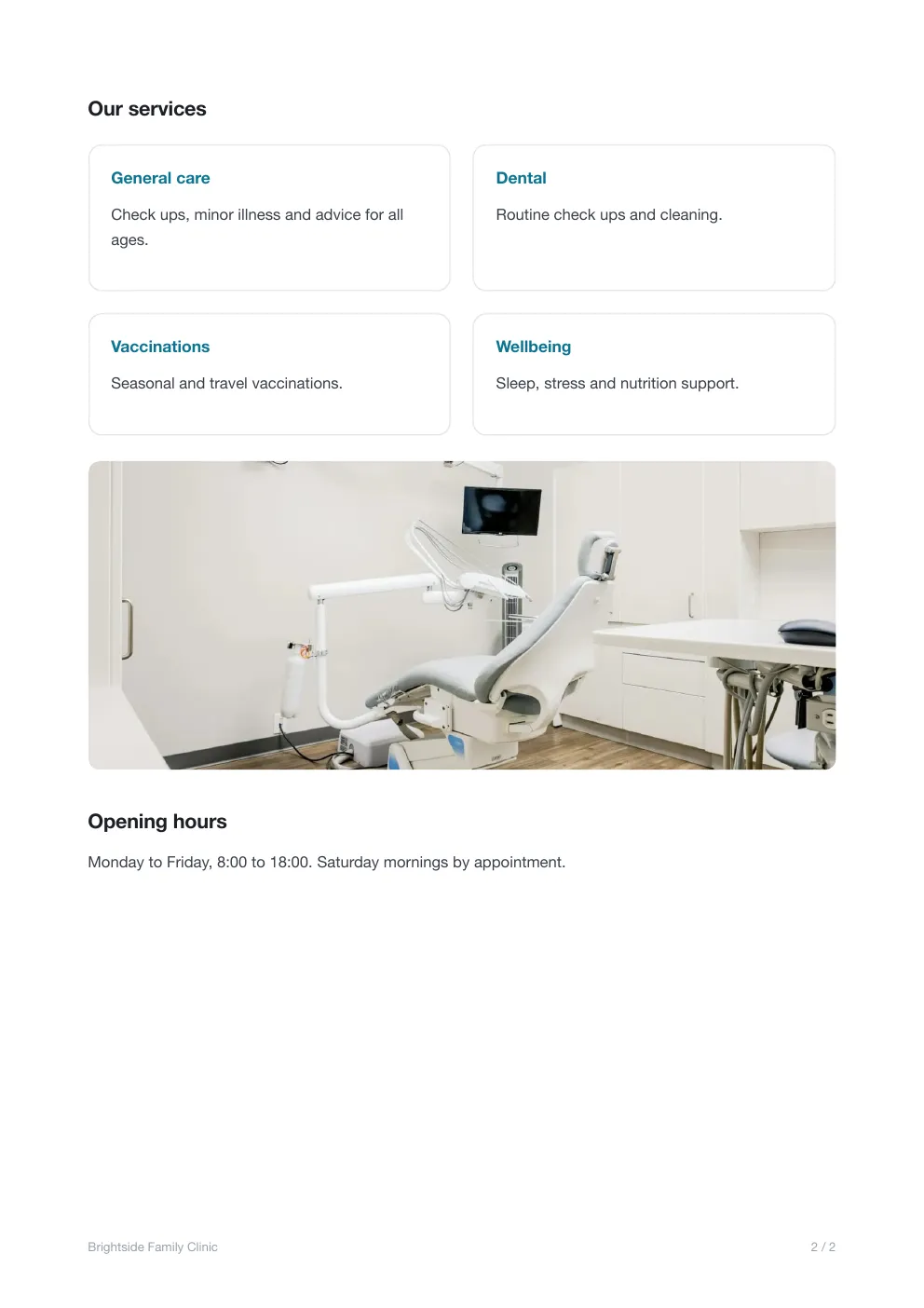
 Clinic brochureServices and opening hours on their phone. No patient data involved.Share your clinic brochure as a link and a QR code
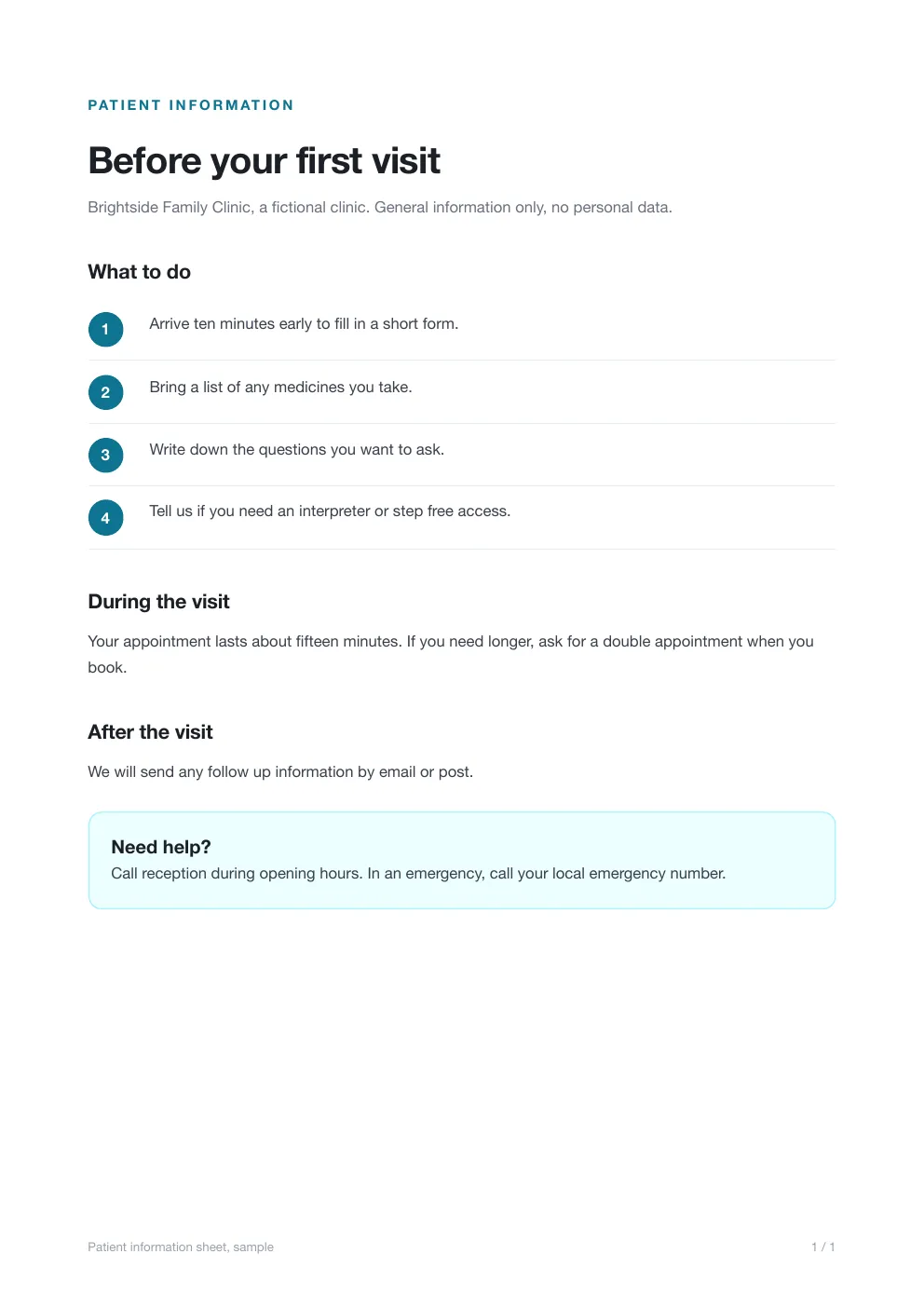 Patient information sheetA simple sheet they can read on a phone. General information only.Send general patient information as a link

Related use cases
How-to guides and docs for each restaurants, hotels, clinics example
- PDF menu QR code for tablesTurn a PDF into a QR codeDesign and print the QR code
- Hotel brochure PDF as a linkSend a brochure as a linkA QR code at the front desk
- Venue photo gallery for enquiriesSend a venue gallery as one linkShow it on your own domain
- Clinic brochure PDF linkQR code for a printed brochureUpdate the brochure, keep the QR
- Patient information sheet as a linkPDF attachment or link: which is betterPasswords for private documents
Audio and music
How do I share a song, podcast or voice note as a link?
Upload the audio file and send the link. It opens in a player with a waveform, so people listen straight away with nothing to download.
 Singer demo or coverA clean player, no app and no download.Send your song demo as a link that plays
- Podcast episodeAn episode player that works in any browser.Share a podcast episode before it goes live
 Voice noteA tap to play voice note, on any phone.Send a voice note as a link
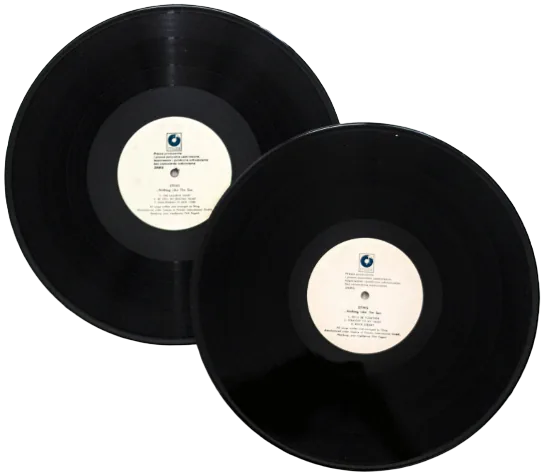 Music album or playlistEvery track in one list, each one playable in the page.Share a set of tracks as one album link
Popular guides
Related use cases
How-to guides and docs for each audio and music example
- Share a music demo as a linkEmail an audio file that is too bigStop downloads of a demo
- Audio to link for podcast episodesShare a podcast episode before releasePassword for an unreleased episode
- Voice memo to linkVoice memo too large to sendVoice memo formats we play
- Share an album or playlist as one linkSend audio without WhatsAppAn album of tracks, one link
Travel
How do I share trip photos and videos in one place?
Make one album for the trip and add the photos and videos. Everyone gets the same link and can save their favourites or download the lot.
 Trip photo albumFull resolution photos in a grid, with a full screen viewer.Share the whole trip as one album link
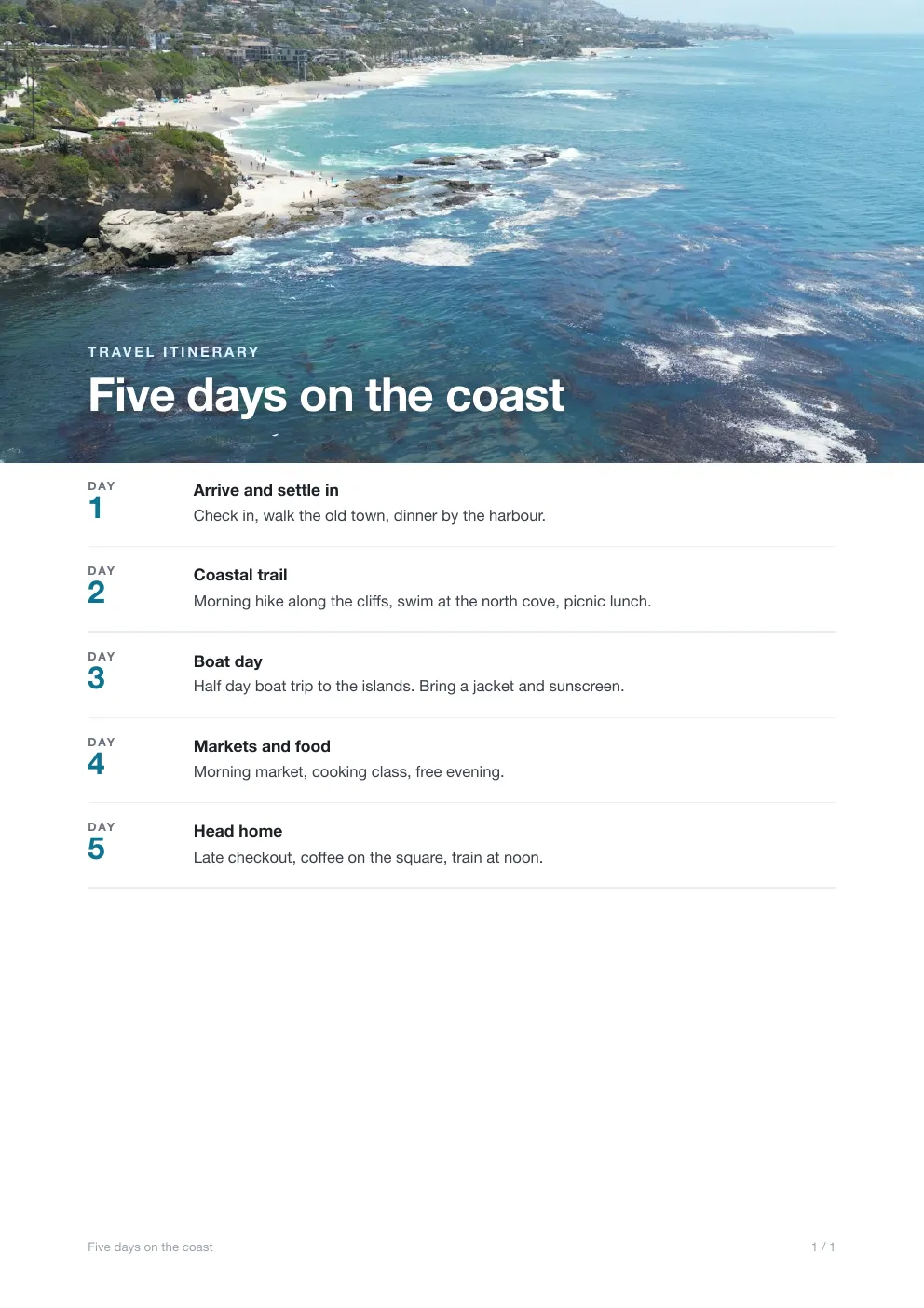 Travel itineraryThe day by day plan on their phone, always the latest version.Send the trip itinerary as a link that stays current
 Holiday videoThe video at full quality, playing straight away.Share the holiday video without squashing it


Popular guides
Related use cases
Websites
How do I put a website online from a ZIP?
Upload the folder or ZIP of your built site and it goes live at its own address with HTTPS. Website hosting is part of Pro.
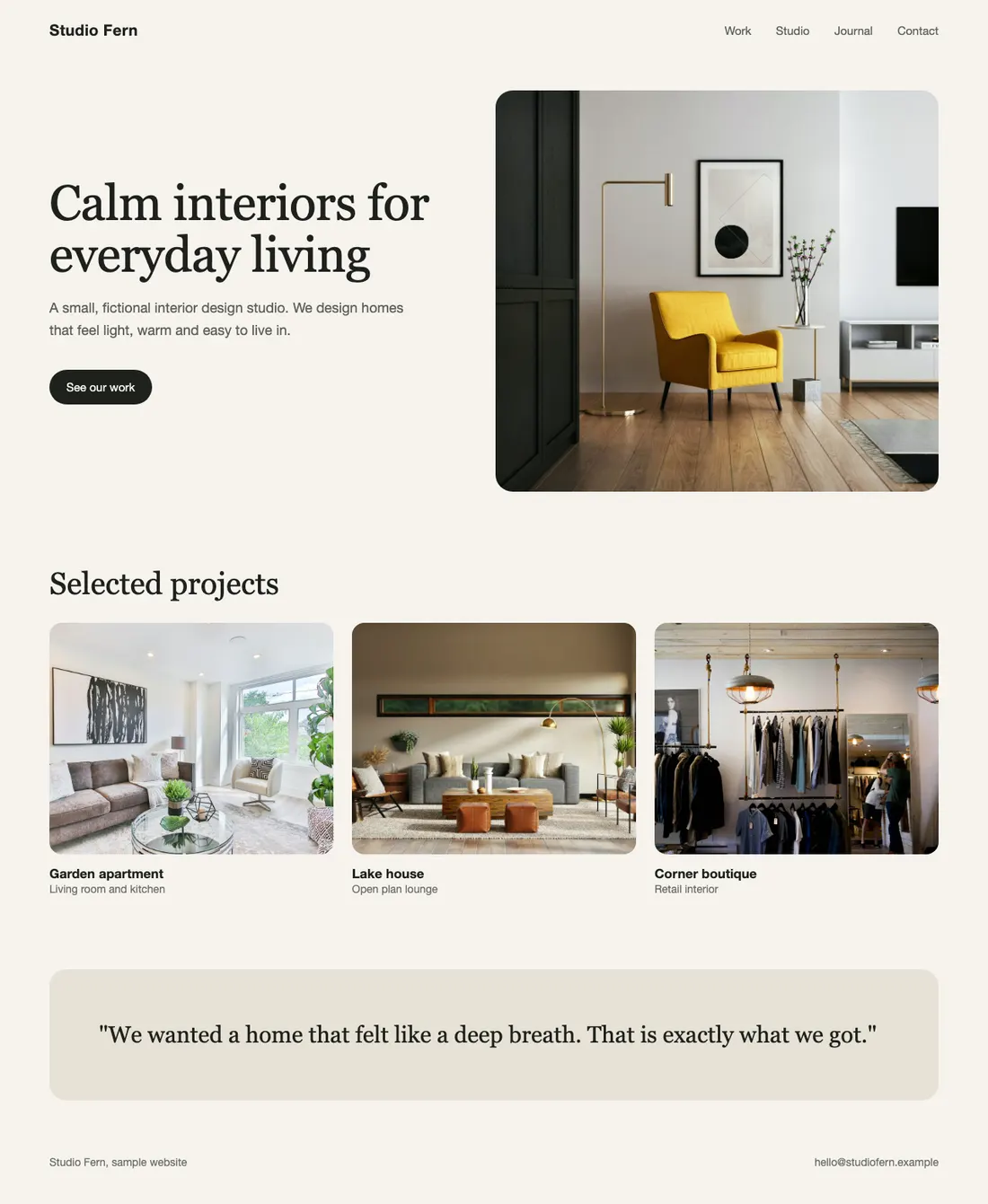 Static websiteYour site at its own address, every page and image served as you built it.Put a whole website online from a ZIP
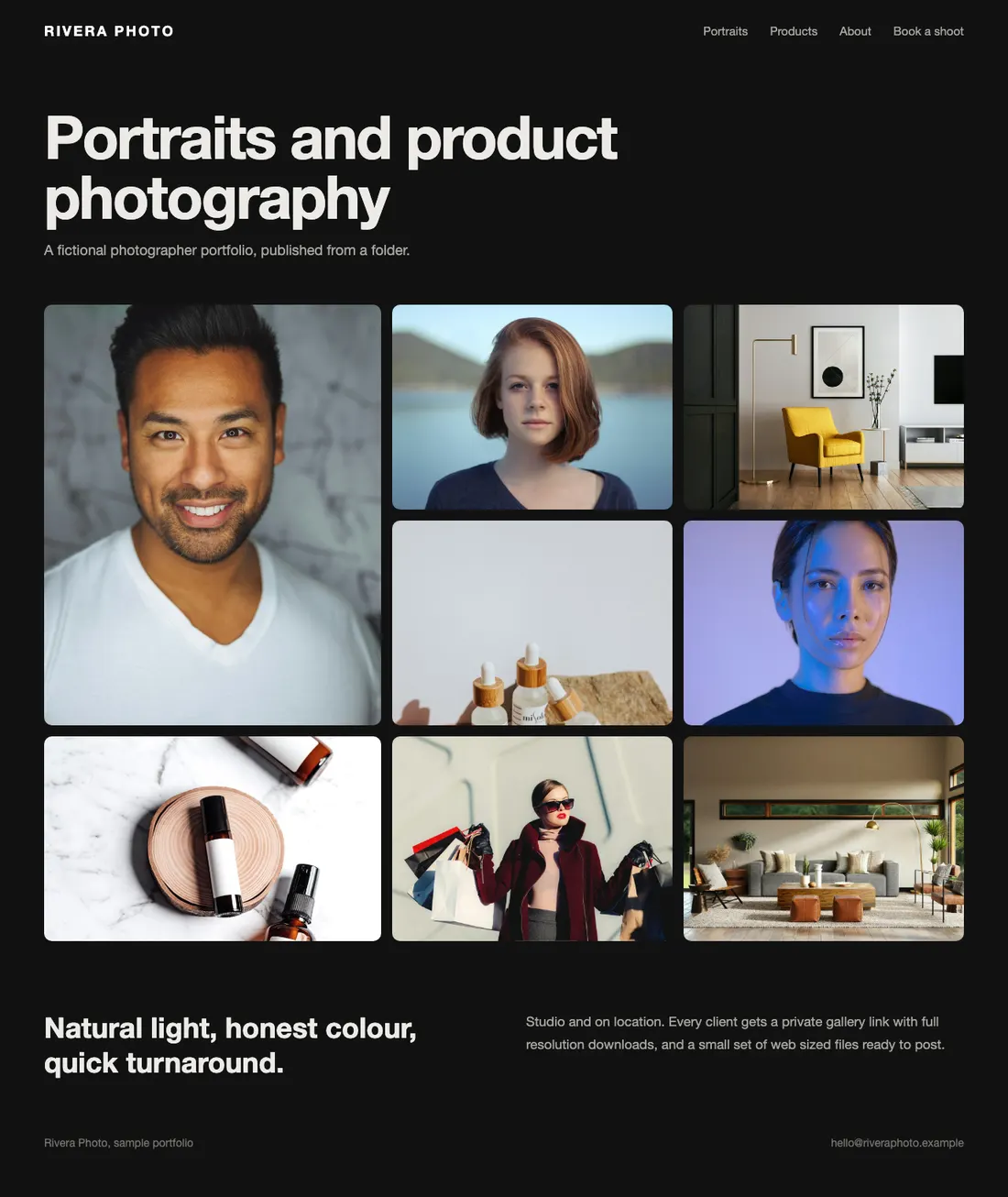 Portfolio siteA full portfolio site, fast on phones, at its own address.Publish your portfolio as a real website
Related use cases
How-to guides and docs for each websites example
Which link should I use for which job?
Match the file to the job: an album for photos, a PDF link for documents and decks, a streaming link for video and audio, and a hosted site for a folder of HTML. Every link control works on every plan; website hosting is part of Pro.
| Job | File | What the viewer sees | Control that matters | Plan |
|---|---|---|---|---|
| Wedding or party photos | Photos and videos | One album with a full screen viewer | Download all as ZIP, password | Any plan |
| Property listing | Photos, PDF brochure, video tour | Album, PDF reader and streaming video | View tracking, QR code | Any plan |
| Resume or proposal | A reader on any device | Open alerts, pages read | Any plan | |
| Pitch or sales deck | PDF slides | Slides with a full screen mode | Pages read, email gate | Any plan |
| Contract, invoice or statement | The file after a password | Password, expiry, download off | Any plan | |
| Restaurant menu | The menu on a phone after a QR scan | QR code, replace file and keep the link | Any plan | |
| Training or event video | MP4 video | A player that streams at once | Password, download off | Any plan |
| Podcast, song or voice note | Audio | A player with a waveform | Password, expiry | Any plan |
| Course materials and lectures | PDF, audio or video | Opens without an account | Replace file, expiry | Any plan |
| Website or portfolio | Folder or ZIP | The site at its own address with HTTPS | Custom domain, password | Pro |
How it works by job
One link, shaped for what you send
Hundreds of photos become one album link. Guests open it on a phone, swipe full screen and save them all as one ZIP.
Send the deck as a link instead of an attachment, then see who opened it and how far they read.
Contracts, invoices and statements open in the browser behind a password, with downloads off if you want.
Songs, podcasts and recordings play at once in a clean player, with no app and no account for the listener.
WeddingSend it once. Everyone opens it.
A link opens in any browser on any phone. You keep the controls.
Make your first linkNo attachment limits, no app to install, no account for the person you send it to.
Photos, PDFs, decks, video, audio and whole websites, each with its own viewer.


Opens in any browser. No app, no account.
5,300+
people in 140 countries have used it

Password and expiry on every planA QR code for every link
Make your own link in the next minute
Pick the file, sign in, publish. The link opens in any browser, with password, expiry and view tracking when you want them.
Used by 5,300+ people in 140 countries
Photos in these examples are stock images (Unsplash and Pexels licences) and the documents, decks and websites are fictional samples.
01
Photos, events and people
Sets of images that have to open on somebody else's phone, with no app and no account, and, usually, an audience who will not tolerate a sign-in screen.
02
Documents, work and money
One file or one pack, sent to someone whose attention you need, and a view log that tells you whether it landed.
03
Websites and hosting
Static-site hosting is live: upload a ZIP and it goes live on its own subdomain with SSL. These four pages differ by what you are uploading.
04
By file type
Start from what you are holding. Each page covers what the browser preview does for that format, what the size ceilings mean, and where the format bites.
05
Compared with what you already use
Written to talk you out of switching where switching would be a mistake. Each one says plainly what the other tool is better at.
Not sure which page you want?
Start from the file. A PDF, a resume or a catalogue goes to PDF to link. Photos go to image to link. A folder of mixed things goes to share files online. A built website goes to host a static website. If you are comparing us with something you already pay for, the comparison pages are written to talk you out of switching where switching would be a mistake.
Longer walkthroughs live on the blog, plans are on the pricing page, and if none of it fits, ask us: a real person answers.