Share course materials, lectures and assignments as links
Teachers post one link per thing: the syllabus and readings as PDFs, lectures as recordings that stream, slides after class. Students submit work the same way, as a link in the class portal. Everything opens in a browser with no account to make.
Updated
Used by 5,300+ people in 140 countries
What each link looks like
These are real sample files, shown the way the person you send them to sees them. Try one.
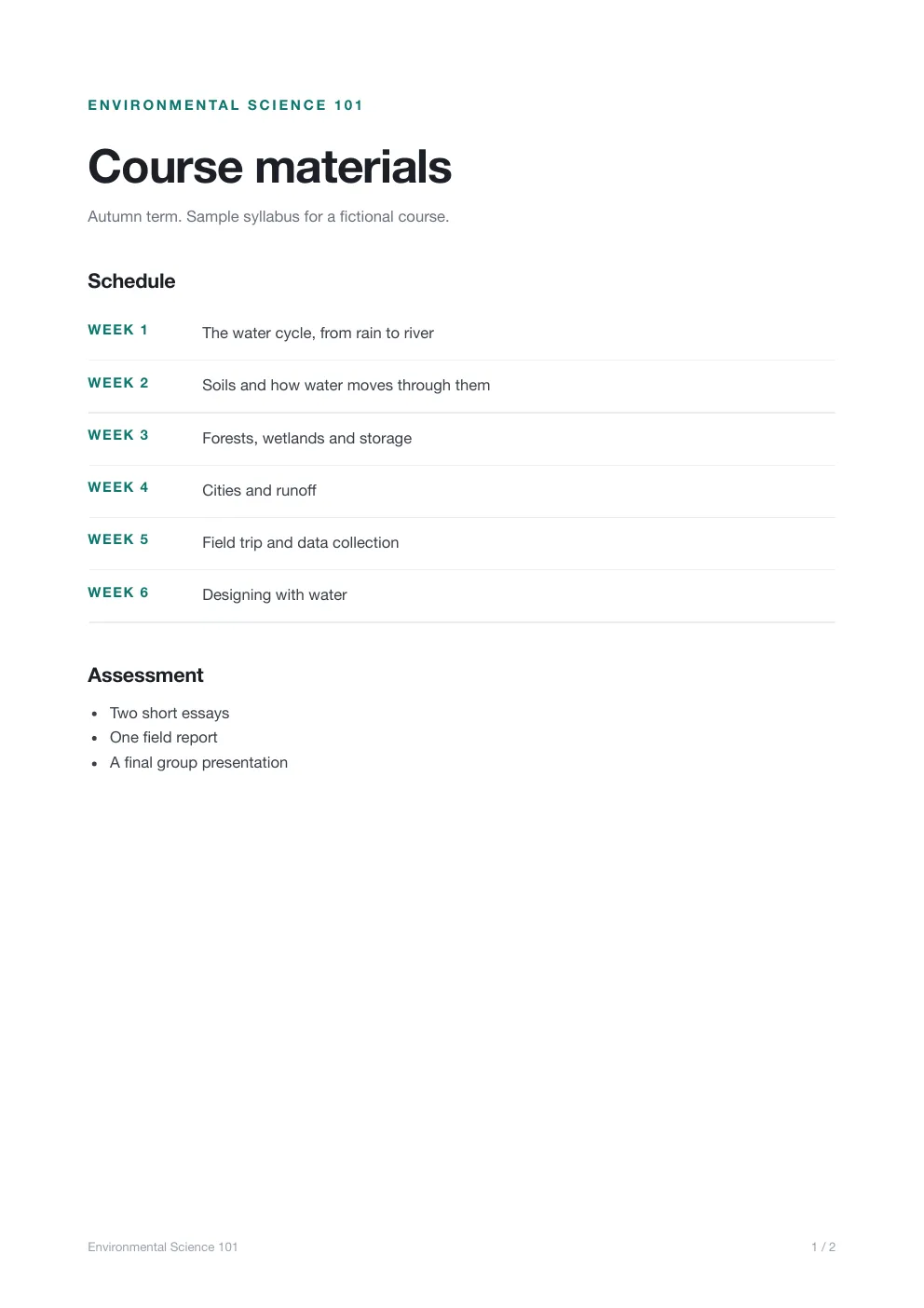
EducationPDF · 2 pages
Share course materials as one link for the whole class
The materials in a reader that opens on any laptop or phone.
Which link for which job
| Job | File | What the viewer sees | Control that matters |
|---|---|---|---|
| Syllabus and readings | A reader on a laptop or phone | Replace file and keep the link | |
| Lecture recording | Audio or video | A player with speed control | Expiry, password |
| Slides after class | PDF slides | Slides with full screen | QR code on the last slide |
| Assignment submission | PDF or Word | Opens without an account | Replace file to resubmit |
| Student portfolio | Photos (album) | A gallery of the work | Download off |
| Certificates | A crisp certificate to keep | QR code, view tracking |
Samples
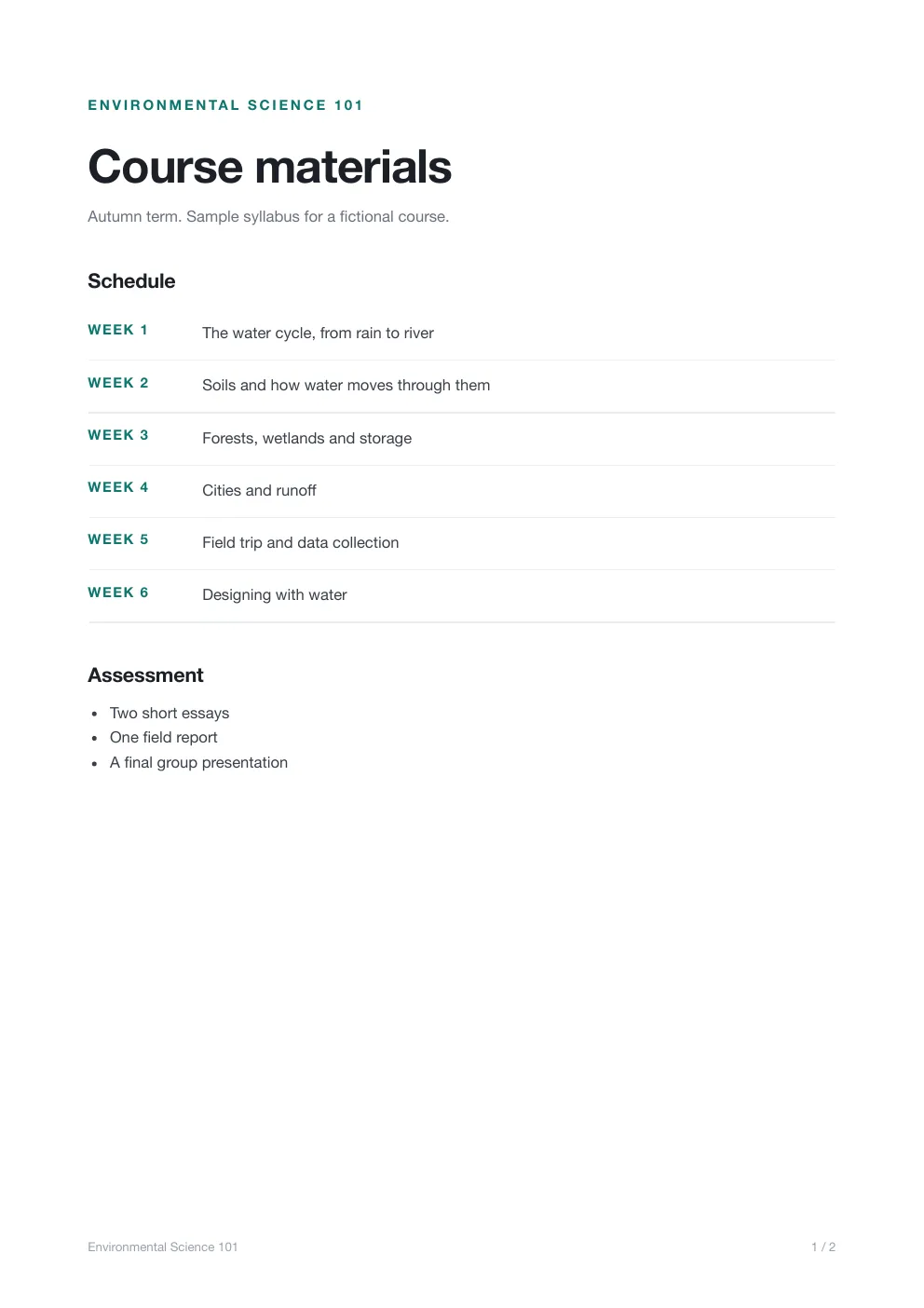 Course materialsThe materials in a reader that opens on any laptop or phone.
 Lecture recordingA player students can pause, rewind and pick up later.
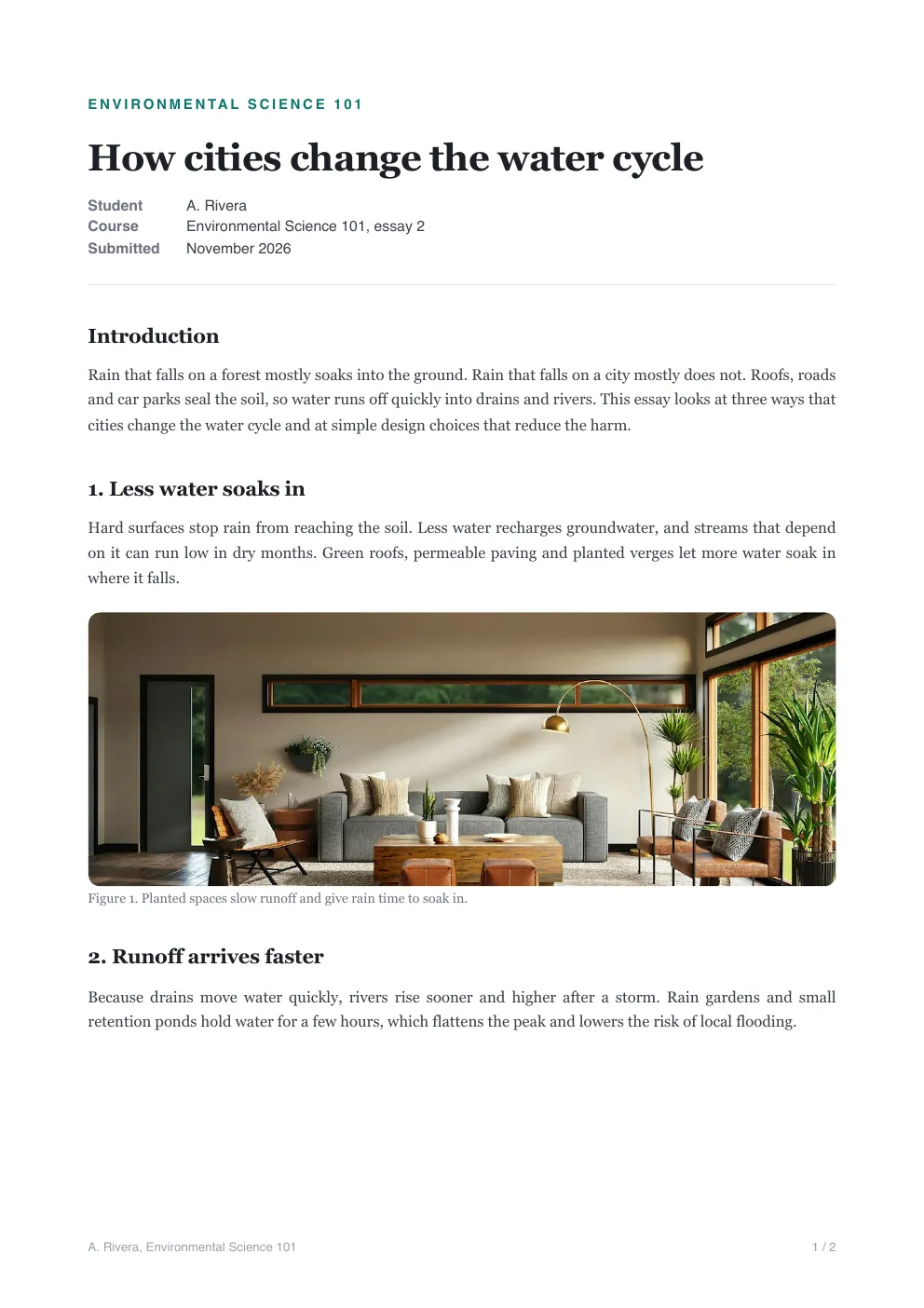 AssignmentThe document opens straight away, no account and no download.
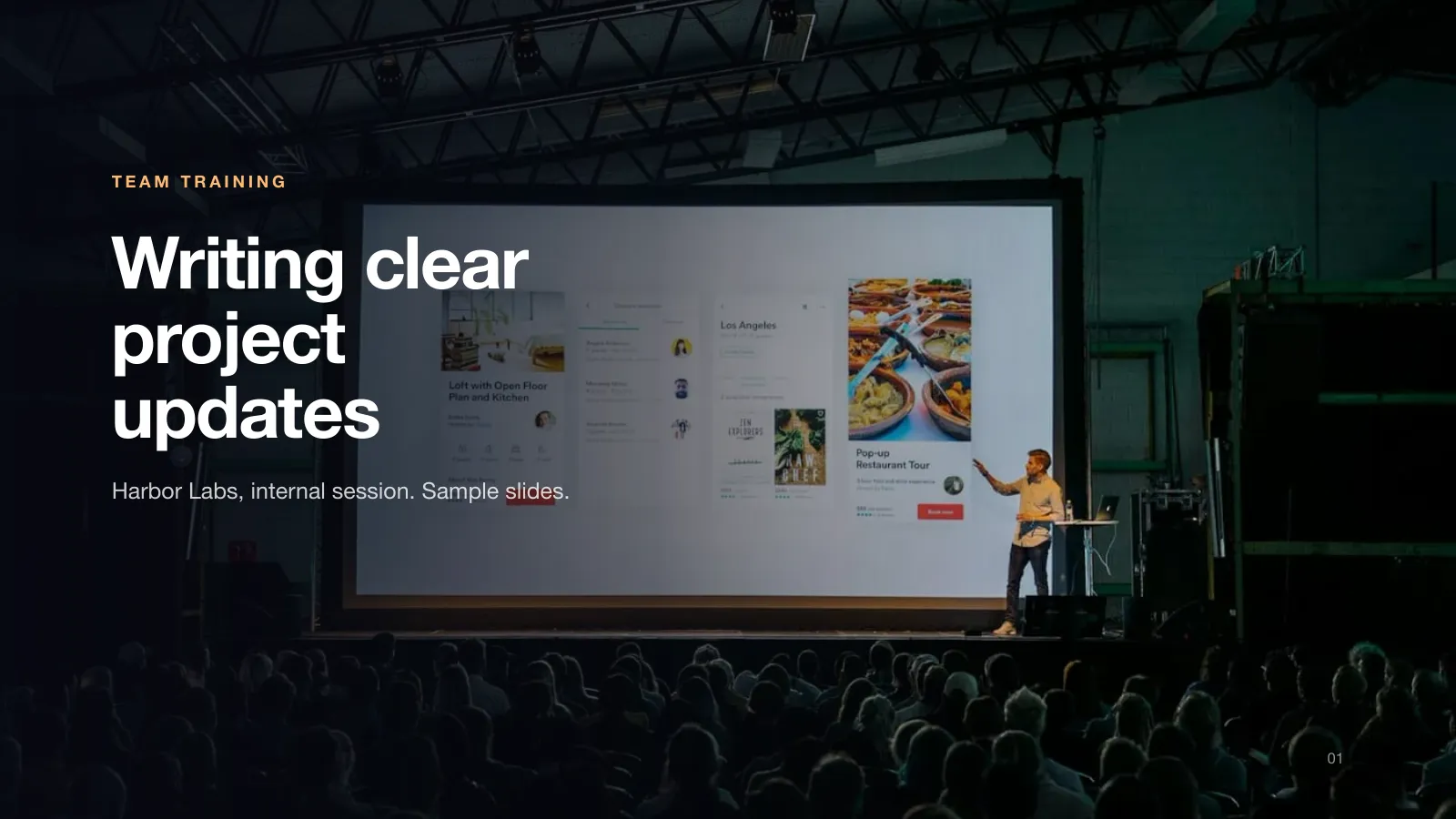 Presentation slidesSlides with a Present button, readable on a phone.
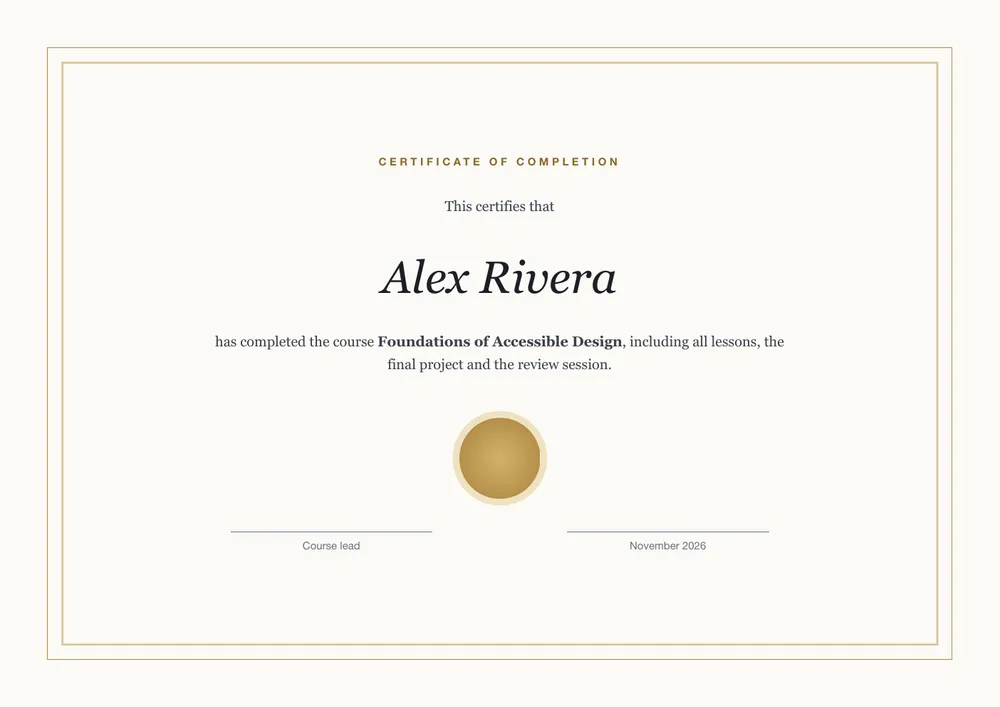 CertificatesA crisp certificate they can open, print or add to a profile.
 Student portfolioA clean gallery of the work, at full resolution.
 GraduationFull resolution photos grandparents can open with one tap.
How to share a lecture recording with the class
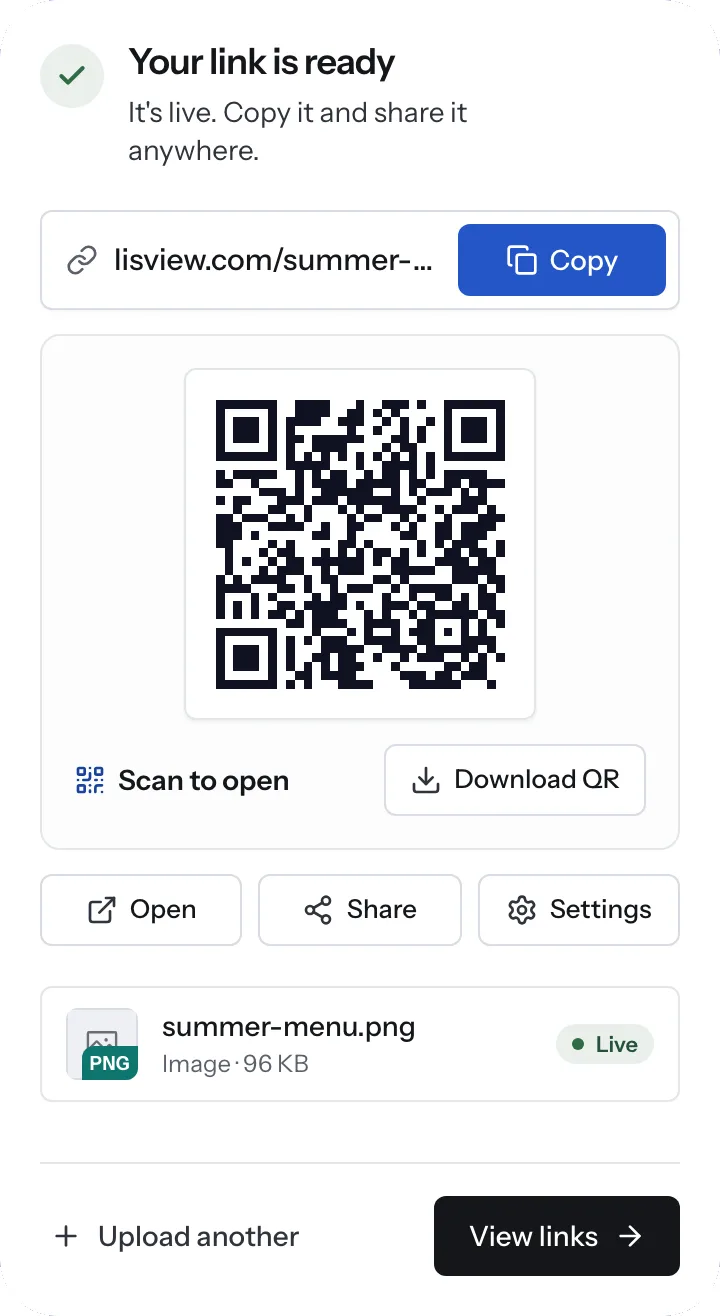
- 1Upload the recordingUpload the audio or video file after class. It becomes one link.
- 2Choose who can open itAdd a password if the recording is for enrolled students only, or an expiry date for the end of term.
- 3Post the linkPaste the link in the class portal or the course chat. Students play it in the browser, at the speed they like.
LMS, email, shared drive or a link: where should course files go?
Verdict: Keep grading and rosters in the LMS, and use links for files that must open for anyone with nothing to sign in to: guest speakers, parents, students on a phone.
The school LMS
- Best for:
- Graded work, rosters and announcements
- Strengths:
- Everything for the course in one place
- Trade-offs:
- Everyone needs a school login, and large recordings can be slow or capped
Email to the class
- Best for:
- A one-off short PDF
- Strengths:
- Everyone already has it
- Trade-offs:
- Attachments stop at 25 MB in Gmail and Outlook.com and get lost in inboxes; a correction means a new email
A shared drive folder
- Best for:
- Materials staff edit together
- Strengths:
- Familiar for teachers
- Trade-offs:
- Students on personal accounts can be asked to request access
A link (Link in Seconds)
- Best for:
- Readings, recordings and slides anyone can open
- Strengths:
- Opens without an account, replace the file and keep the link, password or expiry for class-only files
- Trade-offs:
- No gradebook, roster or plagiarism check
Link in Seconds price: Free up to 5 MB, 7-day trial for more. Plans are on the pricing page. Checked November 2026.
Where we are the wrong tool
We are not a learning management system: there is no gradebook, no class roster and no plagiarism check. Keep those in your school's system and use links from here for the files.
Questions education people ask
Do students need an account to open course materials?
No. Every link opens in a browser with nothing to install and no sign up.
Can I update the syllabus after posting the link?
Yes. Replace the file on the link; the address in the portal stays the same.
Can a lecture recording be limited to my class?
Add a password and share it with the class only, or set an expiry date so the link stops working after the term.
How do students submit work as a link?
They upload the file, copy the link and paste it into the class portal. If they need to resubmit, they replace the file and keep the same link.