How to turn a video into a link that plays in the browser
Turn a video into a link
A screen recording or a phone clip is almost always too big to email. Gmail and Outlook cap attachments around 25 MB, and most real videos blow past that. Putting it on YouTube feels like overkill, and now it lives on YouTube. The middle path is a link that streams the video right in the browser. Here is how to make one with Link in Seconds, step by step.
Step 1: Drop your video
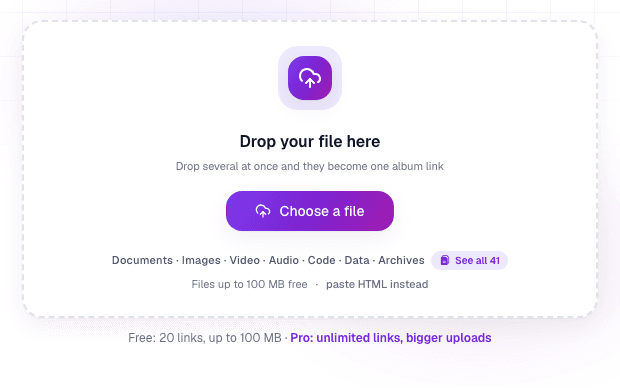
Open the video to link page and drag your file in, or click Choose a file. MP4, WebM, and MOV all work. Videos up to 250 MB are free.
Step 2: Name it and get the link
Give the link a short name, then publish. In a second or two you have one URL you can paste anywhere. There is nothing to convert and no export settings to guess at.
Step 3: Share the link, it plays in the browser
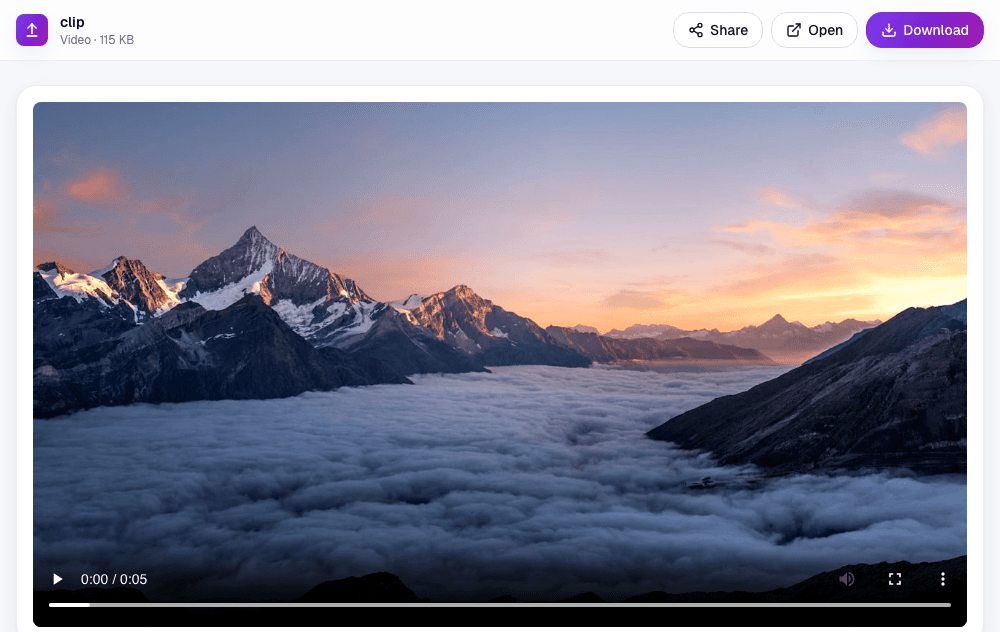
You can share the link in an email, a chat, or a message. When someone opens it, the video plays inline with normal player controls. They can scrub through it and watch without downloading the whole file first, because it streams as they play.
Step 4: See when it gets watched
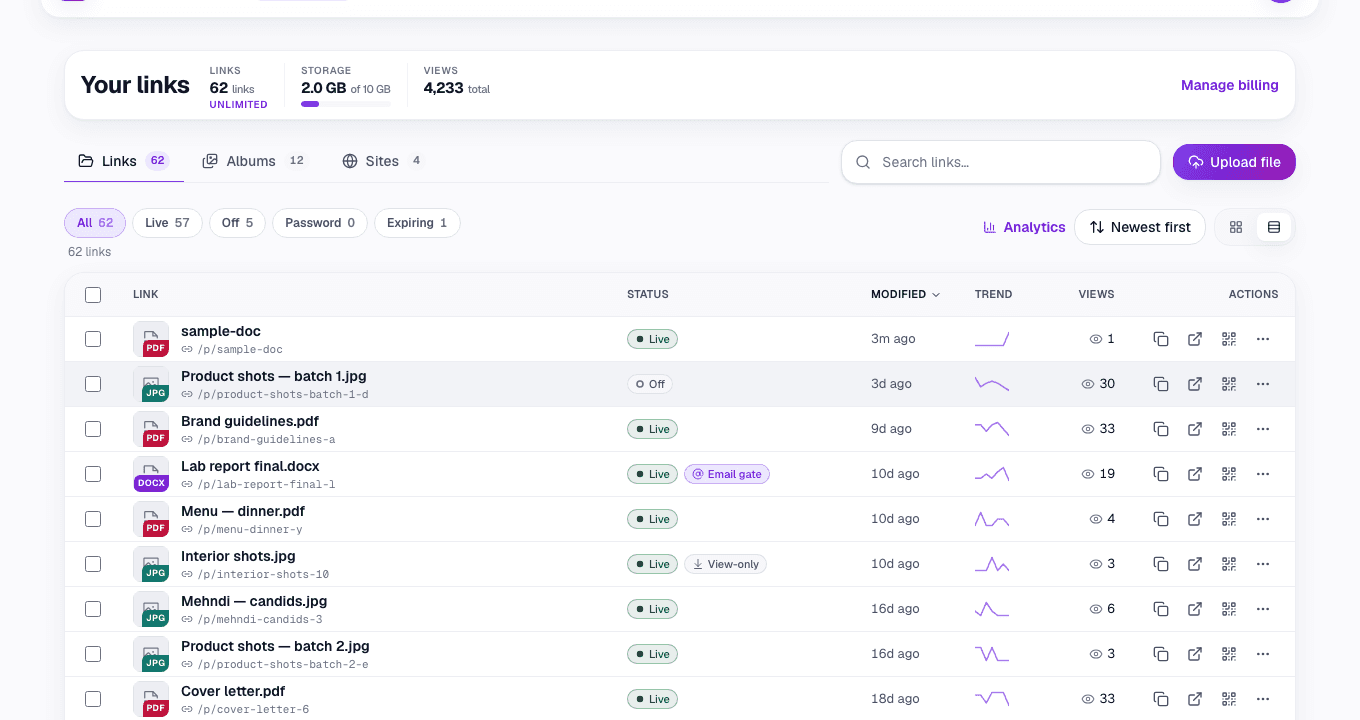
Every link keeps a live view count, so you know the clip actually got opened. From your dashboard you can add a password, set an expiry date, or replace the video later without resending the link.
Why a link beats a giant attachment or YouTube
- It never bounces over an inbox size limit.
- The video streams, so the viewer presses play instead of waiting on a download.
- It is not public or searchable the way an uploaded YouTube video can be.
- You can swap the file later and keep the same link.
- You get a view count, and can add a password or an expiry date.
Common questions
What video formats can I use?
MP4, WebM, and MOV. MP4 is the safest choice because it plays everywhere with no plugins.
My recording is huge. How do I shrink it?
Export at 1080p instead of 4K, or run it through a quick compressor first. For the full list of options when a file is too large, see how to send a video that is too big for email.
Does the viewer need an account?
No. The link opens and plays in their browser. Nothing to sign in to, nothing to install.
Can I put the video on a poster or a flyer?
Yes. Every link comes with a QR code, so a printed QR code for video opens the same clip from a poster, a flyer or a product box.
Is it the same as uploading to YouTube?
No. Your video is not listed, searchable, or wrapped in recommendations. It is one private link you control, and you can turn it off whenever you want.
Is it free?
Yes. Turning a video up to 250 MB into a link is free, and free links do not expire. Passwords, expiry dates and advanced analytics are free on every plan; Pro raises the size limit and storage. See pricing.
Turn any file into a link in seconds
Upload a PDF, image, video, or ZIP and get a clean, trackable link with a QR code, free.
Try Link in Seconds →