Send a proposal your client will actually open (and know when they do)
Send a proposal clients will open
You spend two hours writing a proposal. You attach the PDF. You hit send. Then nothing. No read receipt, no bounce, no signal of any kind. Was the inbox full? Did it land in spam? Did they open it, skim the price, and quietly close it? You'll never know, and your only move is the dreaded “just checking in!” email three days later.
There's a better way. Send the proposal as a link, not an attachment, and you get the signal the moment the client opens it, so you can follow up at exactly the right time. Here is how to do it with Link in Seconds.
Why a link beats an attached PDF
- It always opens. A 12 MB PDF full of case-study images can bounce or clip in Gmail. A link is just a URL, and it goes through every time.
- No download friction. The client clicks and the proposal renders right in their browser. No “which app opens this,” no broken fonts on Windows, no waiting for a slow mobile download.
- You can see when it's opened. Total views, unique viewers, and when the opens happened. That's the signal that tells you whether to follow up now or wait.
- You can update it without resending. Spotted a typo after you sent it? Replace the file, and the link your client already has still works and shows the new version.
The three-step flow
Step 1: Upload the proposal
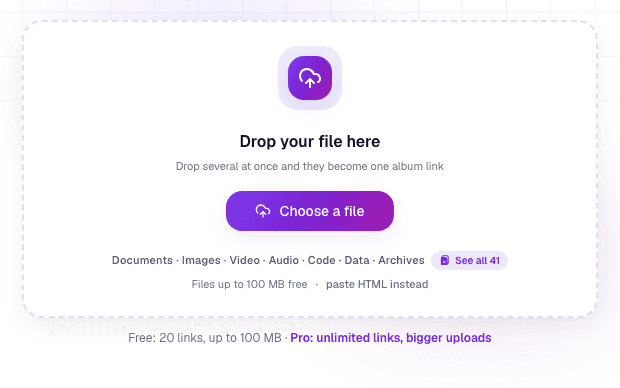
Sign in once with Google, then drop your proposal PDF in. It becomes one clean shareable link. The client clicks and reads, no account, no app on their end.
Step 2: Name it and send it
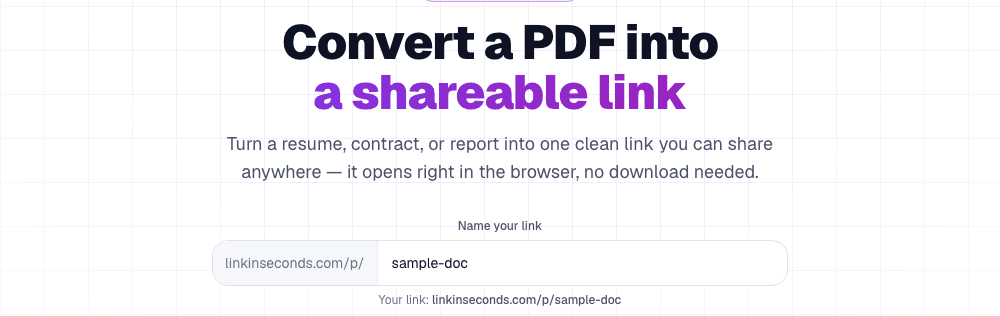
Give the link a clean name. lisview.com/acme-proposal reads professionally in an email body. Copy it and paste it wherever you'd have attached the file: email, WhatsApp, Notion, a client portal. One link, sent once.
Step 3: Watch the opens
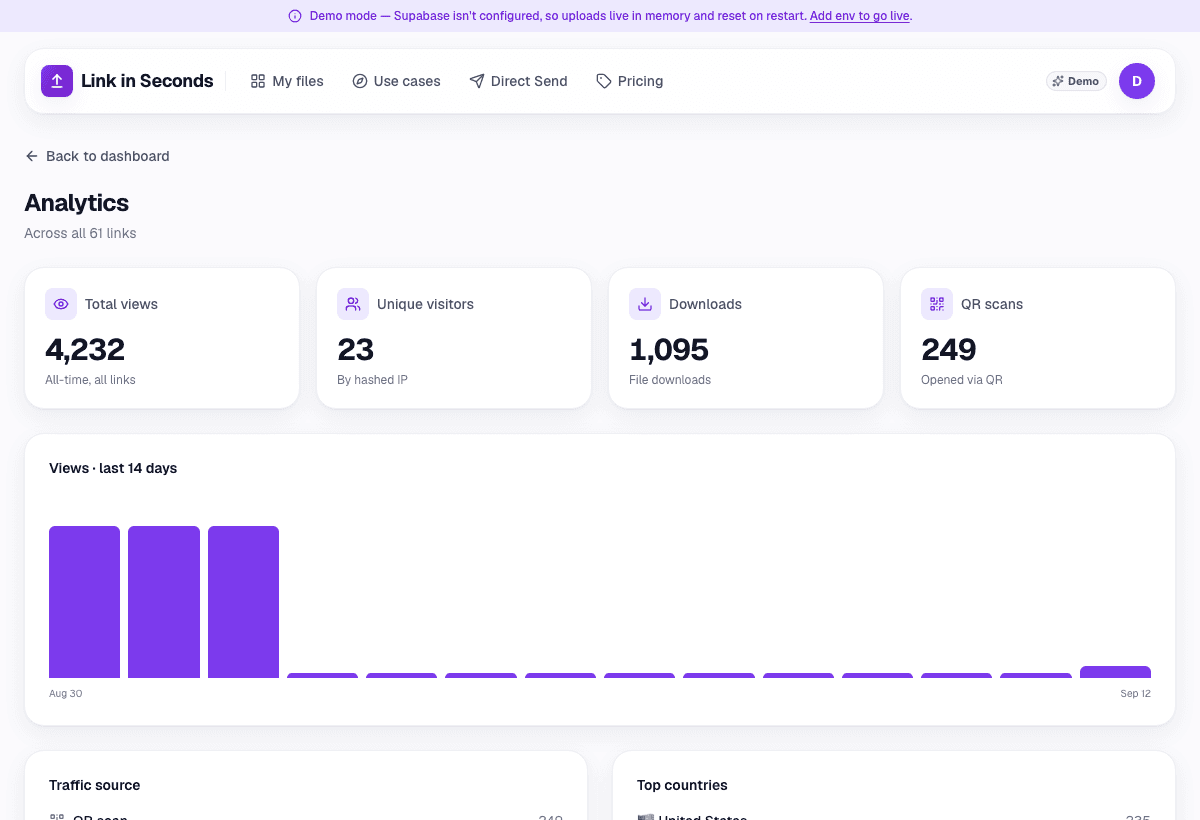
Now instead of wondering, you watch. Every time the link is opened, it's logged. You see total views, unique viewer count, and a 14-day trend, so you know whether the proposal was opened once, forwarded to a decision-maker, or never touched.
Reading the signal
The analytics are only useful if you act on them. Here is how to read what you see:
- Opened within an hour of your send: they're actively interested. This is the best moment to follow up, not tomorrow, now.
- More unique viewers than people you emailed: it was forwarded internally. Someone liked it enough to loop in a colleague or manager, a strong buying signal.
- Multiple opens spread over a few days: they're revisiting it, probably comparing you to other quotes. A short “happy to answer any questions” note can tip it your way.
- Zero opens after three days: the email may have been missed or buried. A one-line nudge (“wanted to make sure this didn't get lost”) is entirely warranted.
How this compares to DocSend
This is the same job DocSend does (send a document, see who opened it) without the subscription. DocSend removed its free tier in March 2025, so if you were relying on that, a tracked link is the natural replacement. See the full free DocSend alternative comparison if you want a side-by-side breakdown of the options.
You can go one step further, free, and see which pages the client lingered on: the report shows the time spent on each page and the page where readers stopped. Knowing it was opened (and when) is usually enough to act, but three minutes on the pricing page tells you what the call will be about. Here is how to read page-by-page analytics.
Send your next proposal as a link
The whole flow takes about ten seconds: upload the PDF, name the link, paste it into your email. From that moment on, you're never guessing. You either see it open (and follow up with confidence) or you see it didn't, and you know to nudge. Either way, you're working with real information instead of silence. Turn your next proposal into a tracked link now.
Turn any file into a link in seconds
Upload a PDF, image, video, or ZIP and get a clean, trackable link with a QR code, free.
Try Link in Seconds →