Share reports, decks and recordings as links your team actually opens
Business teams send files as links instead of attachments: board decks and reports as PDFs, recordings and demos as videos that stream, handbooks that update in place. Add a password, turn downloads off or set an expiry, and see who opened each one.
Updated
Used by 5,300+ people in 140 countries
What each link looks like
These are real sample files, shown the way the person you send them to sees them. Try one.
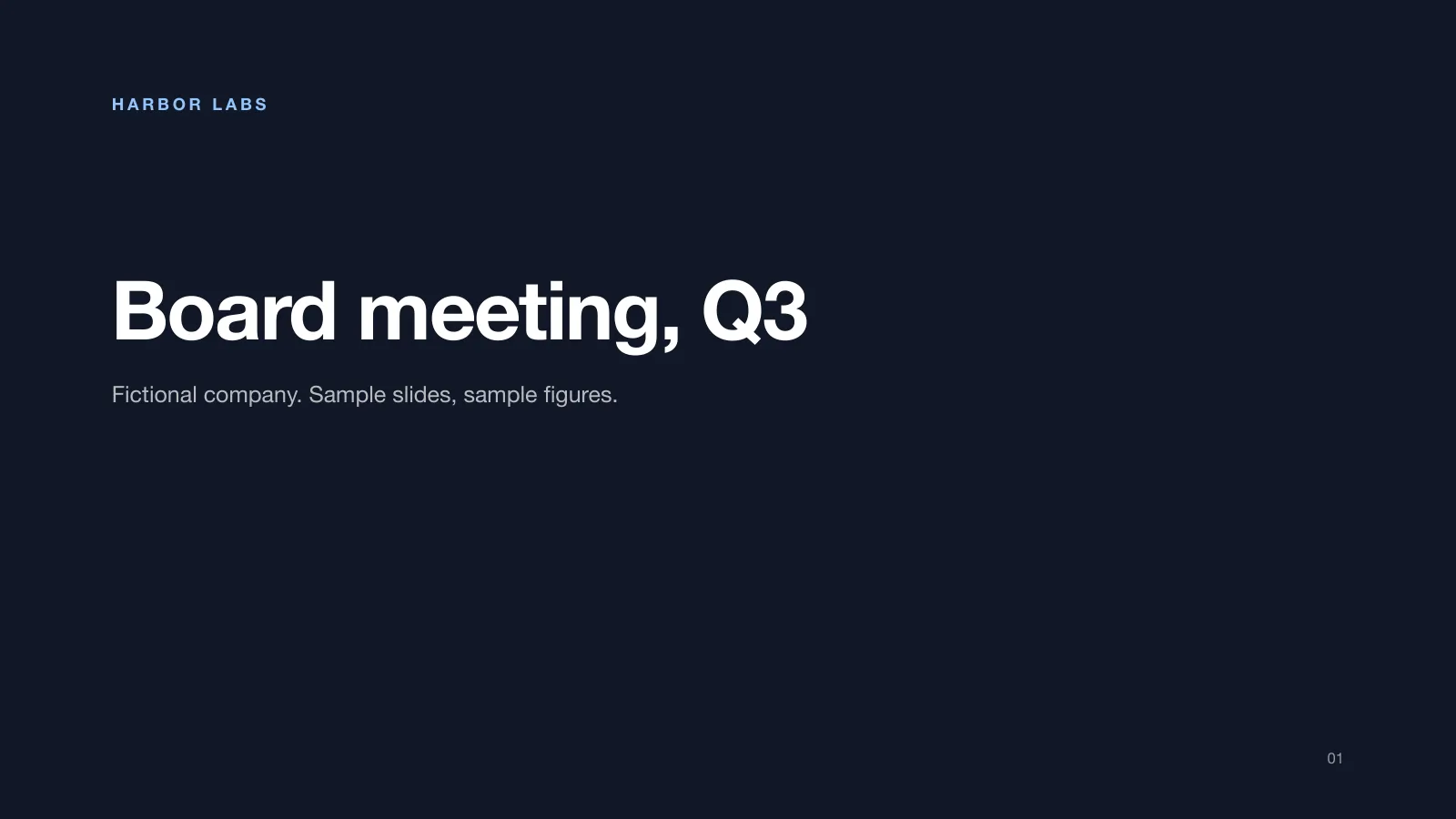
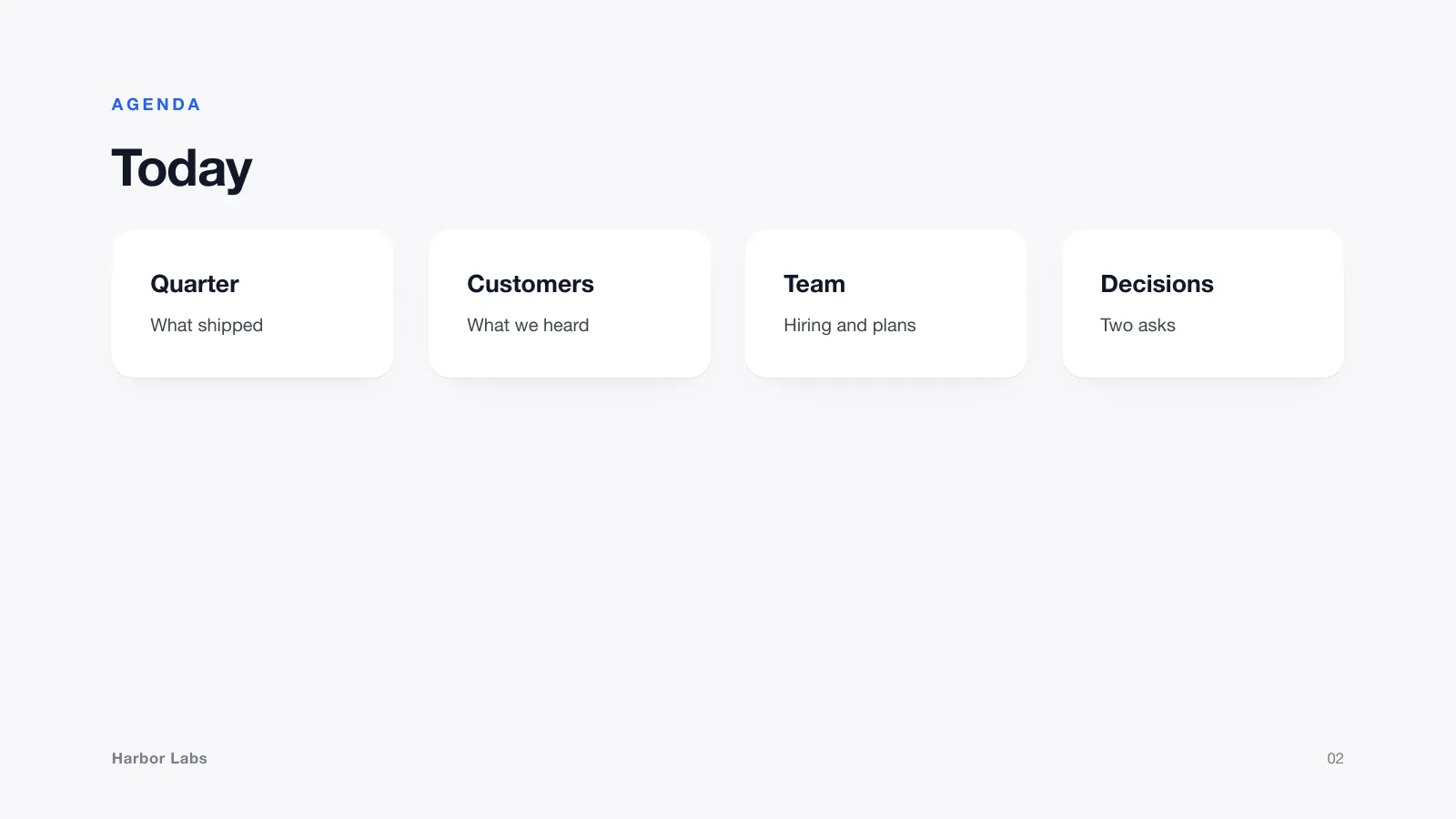
CorporateSlides · 6
Share the board deck as one private link
Slides with a full screen presenter mode, behind a password.
Which link for which job
| Job | File | What the viewer sees | Control that matters |
|---|---|---|---|
| Board or investor deck | PDF slides | Slides with a presenter mode | Password, download off, pages read |
| Quarterly report | A reader on any device | Replace file and keep the link | |
| All hands recording | MP4 video | A video that streams with speed control | Password, expiry |
| Employee handbook | Always the latest version | Replace file, view only | |
| Offer letter | Opens after a password | Password, expiry, open alerts | |
| Sales deck or case study | A clean reader | Open alerts, email gate | |
| Webinar or product demo | MP4 video | A recording that plays at once | Email gate, view tracking |
Samples
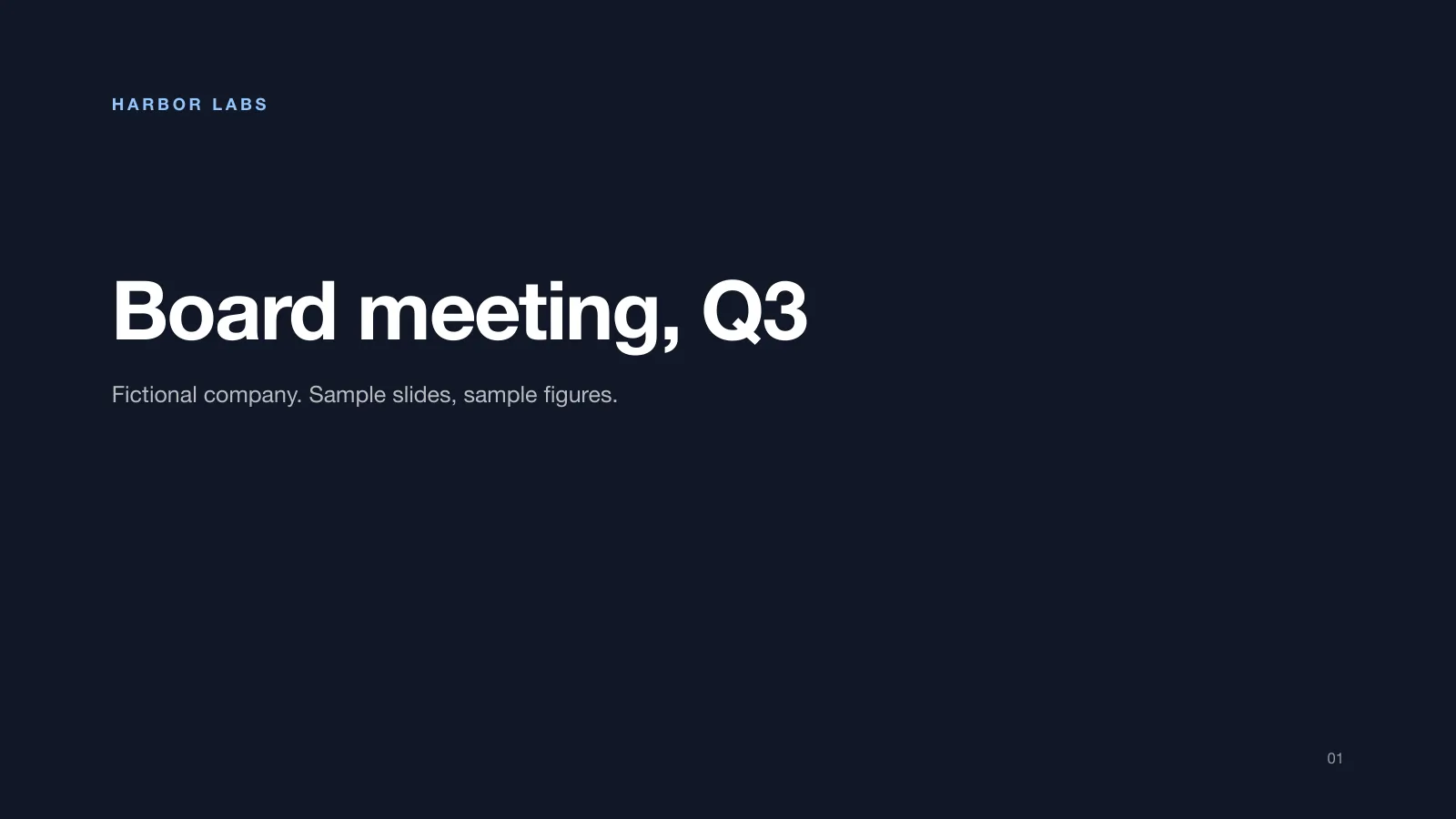 Board deckSlides with a full screen presenter mode, behind a password.
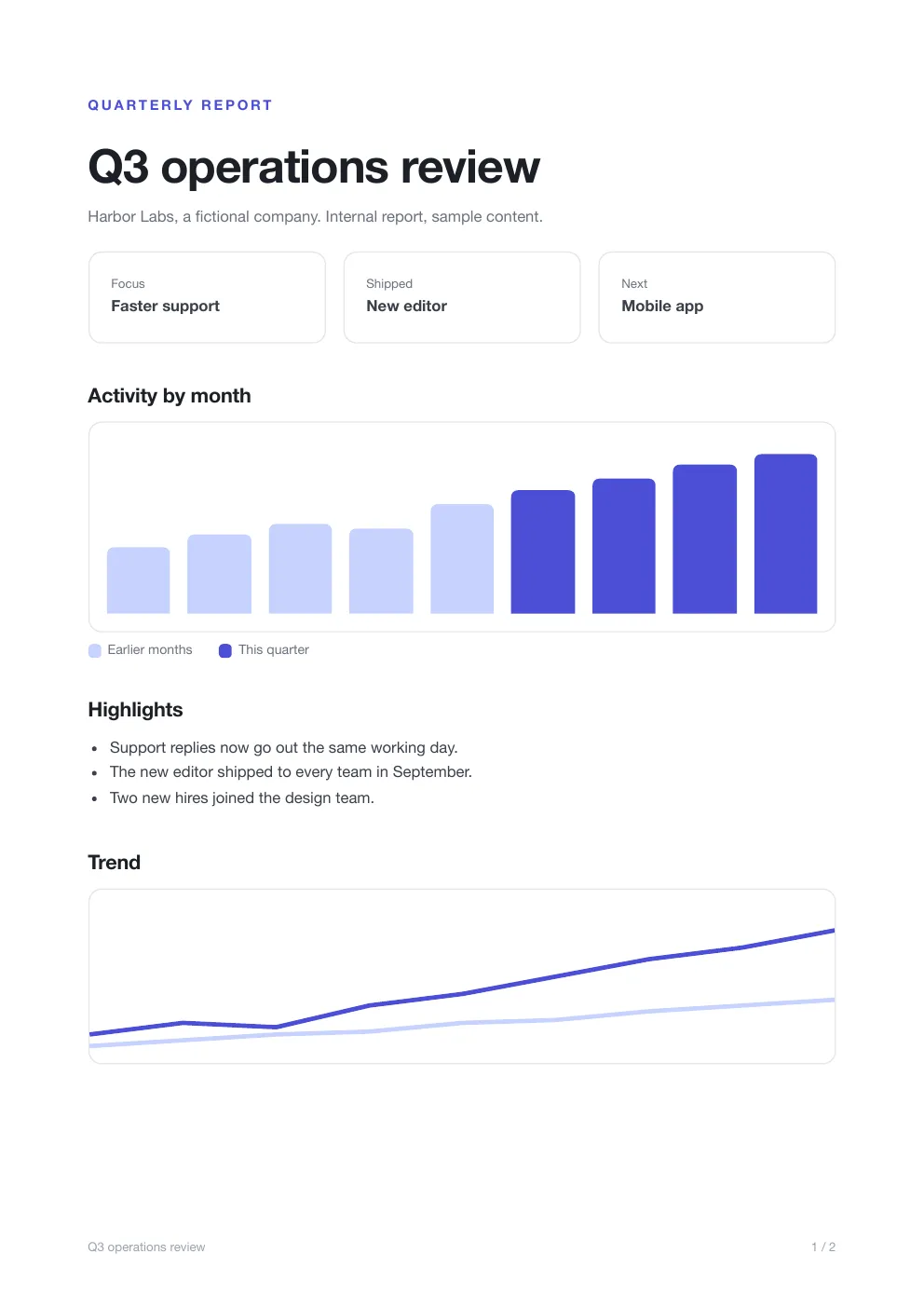 Quarterly or annual reportCharts and pages that stay sharp when they zoom in.
 All hands recordingA video that streams at once, with speed control and seeking.
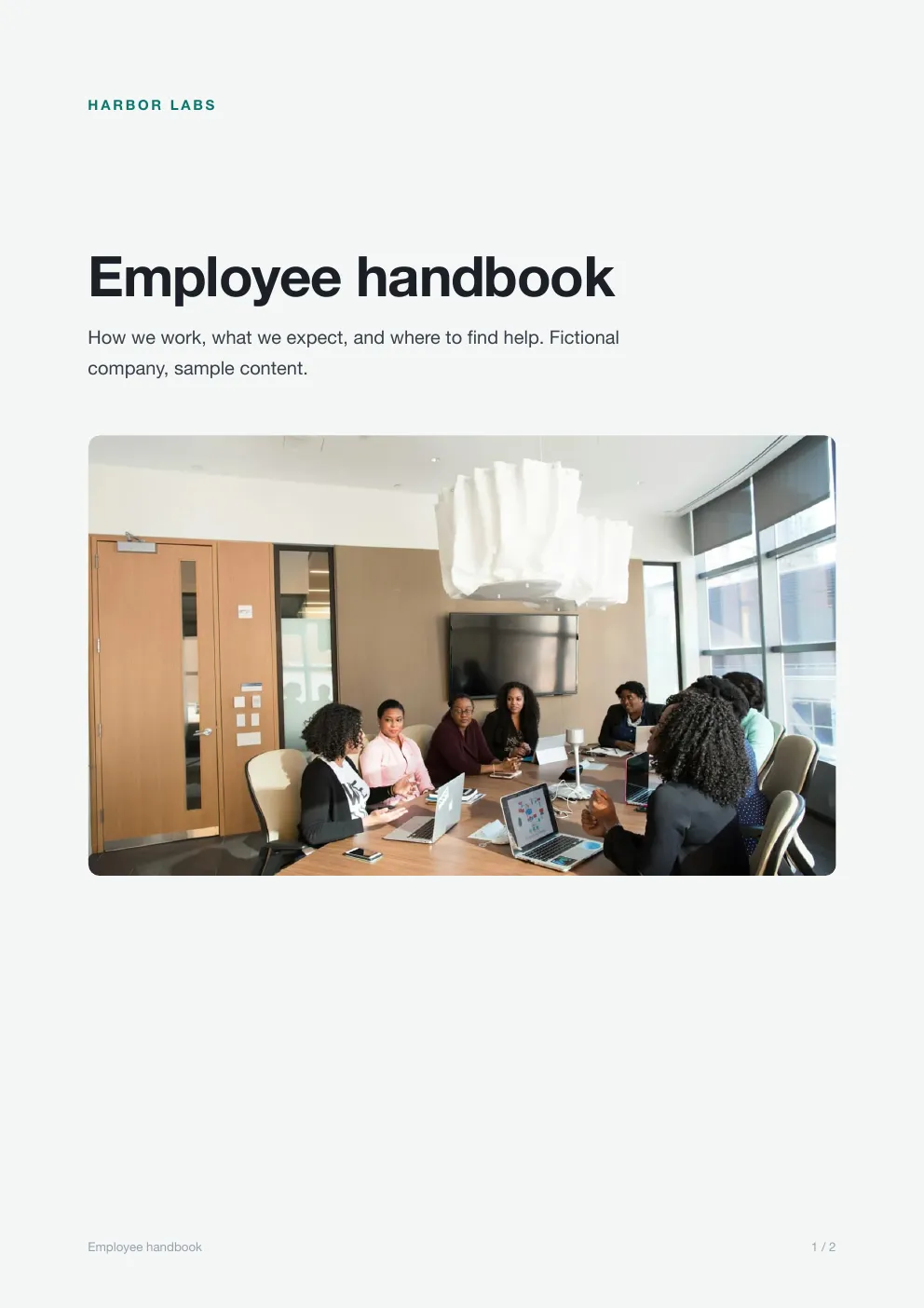 Employee handbookThe handbook in a reader they can open on day one, on any device.
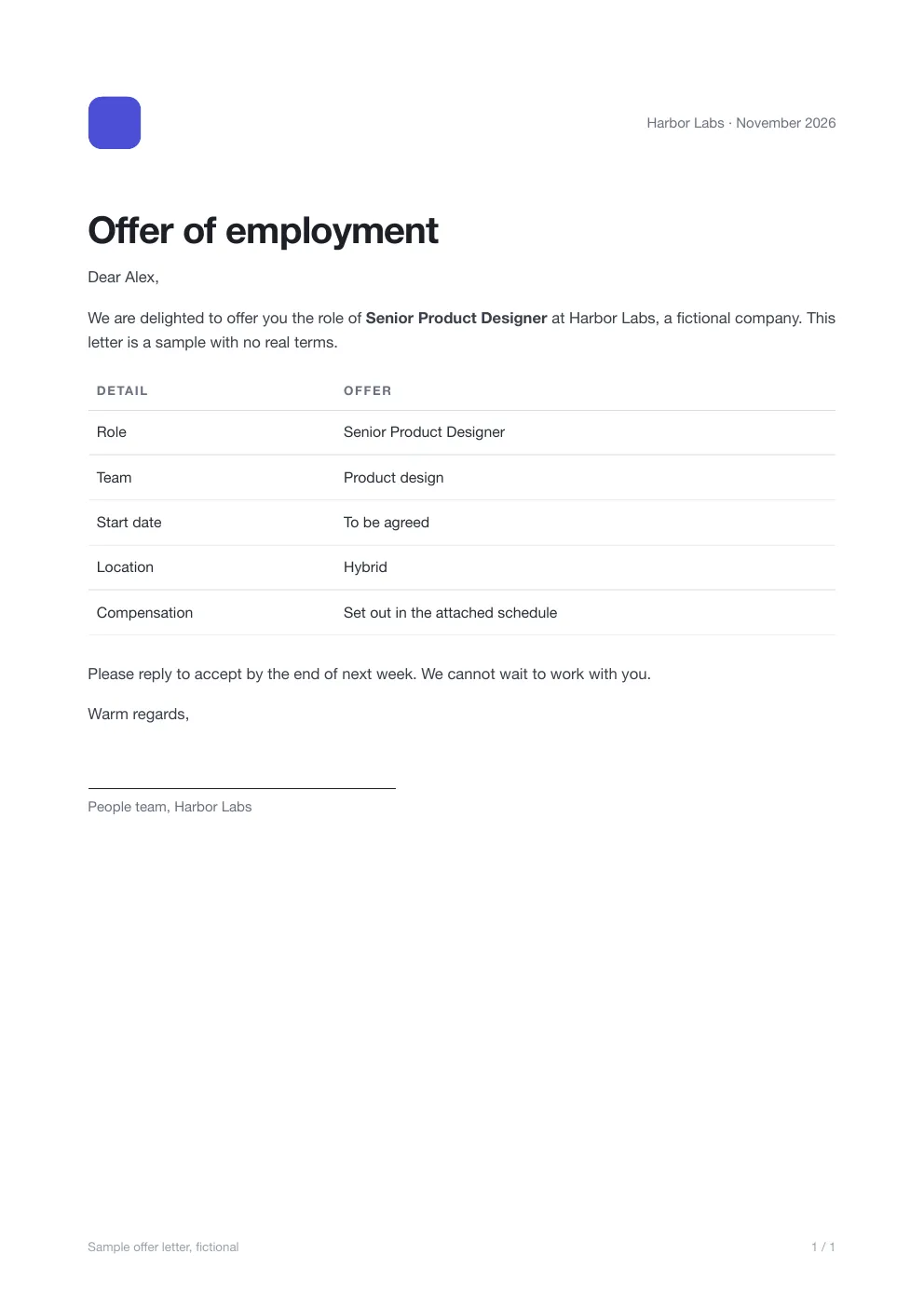 Offer letterThe letter, only after they enter the password you shared.
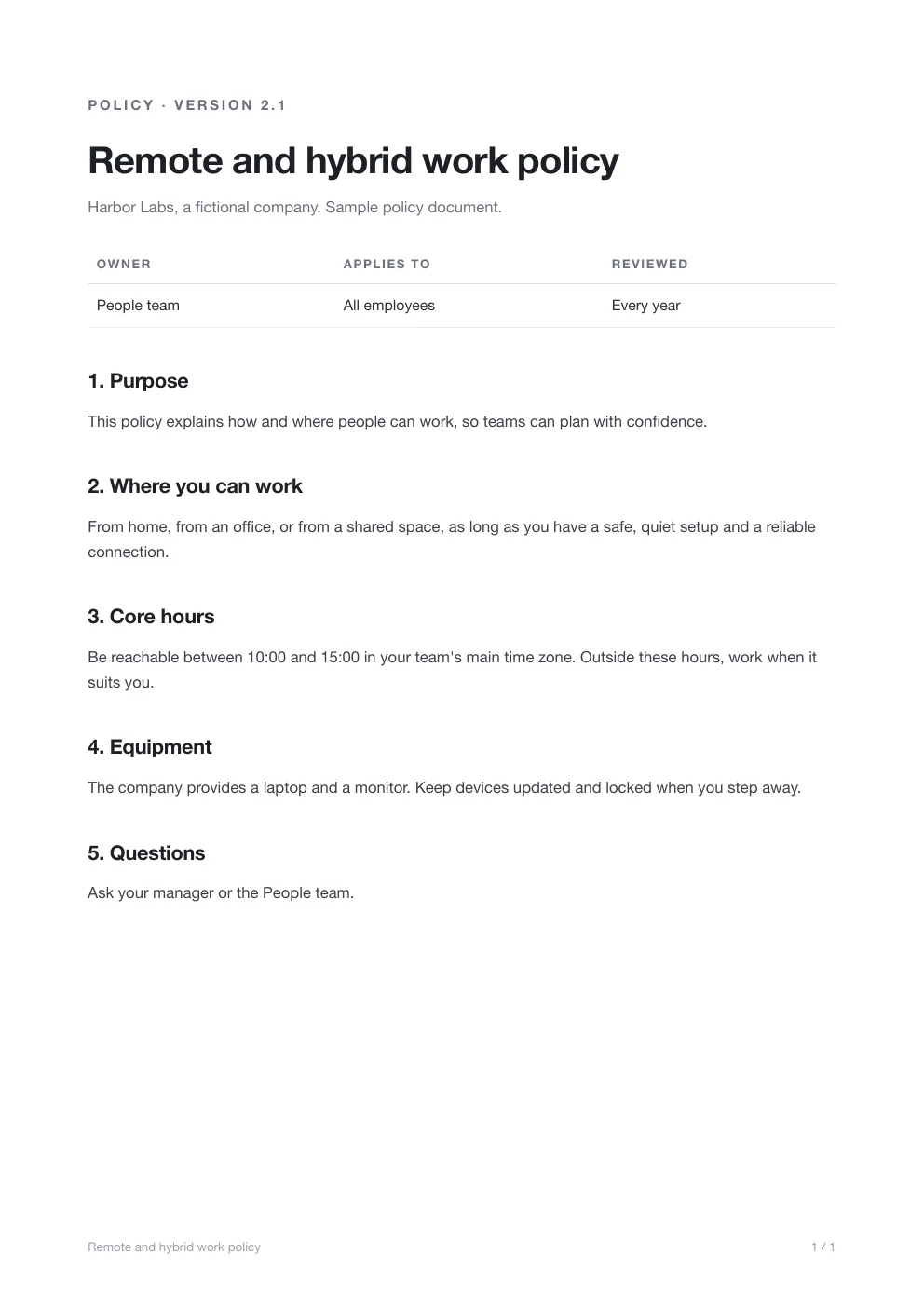 Policy documentsA read only document that always shows the current version.
 Sales deckClean slides with a full screen mode, on any device.
 Product demo videoA screen recording that streams at once, with speed control.
 Webinar recordingThe recording, streaming straight away, no sign up to watch unless you ask for an email.
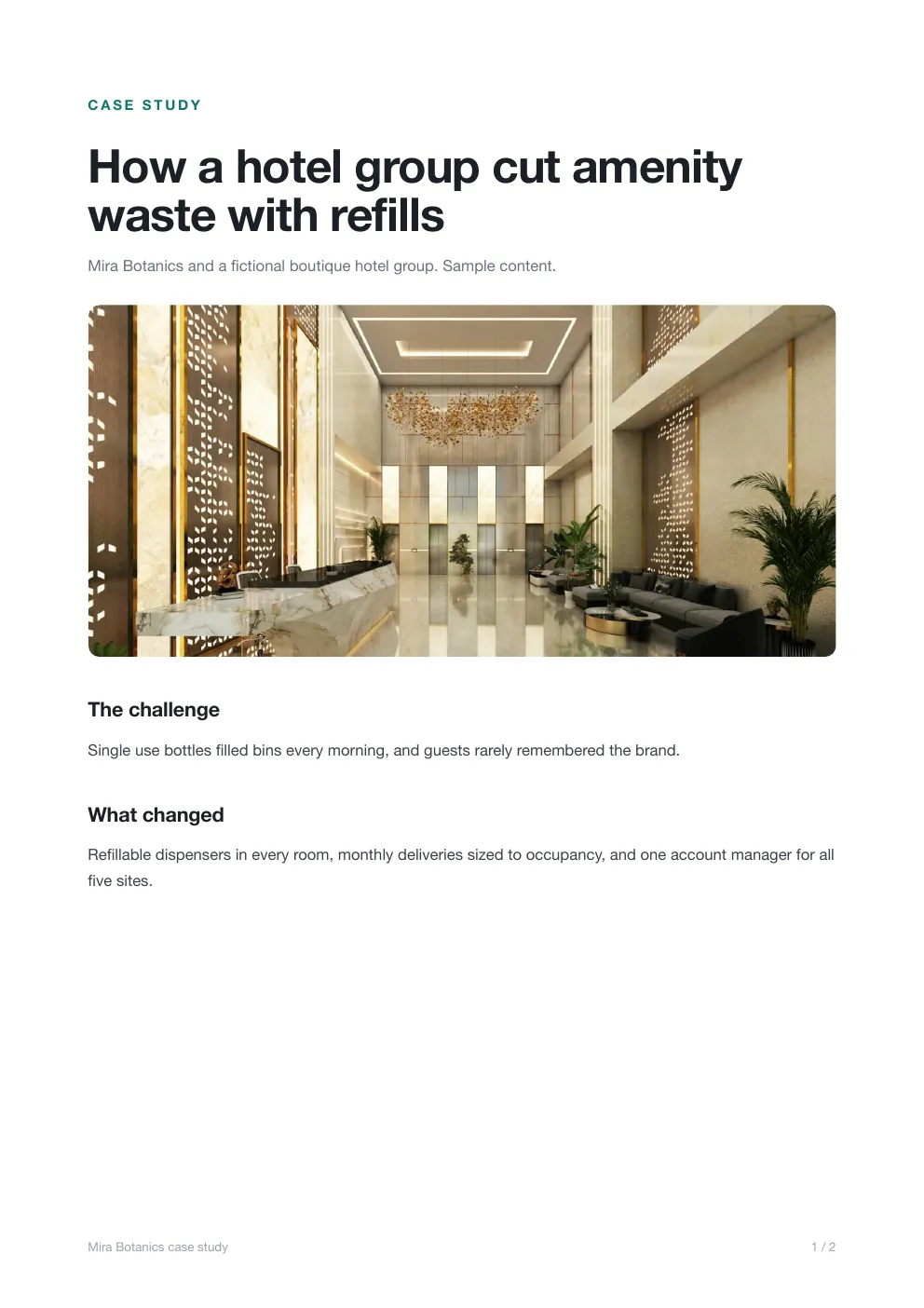 Case studyA short, sharp reader on any device.
How to share a board deck privately
- 1Upload the deckExport the deck to PDF and upload it. You get one short link.
- 2Lock it downAdd a password, turn downloads off and, if you like, set an expiry date for after the meeting.
- 3Send the link and the password separatelyPaste the link in the calendar invite and share the password in a different message.
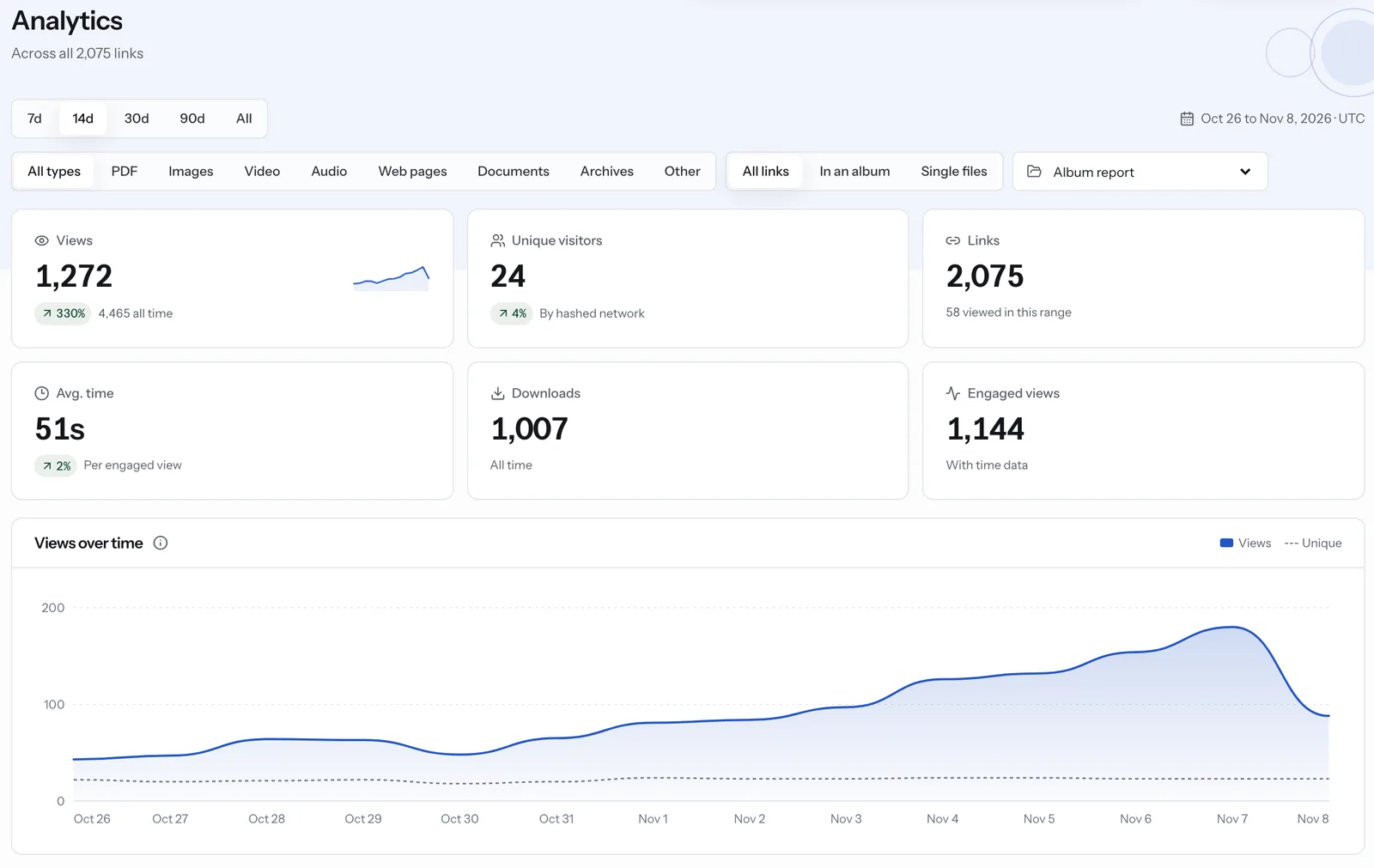
- 4See who read itThe link shows its views and which pages people spent time on, so you know who came prepared.
Attachment, shared drive, data room or a link: how should a team share a deck or a recording?
Verdict: Use a link when you want one file read by the right people with a password, downloads off and view counts. Use a data room only for multi-party due diligence.
Email attachment
- Best for:
- A small file to one colleague
- Strengths:
- No setup
- Trade-offs:
- Copies multiply, the 25 MB cap in Gmail and Outlook.com stops recordings, and there is no way to update or revoke it
A shared drive
- Best for:
- Working files a team edits together
- Strengths:
- Live editing and folder permissions
- Trade-offs:
- People outside the company often hit a sign in or request access page, and you see little about who read what
A virtual data room
- Best for:
- Due diligence with many outside parties
- Strengths:
- Per-party permissions and audit trails
- Trade-offs:
- Setup and a contract for what is often one deck or one report
A link (Link in Seconds)
- Best for:
- One deck, report or recording for a known group
- Strengths:
- Password, expiry, downloads off, email gate, pages read and open alerts
- Trade-offs:
- Not an editor or a system of record; keep the working files where you write them
Link in Seconds price: Free up to 5 MB, 7-day trial for more. Plans are on the pricing page. Checked November 2026.
Where we are the wrong tool
We are not a document editor, a data room with audit trails per bidder, or an HR system of record. Write and sign in your usual tools, and use links from here to share the final files.
Questions business teams people ask
Can I stop a board deck being downloaded?
Yes. Turn downloads off on the link; people can read it in the browser but there is no download button.
How do I know who opened the deck?
Each link shows its views, and you can get an alert when it is opened. For a PDF you also see which pages were read.
Can new starters always get the latest handbook?
Yes. Replace the file on the same link whenever the handbook changes; the link in your onboarding email keeps working.
Is a recording of the all hands safe to share in a channel?
Add a password or an expiry date, and turn downloads off if it should only be watched, not saved.
Can I collect emails before someone watches a webinar?
Yes. Turn on the email gate and viewers enter an email address before the recording opens.