Link in Seconds turns a PDF, photo, video, Word file or ZIP into a short link that only opens after the right password. The person you send it to types the password in their browser, with no account and no app. The password is free on every plan.
See who opened it, and whenLock it with a passwordPrint or share it as a QR code
Drop your file here
Drop several at once and they become one album link
Files up to 250 MB free·
FreeNo sign-up to view250 MB freeWorks in your browser, nothing to install
ImagesPDFsVideoAudioSlidesCodeSites
How do I send a file with a password?
Upload the file, open the link's settings, go to Access and set a password. Send the link in one message and the password in another. The person opens the link, types the password once, and the file opens in their browser. Until then they see only a password box: no file name, no preview, no download.
Works on any file you can upload
PDF, JPG, PNG, MP4, MOV, MP3, Word, Excel, PowerPoint, ZIP, HTML and plain text all take the same password. For a format that does not open in a browser, such as PSD or RAR, put it in a ZIP and protect the ZIP.
The file is never at a public address. Every request goes through one gate that checks the password first, so copying a link out of the page, or guessing where the file is stored, does not get around it.
One password for a whole set of files
Upload several files together and they become one album link. Put the password on the album and it covers every file inside, so the client types it once instead of once per file.
Each unlock is tied to the password that was typed. Change the password and everyone who unlocked with the old one is asked for the new one. Remove it and the link is open to anyone who has the address.
It does not stop people sharing the password. Anyone you give it to can pass it on. If you need to know who opened the file by email address, add the email gate as well.
It does not stop a copy once the file is open. With downloads on, the person can save the file. View-only hides the download button, but nothing stops a screenshot or a screen recording.
It is an access gate, not end-to-end encryption. The file is stored on our servers so it can open in a browser. If even we should not be able to read it, send it direct with our browser-to-browser transfer, which encrypts it on your device.
Password protected file sharing compared
Password protected file sharing compared
Feature
Link in Seconds
WeTransfer (free)
Google Drive
Email attachment
Password on the file
Free, every plan
Ultimate plan
Google Drive, Password on the file: no
Only if you encrypt the file yourself
Viewer needs an account
Link in Seconds, Viewer needs an account: no
WeTransfer (free), Viewer needs an account: no
Not with "anyone with the link"
Email attachment, Viewer needs an account: no
Expiry date you choose
Free
Ultimate plan; free links end after 3 days
Work or school accounts
Email attachment, Expiry date you choose: no
Know when it was opened
Free, with an email alert
Download alerts
Not for anonymous viewers
Email attachment, Know when it was opened: no
Largest free file
250 MB
3 GB per transfer
15 GB storage
About 25 MB
When they are better: WeTransfer for a one-off send of several gigabytes, Google Drive when the other person edits the file with you and has a Google account, an attachment for a small file that must sit in the recipient's inbox. WeTransfer and Google Drive facts checked on 6 Oct 2026 on their own help and plan pages; 25 MB is Gmail's attachment limit. Plans change, so check theirs before you decide.
How it works
1
Upload the file
Drop it on the box above and sign in with Google. You get a short link in a few seconds. Several files at once become one album link.
2
Set a password in Access
Open the link's settings, go to Access, type a password of at least four characters and click Set. Add an expiry date or view-only in the same panel if you want them.
3
Send the link and the password apart
Email the link and text the password. The person opens the link, types the password once, and the file opens in their browser.
What does the person I send it to see?
A plain page with a password box and nothing else. The file name, its size, its type and any preview stay hidden until the right password is typed, and the link's share preview in WhatsApp, Slack or email shows a generic title instead of your file name. After the password, the file opens the same way an open link would: PDFs and Office files in a page viewer, photos full screen, video and audio in a normal player, and a ZIP as a download card. The unlock lasts six hours in that browser, so a client who reads half a contract, has lunch and comes back is not asked again. On a different phone or laptop they type it once more.
How safe is a password protected link?
Safe enough for the everyday reasons people want one: a contract that should not sit open in a forwarded thread, payroll figures, a report with personal details, unreleased work. We store only a hash of the password, not the password itself. Wrong guesses are limited per link and per network, so nobody can try thousands of passwords in a row. Every file request passes the same check, including the address the viewer uses to stream a video. What decides the real strength is your password: use a phrase of three or four words rather than a single word, and never send it in the same message as the link.
·Send the link by email and the password by text or a call.
·Use a new password per client, so changing one does not lock out the others.
·Turn the link off when the job is done; turning it off is instant and reversible.
Can I add an expiry date or make it view-only too?
Yes, and they stack. A password decides who gets in. An expiry date or a view limit decides for how long, and after that the link shows an 'expired' page even to someone who knows the password. View-only removes the download button so the file can be read in the browser but not saved with one tap. For a PDF you can also stamp each page of the preview with the viewer's email or the word Confidential and the date. All of these are in the same settings panel, and all of them are free on every plan.
·The expiry and the view limit are checked before the password box appears.
·Nothing expires unless you set it: by default a link stays live.
Will I know when they open it?
Yes. Every open is counted, with the time, device and country, and you can switch on 'Email me when viewed' to get an email when the link is opened (at most one an hour per link). The password itself cannot tell people apart, because everyone you gave it to types the same one. If you need names, add the email gate as well: the viewer also enters their email, and your dashboard lists who opened it and when.
When is a password protected link the wrong tool?
When the file is bigger than our limit: Free takes files up to 250 MB and Pro up to 500 MB, so a multi-gigabyte video master belongs on a transfer service or on our direct browser-to-browser transfer, which has no size cap but needs your tab open while they receive. When the other person has to edit the file with you, a shared Google Drive or Dropbox folder with named accounts is the better fit. And when the rules where you work say a document must be sent through a specific encrypted system, use that system; a password link is a sensible everyday control, not a compliance certificate.
Set an end date or a view cap and the link stops on its own. Send a quote that expires Friday, or a preview that closes after five opens, without remembering to delete it.
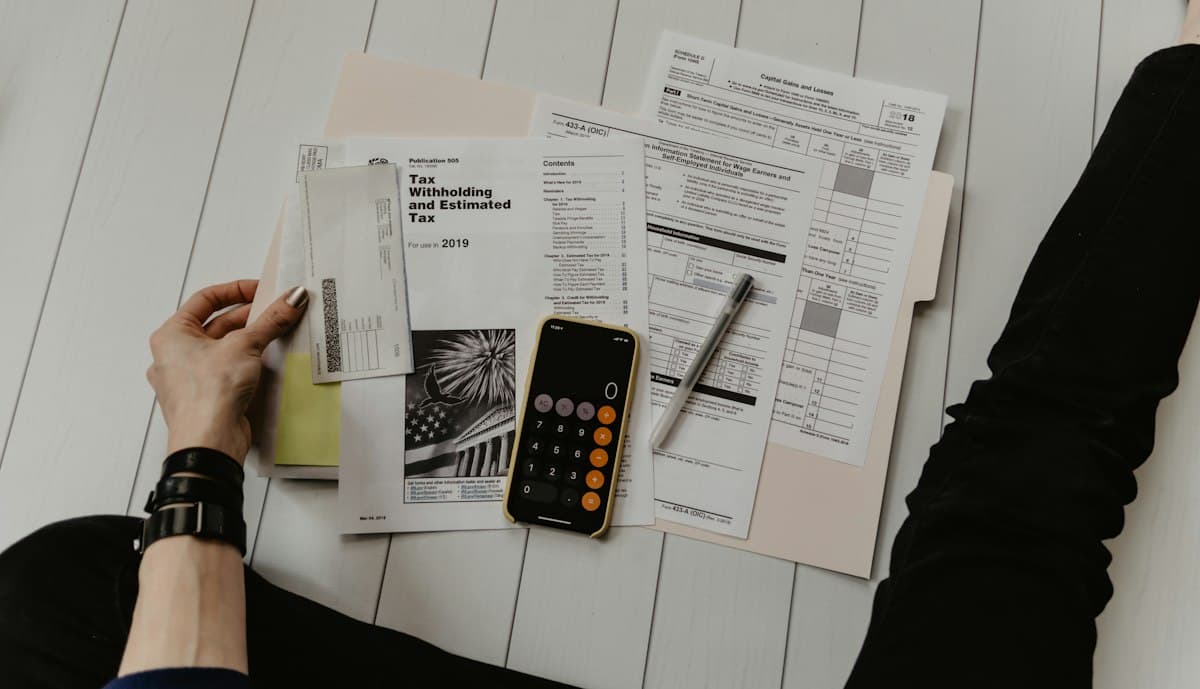
Send a tax return or a payroll file to one client, with the password in a text message.
Designers and agencies
Show unreleased work to the client before launch, and change the password after sign-off.
Teachers and trainers
Give course material to the people enrolled, and change the password when the term ends.
Photographers
Put a family's photos in one album with one password, so only the family can open it.
What people say
In their words
“The admin interface is incredibly intuitive and set up exactly how a user actually thinks. My students all said it was easy to use and worked perfectly.”
JJasonTeacher · shares class materials
“The app is genuinely nice and easy to handle. I keep all my different app links in one place, my App Store and Play Store screenshots, and I organise my images and PDFs into albums with tags. The big storage means everything just lives here.”
EEvelynApp developer
“I handle contracts, invoices and legal files for several different organisations, so almost everything I send is password protected. Link in Seconds makes that simple, and I run my portfolio on a custom domain. It is easy to use and genuinely affordable.”
GGuy HenryFreelancer · contracts and invoices
Every link feature is free. Pro adds room and website hosting.
Yes. The password is free on every plan, like the expiry date, the view limit, view-only and the email gate. Plans differ only in how many links you keep, total storage and file size.
No. They open the link, type the password and the file opens in their browser. Only you, the sender, sign in to upload.
Every type we accept: PDF, images, video, audio, Word, Excel, PowerPoint, ZIP, HTML and text files. For a format we do not take on its own, such as PSD or RAR, put it inside a ZIP and protect the ZIP.
Send it on a different channel from the link: the link by email, the password by text message or a phone call. Then a forwarded email alone does not open the file.
Wrong guesses show an error, and too many in a short time are paused for a while. We cannot recover a password because we store only a hash of it, so set a new one in the link's settings and send that.
Yes. Upload the files together to make an album and set the password on the album. It covers every file inside, so the person types it once.
No. The password controls who can open the file, and the file is stored on our servers so it can be shown in a browser. For a transfer that is encrypted on your device and never stored by us, use our browser-to-browser transfer instead.
Free covers files up to 250 MB; Pro raises it to 500 MB per file. Bigger than that, use our direct browser-to-browser transfer, which has no size cap but needs your tab open while they receive.
Send it, and keep the key
Upload for free, add a password on any plan, and the right people open the file in their browser with nothing to install.