Share a property listing as links buyers open on a phone
Agents send each part of a listing as one link: the photos as an album, the brochure and floor plan as PDFs, and the walkthrough as a video that streams. Buyers open them in a browser with no app and no account, and you see how many people looked.
Updated
Used by 5,300+ people in 140 countries
What each link looks like
These are real sample files, shown the way the person you send them to sees them. Try one.
12 Linden Avenue
4 photos · tap one to open it
Real estateAlbum · 4 photos
Send every listing photo as one album link
A fast photo grid buyers open on any phone, with a full screen viewer.
Which link for which job
| Job | File | What the viewer sees | Control that matters |
|---|---|---|---|
| Listing photos | Photos (album) | A photo grid with a full screen viewer | Download all as ZIP, view tracking |
| Brochure | A brochure reader on any phone | QR code, replace file and keep the link | |
| Floor plan | A plan they can zoom into | Replace file with each revision | |
| Video tour | MP4 video | A tour that streams at once | Download off, view tracking |
| Valuation deck | PDF slides | Slides with a full screen mode | Open alerts, pages read |
| Guest or tenant guide | A short guide on their phone | QR code by the door |
Samples
 Property photo albumA fast photo grid buyers open on any phone, with a full screen viewer.
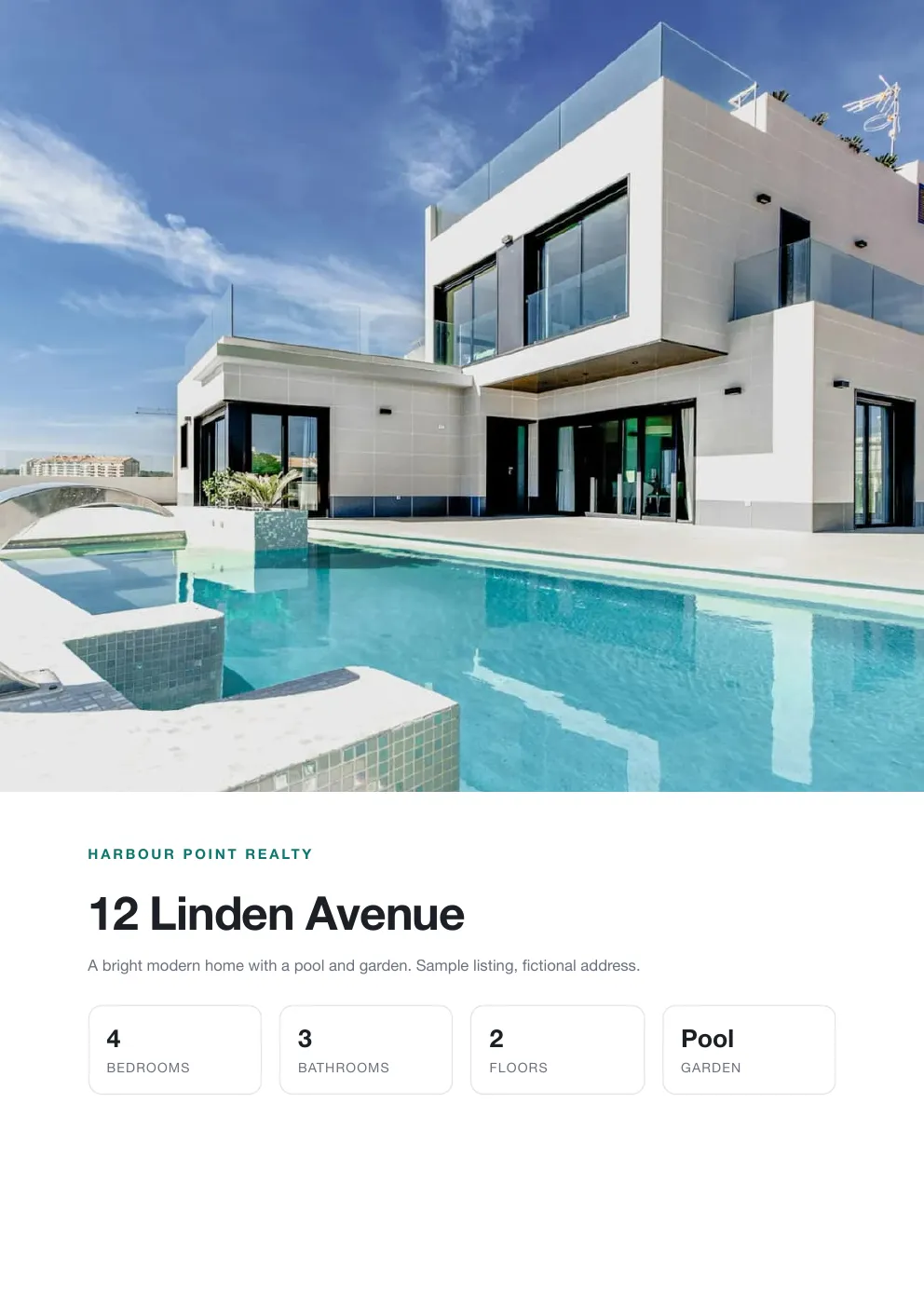 Listing brochureA clean brochure reader on any device, with a QR code for the window card.
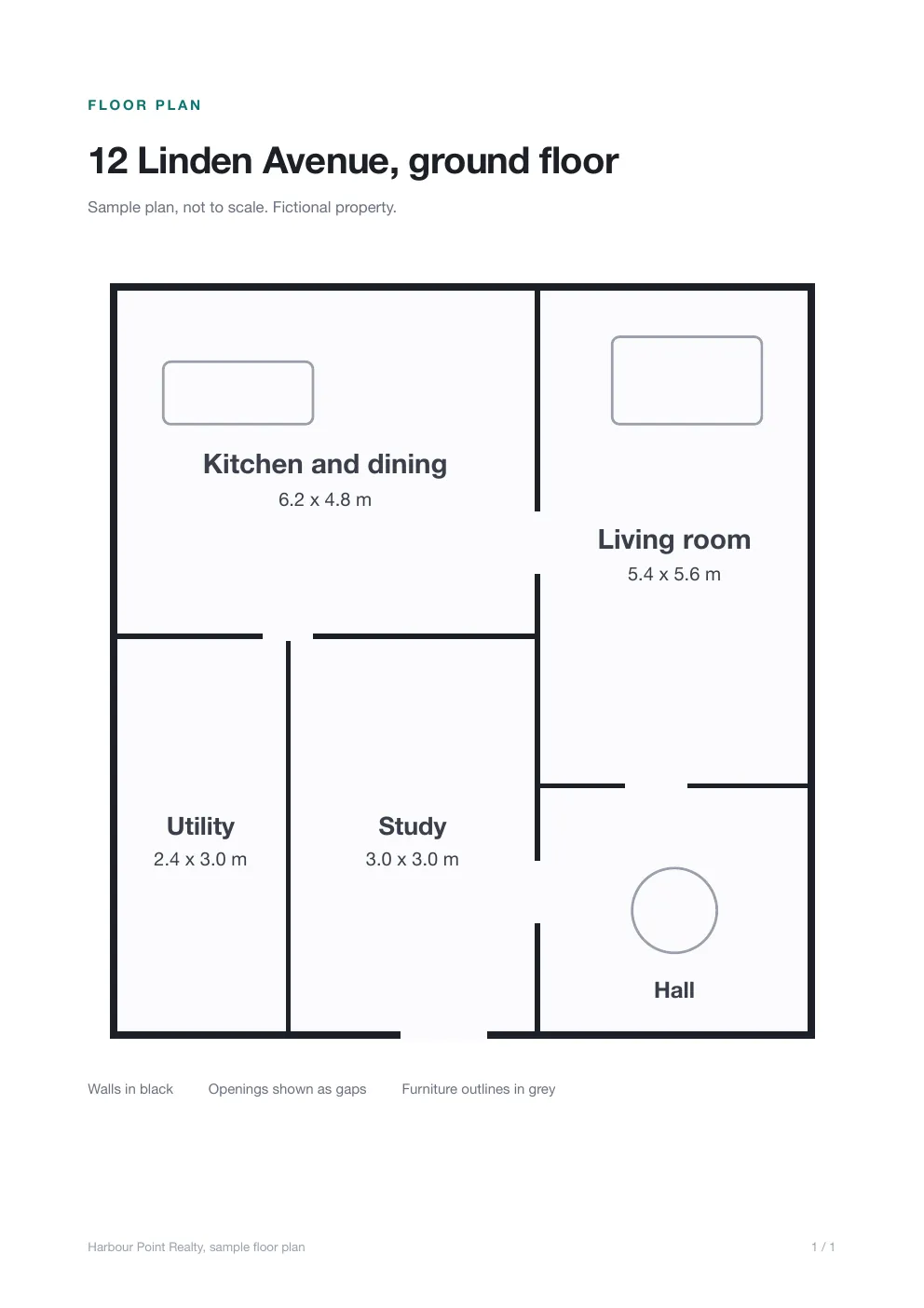 Floor planA sharp plan they can zoom into on a phone.
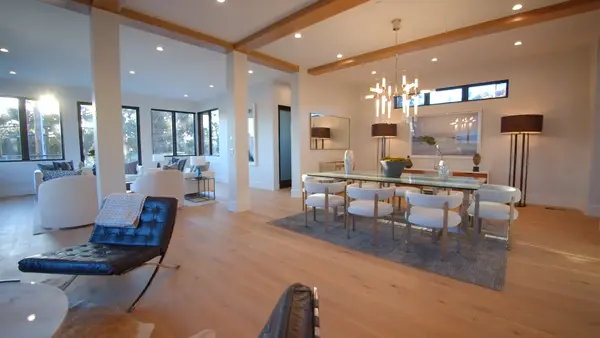 Virtual walkthroughA smooth video tour that plays at once, full screen on a phone.
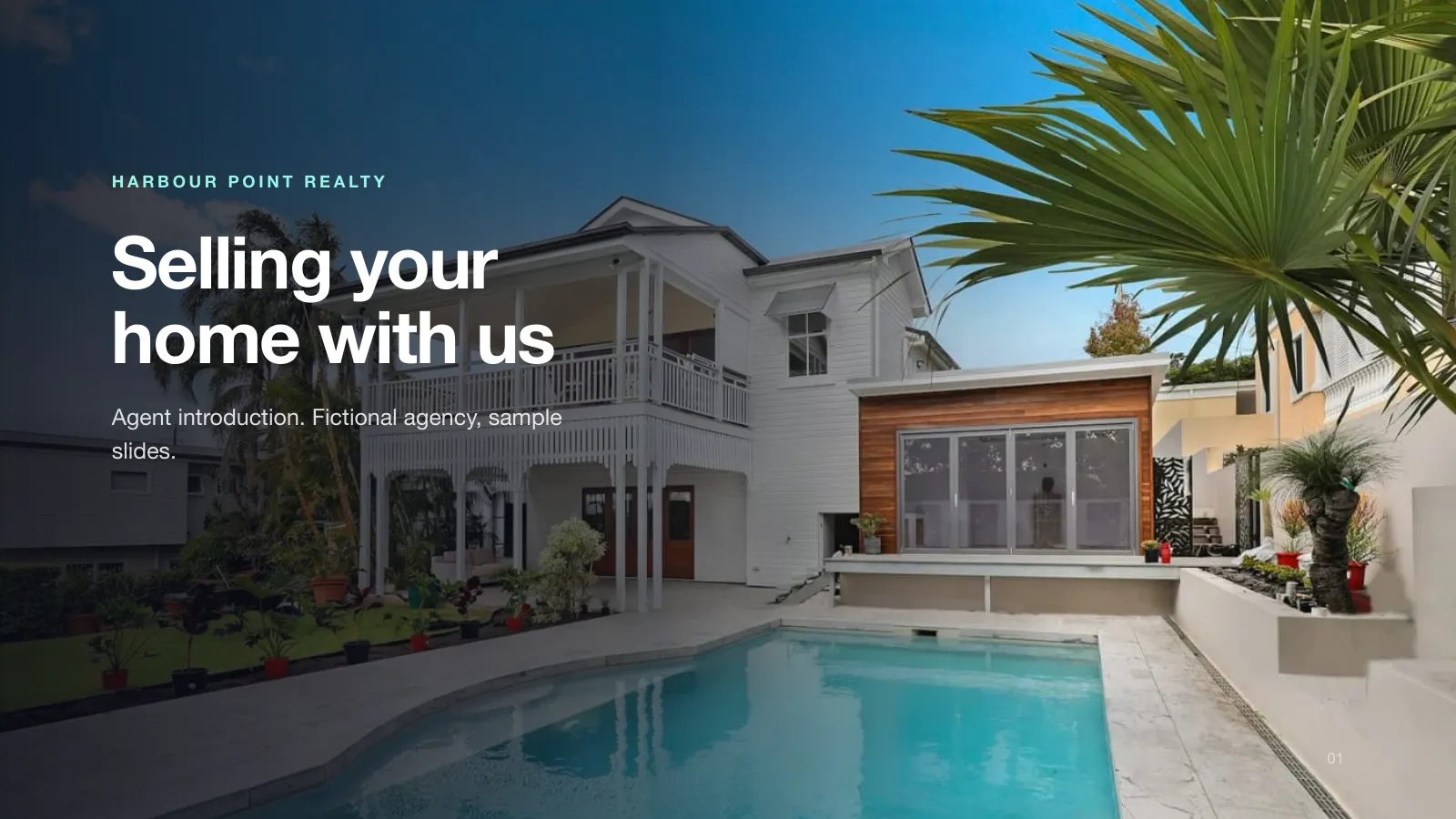 Agent introduction deckSlides with a full screen mode, on any screen.
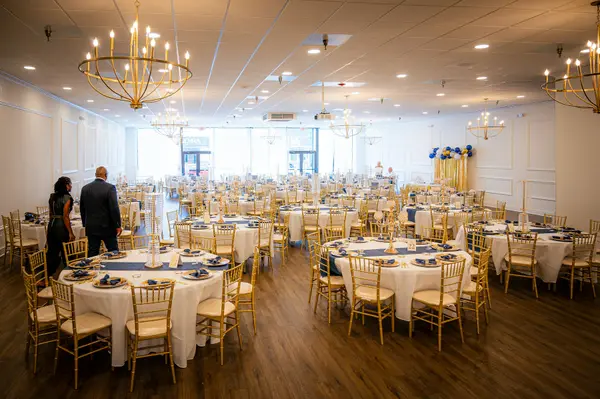 Event venue galleryA calm photo gallery of each space, at full resolution.
How to send a listing pack in a few minutes
- 1Make the albumStart an album and drop in the listing photos. It becomes one link with every photo at full resolution.
- 2Add the documentsUpload the brochure and the floor plan as their own links, so each opens straight into a reader.
- 3Add the tourUpload the walkthrough video. It streams in the browser, so buyers never wait for a download.
- 4Share and printPaste the links into the listing and your emails, and print the QR code on the window card. Replace a file later and the links stay the same.
Email, portal, shared folder or a link: what is the best way to send a listing pack?
Verdict: Send links for the files buyers open on a phone and keep the portal for being found. Attachments bounce once photos or a tour are involved.
Email attachments
- Best for:
- One small PDF to one buyer
- Strengths:
- Nothing new to set up
- Trade-offs:
- Gmail, Outlook.com and Yahoo stop at 25 MB, so a photo set or a video tour bounces, and you never know if it was opened
The listing portal
- Best for:
- Being found by new buyers
- Strengths:
- Reach and search
- Trade-offs:
- The portal decides how the photos and documents are shown, and it is not a private pack for one buyer
A shared drive folder
- Best for:
- Files you also edit with colleagues
- Strengths:
- Already part of your office tools
- Trade-offs:
- Buyers land in a folder view and can be asked to sign in or request access
A link per file (Link in Seconds)
- Best for:
- A pack buyers open on a phone
- Strengths:
- Photo album, brochure reader, streaming tour, QR code for the window card, views per link
- Trade-offs:
- Not a CRM or a portal; each document is its own link (photos group into one album)
Link in Seconds price: Free up to 5 MB, 7-day trial for more. Plans are on the pricing page. Checked November 2026.
Where we are the wrong tool
We are not a CRM, a listing portal or an e-signature service. Use your portal for the listing itself and your CRM for leads; use links from here for the files you send around it.
Questions real estate people ask
Can buyers open the photos without an account?
Yes. The album opens in any browser on a phone or a laptop, with no app to install and no sign up.
Can I update the brochure after I have shared it?
Yes. Replace the file on the link and everyone who has the link sees the new version. The address does not change.
Can I see if a buyer opened the listing pack?
Yes. Each link shows its views, and you can turn on an alert for when a link is opened.
Can I stop people downloading the floor plan?
Yes. Turn downloads off on that link and it can be viewed in the browser but not saved from the page.
Does the walkthrough video play on phones?
Yes. It streams in the browser with seeking and full screen, so nobody downloads the whole file first.