Know the moment your client opens your invoice
Know when a client opens an invoice
“Just checking you received my invoice?” is one of the more awkward messages a freelancer sends. You don't know if it landed in spam, whether the client opened it, or whether they're actively avoiding it. So you wait a few more days, then send another version of the same cringe email.
There's a better way. Send your invoice as a trackable link instead of an attachment, and you'll know the exact moment the client opens it, which changes everything about how and when you follow up. Here's how to do it with Link in Seconds.
Why an attachment leaves you in the dark
A PDF attachment is a one-way street. The moment you hit send, the file is gone and you have no visibility into what happened next. Did the client download it? Did their mail app mangle the filename? Did it go to junk? You have no idea.
A link is different. A link is a URL you control, and one you can watch.
Step 1: Turn your invoice PDF into a link
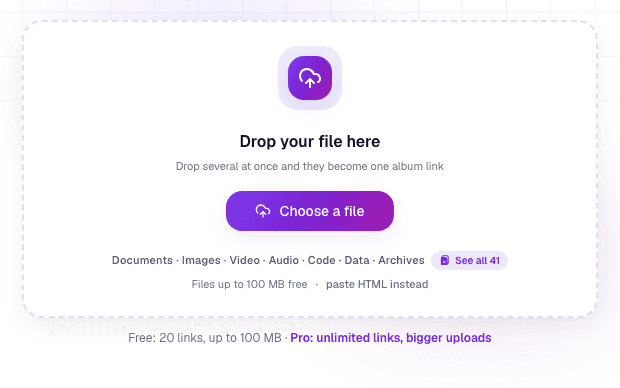
Sign in once with Google, then drop your invoice PDF into the uploader. Ten seconds later you have a clean link like lisview.com/acme-invoice-aug. The people you send it to need no account. They just click and the invoice opens in their browser.
Step 2: Name the link and send it
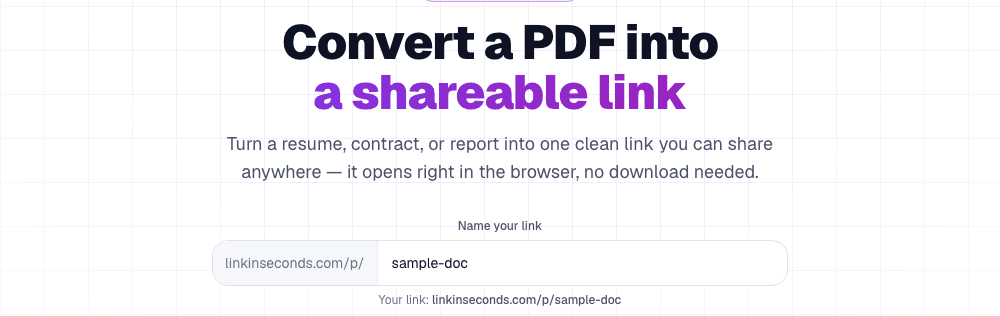
Give it a name the client will recognise. lisview.com/project-name-invoice-sep is cleaner than a random string and less likely to raise eyebrows from a spam filter. Then paste the link wherever you'd normally attach the PDF: email, WhatsApp, a Slack message.
Step 3: Watch the analytics
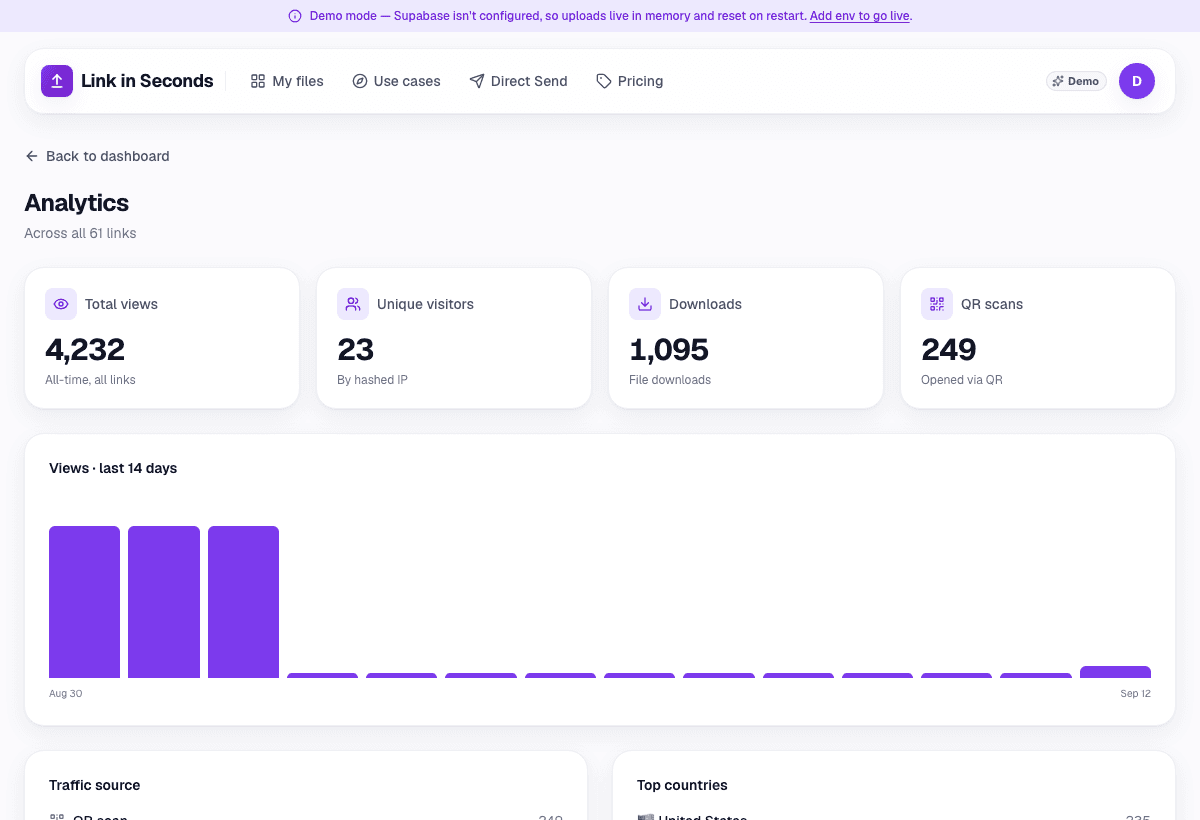
This is the bit that changes your follow-up game. Every open is logged: when it happened, how many unique people looked, roughly which country they're in, and whether they came via a direct click or a QR code. You can see this any time from your dashboard.
Reading what the open (or no open) tells you
The open signal is more useful than it sounds. Here's how to interpret it:
- Opened within an hour: the client is on it. This is a good time to send a quick “let me know if you have any questions”. You know they're looking right now.
- Opened multiple times, no payment: they've seen it. The delay is deliberate, not accidental. Your follow-up can be direct rather than apologetic.
- Never opened after 3-4 days: it probably didn't land. Try a different channel (a WhatsApp message or a phone call) rather than resending to the same inbox.
- Opened from two different countries: the invoice got forwarded, probably to accounts or a finance team. That's usually a good sign. It means it's in the payment queue.
None of this replaces chasing payment, but it lets you chase it intelligently instead of blindly.
The habit worth building
Once you've sent two or three invoices this way, you'll stop sending PDFs as attachments and start sharing files online entirely. The link gives you one thing an attachment never can: the difference between “I didn't see it” and “I saw it and haven't paid yet.” That's a much better position to be in.
This is the same core job that DocSend does for sales decks (see the free DocSend alternative for the full comparison), applied to the thing freelancers actually care about most: getting paid. Or just turn your next invoice into a tracked link now.
Turn any file into a link in seconds
Upload a PDF, image, video, or ZIP and get a clean, trackable link with a QR code, free.
Try Link in Seconds →