How to send a long video from an iPhone or Android phone (6 ways, limits checked)
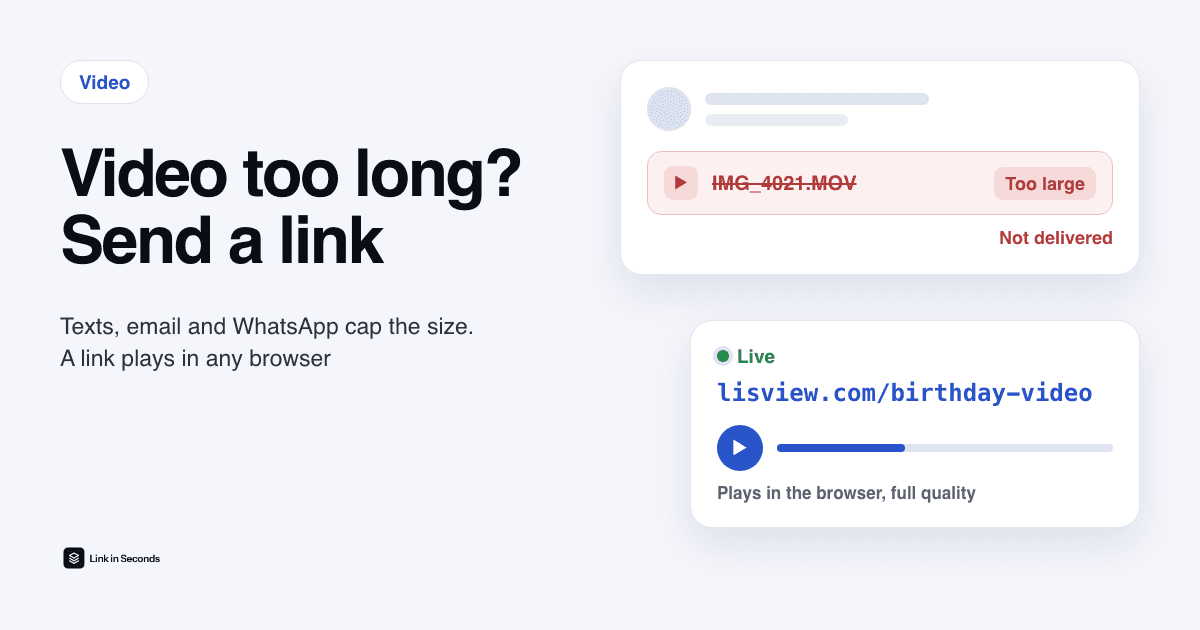
To send a long video from an iPhone or Android phone, upload it once and send a link instead of the file. Texts, email and WhatsApp all cap video size and shrink what they do send. A link keeps the original quality and plays in any browser, with no app for the other person.
Below: why phones refuse long videos, the built-in ways on each phone (iCloud Link, Mail Drop, Google Photos, WhatsApp, AirDrop and Quick Share) with their real limits, and how to send the video as a link that plays in the browser. Every limit was checked on each vendor's own help page on 26 November 2026.
The limits, checked 26 November 2026
- Text message (Messages)
- Apple publishes no size limit. To an Android phone it goes as MMS, which your carrier caps.
- Email (Gmail)
- 25 MB. Bigger files go as a Google Drive link.
- Mail Drop (iPhone Mail)
- Up to 5 GB; the recipient has 30 days to download.
- iCloud Link (iPhone Photos)
- Full quality; the link expires after 30 days.
- WhatsApp video
- 100 MB and 720p by default (64 MB and 480p on a slow connection).
- WhatsApp document
- Up to 2 GB, not recompressed.
- A Link in Seconds link
- 5 MB free, 10 GB per file on the trial and Pro. Links have no expiry date unless you set one. If a plan ends and your files are over the free 5 MB, links pause until you subscribe or delete files; nothing is deleted.
Why does my phone say the video is too long to send?
Because the file is too big, not because the video runs too long. Every route has a size ceiling, and phone video is large: a minute of 4K is several times the size of a minute of 1080p. Your iPhone shows how big a minute is for each setting in Settings > Camera > Record Video. When a video goes over the ceiling, the app either refuses it or quietly shrinks it, which is why a sharp clip arrives blurry.
Text messages are the worst case. Between two iPhones, Messages uses iMessage. To an Android phone it falls back to MMS (or RCS where both sides support it), and the carrier decides how big an MMS can be. That is why the same video sends fine to one friend and fails for another.
How do I send a long video from an iPhone?
Pick the route by who is receiving it and how long it needs to last.
- iCloud Link. In Photos, select the video, tap Share, then Copy iCloud Link, and paste it in any chat. It keeps the original file, but Apple expires the link after 30 days. It needs iCloud Photos turned on.
- Mail Drop. In the Mail app, attach the video and send. When the file is too big for a normal attachment, Mail offers Mail Drop. Apple allows up to 5 GB, and the recipient has 30 days to download it.
- AirDrop. For someone in the same room with an iPhone, iPad or Mac (and some newer Android phones), AirDrop sends the original at full speed.
- A video link. Upload the video from Photos in your phone's browser and send the link. It does not expire after 30 days and works for Android friends too.
If the video will not play for someone
How do I send a long video from an Android phone?
- Google Photos link. Open the video in Google Photos, tap Share, then Create link. Anyone with the link can watch it. It counts toward the 15 GB of storage your Google account shares with Gmail and Drive.
- Gmail. Gmail attaches files up to 25 MB. Anything bigger is uploaded to your Google Drive and sent as a link. Check the Drive sharing setting, or the recipient sees a request-access screen.
- WhatsApp as a document. Tap Attach, then Document, and pick the video file. That sends up to 2 GB untouched. Through the gallery picker, WhatsApp caps video at 100 MB and 720p by default. The WhatsApp-only steps are in how to send a large video on WhatsApp.
- Quick Share. For a phone in the same room, Quick Share sends the original directly. Both phones need Bluetooth and Wi-Fi on for the whole transfer.
Sending between the two platforms has its own catches; see sending large files from iPhone to Android.
Which way should you send a long video?
Each option gets the same rundown: verdict, best for, strengths, trade-offs, price and the date we checked it.
Link in Seconds
A video link that plays in any browser (our product)
- Verdict
- The pick when the person is not next to you and the video has to arrive at full quality: they tap the link and it streams.
- Best for
- Sending to anyone, any phone/Seeing that it was watched
Strengths
- Plays in the browser with seeking, no app or account
- Password, expiry date and view-only on every plan
- You see each view, and can replace the video on the same link
Trade-offs
- Size cap per file (5 MB free, 10 GB per file on the trial and Pro)
- You upload from the phone first, so a big file needs Wi-Fi
- Price
- Free up to 5 MB, 7-day trial for more. Pro $9 a month.
Checked 26 November 2026 on the vendor's own pages.
iCloud Link
iPhone Photos > Share > Copy iCloud Link
- Verdict
- Quick on an iPhone and keeps the original, but the link dies after 30 days.
- Best for
- iPhone users with iCloud Photos on
Strengths
- Built into Photos
- Opens in a browser for the recipient
Trade-offs
- Expires after 30 days
- Needs iCloud Photos and room in your iCloud storage
- Price
- Included with iCloud; storage beyond the free tier is paid.
Checked 26 November 2026 on the vendor's own pages.
Mail Drop
iPhone Mail, for attachments over the normal limit
- Verdict
- Good for one video up to 5 GB by email. The download is gone after 30 days.
- Best for
- Emailing one big video from an iPhone
Strengths
- Up to 5 GB per message
- Does not count against your iCloud storage
- Recipients need no Apple account
Trade-offs
- Download expires after 30 days
- Only from Apple's Mail app or iCloud.com
- Price
- Free with an Apple Account.
Checked 26 November 2026 on the vendor's own pages.

Google Photos
Android Photos > Share > Create link
- Verdict
- The easiest Android route, as long as the video is already backed up.
- Best for
- Android users who back up to Google Photos
Strengths
- One tap to create a link
- Anyone with the link can view it
- No expiry until you stop sharing
Trade-offs
- Counts toward the 15 GB Google storage shared with Gmail and Drive
- No password option
- Price
- 15 GB free across your Google account.
Checked 26 November 2026 on the vendor's own pages.
WhatsApp as a document
Attach > Document, not the gallery picker
- Verdict
- Fine up to 2 GB if you attach the video as a document; the gallery picker shrinks it.
- Best for
- Someone who already uses WhatsApp
Strengths
- Up to 2 GB as a document
- No recompression as a document
Trade-offs
- The gallery picker caps video at 100 MB and 720p by default
- Recipient needs WhatsApp
- The video downloads instead of streaming
- Price
- Free.
Checked 26 November 2026 on the vendor's own pages.
AirDrop / Quick Share
Phone to phone, in the same room
- Verdict
- The fastest and full quality, but only when both phones are nearby the whole time.
- Best for
- Someone sitting next to you
Strengths
- Direct, nothing uploaded
- No size limit worth worrying about
Trade-offs
- Both phones must be close together
- Not for someone in another city
- Price
- Free.
Checked 26 November 2026 on the vendor's own pages.
Someone in the same room
AirDrop or Quick Share
Direct and full quality, nothing uploaded.
Anyone, anywhere, any phone
A video linkRecommended
Streams in the browser at full quality, and it doesn't expire after 30 days.
One email from an iPhone
Mail Drop
Up to 5 GB, downloadable for 30 days.
A WhatsApp contact
WhatsApp as a document
Up to 2 GB with no recompression.
How do I send a video as a link from my phone?
It takes about a minute plus the upload time. Use Wi-Fi for anything over a few hundred megabytes.
- 1
Open the uploader in your phone's browser
Go to video to link, tap Upload and pick the video from Photos or Files. Sign in once with Google. - 2
Keep the screen on until it finishes
The upload runs in the browser. Locking the phone or switching apps for long can pause it on some phones. - 3
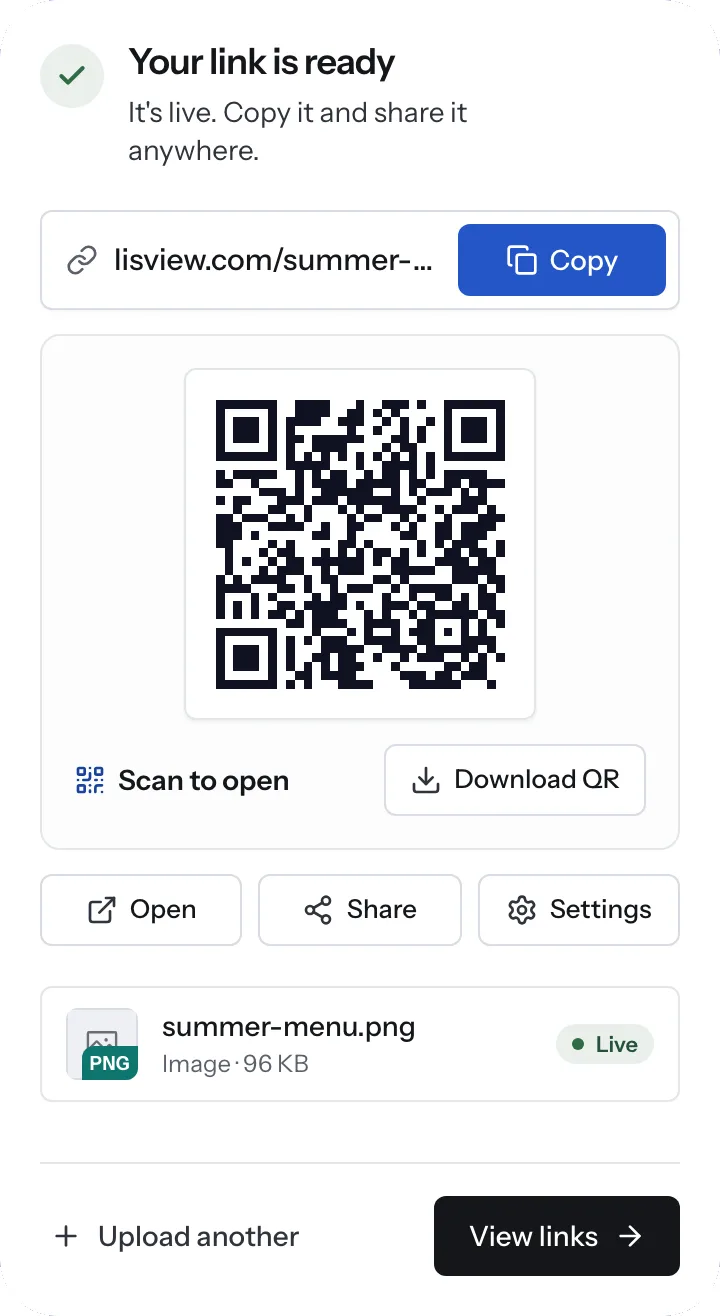
Copy the link and send it
Paste it in Messages, WhatsApp, email or anywhere else. The link shows a preview card in most chat apps. - 4
Lock it if it is private
Add a password, an expiry date or turn downloads off in the link settings. More on that in sharing a video with a password.
What does the other person see?
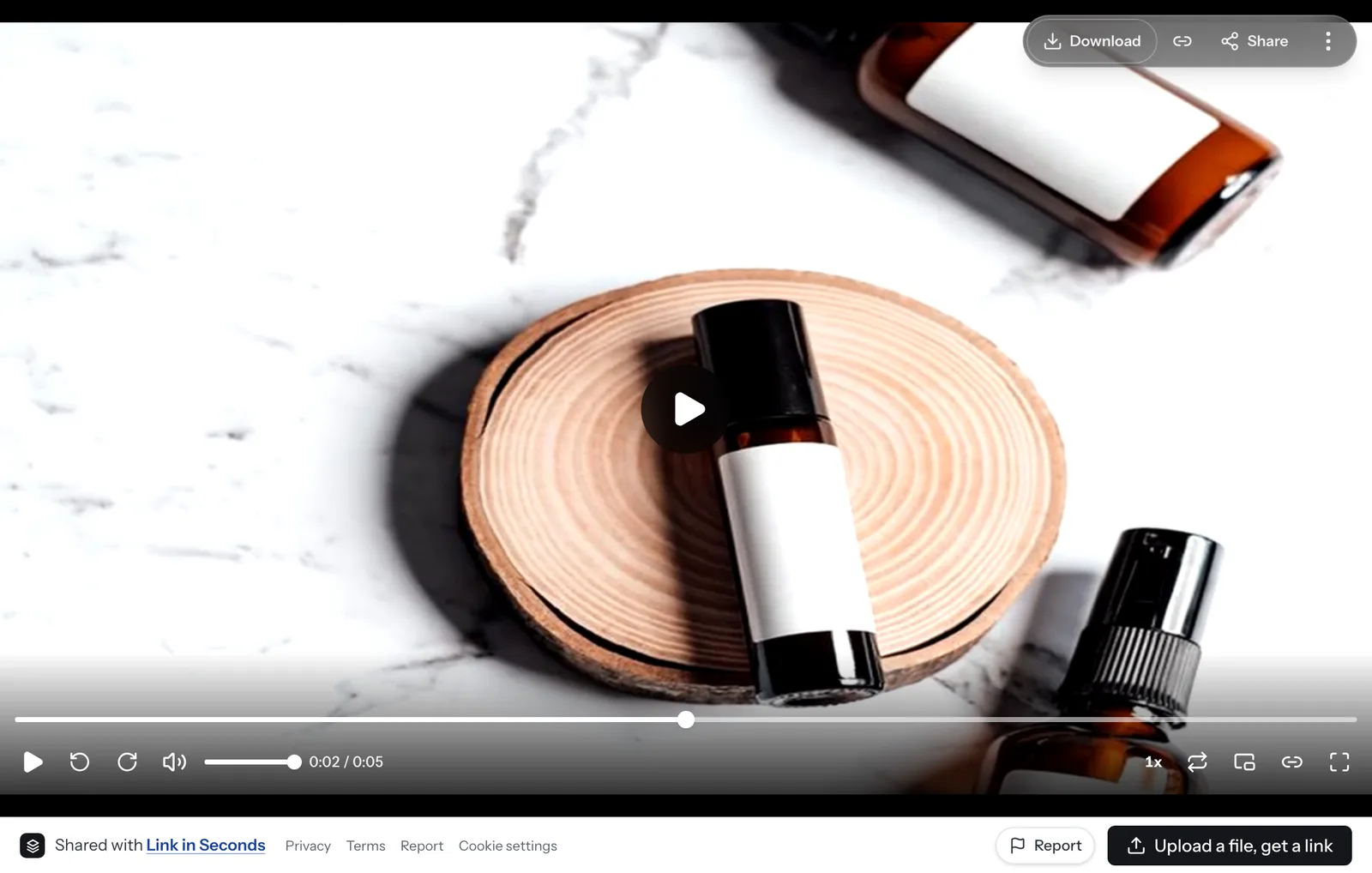
A video player in their browser: a play button, a seek bar they can drag to any minute, speed control and full screen. The video streams, so a long recording starts playing without downloading the whole file first. They need no app and no account. You see how many times it was opened, when, and on which devices.
Can I keep a shared video private?
Yes. A link is unlisted, so only people who have it can open it, and you can add a password, an expiry date or a view limit, and turn the download button off so it plays only. Changed the edit? Replace the video and the same link plays the new version, so nobody needs a new link. Links have no expiry date unless you set one. If a plan ends and your files are over the free 5 MB, links pause until you subscribe or delete files; nothing is deleted.
Sending a video to a business contact rather than a friend? The guide to videos that are too big for email covers compression and YouTube unlisted too, and sending large files by email covers every file type. For trip and holiday clips, see the holiday video example.
Quick answers
Why does my iPhone say the video is too long to send?
Messages and Mail stop at a file size, not a running time. A minute of 4K video is far bigger than a minute of 1080p, so a short 4K clip can fail while a longer 720p one goes through. Apple does not publish the Messages limit, and a text to an Android phone goes as MMS, which your carrier caps much lower.
How do I send a long video from my phone without losing quality?
Send a link to the original file instead of the file itself. A link from iCloud, Google Photos or a file host keeps every pixel, while texting the video or sending it through the WhatsApp gallery picker shrinks it.
What is the biggest video I can send on WhatsApp?
WhatsApp's help page gives a default video limit of 100 MB at 720p on a fast connection (64 MB at 480p on a slow one). Sent as a document instead, a file can be up to 2 GB and is not recompressed.
Does the person need an app or an account to watch the video?
Not with a link that plays in the browser. They tap it and the video streams on any phone or computer. iCloud Links and Google Photos links also open in a browser; WhatsApp and Quick Share need the app or a nearby device.
How long does a shared video link last?
iCloud Links and Mail Drop expire after 30 days. A Google Photos link lasts until you stop sharing. On Link in Seconds a link has no expiry date unless you set one.
Limits checked 26 November 2026 on Apple Support (Mail Drop limits, iCloud Links), Google's Gmail and Google Photos help, Google One plans and WhatsApp's help center. Apple does not publish a size limit for Messages, so we give none. Limits change, so check the vendor's page before you rely on a number.
Related guides
Turn any file into a link in seconds
Upload a PDF, image, video, or ZIP and get a clean, trackable link with a QR code. Free up to 5 MB, no card. 7-day free trial, then $9/mo + tax. $0 today, cancel anytime.
Start free trial →