How to send a pitch deck and see exactly when investors open it
Send a pitch deck, see who opens
You send the deck. Then silence. Did the partner open it? Did they get past slide two? Did they forward it? Emailing a pitch deck as a PDF attachment tells you exactly nothing, and “just following up!” three days later is a weak position to negotiate from. If the deck is heavy, it may not even arrive, which is one more reason to send large files via email as a link rather than an attachment.
Send the deck as a link instead and the fog clears. You see when it's opened, how many different people looked, and whether anyone came back for a second read. Here's the whole flow with Link in Seconds.
Why a link beats an attached deck
- It never bounces. A 20 MB deck full of screenshots sails past inbox size limits because you're sending a URL, not a file.
- It opens in the browser. No download, no “which app opens this,” no broken fonts. It just renders, on a laptop between meetings or a phone in the back of a cab.
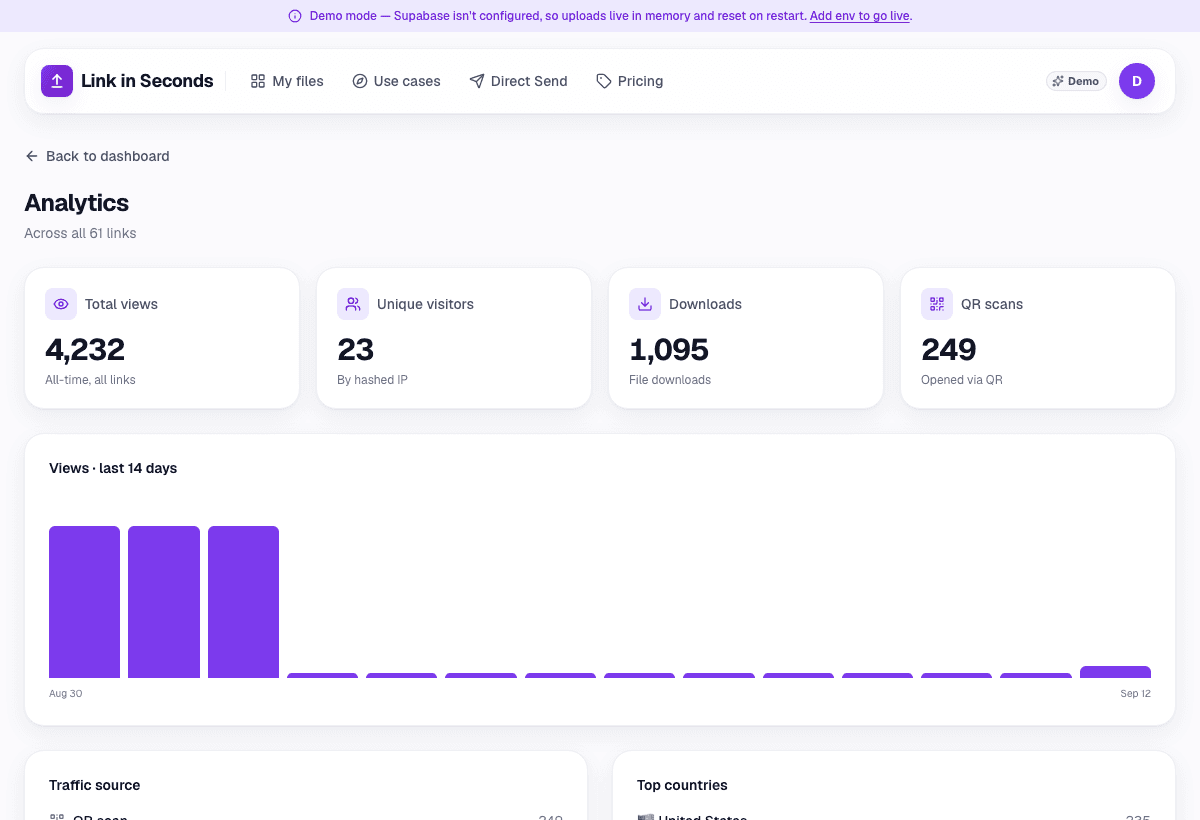
- It tells you what happened. Opens, unique viewers, repeat visits, roughly where from. That's the signal you actually want.
- You can swap the file and keep the link. Fixed a typo on slide 9 after you sent it? Replace the file; the link stays the same.
Send it in three steps
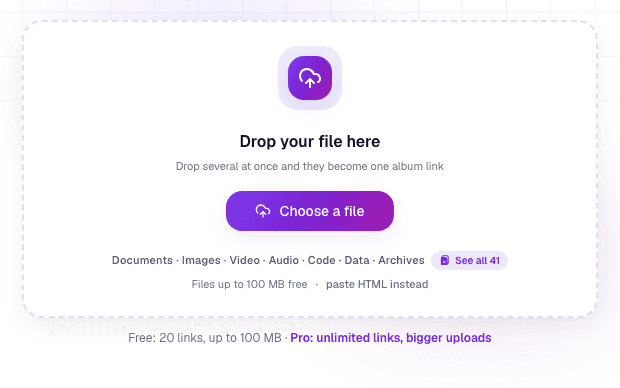
1. Upload the deck
Export your deck to a single PDF and drop it in. It becomes one clean link, the investor clicks and reads, no account, no app. The same PDF to link converter works for any document you want people to read in the browser.
2. Name it and send it
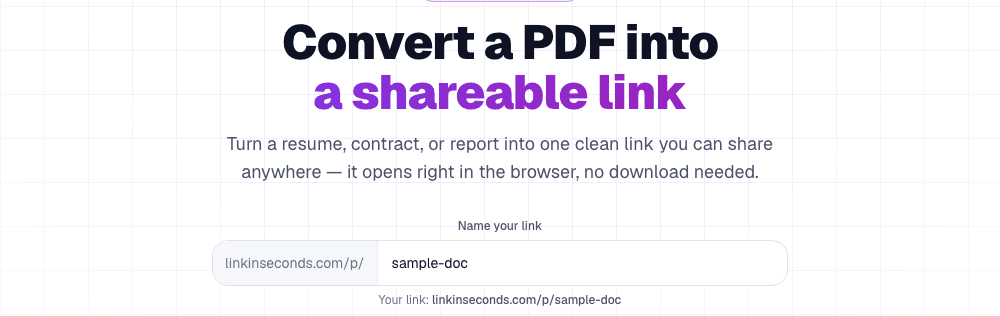
Name it something an investor will recognise in their inbox, lisview.com/acme-seed-deck beats a random string. Then paste the link into your intro email or DM. It is the same way you'd share any file online, one link per conversation is fine, and you'll be able to tell them apart in the analytics.
3. Watch the opens
Now instead of refreshing your inbox, you watch the analytics. Each open is logged; the unique-viewer count tells you how many people at the fund actually looked (a good sign it got forwarded internally); a spike of repeat opens usually means it's being discussed.
Reading the signal
- Opened within an hour of your email: warm. Follow up sooner, not later.
- More unique viewers than people you sent it to: it got forwarded, someone liked it enough to loop in a colleague.
- Never opened after a few days: your subject line or intro is the problem, not the deck. Change the hook, not the slides.
This is the same job DocSend does, minus the subscription, see the free DocSend alternative for the full comparison. Or just turn your deck into a tracked link now.
Turn any file into a link in seconds
Upload a PDF, image, video, or ZIP and get a clean, trackable link with a QR code, free.
Try Link in Seconds →