Direct Send (device to device)
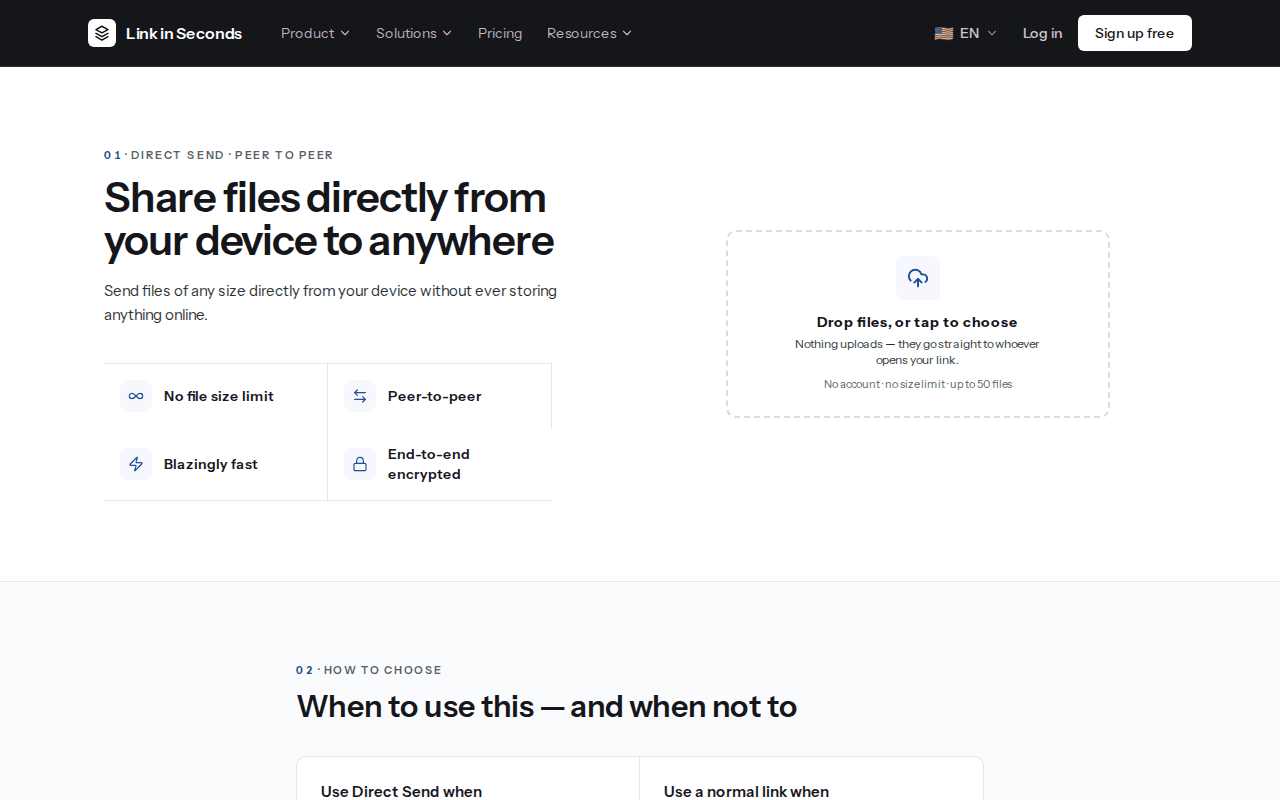
Send a file of any size straight from your device to someone else's, encrypted in your browser, with no copy stored on our servers.
Direct Send moves files straight from your browser to someone else's browser. Nothing is uploaded first and nothing is stored on our servers. It is the right tool when you are both at a device right now and the file is too big, or too private, for a normal upload.
Send files#
Open Direct Send
Go to /transfer, or click Direct Send in the dashboard sidebar. You do not need an account.
Pick your files
Drop files on the box or tap Drop files, or tap to choose. You can send up to 50 files at once. Picking files does not upload them.
Get the link
Click Get the link. You get a short link and a QR code. Use Copy, one of the share buttons, or let the other person scan the code.
Keep the tab open
Your files live only in your tab until they arrive. The status reads Waiting for them to open the link, then Connecting to their device, then Sending, and finally Sent. If you close the tab before that, the transfer stops.
Receive files#
The person you send to opens the link in any modern browser. They see the file names and sizes first, and nothing downloads until they click Accept and download. When each file arrives it shows a Save button. Received files are kept only in that browser tab, so they should save them before closing it.
How it works#
1Your browser
Holds the files and encrypts them
2Our signalling server
Stores a room code, file names and sizes, so the two browsers can find each other
3Their browser
Connects to yours, receives and decrypts the files
- Peer to peer. The browsers connect with WebRTC. Our server passes the short connection messages between them and keeps a list of the file names and sizes, so the receiver can see what is coming. The files themselves are never stored on our servers.
- Encrypted. Every piece of every file, and the file names sent over the connection, are encrypted with AES-GCM in your browser and decrypted in theirs. This sits on top of the encryption WebRTC already uses.
- No size limit from us. Because nothing is uploaded, there is no plan limit on file size. In practice the receiving device needs enough memory and disk space to hold what you send.
- Short lived. A transfer link works for 30 minutes. After that the receiver sees This transfer is no longer available, and there is no copy anywhere to recover.
Treat the link like the file
When to use it#
The Direct Send page has its own “when to use this” guide. In short:
| Use Direct Send when | Use a normal link when |
|---|---|
| The file is too big for email or a normal upload cap. | They will open it later, or you do not know when. |
| You are both at your devices right now. | You want to send it to a group, or post it somewhere. |
| You would rather the file never sat on anyone's server. | You need view tracking, a password, or a QR code that keeps working. |
| You are moving something between your own phone and laptop. | You want the file to still be there next week. |
A normal link is an upload: see Upload files.
Limitations#
Both devices must be online
The sender's tab has to stay open for the whole transfer, and the receiver has to open the link while it does. If the sender closes the tab, sleeps the laptop or loses the connection, the transfer stops and the receiver sees Transfer stopped. Start a new transfer to try again.
Some networks block direct connections
Strict office firewalls and some VPNs block peer-to-peer connections. When that happens you get a message instead of an endless spinner. Try a different network (a phone hotspot often works), turn off the VPN, or send a normal link instead.
Browser support
Direct Send needs a browser that supports WebRTC and the Web Crypto API. Up-to-date desktop and mobile browsers do. Both people use the website, there is no app to install. If something fails on an old browser, update it and try again.
Starting many transfers
To prevent abuse, there is a cap on how many transfers can be started from one network in an hour. If you hit it, you will see Too many transfers started from here in the last hour. Wait a little and try again.
Related#
Last updated 4 October 2026. Something unclear or missing? Tell us.