Yahoo Mail attachment size limit (2026) and how to send a bigger file
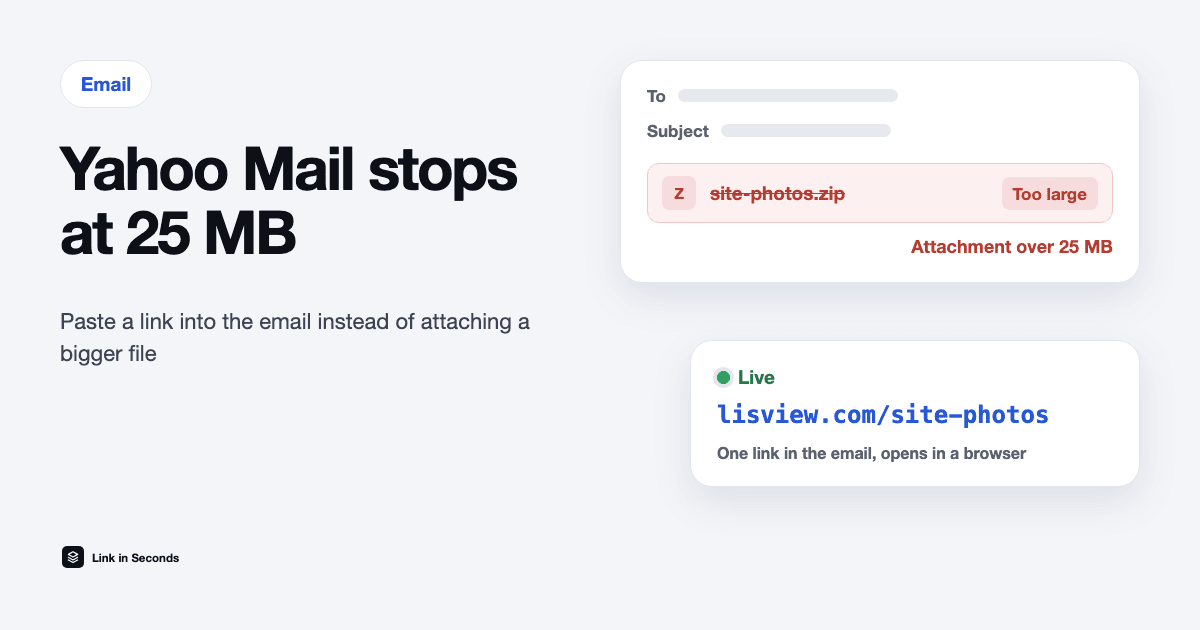
Yahoo Mail's attachment size limit is 25 MB per email, for all attachments together. Because attachments are encoded in transit, the largest file that fits is about 18 MB. To send anything bigger, upload it and paste a link into the email instead.
Below: what counts toward the limit, why a file under 25 MB can still fail, how Yahoo compares with Gmail and iCloud Mail, and how to send a large file from Yahoo Mail step by step. Yahoo's limit was checked on its own help page on 28 November 2026.
Yahoo Mail limits, checked 28 November 2026
- Attachments per email
- 25 MB in total
- Largest file that usually fits
- About 18 MB, after encoding
- Applies to
- Sending and receiving, website and app
- Over the limit
- Yahoo won't send it; share a link instead
- A Link in Seconds link
- 5 MB free, 10 GB per file on the trial and Pro. Adds a few bytes to the email.
What is the maximum attachment size in Yahoo Mail?
25 MB. Yahoo's help page says the attachments in one message must not exceed 25 MB in total file size, and the same rule applies to email you receive. So two 15 MB files fail together even though each one is under the limit on its own.
The limit is the same in the Yahoo Mail app on iPhone and Android and on the website, because it is a rule about the message, not the app.
Why does Yahoo say my file is too big when it is under 25 MB?
Email carries attachments as text, using Base64 encoding, and that makes every file about a third bigger on the way. A 20 MB PDF turns into roughly 27 MB inside the message, which is over the limit. That is why the practical ceiling is about 18 MB. Before you hit Send, the email attachment checker tells you whether a file fits in Yahoo and five other email services, and the file size checker does the same for Gmail, Slack, WhatsApp and other apps at once.
The other person's limit matters too
How does Yahoo compare with Gmail and iCloud Mail?
| Tool | Limit | Over the limit | Recipient needs |
|---|---|---|---|
| Yahoo Mail | 25 MB (about 18 MB usable) | Won't send; share a link yourself | Nothing |
| Gmail | 25 MB (about 18 MB usable) | Sends a Google Drive link | Drive access set correctly |
| iCloud Mail | 20 MB | Mail Drop up to 5 GB, 30 days | Nothing |
| A file linkLink in Seconds | 5 MB free, 10 GB per file on the trial and Pro | Paste the link in any email | A browser |
Yahoo Mail
- Limit
- 25 MB (about 18 MB usable)
- Over the limit
- Won't send; share a link yourself
- Recipient needs
- Nothing
Gmail
- Limit
- 25 MB (about 18 MB usable)
- Over the limit
- Sends a Google Drive link
- Recipient needs
- Drive access set correctly
iCloud Mail
- Limit
- 20 MB
- Over the limit
- Mail Drop up to 5 GB, 30 days
- Recipient needs
- Nothing
A file link
Link in Seconds
- Limit
- 5 MB free, 10 GB per file on the trial and Pro
- Over the limit
- Paste the link in any email
- Recipient needs
- A browser
Gmail's rules are on the Gmail attachment size limit page and Outlook's in the Outlook attachment size guide. Every provider side by side is in email attachment size limits.
How do I send a large file through Yahoo Mail?
There are four ways. Pick by file size and by who receives it.
- Shrink it. Compress a PDF or export a video at a lower resolution. Fine when the file is just over 18 MB and quality can drop a little.
- Split it. Send the photos or pages across several emails of under 18 MB each. It works, but the recipient has to piece them together.
- Cloud storage from the attach menu. Yahoo's help pages point to sharing from Google Drive or Dropbox for files over 25 MB. Which options you see depends on your account and app, so check the attach menu, and set the shared file so anyone with the link can open it.
- Paste a file link. Upload the file once, copy the link and paste it into the email. The recipient clicks and the file opens in their browser, with no account.
How do I send a file from Yahoo Mail as a link?
Upload the file
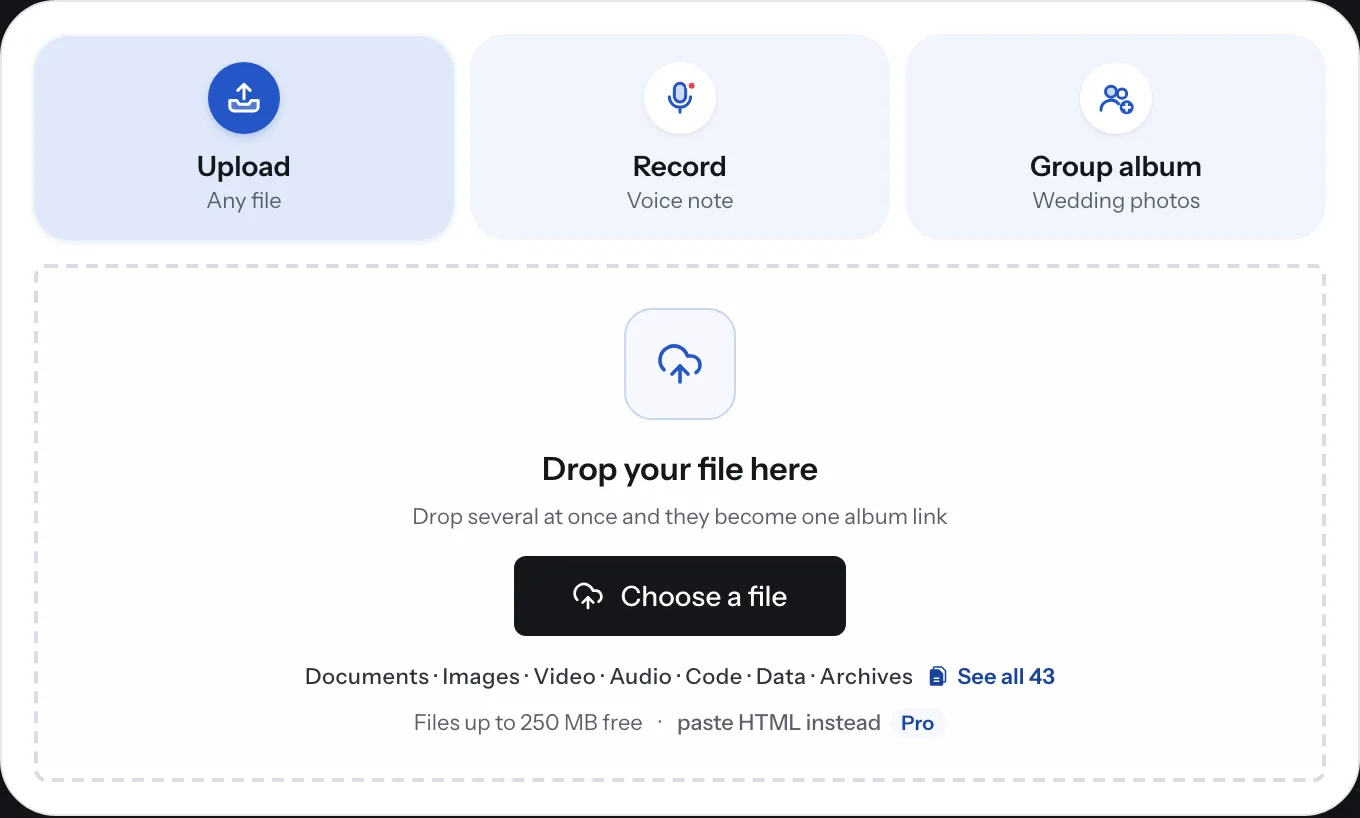
Open send large files by email, drop the file in and sign in once with Google.Copy the link
It is ready when the upload finishes, with a QR code if you need one.Paste it into your Yahoo email
Write your message as usual and paste the link. The email is a few kilobytes, so it can't bounce for size.Check that it was opened
The link shows when and how often it was opened. Fix a typo in the file later and the same link shows the new version.
Which way should you use?
A file just over the limit
Shrink it
Nothing new to set up, if quality can drop a little.
Anything over 18 MB, to anyone
A file link in the emailRecommended
No size bounce at either end, and it opens in a browser.
You already keep the file in Drive
A Drive share link
Works if sharing is set to anyone with the link.
A link also keeps working after the email is read, so the client can find the file again next month. Links have no expiry date unless you set one. If a plan ends and your files are over the free 5 MB, links pause until you subscribe or delete files; nothing is deleted.
Quick answers
What is the Yahoo Mail attachment size limit?
25 MB per email, counting every attachment together. Yahoo's help page says the limit applies to mail you send and mail you receive.
Why does Yahoo reject a 20 MB file when the limit is 25 MB?
Attachments are encoded as text in transit, which makes them about a third bigger. A 20 MB file becomes roughly 27 MB inside the email, so the usable size is about 18 MB.
How do I send a large file through Yahoo Mail?
Upload the file to a file link or cloud storage service, copy the share link and paste it into the email. The email stays small, and the recipient opens the file from the link.
Does the Yahoo Mail app have a different limit?
No. The 25 MB limit is per message, so it is the same in the Yahoo Mail app on iPhone and Android as on the website.
Can I send several emails of 25 MB each?
Yes, the limit is per message. Splitting a set of photos across several emails works, but the recipient has to collect every email, so one link is usually easier.
Yahoo's limit checked 28 November 2026 on Yahoo Help (message size limits, and the AT&T Yahoo Mail attach article). Gmail checked the same day on Google's Gmail help. iCloud Mail and Mail Drop checked 26 November 2026 on Apple Support. Limits change, so check the provider's page before you rely on a number.
Related guides
Turn any file into a link in seconds
Upload a PDF, image, video, or ZIP and get a clean, trackable link with a QR code. Free up to 5 MB, no card. 7-day free trial, then $9/mo + tax. $0 today, cancel anytime.
Start free trial →