How to email a 50 MB file (or 45, 75, 100 MB): 5 ways that work
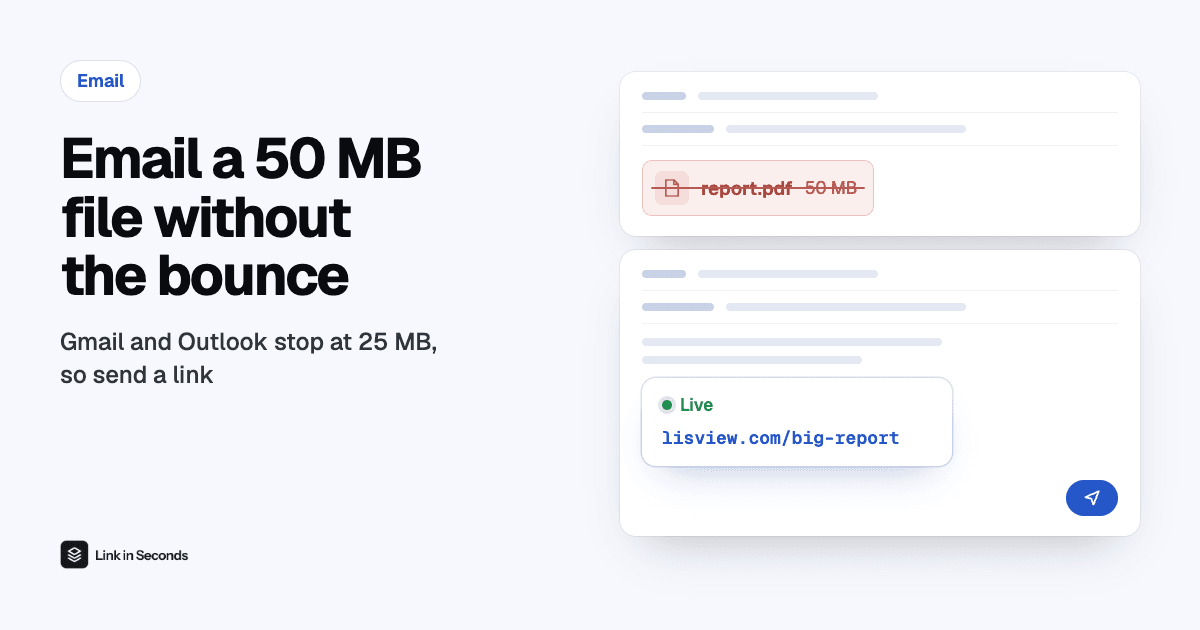
To email a 50 MB file, don't attach it: upload it to Link in Seconds (or a cloud drive), copy the link and paste it into your email. Gmail, Outlook.com and Yahoo cap attachments at 25 MB, and encoding makes a 50 MB file about 69 MB in transit, so it bounces. A link is one line of text, so the email always sends, and the recipient opens the file in their browser.
Can you attach a 45, 50, 75 or 100 MB file to an email?
No, not on a normal personal account. Email turns every attachment into Base64 text, which adds roughly a third to its size, and the 25 MB limit applies to that encoded version. (The full explanation, provider by provider, is in our guide to email attachment size limits.)
| Your file | Size in transit | Fits a 25 MB inbox? |
|---|---|---|
| 30 MB | about 41 MB | No |
| 45 MB | about 62 MB | No |
| 50 MB | about 69 MB | No |
| 75 MB | about 103 MB | No |
| 100 MB | about 137 MB | No |
How do I send a 50 MB file by email?
- Upload the file. Drop it into Link in Seconds (or your cloud drive). Free covers files up to 250 MB.
- Copy the link. It is a short URL, the same length whether the file is 5 MB or 200 MB.
- Paste it into your email with a line of context, such as “Here is the 50 MB report”. A bare link is more likely to look like spam.
- Send. The email is tiny, so it never bounces. The recipient clicks and the file opens in their browser, with no account and nothing to install.
Which way of sending a big file should I use?
All five work for 45 to 100 MB. The differences are who needs an account, and how long the link keeps working.
| Method | Free size | Account needed | Link lasts |
|---|---|---|---|
| Gmail + Google Drive link | 15 GB of Drive storage (free) | Google account to send; recipient may hit a sign-in or access request | Until you delete or unshare it |
| Outlook + OneDrive link | 5 GB of OneDrive storage (free) | Microsoft account to send | Until you delete or unshare it |
| iCloud Mail Drop | Up to 5 GB | Apple Mail or iCloud.com to send | 30 days, then it expires |
| WeTransfer (free) | 3 GB per 30 days, 10 transfers | None to open | About 3 days |
| Link in Seconds | 250 MB per file free, 500 MB on Pro | None to open | Until you delete it |
- Already in Gmail or Outlook? Their built-in Drive or OneDrive link is the fastest, but recipients outside your company sometimes hit a “request access” screen.
- Sending once, and it can expire? WeTransfer or Mail Drop is fine.
- The link must keep working, or you want to know it was opened? Use a file link: it stays up until you delete it, you can add a password or expiry, and you see the views.
Will compressing the file get it under 25 MB?
Usually not. A 50 MB file has to lose more than 60% of its size to fit, and video, photos and most PDFs are already compressed. For a scanned PDF it can work, see how to reduce a PDF's file size; for a video, a link is quicker than re-encoding it (video too big for email). Photos work the same way: a photo to link keeps the full quality that compressing would throw away.
Quick answers
Can you send a 50 MB file by email?
Not as an attachment on Gmail, Outlook.com or Yahoo. Their 25 MB limit counts the encoded message, and Base64 encoding makes a 50 MB file about 69 MB in transit. Send a link to the file instead and paste it into the email.
How do I email a 75 MB or 100 MB file?
Upload the file somewhere that gives you a link, then paste the link into your email. Gmail does this for you with a Google Drive link, Outlook with OneDrive, Apple Mail with Mail Drop, or you can use a file link service such as Link in Seconds, which opens in the browser with no account for the recipient.
Will zipping a 50 MB file get it under 25 MB?
Almost never. Video, photos, MP3s and most PDFs are already compressed, so a ZIP usually saves only a few percent. You would need to shrink the file by more than half, and some company mail filters block ZIP attachments anyway.
Why does the email bounce even when the file is under 25 MB?
Because the limit applies to the encoded message, which is about a third bigger than the file on your disk. The largest file that reliably fits a 25 MB account is about 18 MB.
Related guides
Turn any file into a link in seconds
Upload a PDF, image, video, or ZIP and get a clean, trackable link with a QR code, free.
Try Link in Seconds →