See who watched your video
Send your video as a link and see every view: when it played, on what device, and how far each person got.
Drop your file here
Drop several at once and they become one album link
or paste an image Ctrl+V
Up to 10 GB per file on Pro. 7 days free, then from $3/mo. Cancel anytime. See plans
“My students all said it was easy to use and worked perfectly.”
How can I see who watched my video?
Share the video as a link here instead of an attachment or a YouTube upload. Every view is listed with its time, country and device, plus how much of the video played and whether it reached the end. Views have no name attached, so turn on Ask for their email first if you need to know exactly who it was.
- people sharing files
- 5,500+
- links shared
- 11,400+
- times opened
- 40,300+
Track who watched your video in 3 steps
Upload the video
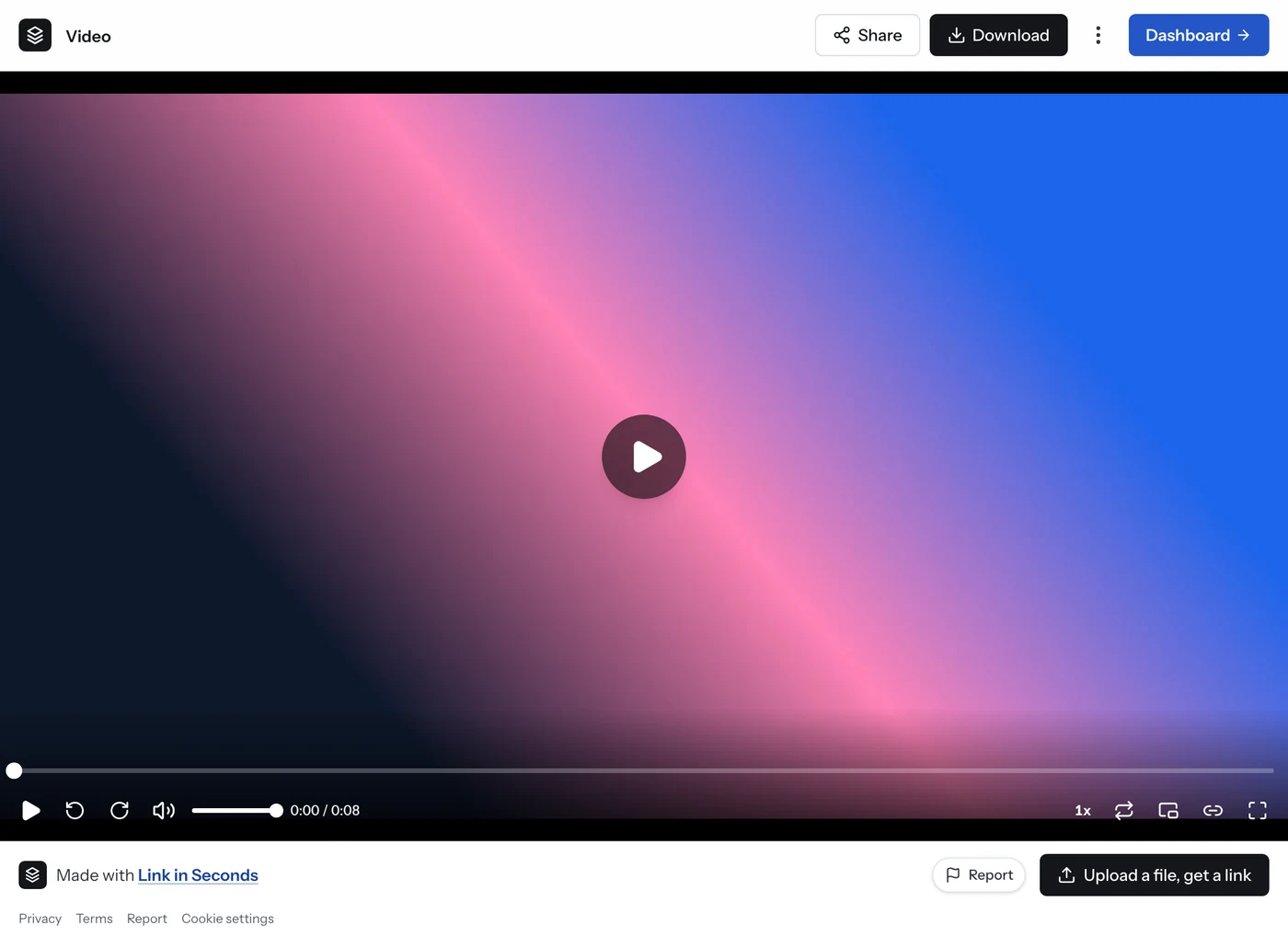
Drop an MP4, MOV or WebM into the box above. It plays in the browser as soon as it is ready.
Turn on the extras you want
In the link's settings, switch on Email me when someone opens it or Ask for their email first, or switch off Let people download it.
Send it and watch the numbers
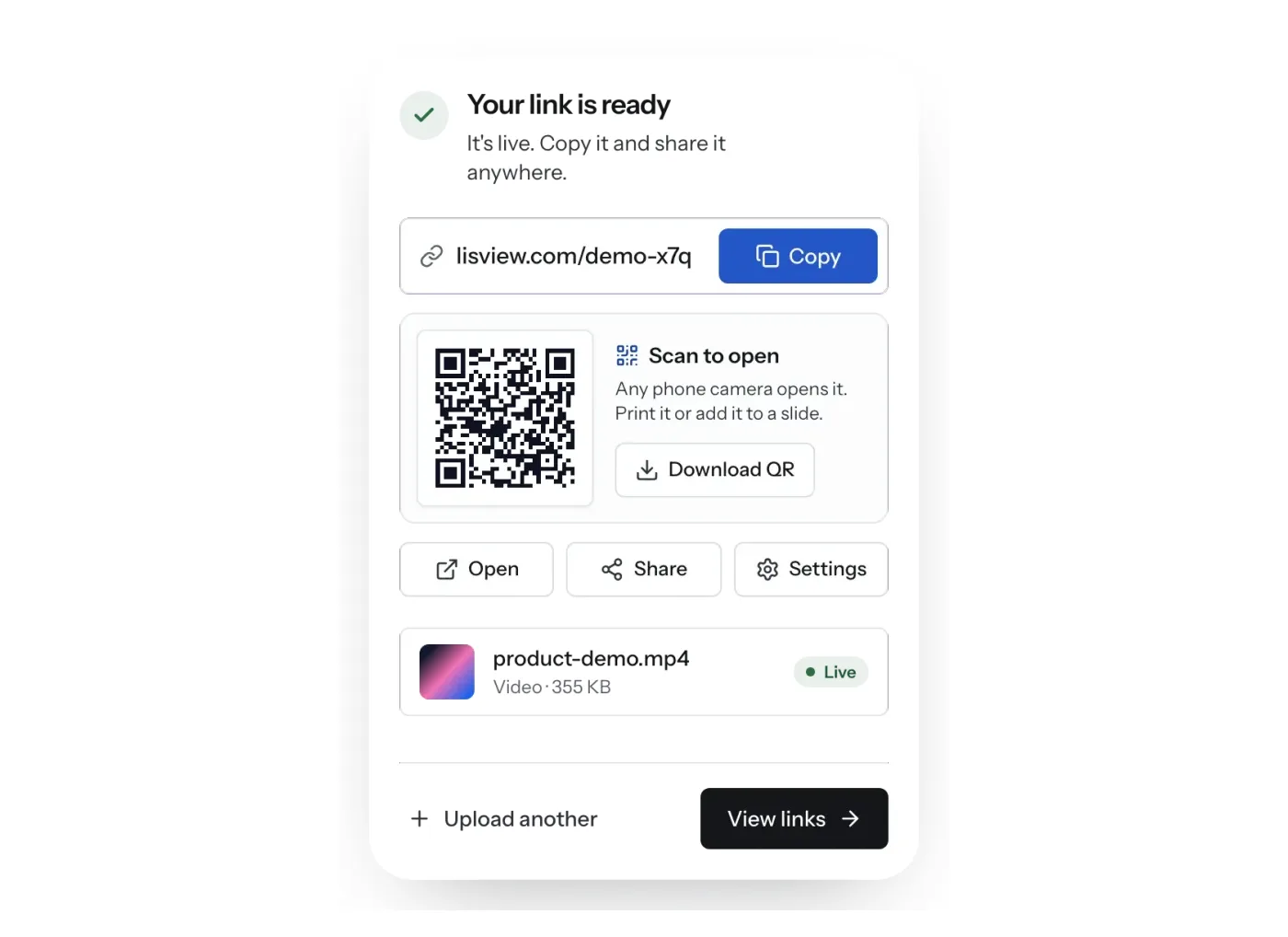
Paste the link anywhere. Each view appears in your dashboard with how much was watched, and you can export it as CSV.
What it looks like
What do you see about each view?
How far each person watched
Every view reads like 63% watched or watched to the end, next to its time, device and country, so you know if the client saw the last scene.
Where viewers stop
Across all views you get the share that reached 25, 50, 75 and 100 percent, and the point where most people stopped, once three or more have watched.
Link previews do not count as viewers
Chat apps and email scanners fetch a link before anyone taps it. Those visits are listed but kept out of the averages, so the numbers are people.
Video view tracking compared

Link in Seconds link
- Each view listed with time and device
- Yes
- How far each viewer watched
- Yes
- When the data shows up
- As it happens
- Email when someone watches
- Yes
- Ask for an email before it plays
- Yes
YouTube (unlisted)
- Each view listed with time and device
- Totals only
- How far each viewer watched
- Average retention graph
- When the data shows up
- Usually 1 to 2 days
- Email when someone watches
- No
- Ask for an email before it plays
- No
Google Drive
- Each view listed with time and device
- No
- How far each viewer watched
- No
- When the data shows up
- Docs, Sheets, Slides only
- Email when someone watches
- No
- Ask for an email before it plays
- No
What people say
“The admin interface is incredibly intuitive and set up exactly how a user actually thinks. My students all said it was easy to use and worked perfectly.”
“The app is genuinely nice and easy to handle. I keep all my different app links in one place, my App Store and Play Store screenshots, and I organise my images and PDFs into albums with tags. The big storage means everything just lives here.”
“I handle contracts, invoices and legal files for several different organisations, so almost everything I send is password protected. Link in Seconds makes that simple, and I run my portfolio on a custom domain. It is easy to use and genuinely affordable.”
Every link feature on every plan
Plans differ in room: links, storage and file size, plus HTML pages and website hosting.
Pro Monthly
$9/mo
billed every month, cancel anytime
- Unlimited links
- 100 GB of storage
- 10 GB per file
- Every link feature included
- HTML pages and website hosting
Lifetime
$149$99once
one payment, no renewals
- Unlimited links
- 200 GB of storage
- 10 GB per file
- Every link feature included
- HTML pages and website hosting
Pro Yearly
$4.08/mo
billed $49 a year
- Save 55% vs paying monthly
- Unlimited links
- 100 GB of storage
- 10 GB per file
- Every link feature included
7-day free trial, then $9/mo + tax. $0 today, cancel anytime.
Coming from WeTransfer, DocSend or tiiny.host? See the comparisons
Questions about tracking video views
The details
What tracking cannot tell you
- A name, unless you ask for one. A view shows a device and a country, not a person. Asking for their email first puts an address on each view; the viewer can type any address they like.
- Whether they really paid attention. The numbers come from the browser player: a video left playing in a background tab still counts as played.
- Each video can be up to 10 GB. Small takes files up to 3 GB ($3/month) and Pro up to 10 GB ($9/month), both after a 7-day free trial.
Do viewers have to download the video?
No, and that is what makes tracking possible. MP4, MOV and WebM videos play in the browser with seeking and full screen, on phones and computers. A downloaded copy can be watched anywhere without telling you, so turn downloads off if the watch data matters.
View-only file sharingHow do I know exactly who watched?
Turn on Ask for their email first. The viewer types an email address before the video plays, the address is listed under the link, and the view alert names it. Send one link per person if you would rather not ask.
Ask for an email before openingCan I get a notification when my video is watched?
Yes. Turn on Email me when someone opens it in the link's settings and you get an email when the video is opened, at most one per hour for each link, so a busy link does not flood your inbox.
Is tracking video views fair to the viewer?
We store no viewer IP address, only a scrambled code used to spot repeat visits. The numbers stay with the video. If you share client work, mention that you can see when a link is opened.
How we handle dataWho checks how their videos were watched?
- Sales teams. Send a recorded demo and call back when the prospect has watched it through, not before.
- Video editors. See whether the client watched the whole cut before their notes arrive.
- Teachers and trainers. Share a lesson and see how far the class got, and where most of them stopped watching.
Everything a link can do
- Custom link name: A link people actually remember. Name the link yourself instead of a random code. lisview.com/your-name reads clean in an email, on a slide, or under a QR code. Reserved words blocked, so it always resolves. Keep the name, swap the file behind it later.
- Password protect: Lock it to the right people. Add a password and the file stays sealed until someone types it. The link can be forwarded anywhere and still only opens for people who have the word. Hashed, never stored in plain text. Enforced on the file itself, not just the page.
- Expiry & view limit: Links that close themselves. Set an end date or a view cap and the link stops on its own. Send a quote that expires Friday, or a preview that closes after five opens, without remembering to delete it. By date, or after N views, or both. Reopen it any time by turning the limit off.
- QR code: A print-ready code for every link. Every link gets a crisp QR code, included on every plan. Put it on a menu, a flyer, a wall label or a product box, and it opens the same link a tap would. Download it as SVG or PNG, any size. Swap the file later, the printed code still works.
- View tracking: Know the moment it opens. See how many people opened the link and when, plus the full picture: referrers, devices, countries, and QR-vs-direct opens. Included on every plan. A live count on every link, no setup. Get an email the moment it's first opened.
Send a video you can track
Upload the video, send the link, and see each view and how much of it was watched.
Up to 10 GB per file on Pro. 7 days free, then from $3/mo. Cancel anytime. See plans