Google Drive link says “Request access”? 6 causes and the fix for each
Fix Drive 'request access' links
You shared a file. They replied with a screenshot of "You need access. Request access or switch to an account with access." You open the link yourself, it works perfectly, and now you are both confused.
The link is not broken. Google Drive is doing exactly what it was configured to do, and the configuration is usually one of six things. Here they are in the order they actually happen, with the fix for each, and the honest point at which it is faster to stop fighting Drive.
The short answer
- Test it in an incognito window first. The link works for you because you own the file. Incognito is the only view that tells you the truth.
- Most likely cause: General access is still Restricted, or your recipient is signed into a different Google account than the one you shared with.
- If your Workspace blocks external sharing, no setting fixes it. Send the file as a public link from somewhere outside that policy instead.
First: check it the way they see it
Before changing any setting, open a private/incognito window and paste the link there. You are signed into nothing, which is the closest thing to being your recipient. If it opens, your sharing is fine and the problem is on their side (cause 3 below). If you get the request-access screen too, the problem is the file's permissions (causes 1, 2, 4, 5).
Do this before anything else
Cause 1: General access is still "Restricted"
This is the default, and it is the single most common cause. Restricted means only people I named can open this, so the link itself grants nothing.
Fix: open the file → Share → under General access change Restricted to Anyone with the link, and set the role to Viewer (or Commenter / Editor if you mean it). Copy the link from that dialog, not from the address bar.
Cause 2: your organisation blocks sharing outside the domain
On a Google Workspace account, an admin can turn off external sharing. When they have, the "Anyone with the link" option is missing, greyed out, or silently limited to people inside the company, so a link that looks public to you is still a wall for a client.
Fix: ask an admin to allow external sharing for your unit, or move the file somewhere the policy does not apply. In a strict organisation the second is the only realistic answer, and it is the reason many people end up sending client files from outside Drive entirely.
Cause 3: they are signed into the wrong Google account
The quiet one. Anyone with a work and a personal Google account (or a family device with several profiles) opens your link as whichever account their browser considers default. You shared with their work email; the browser opens as their personal one; Drive correctly refuses.
Fix (their side), in order of reliability:
- Open the link in an incognito window and sign in with the exact address you shared with.
- Or edit the URL: change the /u/0/ segment to /u/1/ (0 is the first signed-in account, 1 the second, and so on).
- Or sign out of every Google account, then open the link and sign in with the right one.
Fix (your side): ask which address they are actually signed in as and share with that one, or switch General access to "Anyone with the link" so which account they use stops mattering.
Cause 4: the file moved, or its folder changed
Drive permissions are inherited from the parent folder. Move the file into a folder shared with fewer people (or into a Shared Drive with its own membership) and its effective access changes without anyone touching the file. The link stays identical, which is what makes this so confusing to debug.
Fix: re-open Share on the file in its new home and re-apply General access. Also check whether what you shared was a shortcut: a shortcut grants no access to the file it points at.
Cause 5: an older file with a resource key
In 2021 Google tightened link sharing on files created before that change. Those links carry a resourcekey parameter, and a link that had it stripped (pasted through a tool that trims query strings, forwarded in a client that shortens URLs) can hit the request-access screen even though sharing looks correct.
Fix: copy a fresh link from Drive's Share → Copy link and send it as-is, or make a copy of the file (the copy is a modern file with no resource key).
Cause 6: too much traffic on one file
Drive is a drive, not a CDN. A file that suddenly gets thousands of opens (a link in a newsletter, a QR code on a poster, an image hotlinked from a website) can hit a download quota and start refusing people for around 24 hours, with an error that looks a lot like an access problem.
Fix: there is no setting for this. If a file is going to be opened by a crowd, it needs to be hosted rather than shared from a personal drive.
Which cause is yours?
| Tool | Works in your incognito window? | Typical tell | Fix |
|---|---|---|---|
| Restricted accessCause 1 | No | Share dialog says “Restricted” | General access → Anyone with the link · Viewer |
| Domain policyCause 2 | No | “Anyone with the link” is missing or greyed out | Ask an admin, or host the file outside Drive |
| Wrong Google accountCause 3 | Yes | Only some recipients are blocked | Incognito, or /u/0/ → /u/1/, or share with their real address |
| Moved file or shortcutCause 4 | No | It used to work and nobody changed sharing | Re-apply access in the new folder; don’t share shortcuts |
| Old file, missing resource keyCause 5 | Sometimes | An old file, and the URL lost its ?resourcekey= | Copy a fresh link from Share, or duplicate the file |
| Download quotaCause 6 | Sometimes | It broke right after the link got popular | Host it properly, Drive throttles crowds |
Restricted access
Cause 1
- Works in your incognito window?
- No
- Typical tell
- Share dialog says “Restricted”
- Fix
- General access → Anyone with the link · Viewer
Domain policy
Cause 2
- Works in your incognito window?
- No
- Typical tell
- “Anyone with the link” is missing or greyed out
- Fix
- Ask an admin, or host the file outside Drive
Wrong Google account
Cause 3
- Works in your incognito window?
- Yes
- Typical tell
- Only some recipients are blocked
- Fix
- Incognito, or /u/0/ → /u/1/, or share with their real address
Moved file or shortcut
Cause 4
- Works in your incognito window?
- No
- Typical tell
- It used to work and nobody changed sharing
- Fix
- Re-apply access in the new folder; don’t share shortcuts
Old file, missing resource key
Cause 5
- Works in your incognito window?
- Sometimes
- Typical tell
- An old file, and the URL lost its ?resourcekey=
- Fix
- Copy a fresh link from Share, or duplicate the file
Download quota
Cause 6
- Works in your incognito window?
- Sometimes
- Typical tell
- It broke right after the link got popular
- Fix
- Host it properly, Drive throttles crowds
Behaviour checked against Google Drive's sharing model as of September 2026. Workspace admins can override any of it, so a policy in your organisation always wins over a setting on the file.
The 60-second fix, in order
- 1
Open the link in an incognito window
Signed into nothing is the only honest test. It tells you which half of this list applies. - 2
Share → General access → Anyone with the link
Set the role to Viewer unless you genuinely want comments or edits. - 3
Copy the link from that dialog
Not from the browser address bar, that is how a resource key gets lost. - 4
Re-test in incognito, then send
If it still asks for access, it is your organisation's policy (cause 2), and no setting on the file will beat it.
The settings that actually decide it
- General access
- “Restricted” by default, the link grants nothing until you change it
- Role
- Viewer, Commenter or Editor. Viewer is right for anything you are just sending out
- Where to copy the link
- The Share dialog's Copy link button, never the address bar
- How to test it
- A private/incognito window, before you send
- What no setting can fix
- A Workspace policy blocking external sharing, and Drive's download quota
Every Drive link asks a question: who are you, and are you allowed? For an internal doc that is the right question. For a menu, a proposal or an invoice, it is pure friction.
When to stop fixing Drive and just send a link
All six causes have the same root: Drive is a permissions system that happens to produce URLs. That is the right design for internal documents and exactly the wrong one for a menu, a portfolio, a proposal or an invoice, or anything a stranger has to open on a phone.
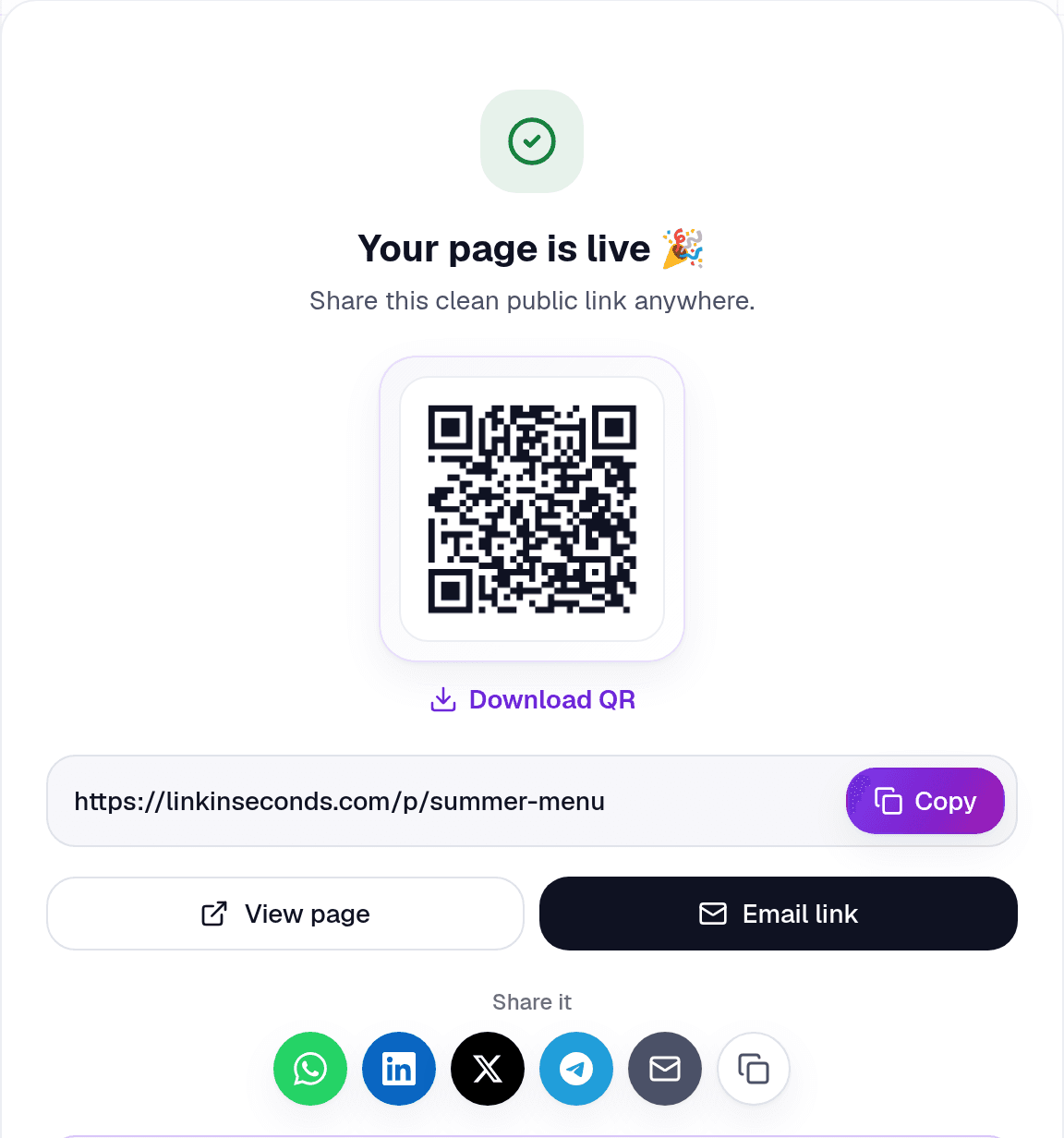
For those, a public link is a simpler object: it opens for whoever holds it, and there is no account behind the question. Upload the file (up to 250 MB free) and you get one clean URL, a QR code, and a view count:
And this is the whole experience on the other end, with no sign-in, no Drive UI, no folder:
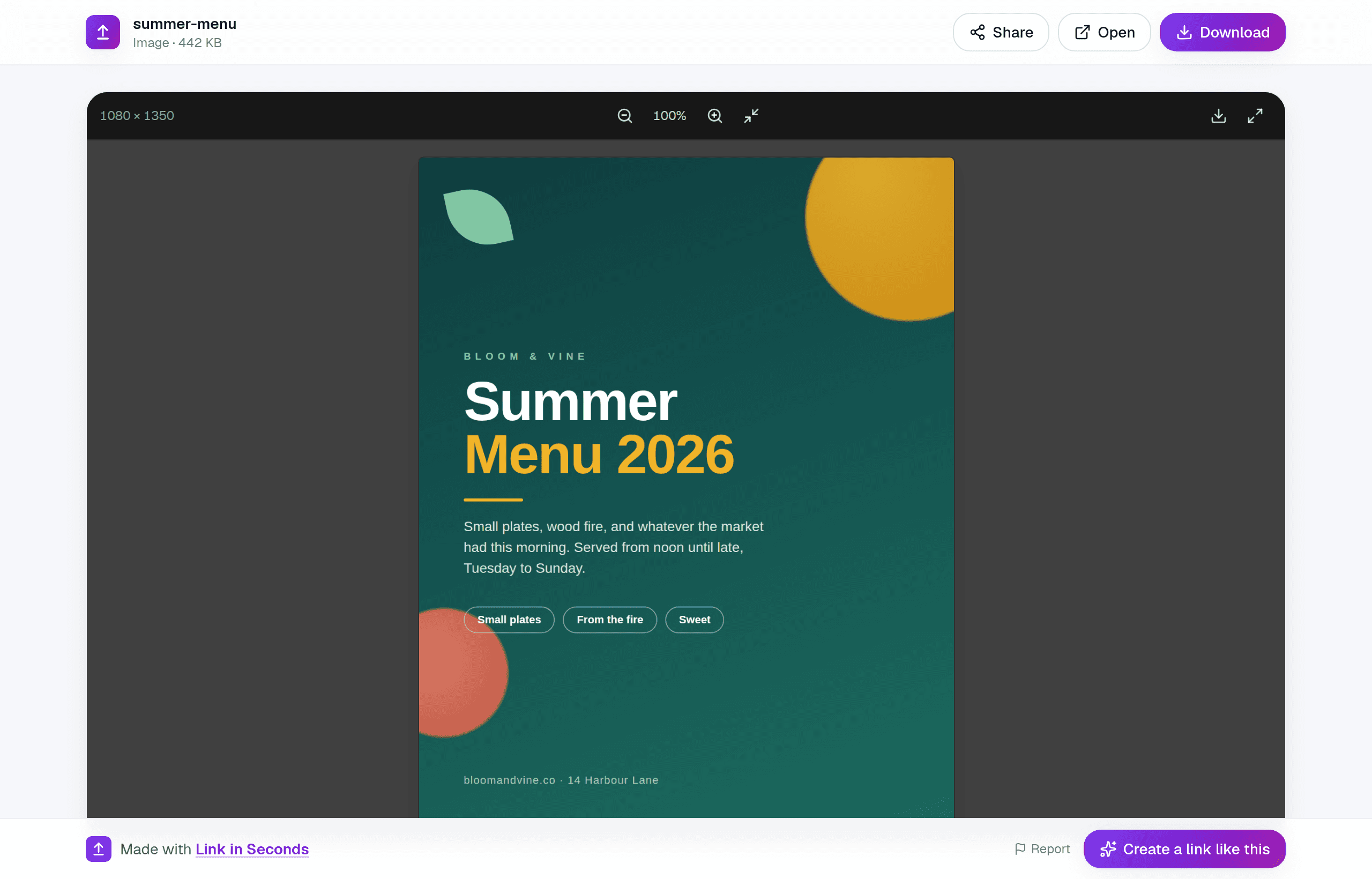
- No sign-in, so "request access" cannot happen. There is nothing to request.
- No account-switching problem, because no account is involved on their end.
- It opens in the browser: the PDF renders, the video plays, the image displays.
- A view count tells you it landed, and a QR code covers anything printed.
- You can still lock it down when it matters: a password, an expiry date or view-only, all free. The honest limits are in what "secure" really means.
Keep both
Common questions
Why does it work for me but not for them?
Because you own the file, so Drive never has to check the link's public permission. Test every share link in an incognito window before you send it, that is the whole trick.
Can I share a Drive file with someone who has no Google account?
Only via "Anyone with the link". Sharing to a specific email always requires them to sign in, and some Workspace domains block external link sharing outright.
Should I just click "Request access"?
It works, but it costs a round trip: an email to the owner, a click, and a wait. If you are the owner and you are getting these requests repeatedly for the same file, that is the file telling you it should have been a public link.
What about big files?
Same answer, with an extra wrinkle: Drive counts against your 15 GB (shared with Gmail and Photos), and a big file still has to be fully downloaded before it can be read. A hosted link opens in the browser instead. See sending a large PDF and sending a video too big for email.
The short version
Turn any file into a link in seconds
Upload a PDF, image, video, or ZIP and get a clean, trackable link with a QR code, free.
Try Link in Seconds →