Filemail alternative: a free link that doesn't expire after 7 days
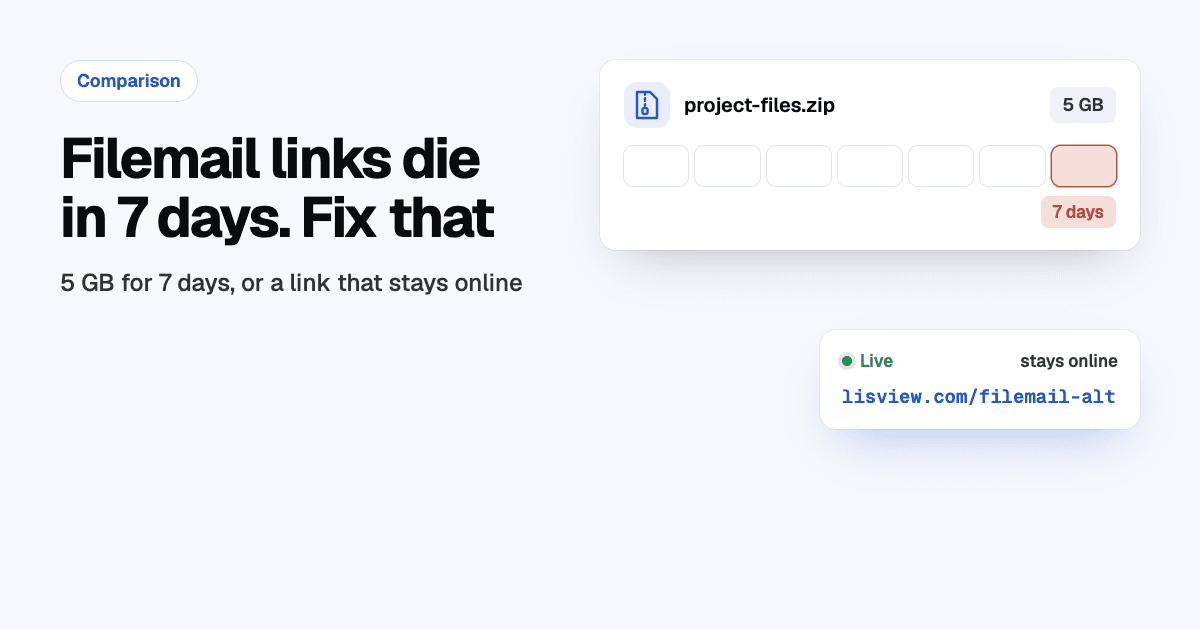
If you need a Filemail alternative because your link keeps dying after a week, you need a file host, not another transfer service. Filemail's free plan sends up to 5 GB per transfer, 2 transfers a day, and keeps the files for 7 dayseven the paid Personal plan keeps them for 30. Link in Seconds gives each file a permanent link that stays live while your plan is active on every plan, at the cost of a much smaller file size limit.
Below is an honest comparison: where Filemail is the better tool (big files, today) and where a link that stays online is. Filemail figures are from filemail.com as listed in October 2026.
Filemail vs Link in Seconds at a glance
| Filemail (free) | Link in Seconds (7-day free trial) | |
|---|---|---|
| Free size limit | 5 GB per transfer | 10 GB per file, 100 GB total |
| Free sends per day | 2 transfers per 24 hours | Up to unlimited links |
| Free link lasts | 7 days | Until you delete it |
| Paid plan keeps files | 30 days on Personal | Until you delete it |
| What the recipient sees | A download page | The file itself: PDFs, video, images and HTML open in the browser |
| Reading analytics | Not its focus | Views, time, pages read, device, city |
| Password and custom expiry | On paid plans | Free on every plan |
| Change the file later | Send a new transfer | Replace the file, keep the same link |
When is Filemail the right tool?
Give Filemail its due: for a one-off hand-over of a large file, it is one of the most generous free options there is.
- Multi-gigabyte sends. Raw video, a full photo shoot or a large project archive fits in one 5 GB transfer. Free covers files up to 5 MB with no card, and free links never expire; the 7-day free trial (then $9/mo, cancel anytime) and Pro take files up to 10 GB each, with 100 GB of storage.
- Send and forget. If the recipient downloads the file today and you never need the link again, a 7-day lifetime is a feature: nothing lingers online.
- Built for transfers. Filemail offers a desktop app and an API for people who send big files as part of their work.
Why does a 7-day link cause problems?
A transfer is built to disappear. That is fine for a hand-over and wrong for anything people open on their own schedule:
- A portfolio, resume or rate card you send to different people over months.
- A menu, flyer or manual behind a printed QR code, which cannot be reprinted every week.
- A proposal the client opens two weeks later, after the link has already expired.
- A course handout, press kit or price list you would otherwise re-send again and again.
Paying for Filemail stretches the timer to 30 days on Personal, but it is still a timer. When the job is "this file needs an address", a longer countdown does not fix it.
How is Link in Seconds different?
The link does not expire on a timer
A link stays live while your plan is active, until you delete it. No 7-day countdown, no reminder to re-send. You can still set an expiry date or a view limit when you want a file to vanish, and both are free. More on that default in share links that stay live while your plan is active.
It opens instead of downloading
A Filemail link lands on a download page. A Link in Seconds link opens the file itself: PDFs page through in the browser, videos play with seeking, images show full size and an HTML file renders as a page (see how to turn a video into a link). You can turn downloads off for a view-only link. That is a deterrent, not copy protection: anyone can still take a screenshot.
You can see who read it
Every link has analytics on every plan: views, unique visitors, time spent, how far people read (page by page for a PDF), device and city. Add an email gate if you need to know who opened it. See how to track a shared file for what each number means.
You can fix it after sending
Found a typo? Replace the file behind the link and everyone who already has it sees the new version, with the same URL and the same QR code. With a transfer you send a second link and hope people open the right one.
What do you give up?
- Size. Free covers files up to 5 MB with no card, and free links never expire; the 7-day free trial (then $9/mo, cancel anytime) and Pro take files up to 10 GB each, with 100 GB of storage. Still far below a multi-gigabyte transfer.
- An account to upload. You sign in with Google or an emailed code before the first upload, because a permanent link has to belong to someone who can update, lock or delete it. Your viewers need no account.
- A cap on live links. You can make any number of links on every plan; Free holds files up to 5 MB with no card. Delete one and the slot comes back.
Which should you use?
- A file of several gigabytes, sent once: Filemail.
- A file that must work next month, or that you want to track: a permanent link. Upload a file and share the link it gives you.
- Not sure? Our guide to which way to send a file walks through it by size and purpose.
Filemail questions, answered
How long does Filemail keep files on the free plan?
Seven days. Filemail's own pages say files sent on the free plan are available to download for up to 7 days, after which the link stops working. Its paid Personal plan keeps files for 30 days.
What is the Filemail free limit?
5 GB per transfer and 2 transfers per 24 hours, per Filemail's own site as checked in October 2026. The size is large for a free plan and fits most video, photo and design hand-overs in one go; the 2-a-day cap is what most often pushes people to pay.
Is there a Filemail alternative where the link does not expire?
Yes, a file host instead of a transfer service. Link in Seconds links stay live while the plan is active on any plan, open in the browser and show who viewed them. The trade-off is size: a file can be up to 10 GB on the 7-day free trial (then $9/mo, cancel anytime), not 5 GB.
Is Filemail better than Link in Seconds?
For sending multi-gigabyte files once, yes. Filemail is built for big transfers and handles sizes Link in Seconds does not. For a file that has to stay online, open without a download, or tell you whether it was read, a permanent link fits better.
Do I need an account to use Link in Seconds?
You need a free account to upload (Google sign-in or an emailed code, no card). The people you send the link to need no account to view it.
Other transfer tools compared
Turn any file into a link in seconds
Upload a PDF, image, video, or ZIP and get a clean, trackable link with a QR code. Free up to 5 MB, no card. 7-day free trial, then $9/mo + tax. $0 today, cancel anytime.
Start free trial →