Dropbox link temporarily disabled? How to fix it, and the limits by plan
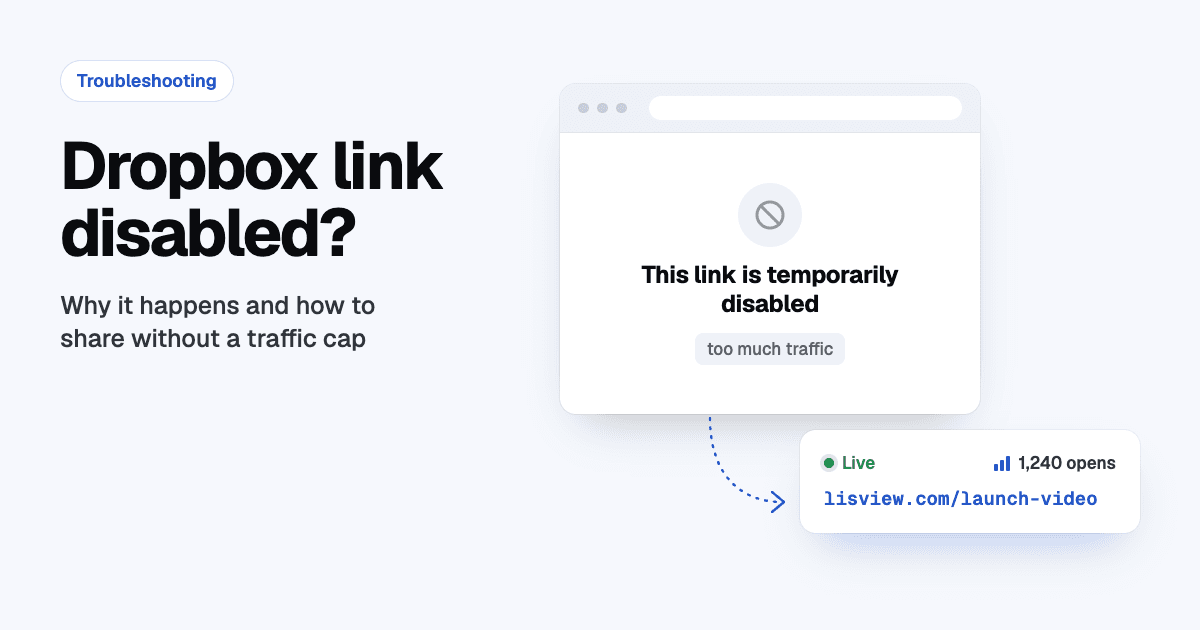
A Dropbox link is temporarily disabled when it gets too much traffic in a day. Basic accounts get 20 GB a day. Dropbox lifts a first pause after 24 hours. Wait it out, or send the file from a host with no traffic cap.
Nothing was deleted and nobody hacked you. Below: how to fix it as the sender and as the viewer, every plan's limit, how quickly a file reaches it, and what each Dropbox message means. Dropbox facts are from its own help page, checked 22 November 2026.
The short answer
- Cause
- The link, or the whole account, passed Dropbox's daily traffic limit
- Dropbox Basic and trials
- 20 GB and 100,000 downloads a day
- Plus to Business
- 1 TB a day
- Advanced, Business Plus, Enterprise
- 4 TB a day
- How long
- 24 hours the first time; repeat breaches can last longer
- Buy more bandwidth?
- No add-on listed; only a bigger plan raises the limit
How to fix a Dropbox link that is temporarily disabled
The fix depends on whose link it is.
If you shared the link
- 1
Check what is paused
Open dropbox.com. A banner about bandwidth means the whole account is paused; a single link showing "Link temporarily disabled" means only that link. - 2
Send the urgent file another way
If a client is waiting, upload the one file they need to another host and send that link. Don't wait on the ban. - 3
Find the file that caused it
It is usually one large public link that got passed around. Unshare it or move it before the pause ends, or it trips again. - 4
Wait 24 hours, then test the link
Dropbox lifts a first pause after 24 hours on its own. Open the link in a private window to check it. - 5
Still blocked? Contact Dropbox support
Repeat breaches can mean a suspension longer than 24 hours, and only support can tell you how long.
If someone sent you the link
- You can't unlock it from your side. The limit sits on the sender's account, so a new browser, a VPN or signing in to Dropbox changes nothing.
- Ask the sender for another link. Tell them the link shows "temporarily disabled"; they may not know yet.
- Or try again in 24 hours. A first pause lifts on its own.
Dropbox's shared-link traffic limits, by plan
Dropbox counts the size of every file downloaded through your shared links, across the whole account, every day. Its help page lists three tiers, and every trial gets the Basic limit.
Daily shared-link traffic allowance
How fast you can hit 20 GB on every plan
20 GB sounds like a lot until you multiply. The allowance is file size times downloads, so a bigger file uses it up faster:
| What you shared | Downloads to reach 20 GB in a day |
|---|---|
| A 5 MB PDF | about 4,000 downloads |
| A 50 MB slide deck | about 400 downloads |
| A 200 MB video | about 100 downloads |
| A 1 GB game mod or dataset | about 20 downloads |
A 200 MB video posted in one busy group chat can do it before lunch. Once the account passes its limit, every shared link on it pauses, including the proposal you sent a client last week.
Is one link disabled, or all of them?
Read the exact message. Dropbox uses different wording for a single link and for the whole account, and lists four other reasons it can pause sharing:
| Message | Why | What is paused, and for how long |
|---|---|---|
| Link temporarily disabled | That one link was shared or downloaded too many times in a day | That link only. Wait 24 hours. |
| You've exceeded bandwidth limits | The account passed its daily traffic limit | All sharing, links and file requests, for 24 hours the first time |
| You've exceeded the number of invites you can send per day | Too many share invites in a day | New links and invites, for up to 24 hours |
| Your files might contain phishing/spam content | A file was flagged | Contact Dropbox support |
| You tried to share a file that may contain malware | A file was flagged | Remove or replace the file |
| Your files have a copyright complaint | A DMCA notice | Follow the steps in Dropbox's email |
How to share a popular file without a traffic limit
Link in Seconds is built for the link Dropbox worries about: one file, opened by many people. Files are served from Cloudflare R2, which charges no egress fee, so there is no daily traffic cap or bandwidth meter on any plan. A link that suddenly gets passed around keeps serving.
- One file can't take down the rest. Each link stands on its own. A popular video doesn't pause the contract you sent yesterday.
- It opens in the browser. PDFs page through, videos stream with seeking and images show full size. There is no Dropbox preview page and no sign-in prompt. See how to turn a video into a link.
- You see it coming. Every link counts views, unique visitors, time spent, device and city, so you know a file is taking off before anything breaks.
- You stay in control. Add a password, an expiry date or a view limit, turn downloads off, or replace the file behind the same link.
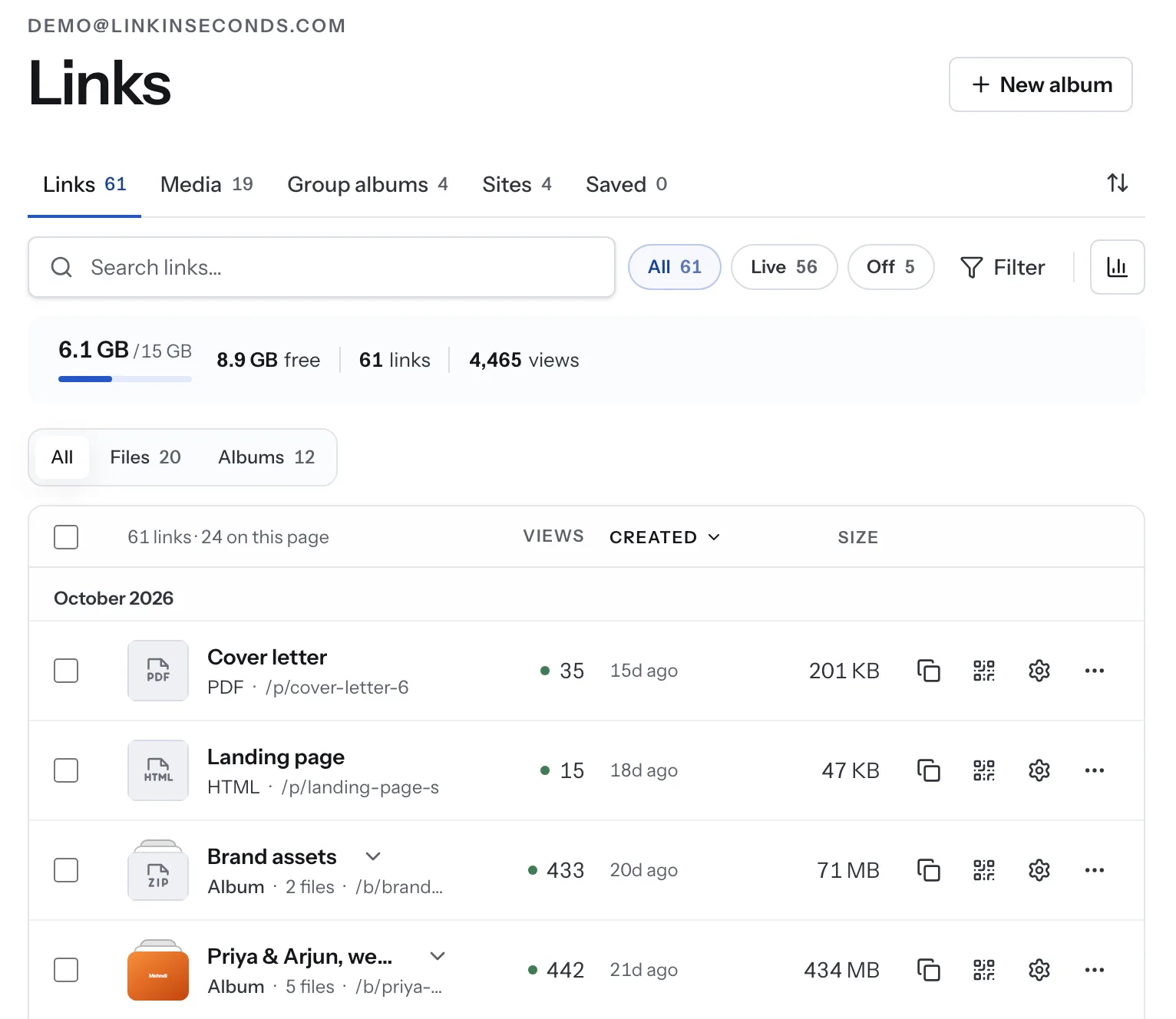
What you give up is size: 5 MB free, 10 GB per file on the trial and Pro. For a 30 GB archive, Dropbox or a transfer service is still the better home. A per-visitor rate limit also stops one scraper from hammering a link; an ordinary reader never comes near it.
Dropbox limits, pause lengths and messages are quoted from its help page on interrupted sharing (updated 13 October 2026), checked 22 November 2026. Plans change, so confirm on Dropbox's own page before you rely on a number.
Quick answers
Why is my Dropbox link temporarily disabled?
The link was shared or downloaded too many times in one day. Dropbox also pauses all of an account's sharing when it passes its daily traffic limit: 20 GB and 100,000 downloads a day on Basic and on every trial, 1 TB from Plus to Business, and 4 TB on Advanced, Business Plus and Enterprise.
How long is a Dropbox link disabled for?
24 hours the first time. Dropbox's help page says sharing is paused for 24 hours after a first bandwidth breach and that repeat issues may lead to longer suspensions. If a link is still disabled after 24 hours, contact Dropbox support.
Can you bypass a Dropbox "link temporarily disabled" error?
Not on the same link. The limit is counted on the sharer's account, so a different browser, a VPN or a Dropbox account on your side won't reopen it. As the viewer, ask the sender for the file another way. As the sender, wait 24 hours, move to a plan with a higher limit, or upload the file to another host and send that link.
Does the Dropbox ban affect all my links or just one?
It depends on the message. "Link temporarily disabled" is one link. "You've exceeded bandwidth limits" pauses all sharing on the account, including links and file requests, so one viral file can break the links you sent to clients.
Is this the same as Dropbox error 429?
Yes. 429 is the web's code for "too many requests", and it is what the browser gets when a Dropbox link is paused for traffic. The fixes are the same.
Can I buy more Dropbox bandwidth?
Dropbox's help page lists no bandwidth add-on. The way to a higher limit is a higher plan: 1 TB a day from Plus upward, 4 TB on Advanced and Enterprise.
What is a good way to share a popular file without traffic limits?
Use a host built for public links rather than a sync service. Link in Seconds serves files from Cloudflare R2, which has no egress fee, so links have no daily traffic cap or bandwidth meter. Files open in the browser and every link counts its views.
Go deeper
Turn any file into a link in seconds
Upload a PDF, image, video, or ZIP and get a clean, trackable link with a QR code. Free up to 5 MB, no card. 7-day free trial, then $9/mo + tax. $0 today, cancel anytime.
Start free trial →