Send a large video on WhatsApp
Keep the full quality by sending a link that plays in any browser.
Déposez votre fichier ici
Déposez-en plusieurs d'un coup : ils deviennent un seul lien d'album
ou collez une image Ctrl+V
Free up to 5 MB, no card. Bigger files: 7 days free, then from $3/mo. Cancel anytime. See plans
“Mes élèves ont tous trouvé que c'était facile à utiliser et que ça marchait parfaitement.”
How do I send a large video on WhatsApp?
Attach the video as a Document instead of choosing it from your gallery. WhatsApp then sends the original file, up to 2 GB, without lowering the quality. If the video is bigger than 2 GB, or you want people to watch it without downloading it first, upload it here and paste the link into the chat.
- personnes partagent des fichiers
- 5,500+
- liens partagés
- 11,400+
- ouvertures
- 39,900+
Send a large video on WhatsApp as a link in 3 steps
Upload the video
Drop the video into the box above, or pick it from your phone's gallery.
Copy the link
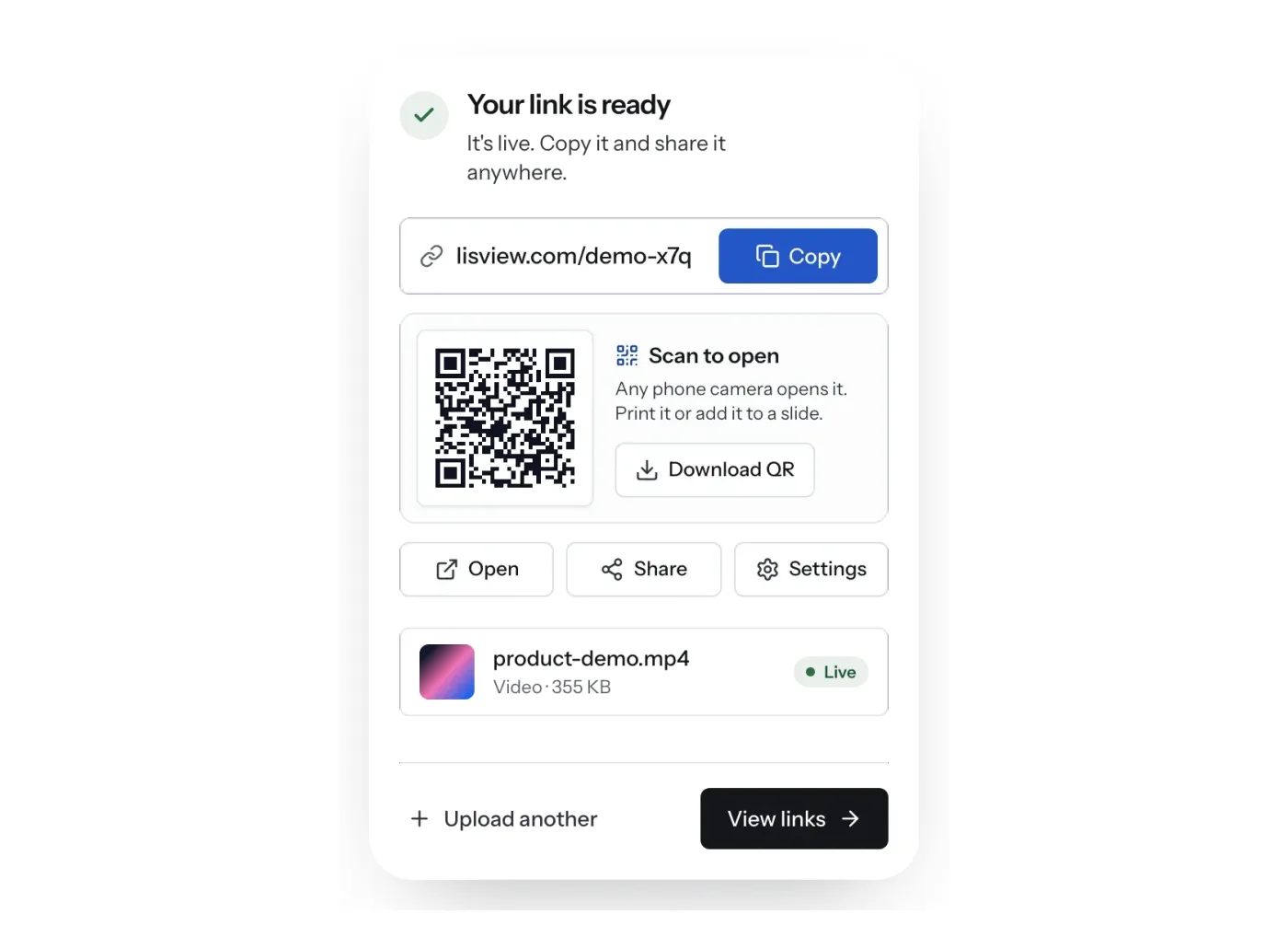
You get a short link and a QR code as soon as the upload is done.
Paste it in WhatsApp
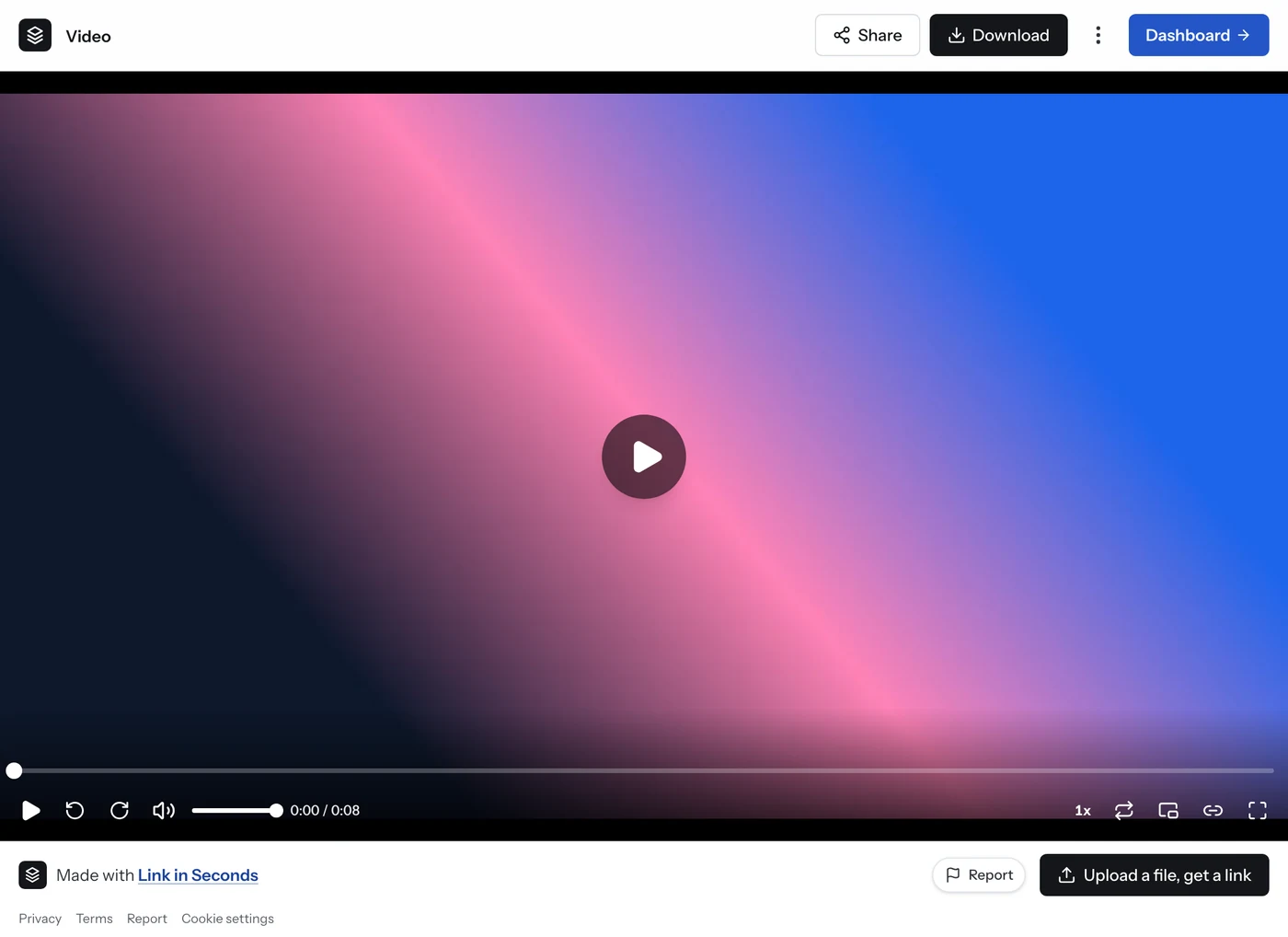
Paste it into any chat or group, and the video plays in the browser.
What it looks like
Why send a link instead of the video file?
The video keeps its full quality
WhatsApp shrinks videos you pick from the gallery. A link plays the exact file you uploaded, so a 4K video still looks like 4K.
It starts playing right away
People tap the link and the video plays in their browser. They can skip ahead without waiting for the whole file to download.
It doesn't fill up anyone's phone
A video sent in the chat is saved on every phone in the group. A link takes up almost no space at all.
Share it once with the whole group
Post the link in a group or a broadcast list, then see how many times it was opened and from which countries.
Four ways to send a long video on WhatsApp

Link in Seconds link
- Largest video
- 10 GB per file
- Video quality
- Original
- Plays before the full download
- Oui
- Takes space on the viewer's phone
- No
- See when it was opened
- Oui
WhatsApp gallery
- Largest video
- 2 GB
- Video quality
- Lower
- Plays before the full download
- Non
- Takes space on the viewer's phone
- Yes
- See when it was opened
- Read receipts
WhatsApp Document
- Largest video
- 2 GB
- Video quality
- Original
- Plays before the full download
- Non
- Takes space on the viewer's phone
- Yes
- See when it was opened
- Read receipts
Google Drive link
- Largest video
- 15 GB free
- Video quality
- Original
- Plays before the full download
- Oui
- Takes space on the viewer's phone
- No
- See when it was opened
- Non
Ce qu'en disent les gens
“L'interface d'administration est incroyablement intuitive et conçue exactement comme un utilisateur raisonne. Mes élèves ont tous trouvé que c'était facile à utiliser et que ça marchait parfaitement.”
“L'appli est vraiment agréable et simple à gérer. Je garde tous mes liens d'applis au même endroit, mes captures de l'App Store et du Play Store, et j'organise mes images et PDF en albums avec des tags. Avec ce grand stockage, tout tient ici.”
“Je gère des contrats, des factures et des documents juridiques pour plusieurs organisations différentes, donc presque tout ce que j'envoie est protégé par mot de passe. Link in Seconds rend ça simple, et j'héberge mon portfolio sur un domaine personnalisé. C'est facile à utiliser et vraiment abordable.”
Toutes les fonctions de lien sur toutes les offres
Les offres diffèrent par la place : liens, stockage et taille de fichier, plus les pages HTML et l'hébergement de sites.
Pro mensuel
$9/mois
facturé chaque mois, résiliable à tout moment
- Liens illimités
- 100 GB de stockage
- 10 GB par fichier
- Toutes les fonctions de lien incluses
- Pages HTML et hébergement de sites
Lifetime
$149$99une fois
un seul paiement, sans renouvellement
- Liens illimités
- 200 GB de stockage
- 10 GB par fichier
- Toutes les fonctions de lien incluses
- Pages HTML et hébergement de sites
Pro annuel
$4.08/mois
facturé $49 par an
- 55 % de moins qu'en mensuel
- Liens illimités
- 100 GB de stockage
- 10 GB par fichier
- Toutes les fonctions de lien incluses
Essai gratuit de 7 jours, puis 9 $/mois + taxes. 0 $ aujourd'hui, résiliable à tout moment.Ou partagez des fichiers jusqu'à 5 MB gratuitement, sans carte.
Vous venez de WeTransfer, DocSend ou tiiny.host ? Voir les comparatifs
Questions about sending large videos on WhatsApp
Les détails
What are the limits?
- WhatsApp allows files up to 2 GB. You only get the original quality when you send the video as a Document.
- Here you can upload videos up to 10 GB each. Files up to 5 MB are free with no card. Small takes files up to 3 GB ($3/month) and Pro up to 10 GB ($9/month), both after a 7-day free trial.
- Links have no expiry date unless you set one. If a plan ends and your files are over the free 5 MB, links pause until you subscribe or delete files; nothing is deleted.
Why does WhatsApp make my videos blurry?
When you pick a video from your gallery, WhatsApp makes the file smaller before it sends it, to save mobile data. Even the HD option sends a smaller copy. If you send the same video as a Document, WhatsApp skips this step and the other person gets the original file.
What is the largest video I can send on WhatsApp?
2 GB per file, according to the WhatsApp Help Center. At 1080p that is roughly 30 to 60 minutes of video, depending on how it was recorded. For anything bigger, you need to send a link instead of the file.
How do I send a video as a Document on iPhone and Android?
On Android, tap the paperclip, choose Document and pick the video from your files. On iPhone, first open the video in Photos, tap Share and choose Save to Files. Then in WhatsApp, tap the plus button, choose Document and pick the video from Files.
- The other person sees a file, not a video preview, and taps it to download it.
- The whole file downloads to their phone before it starts playing.
How do I send a video bigger than 2 GB?
Upload the video here (up to 10 GB), copy the link and paste it into the chat. WhatsApp shows a preview with the video's title. When someone taps it, the video plays in their phone's browser. They don't need an app or an account.
Other files that are too big for WhatsAppShould I send a link or a Document?
Send a link when people mostly want to watch. It plays straight away, works even when their phone is full, and you can swap in a new version later. Send a Document when the person needs their own copy to keep, for example a client receiving the final files.
Who sends videos on WhatsApp this way?
- Families. Share a wedding film or a school play with the family group in full quality, without filling up everyone's phone.
- Video editors. Send a client the edit as a link they can watch on their phone, then put the next version on the same link.
- Teachers and coaches. Post a lesson or a match recording in the class or team group, and see how many people opened it.
- Small businesses. Send product demos and how-to videos to customers who ask on WhatsApp, in full resolution.
Tout ce qu'un lien peut faire
- Nom personnalisé: Un lien dont on se souvient. Nommez le lien vous-même au lieu d'un code aléatoire. lisview.com/votre-nom est net dans un e-mail, sur une diapo ou sous un QR code. Mots réservés bloqués, il résout toujours. Gardez le nom, changez le fichier derrière.
- Protection par mot de passe: Réservez-le aux bonnes personnes. Ajoutez un mot de passe et le fichier reste scellé jusqu'à ce qu'on le saisisse. Le lien peut être transféré partout et ne s'ouvre que pour ceux qui l'ont. Haché, jamais stocké en clair. Appliqué au fichier lui-même, pas juste à la page.
- Expiration et limite de vues: Des liens qui se ferment seuls. Fixez une date de fin ou un plafond de vues et le lien s'arrête seul. Envoyez un devis qui expire vendredi, ou un aperçu qui se ferme après cinq ouvertures. Par date, après N vues, ou les deux. Rouvrez-le à tout moment en retirant la limite.
- QR code: Un code prêt à imprimer pour chaque lien. Chaque lien reçoit un QR code net, inclus dans chaque offre. Sur un menu, un flyer, une étiquette ou une boîte, il ouvre le même lien qu'un tap. Téléchargez-le en SVG ou PNG, toute taille. Changez le fichier plus tard, le code imprimé marche toujours.
- Suivi des vues: Sachez quand il s'ouvre. Voyez combien de personnes ont ouvert le lien et quand, avec tout le détail : sources, appareils, pays et ouvertures QR vs directes. Inclus dans chaque offre. Un compteur en direct sur chaque lien, sans réglage. Un e-mail à la première ouverture.
Send your video as a link
Upload the video, copy the link and paste it into WhatsApp.
Free up to 5 MB, no card. Bigger files: 7 days free, then from $3/mo. Cancel anytime. See plans