File link that never expires: how to share one, with 9 services checked
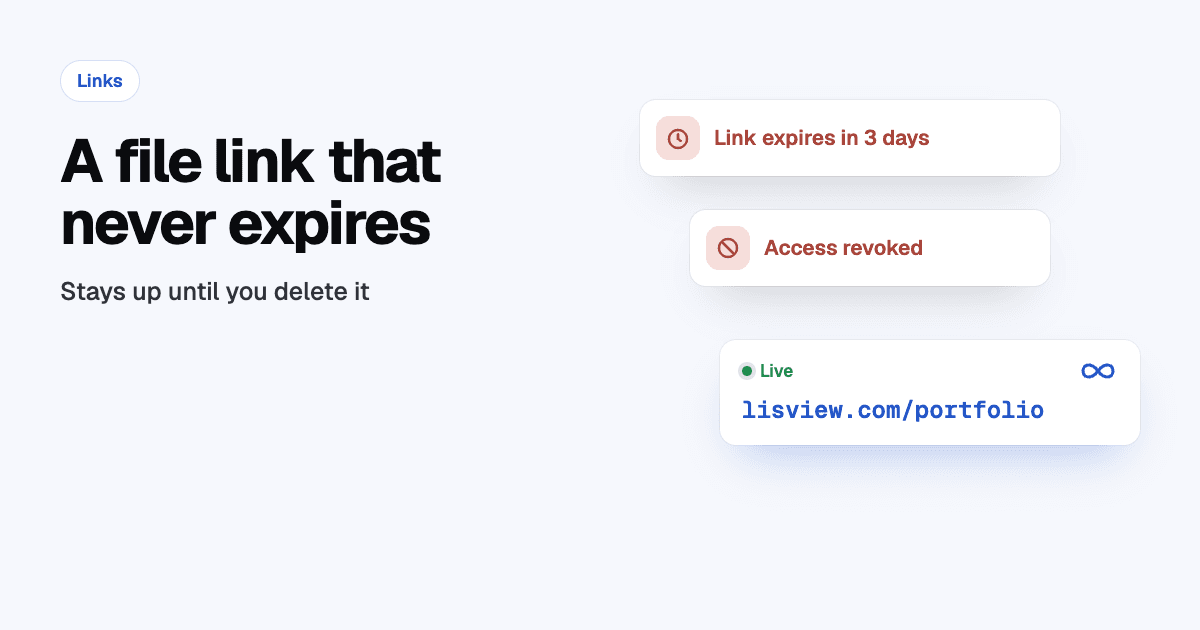
To get a file link that stays live while your plan is active, upload the file to a host instead of a transfer service. WeTransfer deletes free files after 3 days; Smash, TransferNow and Filemail after 7. A hosted link, like Link in Seconds, has no countdown.
Below: why share links expire, how long 9 services keep a free link (checked 22 November 2026 on each one's own pages), and how to share a link that still works when someone finally clicks it.
The short answer
- Dies on a timer
- WeTransfer (3 days), Smash, TransferNow, Filemail (7 days)
- No timer, but fragile
- Google Drive and Dropbox: breaks if the file or its sharing changes
- No countdown
- A hosted link such as Link in Seconds
- Change the file later
- Replace it behind the same link, so a printed QR code keeps working
Why your share links keep expiring
There are three common causes, and each one breaks in its own way.
Transfer services delete on a timer
WeTransfer and similar "send a file" tools are built around a countdown. A free WeTransfer now lasts up to 3 days. The file is deleted from their servers and the link goes with it, and WeTransfer says an expired free transfer can't be restored. That is the product working as intended. More on the trade-offs in Link in Seconds vs WeTransfer.
Cloud drives break when the file moves
A Google Drive link has no timer, and renaming the file doesn't break it. But the link is only as good as the file's sharing settings. Move it into a folder with tighter access, switch off "Anyone with the link", delete it while cleaning up, or lose the account that owns it, and the link turns into an error or a permission wall. If you keep hitting that, a Google Drive alternative for sharing is worth a look.
Access gets revoked, often by accident
Shared-drive links depend on "anyone with the link can view" staying on. Someone tightens security, an admin changes a default, or the file moves into a restricted team folder, and every link you sent asks people to request access. Nobody tells you. You just start getting resend requests.
How long does a free share link last?
From 3 days to no timer at all. Transfer services delete on a schedule; storage and hosting services keep the link while the file stays put.
| Service (free plan) | How long the link works |
|---|---|
| WeTransfer | Up to 3 days, then the files are deleted |
| Smash | 7 days |
| TransferNow | 7 days |
| Filemail | 7 days |
| SwissTransfer | Up to 30 days; a 30-day transfer is deleted at day 15 unless you extend it |
| Netlify Drop | Temporary until you claim it with an account |
| Tiiny Host | Stays while you log in at least every 3 months |
| Google Drive, Dropbox | No timer, until the file or its sharing changes |
| Link in Seconds | Links have no expiry date unless you set one. If a plan ends and your files are over the free 5 MB, links pause until you subscribe or delete files; nothing is deleted. |
Size, storage, passwords and tracking for each of these are in free file sharing limits compared. Already holding a dead WeTransfer link? See WeTransfer link expired.
Paid plans that remove the timer
| Paid plan | How long the link works |
|---|---|
| WeTransfer Ultimate | Keeps transfers as long as you like |
| Filemail paid plans | Listed as permanent |
| Smash Pro | 30 days |
The real cost of a dead link
"Just resend it" sounds cheap. It isn't, because the link usually matters most when you aren't around to fix it.
- A resume link that dies before the recruiter clicks. You send it Monday, they open it Friday, and it's gone. You never hear back. That is why a resume link needs to last.
- An invoice link that expires before it's paid. The client comes back two weeks later, the link is dead, and you're chasing your own money.
- A printed QR code that goes nowhere. A menu or flyer points at an expired link. You can't recall the paper, so every scan is a dead end until you reprint.
- A portfolio link in your bio. It worked on launch day. Six months later it broke, and every visitor since has bounced.
Nobody emails to say a link is broken. They just move on.
How to share a file link that stays live while your plan is active
- Upload the file (PDF, image, video, audio or ZIP) to a host that keeps it, not a transfer service.
- Copy the link, or the QR code that comes with it.
- Leave the expiry date empty. Set one only for the files that should disappear.
On Link in Seconds that gives you a clean address like lisview.com/your-name that opens in any browser, with no account for the viewer. The same flow turns a PDF into a link or an image into a link. If one file does need a deadline, set it yourself with an expiring PDF link.
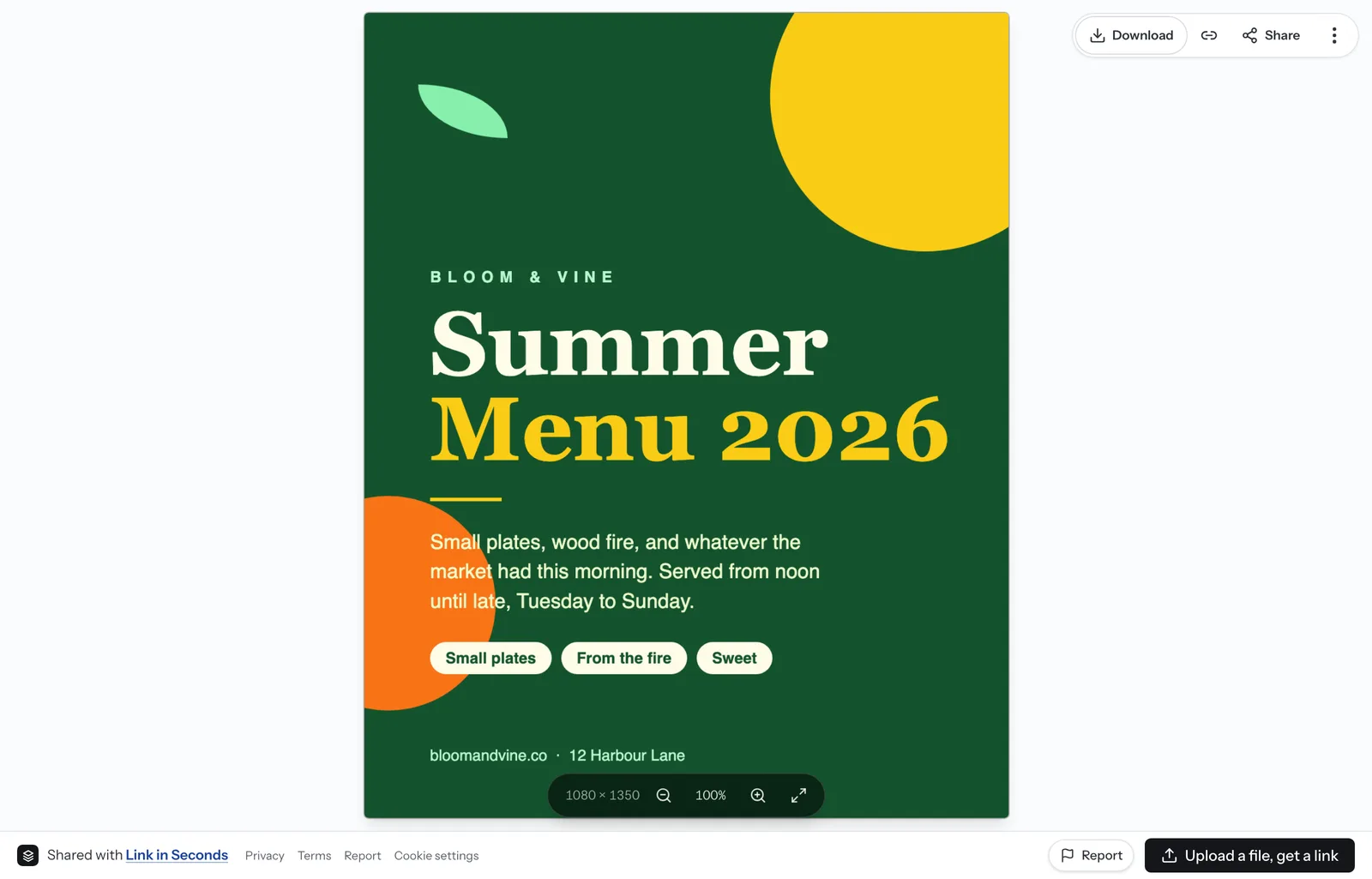
Swap the file, keep the link
You can replace the file behind a link without changing the URL. That is what makes a printed QR code safe to print.
- Print the QR code on your menu, flyer or business card.
- Next season, replace the file behind the same link.
- Every code already out in the world now opens the new version, with no reprint.
Every link also has a view counter, so you can see it is still being used. For printed codes, see a QR code that stays live while your plan is active.
What happens if you stop paying?
Links have no expiry date unless you set one. If a plan ends and your files are over the free 5 MB, links pause until you subscribe or delete files; nothing is deleted.
Free up to 5 MB, 7-day trial for more. If you want more room, there are two ways up:
- Pro: $9/mo or $49/yr. Unlimited links, 100 GB of storage, up to 10 GB per file, plus HTML pages and website hosting.
- Lifetime: $99 once. One payment, no renewal date, 200 GB of storage and up to 10 GB per file. If the point is not worrying about things running out, a plan with no renewal fits.
The full comparison is on the pricing page.
Free and paid link lifetimes come from each vendor's own pricing and help pages, checked 22 November 2026. Where a vendor's pages didn't load or disagreed, we left the service out instead of guessing. Plans change, so confirm on the vendor's site before you rely on a number.
Quick answers
Is there a free file link that stays live while your plan is active?
Google Drive and Dropbox links have no timer while the file and its sharing stay as they are. Transfer services all delete on a timer: 3 days on WeTransfer Free, 7 on Smash, TransferNow and Filemail. A file host like Link in Seconds gives the file an address with no countdown.
Do Google Drive links expire?
Not on a timer for personal accounts. A Drive link stops working when the file is deleted or moved somewhere with tighter access, when Anyone with the link is switched off, or when the owning account goes away. Expiry dates are an option on work and school accounts.
How long do WeTransfer links last?
Up to 3 days on the Free and Starter plans, then the files are deleted. WeTransfer Ultimate can keep a transfer for as long as you like.
Can I recover an expired WeTransfer link?
Not on every plan. WeTransfer says expired free transfers can't be restored, so the sender has to upload the files again and send a new link.
Do Link in Seconds links expire?
Links have no expiry date unless you set one. If a plan ends and your files are over the free 5 MB, links pause until you subscribe or delete files; nothing is deleted.
Stop resending, start linking
Expiring links are a choice other tools made for you. Upload the file, get a link that opens in any browser, and share it knowing it will be there whenever someone clicks. If your problem is size rather than lifespan, see how to send large files via email with the same link-instead-of-attachment approach.
Turn any file into a link in seconds
Upload a PDF, image, video, or ZIP and get a clean, trackable link with a QR code. Free up to 5 MB, no card. 7-day free trial, then $9/mo + tax. $0 today, cancel anytime.
Start free trial →