HTML file to link: share it as a live web page
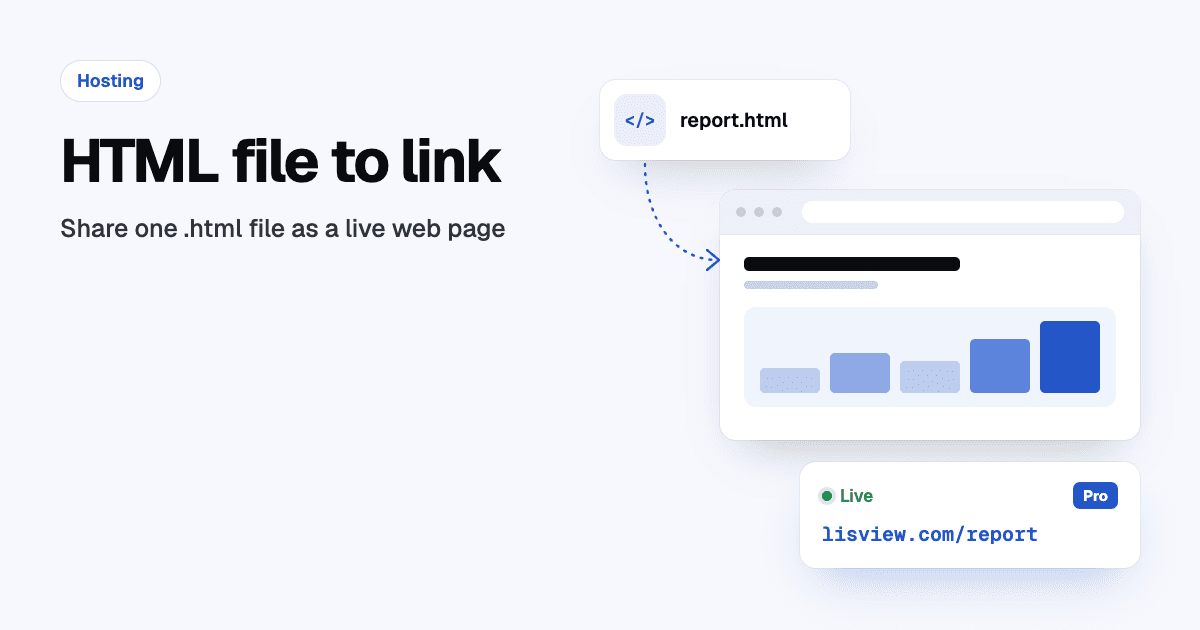
To share an HTML file as a link, upload it to a host that renders HTML instead of offering it as a download. Put the CSS and JavaScript inside the file, drop it in and copy the link. Anyone who opens it sees the live page in their browser.
There is no server, domain or build step on your side. Below: the steps, what works inside the page, the mistakes that break it, how other hosts compare (checked 22 November 2026) and when you need a ZIP site instead.
At a glance
- Single .html file
- Pro, Lifetime and the trial, up to 10 GB
- Opens as
- The live page, rendered in a sandbox
- Works
- Inline CSS/JS, CDN scripts, external forms, pop-ups
- Does not work
- Relative files, cookies, localStorage, server code
- Several files?
- Upload a ZIP as a site (Pro: 10, Lifetime: 25)
Why a .html file won't just open for people
An HTML file only becomes a page when a browser loads it from a web address. Attach it to an email and it arrives as a file to download: phones often show the source code, and some recipients see a security warning. Put it in Google Drive or Dropbox and it opens as a file preview or a download, because running someone else's HTML on a storage domain would be a security hole. Google ended Drive web hosting in 2016. What you need is a host whose job is to serve that file as a page.
How to share an HTML file as a link
- 1
Make it one self-contained file
Put your CSS in a <style> tag and your JavaScript in a <script> tag, and load images and libraries from absolute https:// URLs or inline them. Exports from Claude, ChatGPT, Jupyter, Lighthouse and test runners usually already are. - 2
Upload the .html file
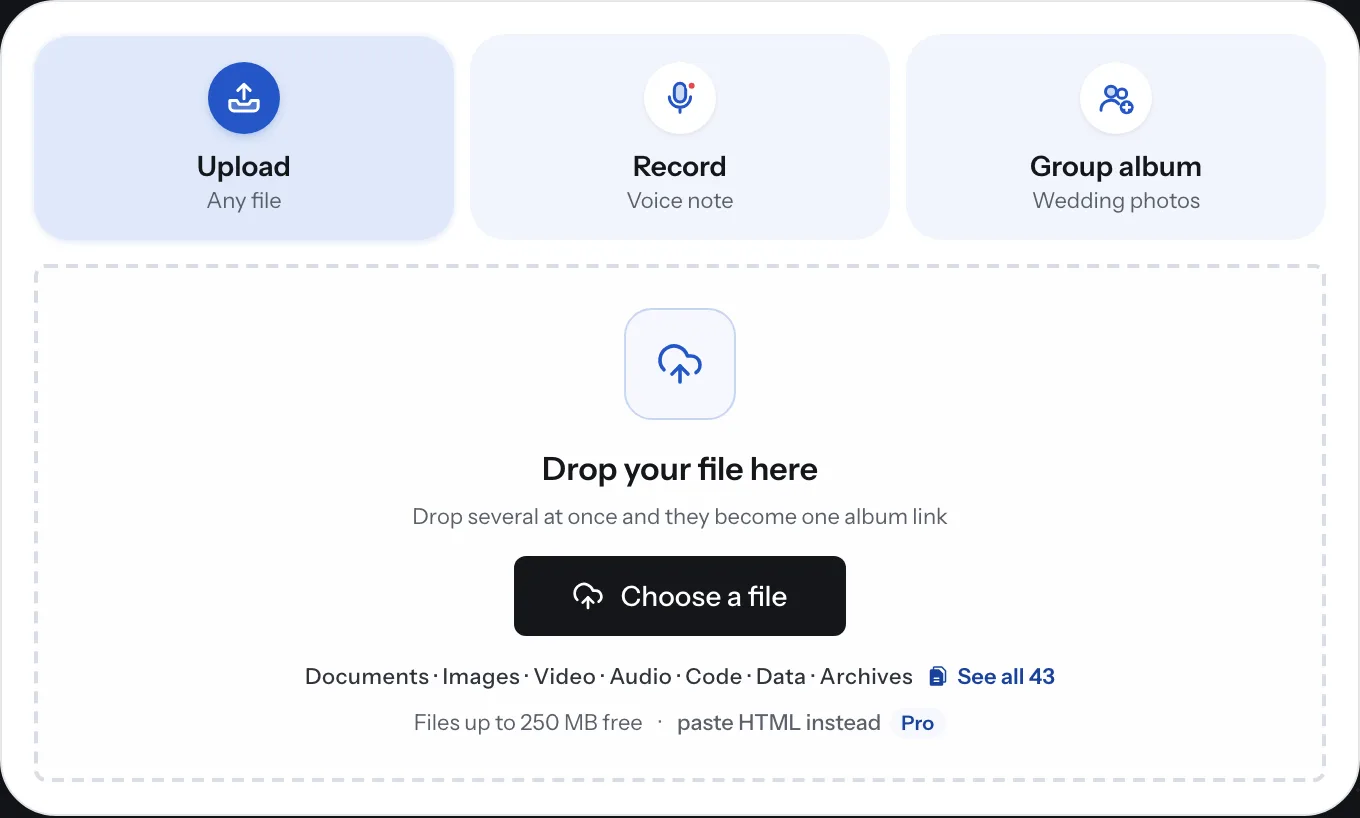
Drop it into the uploader on its own (not in a batch or an album). HTML pages are part of Pro and Lifetime. - 3
Copy the link
You get a clean lisview.com/… address and a QR code. Opening it renders the real page, not the source code. - 4
Update it in place
Changed the page? Replace the file in Link settings and the same link shows the new version.
What works inside the page
Your page runs in a sandboxed frame. The sandbox allows scripts, forms, alerts and pop-ups, so charts, animations, calculators, quizzes and a form that posts to Formspree or a Google Form all behave normally. What it withholds is same-origin access: your page can't read or set cookies, use localStorage or sessionStorage, or call an API that expects to share the page's origin. That restriction is what protects every visitor from a hostile upload, and it is why the page can be served safely at all.
| In your HTML | Works? |
|---|---|
| CSS in a <style> tag, JS in a <script> tag | Yes |
| Libraries and fonts from a CDN (https://…) | Yes |
| Images as data: URIs or absolute URLs | Yes |
| Forms that post to an external service | Yes |
| Links to styles.css, ./app.js, img/logo.png | No, upload a ZIP site |
| localStorage, sessionStorage, cookies | No, sandboxed |
| PHP, Node, a database | No, static only |
Why does my shared HTML page look broken?
Almost always because the page points at files that were not uploaded with it. Check these before you share:
- Relative paths.
styles.css,./app.jsorimg/logo.pngonly exist on your computer. Inline them, use https:// URLs, or publish a ZIP site. - A local file:// link. A link that starts with
file://opens only on your own machine. Upload the file and share the web address instead. - Storage the sandbox withholds. A page that saves state in localStorage or cookies won't keep it; the sandbox blocks both.
- A ZIP with no index.html. A site needs an index.html at its top level, or the host has no front page to show.
One file or a whole site?
A single file is the right call for an exported report, a one-page invite, a prototype, an email template preview or anything an AI assistant generated. Once the page links to other pages, stylesheets or an image folder, you want a static site: zip the folder (or your framework's dist folder) and publish it. Sites get their own subdomain, relative links just work, and you can add a custom domain. ZIP sites are a Pro feature, with 10 on Pro and 25 on Lifetime. The full walkthrough is in host a static website from a ZIP.
Other ways to share an HTML file
| Option | What actually happens | Good for |
|---|---|---|
| Email the .html as an attachment | Arrives as a file to download; phones often show code or nothing | Never for a live page |
| Upload to Google Drive or Dropbox | Opens as a file preview or download, not as a web page (Google ended Drive web hosting in 2016) | Storing the source |
| GitHub Pages | Needs a repository and a push; free on public repositories, so the site is public | Developers, long-lived sites |
| Netlify Drop | Drag a folder; a drop without an account sits behind a temporary password until you claim it | Multi-file sites, with an account |
| Tiiny Host (free) | Files up to 3 MB, 1 live page; log in every 3 months to keep it active | One small page, free |
| Link in Seconds | One file, one link, rendered live in a sandbox; HTML pages and ZIP sites are on Pro | Sharing one page fast, with a QR code and view count |
Tiiny Host, Netlify Drop and GitHub Pages details come from their own pages, checked 22 November 2026. Plans change, so confirm on the host's site before you rely on a limit.
Common cases
A page Claude, ChatGPT or v0 made for you
Download the artifact or canvas as an .html file and upload it (step by step, including React artifacts, in share a Claude artifact as a link). If you use Claude Code, Cursor or VS Code, our MCP server can publish it and return the link without leaving the chat; see let Claude publish files as links. For multi-file AI builds, see share an AI-built website.
Test, coverage and audit reports
pytest and Jest coverage, Playwright reports, Lighthouse audits and Jupyter notebooks saved as HTML are often a single file already. One link replaces a zip in the team chat, and the view counter tells you someone actually looked.
Email templates and one-page invites
Share a coded newsletter for sign-off, or an RSVP page with a QR code for the printed invite. Change the copy later by replacing the file, the link and QR code stay the same.
Quick answers
How do I share an HTML file so it opens as a web page?
Upload it to a host that renders HTML instead of offering it as a download. On Link in Seconds you drop the .html file in, copy the link, and anyone who opens it sees the live page in their browser, on any phone or computer, with no account.
Why does my HTML file show as code or download instead of opening?
Cloud drives and email treat .html as a file to preview or save, not a page to run, partly for security. To show it as a page it has to be served by a web host. Hosts that render untrusted HTML usually do it inside a sandbox, which is what lets them do it safely.
Will my CSS, JavaScript and images work?
Yes if they are inside the file or loaded from absolute https:// URLs, such as a CDN. Relative paths like styles.css or ./img/logo.png will not load, because only the one file is uploaded. For a page that needs several files, upload a ZIP as a static site instead.
Is it free to host an HTML file?
Not on Link in Seconds. HTML pages are part of Pro, Lifetime and the 7-day trial, with files up to 10 GB, on accounts at least 24 hours old. We made that change in November 2026 to keep spam pages off the service. Opening a shared page is always free for the people you send it to. Free options exist elsewhere: Tiiny Host's free plan takes one page up to 3 MB, and GitHub Pages is free for public repositories.
Can I host an HTML file on Google Drive?
Not as a web page. Google ended Drive web hosting on 31 August 2016, so a .html file in Drive opens as a file preview or a download. To show it as a page, upload it to a host that renders HTML.
Do I need to upload the CSS and JavaScript files too?
Not if they are inside the HTML file or loaded from absolute https:// addresses. With a single file, only that file is uploaded, so separate styles.css or app.js files won't load. Inline them, or zip the folder and publish it as a site.
Can I password protect a shared HTML page?
Yes. Any link can have a password, an expiry date or a view limit, and the page stays sandboxed behind it. GitHub Pages on a free account has no password option.
Can I use my own domain?
For a ZIP site, yes: sites can use a custom domain. A single HTML file gets a lisview.com address and a QR code.
How do I share a Claude artifact or ChatGPT canvas as a link?
Download or copy the generated page as a single .html file and upload it. AI tools usually produce one self-contained file, so it renders as-is. If your assistant supports MCP, it can publish the file and hand you the link directly.
What will not work inside the sandbox?
Anything that needs the page's own origin: cookies, localStorage, sessionStorage and same-origin API calls. Scripts, forms that post to an external service, alerts and pop-ups do run. Server code such as PHP or a database never runs, because this is static hosting.
Go deeper
Turn any file into a link in seconds
Upload a PDF, image, video, or ZIP and get a clean, trackable link with a QR code. Free up to 5 MB, no card. 7-day free trial, then $9/mo + tax. $0 today, cancel anytime.
Start free trial →