Share a video behind a password

Upload an MP4, MOV or WebM and send one link. The viewer types the password in the browser and the video plays. No account, no app, nothing to download.

Lepas file kamu di sini

Lepas beberapa sekaligus, semuanya jadi satu link album

atau tempel gambar Ctrl+V

Coba gratis
Dipakai 5,500+ orang di 140 negara
“Semua murid saya bilang mudah dipakai dan berjalan sempurna.”
Jason, Guru · membagikan materi kelas
Tanpa daftar untuk melihatJalan di browser, tidak perlu instal apa pun
GambarPDFVideoAudioSlideKodeSitus

How do I share a video with a password?

Upload the video above and copy the link. Open the link's settings, set a password, and send the link one way and the password another. The viewer opens the link, types the password, and the video plays in the browser. The upload, the link and the password are all free.

The gate sits in front of the file, not just the page

The video is never served from a public address. The player only receives a short signed URL, valid for about a minute, after the password check passes. Someone who guesses the page address still sees the password box, and copying the player's source gets them a link that is already dead.

Change the password and old unlocks stop working

An unlock is a signed cookie tied to the exact password that was used. Set a new password and every browser that unlocked with the old one has to enter the new one. Handy when a cut went to the wrong person, or a project ends and you want the old crew out.

All link settings

Nothing to install for the person watching

No account, no invite email, no 'request access' button. They tap the link on a phone or laptop, type the password once, and the video plays with the normal browser player, with seeking and full screen. The unlock lasts a few hours in that browser, then they enter it again.

How video links play

Send a new cut without a new link

Replace the file and the same link now plays version four. The password stays, the view count stays, the message you already sent still works. Replacing is free on every plan; earlier versions are kept so you can restore them, on every plan too.

Cara kerja penggantian file

What to know before you lock a video

The password is free. Uploading the video, sharing the link and setting a password, an expiry or a view limit all work on a free account. The video counts toward your storage.

A password is not DRM. Once the video is playing, a screen recorder captures it like any other video. The password decides who gets in; it cannot control what they do once they are in.

Send the password on a different channel than the link. A link and its password in the same email protect nothing if that email is forwarded. Email the link, text the password.

MP4, WebM and MOV play in the browser. Paket Gratis mencakup file hingga 5 MB tanpa kartu, dan link gratis tidak pernah kedaluwarsa; uji coba gratis 7 hari (lalu $9/bulan, bisa dibatalkan kapan saja) dan Pro menerima file hingga 10 GB per file, dengan penyimpanan 100 GB. Export at 1080p with H.264 to keep a long cut under the cap.

Cara kerjanya

  1. 1

    Upload the video

    Drop an MP4, MOV or WebM on the box above. You get a short link in a few seconds, and the video plays in any browser from that link.

  2. 2

    Set a password in the link's settings

    Open the link in your dashboard, go to Access, type a password of at least four characters and click Set. It is free on every plan. Add an expiry date or a view limit in the same panel if you want them.

  3. 3

    Send the link and the password separately

    Email the link, text the password. The viewer opens the page, types the password once, and the video plays. Watch the view count, and change the password later to cut off anyone who had the old one.

Sending a cut to a client without putting it on the internet

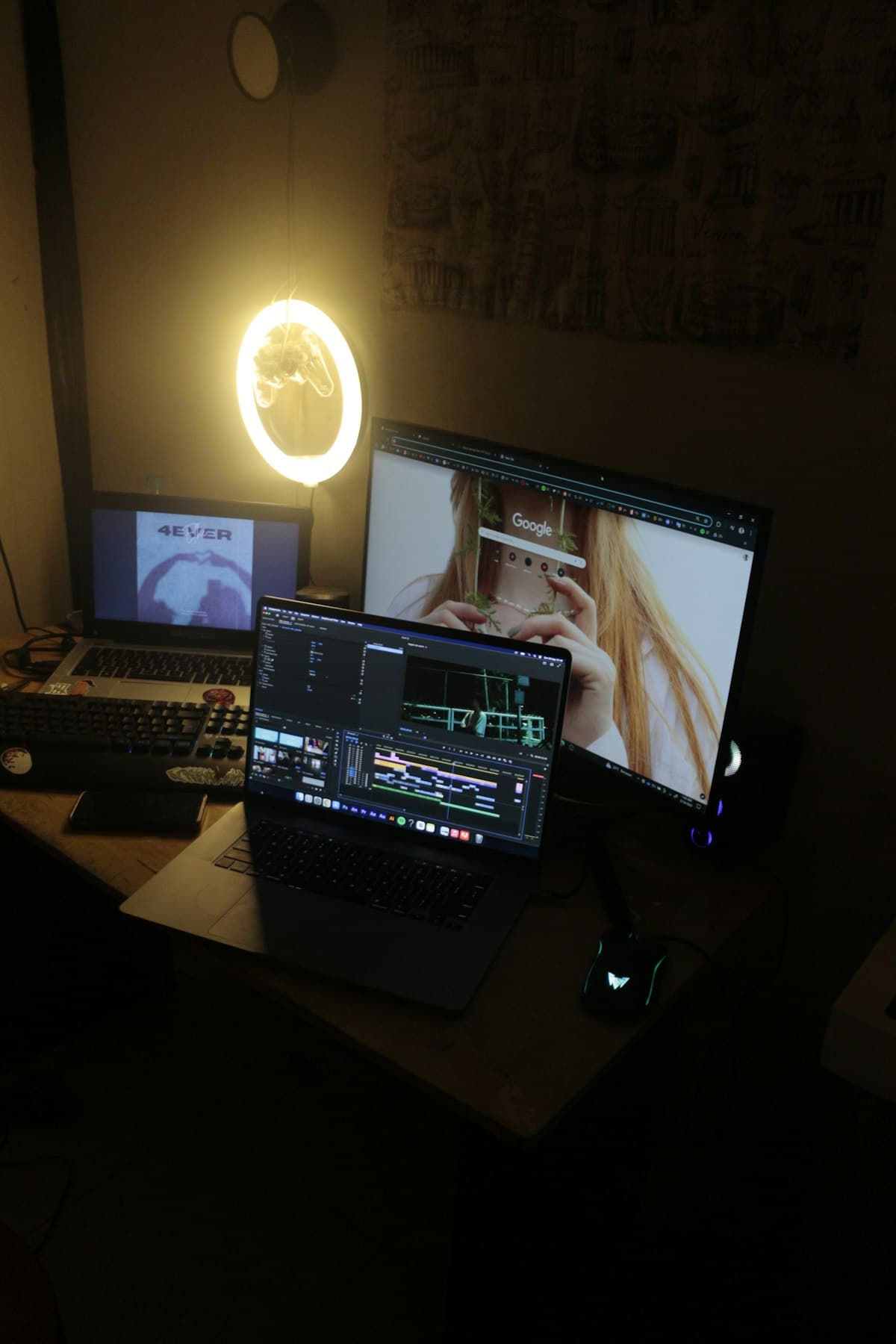
A rough cut is the most sensitive file an editor handles. It has the client's product before launch, the wedding before the couple has seen it, the interview before legal has cleared it. An unlisted YouTube or Vimeo link is 'private' only until someone pastes it into a group chat. A password protected link changes the question from 'who has the URL' to 'who has the password', and you can change the password the moment a project wraps. The link itself is a plain web page your client opens on a phone in a cab, so the review happens today instead of after they find a laptop.

  • One link per cut, or one link you keep replacing: both work.
  • Pair it with view-only so the download button disappears for the client.
  • Turn the link off with one switch when the final is delivered.

What actually happens when someone opens the link

The page loads with a password box and nothing else: no thumbnail of the video, no file name you did not choose, no player. When the password is right, the server sets a signed cookie in that browser and only then hands the player a short-lived address for the bytes. That address expires after about a minute and is checked against the cookie, so it cannot be copied out of the page and shared. The password itself is stored as a salted hash; we cannot read it back, and neither can anyone else. Every one of these checks runs on the file, not in the page's JavaScript, which is the difference between a lock and a curtain.

  • Wrong password: an error shows, nothing is served, and repeated guesses are rate limited.
  • Right password: the video plays with seeking and full screen, on any phone or desktop browser.
  • The link's social preview shows a generic card, not a frame from your video.

Link in the email, password in the text

The habit that makes a password worth anything is sending it separately. Put the link in the email or the project thread, where it is convenient and searchable. Send the password by text, in a call, or in a different app. If the email is forwarded, the forward is useless without the second channel. Pick a password the person can type on a phone keyboard: a short phrase beats a string of symbols, and it needs at least four characters. For a family video, the grandparents' street name works better than anything a password manager would suggest, because the goal is that the right people get in, not that a computer fails to.

Stack it with an expiry date, a view limit or view-only

The password answers 'who'. The other controls answer 'how long' and 'how much'. A lawyer sending a deposition clip can add a date so the link dies after the hearing. A trainer can set a view limit so a paid lesson opens five times and then stops. A photographer can switch off downloads so the highlight film is watched, not saved and re-uploaded to a public feed. Each control is its own switch in the link's settings and they all run on the server, so a visitor who clears the password still hits the next gate. The view count and the notify-on-open email keep working behind all of them.

  • Expiry date: the link stops at the minute you pick, and the visitor sees a clear 'expired' page.
  • View limit: open once, five times or any number, then it stops.
  • View-only: the download button goes away. Free on every plan.

Why not an unlisted YouTube link or a Drive folder?

Unlisted means hidden from search, not locked. Anyone who has the address can watch and forward it, and the platform may still show it as a suggestion to people who watched a related video. A Drive share is locked to an account, which is the other failure: your client's spouse, your aunt without a Google login, the contractor using a work address all hit 'request access', and you spend the afternoon approving. A password protected link is the middle ground that both of those miss: locked, but not tied to an account. One password, sent once, and everyone you chose can watch on whatever device they are holding.

Know it was watched, without asking

Every link counts opens for free, so 'did you get a chance to look at the cut?' becomes a glance at the dashboard. Every plan also includes the device and country split, and an email the moment the link is opened, which is the one you want for a client review: you see the open at 9:40, you expect notes by lunch. The count measures opens of the page after the password passed, not seconds watched, and a refresh in the same browser session does not add a second open. If you need to know who, by name, the email gate is the control for that; a password is shared by everyone you gave it to and cannot tell them apart.

Rough cut shared as a password protected link
rough-cut-v3.mp4MP4
Family video shared privately
family-reunion.movMOV
Course lesson shared behind a password
module-4-lesson.mp4MP4
Legal video clip shared privately
deposition-clip.mp4MP4
Client review video with a password
client-review-01.webmWEBM
rough-cut-v3.mp4MP4
family-reunion.movMOV
module-4-lesson.mp4MP4
deposition-clip.mp4MP4
client-review-01.webmWEBM
Wedding highlight film shared privately
wedding-highlights.mp4MP4
Family moment shared behind a password
baby-first-steps.movMOV
Internal training video shared privately
onboarding-walkthrough.mp4MP4
Director's cut shared with a password
directors-cut.mp4MP4
Private product demo video
product-demo-private.mp4MP4
wedding-highlights.mp4MP4
baby-first-steps.movMOV
onboarding-walkthrough.mp4MP4
directors-cut.mp4MP4
product-demo-private.mp4MP4
5.500+
orang berbagi file
11.300+
link dibagikan
39.700+
kali dibuka

Baca selanjutnya

Who sends video behind a password

Editor reviewing a cut

Filmmakers and editors

Send a rough cut for notes without putting unreleased footage on a public platform.

Family watching a private video

Families

Share the birth video or the reunion film with relatives only, no social feed, no app for grandparents.

Trainer sharing a lesson video

Trainers and coaches

Deliver a paid lesson to the people who paid, and change the password when the cohort ends.

Legal team sharing a recording

Lawyers and HR

Send a deposition clip or an interview recording to one counterpart, with a date on it.

Kata mereka

Dengan kata-kata mereka

  • “Tampilan admin-nya sangat intuitif dan disusun persis seperti cara pengguna berpikir. Semua murid saya bilang mudah dipakai dan berjalan sempurna.”
    JJasonGuru · membagikan materi kelas
  • “Aplikasinya benar-benar enak dan mudah dipakai. Semua link aplikasi saya ada di satu tempat, termasuk screenshot App Store dan Play Store, dan gambar serta PDF saya atur ke album dengan tag. Penyimpanannya besar, jadi semuanya cukup disimpan di sini.”
    EEvelynDeveloper aplikasi
  • “Saya mengurus kontrak, invoice dan dokumen hukum untuk beberapa organisasi, jadi hampir semua yang saya kirim dilindungi kata sandi. Link in Seconds membuatnya simpel, dan portofolio saya jalan di domain sendiri. Mudah dipakai dan harganya benar-benar terjangkau.”
    GGuy HenryFreelancer · kontrak dan invoice

Gratis hingga 5 MB, tanpa kartu. Coba semuanya gratis selama 7 hari; Pro menambah ruang, halaman HTML, dan hosting website.

Bandingkan semua paket →
Pro · Bulanan
$9/bulan

ditagih $9 setiap bulan

Link tanpa batas · 100 GB · 10 GB per file

  • Semua fitur link sudah termasuk
  • Hosting hingga 10 website dari .zip
  • Batal kapan saja: file tetap aman, link aktif lagi saat kamu berlangganan lagi
  • Batal kapan saja
Pakai Pro
Paling populer
Lifetime
$99 sekali bayar

sekali bayar, tanpa perpanjangan

Link tanpa batas · 200 GB · bayar sekali, milikmu selamanya

  • Halaman HTML dan hosting website, dengan penyimpanan dan jumlah situs terbanyak
  • Sekali bayar, tanpa langganan
  • Paling hemat untuk kerja klien yang rutin
  • Penyimpanan 200 GB, 10 GB per file
Beli Lifetime
Pro · Tahunan
$4.08/bulan

ditagih $49/tahun

Link tanpa batas · 100 GB · ditagih setahun sekali

  • Hemat 55% dibanding bayar bulanan
  • Semua fitur link sudah termasuk
  • Hosting hingga 10 website dari .zip
  • Batal kapan saja: file tetap aman, link aktif lagi saat kamu berlangganan lagi
  • Batal kapan saja
Pakai Pro
Gratis
$0

tanpa kartu

Total 5 MB · semua fitur link · tanpa HTML atau website

  • Kata sandi, kedaluwarsa & batas tayangan
  • Analitik lanjutan + notifikasi saat dibuka
  • Nama sendiri, domainmu, tanpa branding
  • Link tetap aktif selama kamu di paket Gratis
Mulai gratis

Pindahan dari WeTransfer, DocSend, atau tiiny.host? Lihat perbandingannya →

Password protected video links, answered

Yes. The upload, the link and the password are free on every plan, along with the expiry date, the view limit and the email gate.

Send the video, keep the door

Upload for free, add the password on any plan, and the right people watch in their browser with nothing to install.

Cookie opsional untuk analitik, iklan, dan rekaman sesi.