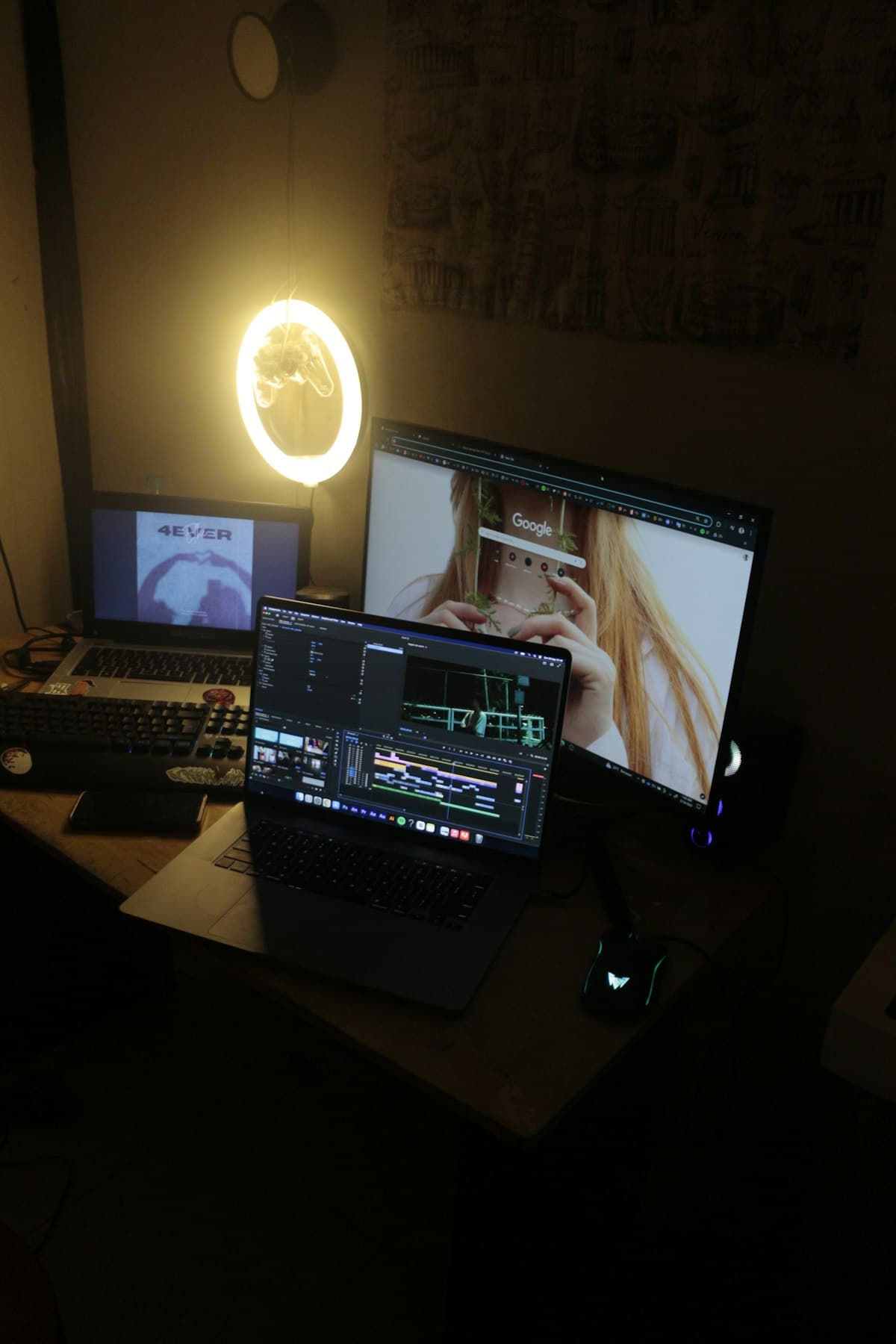
Link in Seconds puts your logos, mockups, PDFs and videos in one album link that the client opens in their browser, with no account. You can hide the download button on drafts and see when they opened it. Source files like PSD or AI travel in a ZIP inside the same album.
Scopri chi l'ha aperto, e quandoProteggilo con una passwordStampalo o condividilo come codice QR
Rilascia qui il tuo file
Rilasciane più di uno e diventano un unico link album
“Tutti i miei studenti hanno detto che è facile da usare e ha funzionato perfettamente.”
Jason, Insegnante · condivide materiali per la classe
Nessuna registrazione per vederloFunziona nel browser, niente da installare
ImmaginiPDFVideoAudioSlideCodiceSiti
How do I send design files to a client?
Select all the files at once and upload them; together they become one album link. Send that link. The client sees every file in a gallery, opens images, PDFs and videos in the browser, and can download the lot as one ZIP if you allow it. Layered files such as PSD, AI or Figma exports do not preview, so zip them and add the ZIP to the album.
One link for the whole delivery
Logo in PNG and SVG, the brand PDF, a short animation and a ZIP of sources sit in one album. The client bookmarks one link instead of digging through five emails, and Download all gives them everything as a single ZIP.
Switch a file to view-only and its download button disappears, and turn off Download all on the album. Useful before the invoice is paid. It stops the easy save, not a screenshot, so send drafts at screen size and keep full-resolution files for the final link.
The album counts its opens and every file counts its own, with the time, device and country. Turn on 'Email me when viewed' on the key file, such as the main concept PDF, and you get an email when the client opens it.
Replace a file after feedback and its link stays the same, with its view count. The previous files are kept as versions (up to 5) so you can go back if the client prefers the first round. Free on every plan.
Layered source files do not open in the browser. PSD, AI, INDD, Sketch, Figma files and camera RAW are not accepted on their own. Put them in a ZIP; the client downloads it and opens the files in their own apps.
Size has a ceiling. Il piano Free copre file fino a 5 MB senza carta, e i suoi link non scadono mai; la prova gratuita di 7 giorni (poi $9/mese, disdici quando vuoi) e Pro accettano file fino a 10 GB ciascuno, con 100 GB di spazio; one album holds up to 100 GB. For several gigabytes of raw footage or print masters, use a transfer tool such as WeTransfer, or our direct browser-to-browser transfer, which has no size cap but needs your tab open while the client receives.
It is not a proofing suite. There is no drawing on the image, no approve button and no star ratings. Clients leave notes in a comment box on a file's page, and you get each one by email. On Free, every file in an album counts as one of your 50 live links and toward 500 MB of storage.
Ways to send design files, compared
Scorri la tabella per vedere tutto
Ways to send design files, compared
Funzione
Link in Seconds
WeTransfer (gratis)
Google Drive
Allegato email
Client needs an account
Link in Seconds, Client needs an account: no
WeTransfer (gratis), Client needs an account: no
No, con "chiunque abbia il link"
Allegato email, Client needs an account: no
Many files, one link
Album
WeTransfer (gratis), Many files, one link: sì
Shared folder
Allegato email, Many files, one link: no
Link still works next month
Finché non lo elimini
No, 3 days on free
Google Drive, Link still works next month: sì
In their inbox
Password
Gratis
Ultimate plan
Google Drive, Password: no
Allegato email, Password: no
Know when it was opened
Free, with an email alert
Download alerts
Not for anonymous viewers
Allegato email, Know when it was opened: no
Largest free file
5 MB gratis (senza carta), 10 GB per file con la prova gratuita
3 GB per transfer
15 GB di spazio
About 25 MB
When they are better: WeTransfer for a one-off package of several gigabytes, such as raw footage; Google Drive when the client's team keeps and edits the working files with you; an attachment for one small PNG or PDF. WeTransfer and Google Drive facts checked on 6 Oct 2026 on their own help and plan pages; 25 MB is Gmail's attachment limit. Plans change, so check theirs before you decide.
Come funziona
1
Zip the source files
Put PSD, AI, Figma or RAW files in one ZIP. Exported PNG, JPG, SVG, PDF and MP4 files can go in as they are.
2
Upload everything at once
Select all the files in the box above and sign in with Google. Several files uploaded together become one album link.
3
Set the controls and send
Make drafts view-only, add a password if the work is unreleased, turn on 'Email me when viewed' on the key file, then send the album link.
Which design files open in the client's browser?
Anything a browser can show: PNG, JPG, WebP, GIF, SVG and AVIF images at full size, multi-page PDFs in a page viewer, MP4, MOV and WebM video in a normal player, and PowerPoint, Word or Excel files in a document viewer. Images are served as you uploaded them, not recompressed, so the client judges the real colours and edges. Photos from an iPhone in HEIC are converted to JPEG on your device before upload. What a browser cannot show, such as a layered PSD or an AI file, goes in a ZIP, which appears in the album as a download card.
Can I keep unreleased work private?
Yes. Album links have a random ending and are never listed in search engines. Put a password on the album and one password covers every file inside, so the client types it once. Add an expiry date for a pitch that should stop being viewable after the decision, and turn the album off with one switch when the project wraps up. You can also hide our branding and show your own logo on the viewer pages, free on every plan, so the client sees your studio, not ours.
How does the client give feedback?
Turn on comments for the files you want feedback on. The file's page then gets a comment box; the client types 'Option B, but warmer orange' right under the design and you get an email. Comments are switched on per file, not for the whole album at once, so for a big set it helps to number your files (01, 02, 03) and ask for one comment on a contact sheet PDF that lists them. Keep the decision in writing there and the 'which version did we agree on?' question answers itself.
Drafts link, final link: why two links work better
Review and delivery want opposite things. During review the client should see the work clearly but not walk away with print-ready files, so the drafts album has view-only files, Download all off and maybe a password. At delivery they need everything, at full quality, for good. Make a second album for the final package with downloads on: the logo in every format, the guidelines PDF, the ZIP of sources. Links do not expire unless you set a date, so the final album still works when they come back next year looking for the SVG.
Aggiungi una password e il file resta chiuso finché qualcuno non la digita. Il link può essere inoltrato ovunque e si apre comunque solo per chi conosce la password.
Imposta una data di fine o un limite di visualizzazioni e il link si ferma da solo. Invia un preventivo che scade venerdì, o un'anteprima che si chiude dopo cinque aperture, senza doverti ricordare di eliminarlo.
Ogni link ha un codice QR nitido, incluso in ogni piano. Mettilo su un menu, un volantino, un'etichetta da parete o una confezione, e apre lo stesso link di un tocco.
Scaricalo in SVG o PNG, di qualsiasi dimensione
Cambia il file in seguito, il codice stampato funziona ancora
Vedi quante persone hanno aperto il link e quando, più il quadro completo: provenienza, dispositivi, paesi e aperture da QR o dirette. Incluso in ogni piano.
Un contatore in tempo reale su ogni link, senza configurazione
Ricevi un'email appena viene aperto la prima volta
Send round one view-only, then a final album with every logo format once the invoice is paid.
Agencies
One album per campaign, with your own logo on the page and a password until launch day.
Fotografi
Web-size selects for review first, full-resolution delivery in a second album after sign-off.
Illustrators and print designers
Share the print PDF for a last check, then replace it with the corrected file on the same link.
Cosa dicono gli utenti
Con le loro parole
“L'interfaccia di gestione è incredibilmente intuitiva e organizzata proprio come ragiona un utente. Tutti i miei studenti hanno detto che è facile da usare e ha funzionato perfettamente.”
JJasonInsegnante · condivide materiali per la classe
“L'app è davvero bella e facile da usare. Tengo tutti i link delle mie app in un unico posto, insieme agli screenshot di App Store e Play Store, e organizzo immagini e PDF in album con i tag. Con tanto spazio, tutto vive semplicemente qui.”
EEvelynSviluppatrice di app
“Gestisco contratti, fatture e documenti legali per diverse organizzazioni, quindi quasi tutto quello che invio è protetto da password. Link in Seconds lo rende semplice, e il mio portfolio gira su un dominio personalizzato. È facile da usare e davvero conveniente.”
GGuy HenryFreelance · contratti e fatture
Gratis fino a 5 MB, senza carta. Prova tutto gratis per 7 giorni; Pro aggiunge spazio, pagine HTML e hosting di siti web.
No. They open the link in any browser on a phone or laptop. Images, PDFs, videos and Office files open right there; a ZIP downloads and opens with the tools already on their computer. Only you sign in to upload.
Yes, inside a ZIP. Layered source files are not accepted on their own because a browser cannot show them. Zip them and add the ZIP to the album next to the exported PNG, SVG and PDF versions the client can look at straight away.
An album holds up to 100 GB in total. Il piano Free copre file fino a 5 MB senza carta, e i suoi link non scadono mai; la prova gratuita di 7 giorni (poi $9/mese, disdici quando vuoi) e Pro accettano file fino a 10 GB ciascuno, con 100 GB di spazio. On Free, every file also counts as one of your 50 live links.
Yes, with Download all, which packs the album into one ZIP. You can switch it off for the album, and make single files view-only, while the work is still in review.
Yes. The album and each file count their opens with time, device and country, free on every plan. Turn on 'Email me when viewed' on a file to get an email when it is opened.
Yes. Replace the file in its settings and the link stays the same. Earlier versions are kept so you can restore one. This is free on every plan.
Those are too big for an album. Use a transfer service such as WeTransfer, or our direct browser-to-browser transfer, which has no size cap but needs your tab open while the client receives.
One link the client can actually open
Upload the set for free, choose view-only or downloads per file, and send one link that opens on any phone or laptop.